
Prompt Library
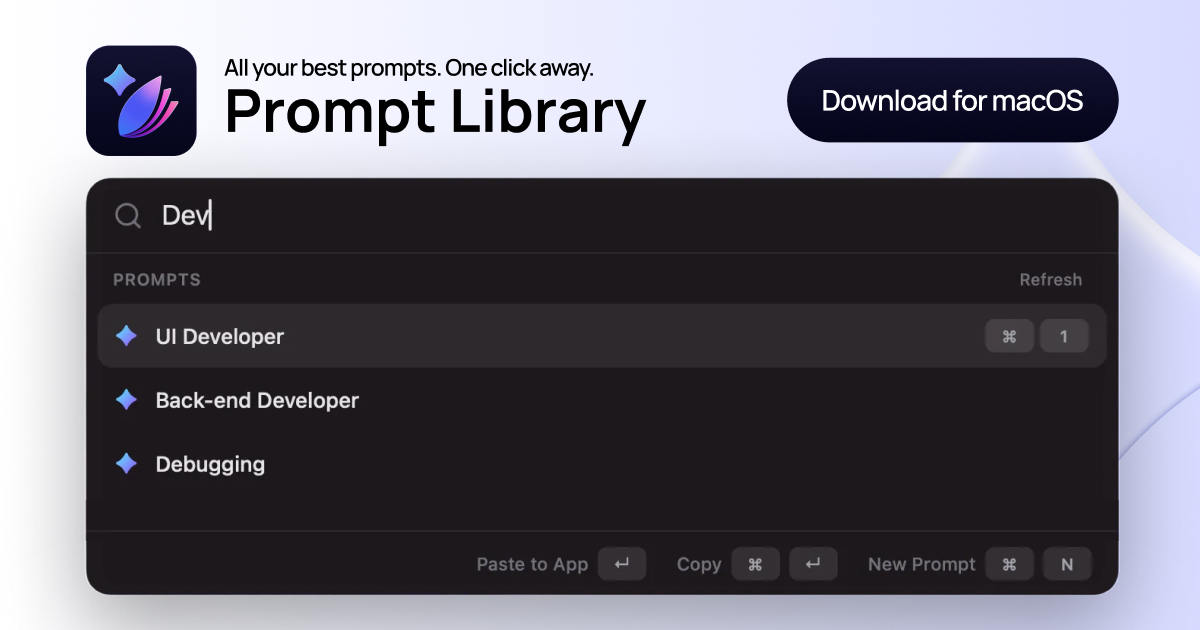
All your best prompts. One shortcut away.
About Prompt Library
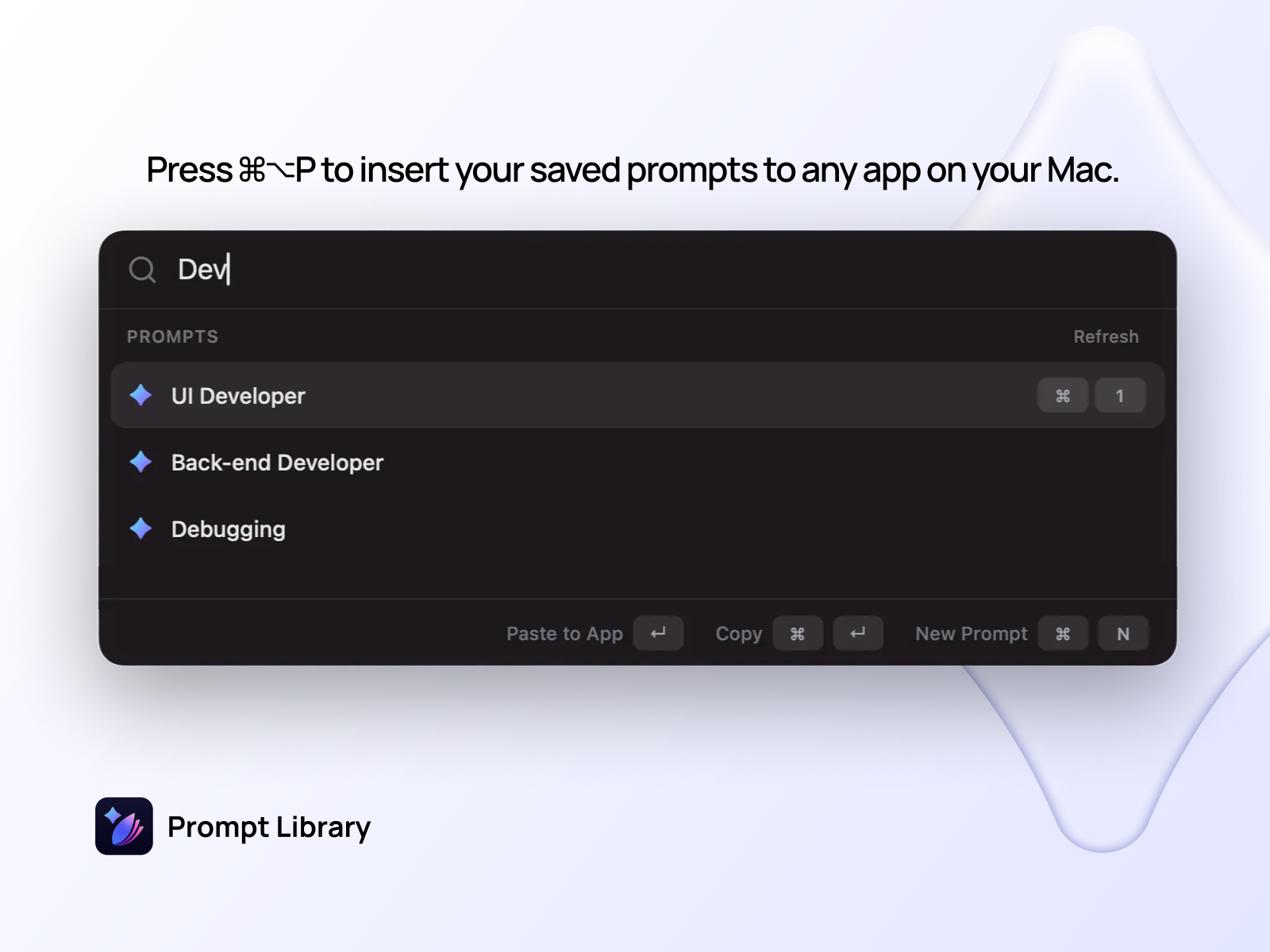
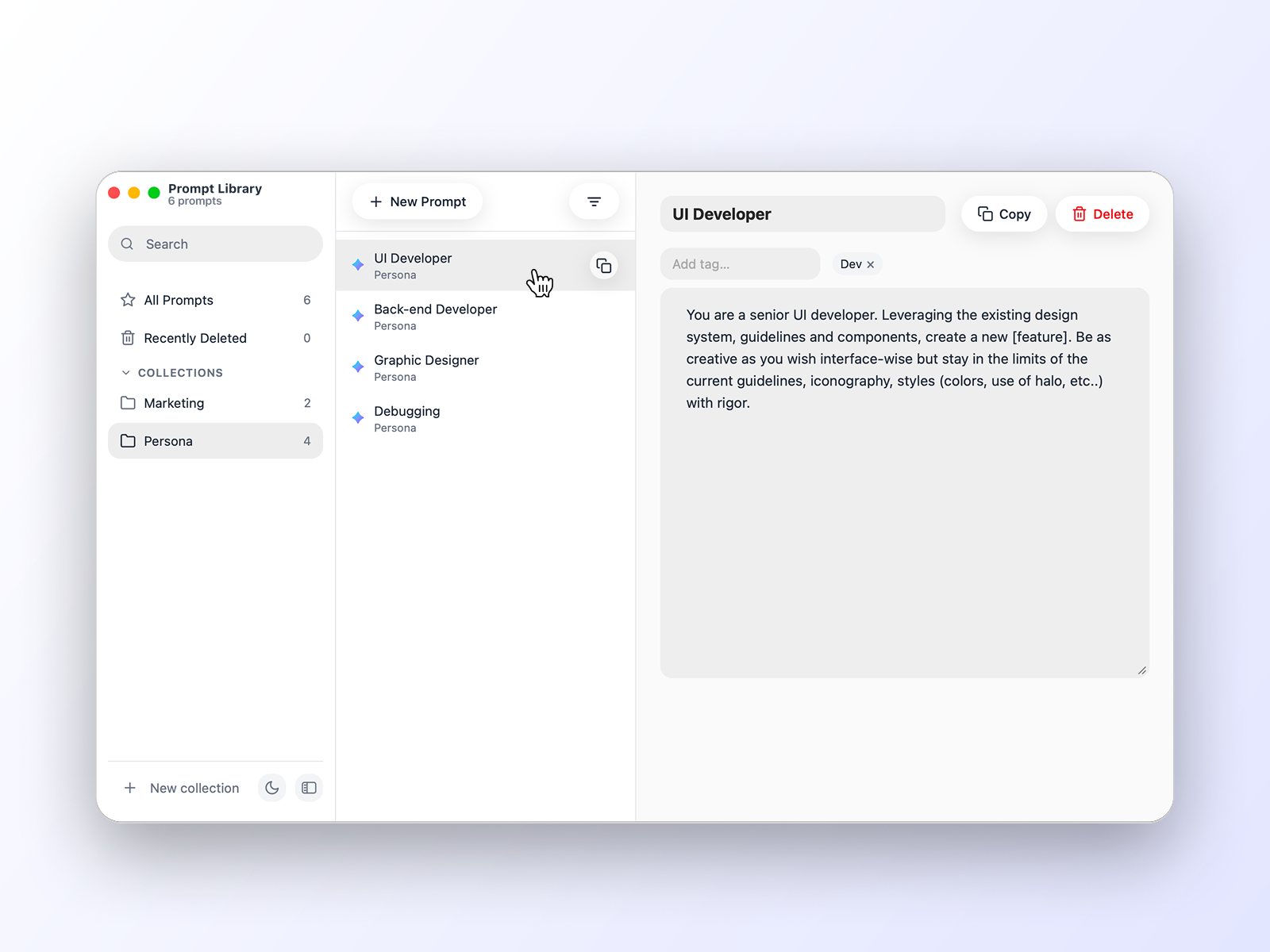
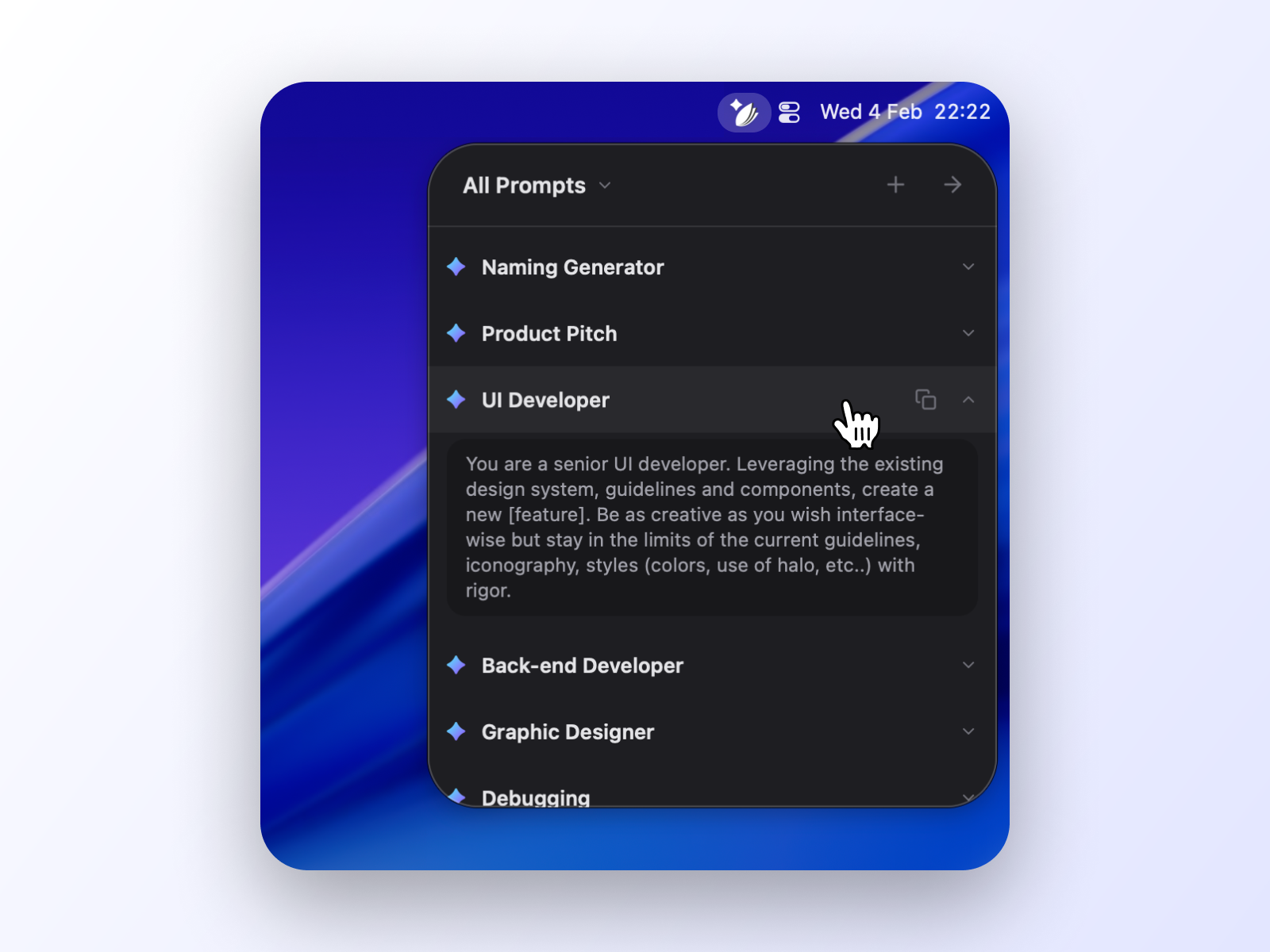
Prompt Library is a streamlined Mac app designed for AI enthusiasts, writers, developers, and productivity-focused users who frequently work with prompts. It allows users to save, organize, and tag prompts within collections, making it easy to retrieve and reuse them across different tasks. The standout feature is the quick shortcut (⌘⌥P), which instantly inserts a selected prompt into any app on the Mac, saving valuable time and effort. Its intuitive interface and seamless integration with macOS make it a powerful addition to any workflow that involves prompt management and automation. By centralizing prompts and offering quick access, Prompt Library helps users harness the full potential of AI models without the hassle of searching or recreating prompts repeatedly. Its focus on simplicity and speed makes it ideal for content creators, developers, and productivity aficionados seeking efficiency and organization.
Screenshots
Pros
- ✓Quick access via a dedicated shortcut for instant prompt insertion
- ✓Easy organization with tagging and collections
- ✓Seamless integration with any Mac app
- ✓User-friendly interface designed for productivity
- ✓Supports efficient management of large prompt libraries
Cons
- ✗Limited to Mac users, reducing cross-platform accessibility
- ✗Potentially lacks advanced prompt editing or customization features
- ✗Pricing details and free tier availability are not explicitly clear
Use Cases
Pricing
Likely follows a freemium model, offering a free version with basic features and paid plans that unlock additional organizational and customization capabilities. Exact prices are not specified but are expected to start around a few dollars per month.
Quick Info
Topics
Alternatives
Similar Tools in AI Image & Design




Embed Badge
Add this badge to your website to show that Prompt Library is featured on Visalytica.
<a href="https://www.visalytica.com/tool/prompt-library" target="_blank" rel="noopener noreferrer" style="display:inline-flex;align-items:center;gap:6px;padding:6px 14px;background:#7c3aed;color:#fff;border-radius:8px;font-family:-apple-system,system-ui,sans-serif;font-size:13px;font-weight:600;text-decoration:none;transition:background .2s" onmouseover="this.style.background='#6d28d9'" onmouseout="this.style.background='#7c3aed'"><svg width="14" height="14" viewBox="0 0 24 24" fill="none" stroke="currentColor" stroke-width="2.5" stroke-linecap="round" stroke-linejoin="round"><path d="M12 20V10"/><path d="M18 20V4"/><path d="M6 20v-4"/></svg>Featured on Visalytica</a>