What's my local ai? vs Ollama v0.19
Side-by-side comparison of features, pros & cons, pricing, and community votes (2026).
🏆 Ollama v0.19 leads with 427 upvotes
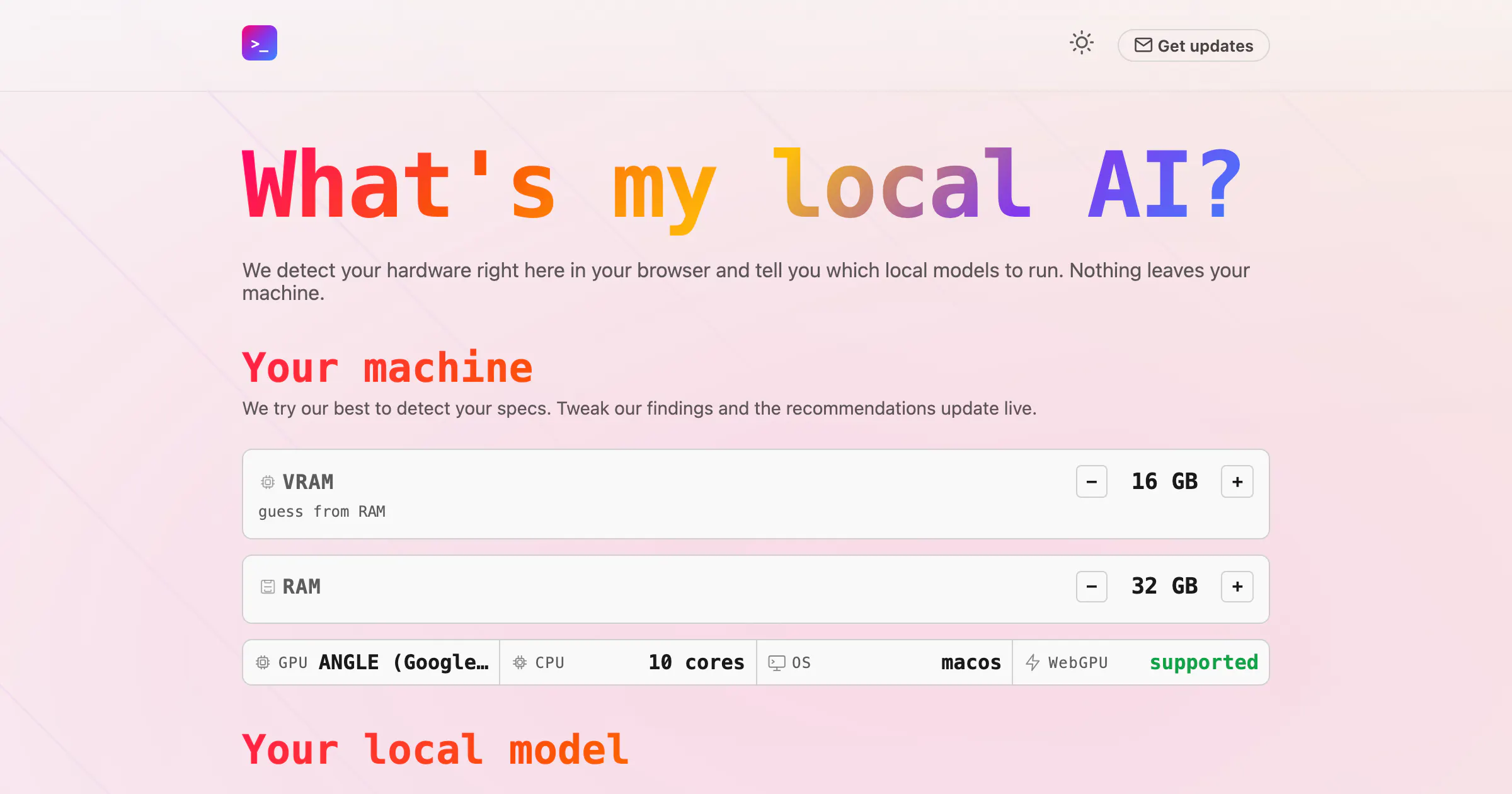
Find the best local model for your machine
What's my local ai? is a browser-based tool designed for AI enthusiasts and developers who want to optimize local machine performance for AI models. It intelligently detects your hardware configuration directly in your browser and recommends the best local models to run with platforms like Ollama or LM Studio. This approach ensures that users can leverage local AI capabilities without compromising privacy, as nothing leaves their machine. Its user-friendly interface simplifies the often complex process of selecting suitable models, making it accessible even for those new to local AI deployment. By focusing on privacy and hardware compatibility, the tool offers a unique solution for optimizing local AI workflows, whether for development, experimentation, or deploying AI applications.
Pros
- Privacy-focused, as all data processing occurs locally on the user's machine
- Easy hardware detection and model recommendation without technical complexity
- Supports popular local AI platforms like Ollama and LM Studio
- No need for cloud-based resources, reducing latency and dependency
Cons
- Limited to users with compatible local hardware and supported platforms
- Functionality may be constrained for very advanced or custom hardware setups
- Currently lacks advanced model management features or integrations
Best for
- • Optimizing local AI model deployment for developers and researchers
- • Quickly assessing hardware suitability for running various AI models
- • Ensuring privacy when experimenting with sensitive data locally
- • Selecting the best models for on-device AI applications in fields like robotics or IoT
Pricing: Likely free to use, as it is a browser-based detection tool that provides recommendations without requiring a subscription or purchase. Its focus on local hardware detection suggests it may be a free utility, but premium features or integrations could be offered in future versions.

Massive local model speedup on Apple Silicon with MLX
Ollama v0.19 is a powerful tool designed to optimize local AI model inference on Apple Silicon devices. By leveraging the MLX framework, it delivers significantly faster performance for coding, AI agents, and other workflows that rely on local models. This update introduces NVFP4 support, smarter cache reuse, snapshots, and eviction mechanisms, making sessions more responsive and efficient. Ideal for developers, AI enthusiasts, and researchers using Apple hardware, Ollama offers a seamless way to run large models locally without sacrificing speed or efficiency. Its focus on maximizing the capabilities of Apple Silicon makes it stand out in the AI tools landscape, especially for those seeking high-performance local AI inference without relying on cloud services. With a vibrant community and a growing set of features, Ollama v0.19 is positioned as a leader in local AI deployment on Mac, enabling faster development and experimentation.
Pros
- Significant speed improvements on Apple Silicon via MLX
- Supports NVFP4 for enhanced model performance
- Smarter cache reuse, snapshots, and eviction for better session management
- Optimized for local AI inference, reducing dependency on the cloud
- Strong community support with active development
Cons
- Primarily optimized for Apple Silicon, limiting cross-platform use
- May require technical expertise to fully leverage advanced features
- Potentially limited integration with some cloud-based AI workflows
Best for
- • Local AI model inference for faster development cycles
- • Training and deploying AI agents on Mac hardware
- • Running large language models locally for research
- • Developing AI-powered coding assistants
Pricing: Likely offered as a freemium or open-source tool, with core features available for free and potential premium options for advanced functionalities or enterprise use. Exact pricing details are not specified.