What's my local ai?
Find the best local model for your machine
About What's my local ai?
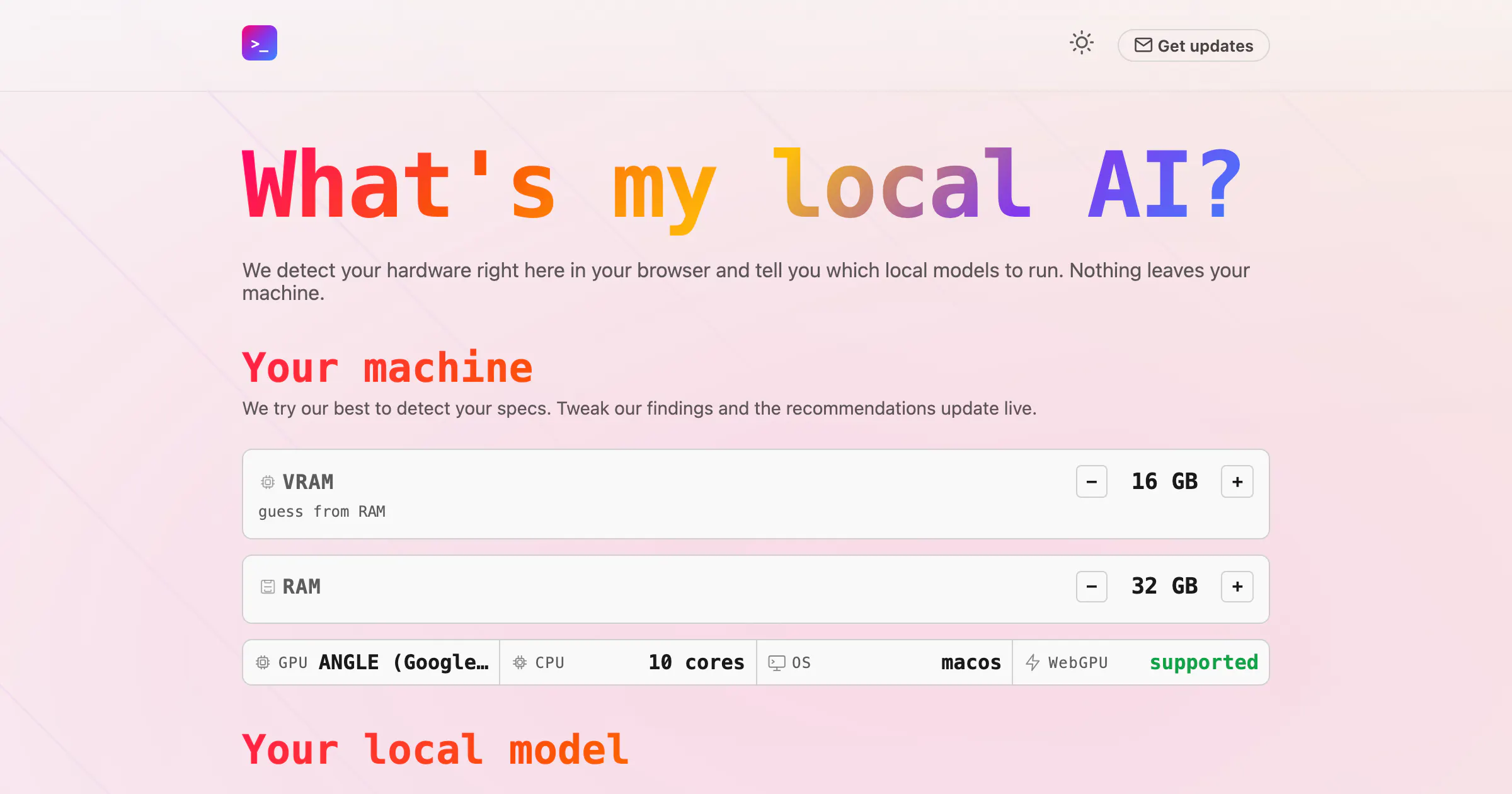


What's my local ai? is a browser-based tool designed for AI enthusiasts and developers who want to optimize local machine performance for AI models. It intelligently detects your hardware configuration directly in your browser and recommends the best local models to run with platforms like Ollama or LM Studio. This approach ensures that users can leverage local AI capabilities without compromising privacy, as nothing leaves their machine. Its user-friendly interface simplifies the often complex process of selecting suitable models, making it accessible even for those new to local AI deployment. By focusing on privacy and hardware compatibility, the tool offers a unique solution for optimizing local AI workflows, whether for development, experimentation, or deploying AI applications.
Screenshots
Pros
- ✓Privacy-focused, as all data processing occurs locally on the user's machine
- ✓Easy hardware detection and model recommendation without technical complexity
- ✓Supports popular local AI platforms like Ollama and LM Studio
- ✓No need for cloud-based resources, reducing latency and dependency
Cons
- ✗Limited to users with compatible local hardware and supported platforms
- ✗Functionality may be constrained for very advanced or custom hardware setups
- ✗Currently lacks advanced model management features or integrations
Use Cases
Pricing
Likely free to use, as it is a browser-based detection tool that provides recommendations without requiring a subscription or purchase. Its focus on local hardware detection suggests it may be a free utility, but premium features or integrations could be offered in future versions.
Quick Info
Topics
Makers

Stefano Zanella
Similar Tools in AI Assistants




Embed Badge
Add this badge to your website to show that What's my local ai? is featured on Visalytica.
<a href="https://www.visalytica.com/tool/what-s-my-local-ai" target="_blank" rel="noopener noreferrer" style="display:inline-flex;align-items:center;gap:6px;padding:6px 14px;background:#7c3aed;color:#fff;border-radius:8px;font-family:-apple-system,system-ui,sans-serif;font-size:13px;font-weight:600;text-decoration:none;transition:background .2s" onmouseover="this.style.background='#6d28d9'" onmouseout="this.style.background='#7c3aed'"><svg width="14" height="14" viewBox="0 0 24 24" fill="none" stroke="currentColor" stroke-width="2.5" stroke-linecap="round" stroke-linejoin="round"><path d="M12 20V10"/><path d="M18 20V4"/><path d="M6 20v-4"/></svg>Featured on Visalytica</a>