AI App Store Screenshots vs Octopus to Figma plugin
Side-by-side comparison of features, pros & cons, pricing, and community votes (2026).
🏆 AI App Store Screenshots leads with 0 upvotes
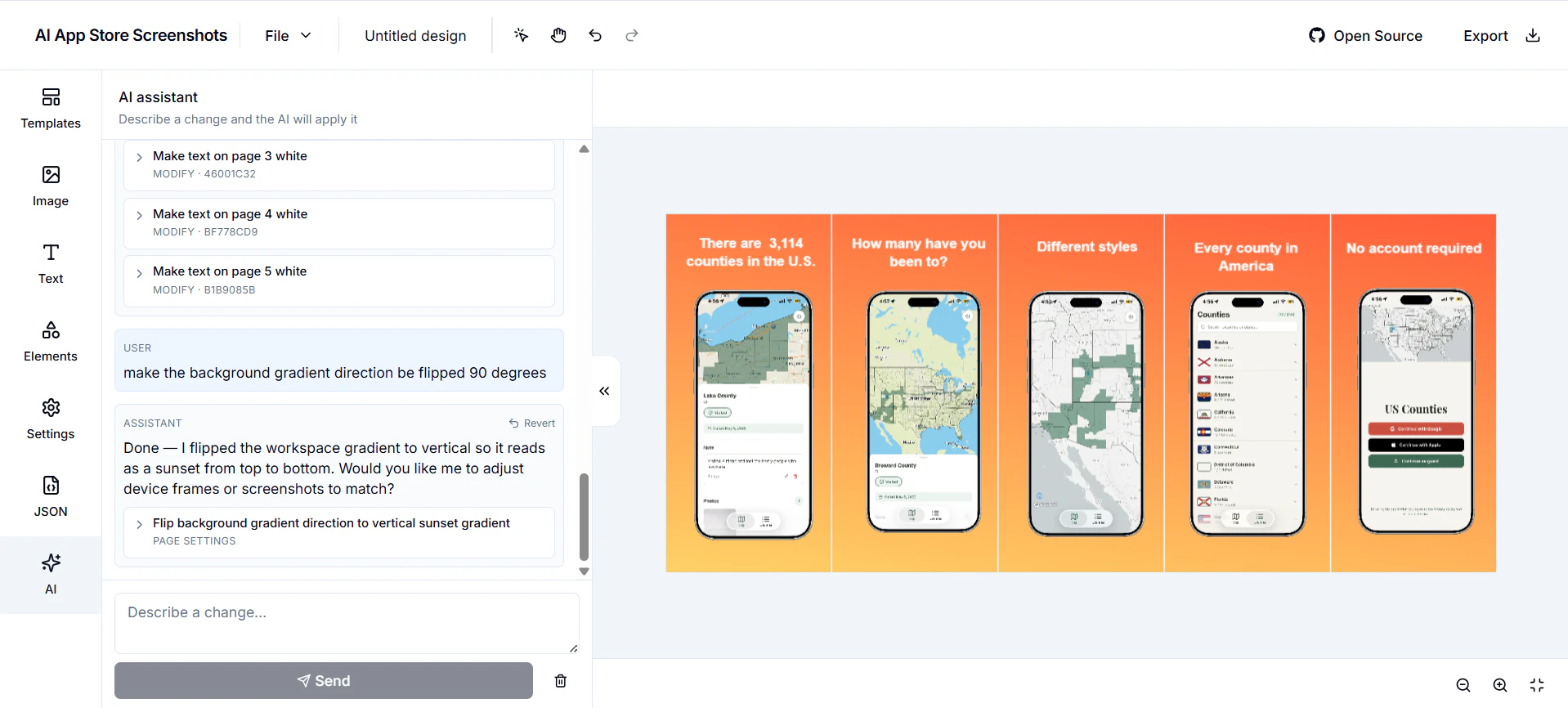
Free and Open Source App Store screenshot designer using AI
AI App Store Screenshots is a specialized design tool tailored for creating compelling app store visuals. Unlike generic graphic design platforms, it focuses solely on crafting app store screenshots, making it ideal for developers and marketers aiming to optimize their app listings. Its standout feature is the integration of AI, allowing users to modify designs effortlessly through AI-driven suggestions and edits. Additionally, it offers a developer-first approach with JSON import/export capabilities, enabling seamless integration into existing workflows. Being open source and self-hostable, it appeals to privacy-conscious users and teams wanting full control over their tools. Essentially, it combines the simplicity of Canva with the power and flexibility needed for app marketing, making it a unique asset for app promotion.
Pros
- Open source and self-hostable, ensuring full control and customization
- AI-powered editing simplifies design adjustments and enhances creativity
- Developer-friendly with JSON import/export capabilities
- Tailored specifically for app store screenshot creation, optimizing for app marketing
Cons
- May have a steeper learning curve for users unfamiliar with JSON or developer-centric tools
- Limited to app store screenshot design, not suitable for broader graphic needs
- Relatively new with no extensive user base or community support yet
Best for
- • Creating and optimizing app store screenshots for mobile apps
- • Designing marketing visuals for app launch campaigns
- • Iterative editing of app visuals with AI assistance
- • Developers integrating customized screenshot templates into their workflows
Pricing: Free and open source, allowing users to self-host and modify without licensing costs; additional features or hosting services may have optional paid support or hosting plans depending on the community or development stage.

Generate website prototype from a sitemap project
The Octopus to Figma plugin offers a seamless way to transform website sitemaps created in Octopus.do into high-fidelity Figma prototypes in seconds. Designed for UX/UI designers, product teams, and developers, this tool significantly reduces the manual effort traditionally involved in translating wireframes into detailed designs. By automating the conversion process, it accelerates project workflows, allowing teams to iterate faster and focus on refining user experience. What sets this plugin apart is its ability to generate real layouts with variables and components, ensuring that the transition from sitemap to prototype is both accurate and efficient. This tool is especially beneficial for teams looking to streamline their prototyping process and maintain consistency across design elements, making it a valuable addition to modern design workflows.
Pros
- Rapid conversion from sitemap to high-fidelity prototype
- Builds real layouts with variables and components for accuracy
- Saves significant time compared to manual design processes
- Enhances collaboration between designers and developers
- Integrates smoothly with Figma's existing ecosystem
Cons
- Dependent on the quality and structure of the initial sitemap
- Limited to users familiar with Octopus.do and Figma
- Potential learning curve for new users
Best for
- • Quickly prototyping website structures from sitemap plans
- • Reducing time in wireframing and layout creation
- • Collaborating between product managers and designers for rapid iteration
- • Generating high-fidelity prototypes directly from planning tools
Pricing: Likely follows a freemium model with free trials or limited features, with paid plans starting around a moderate monthly fee, typical for Figma plugins and automation tools. Exact pricing details are not specified but are generally aimed at professional teams and agencies.