AI App Store Screenshots
Free and Open Source App Store screenshot designer using AI
About AI App Store Screenshots
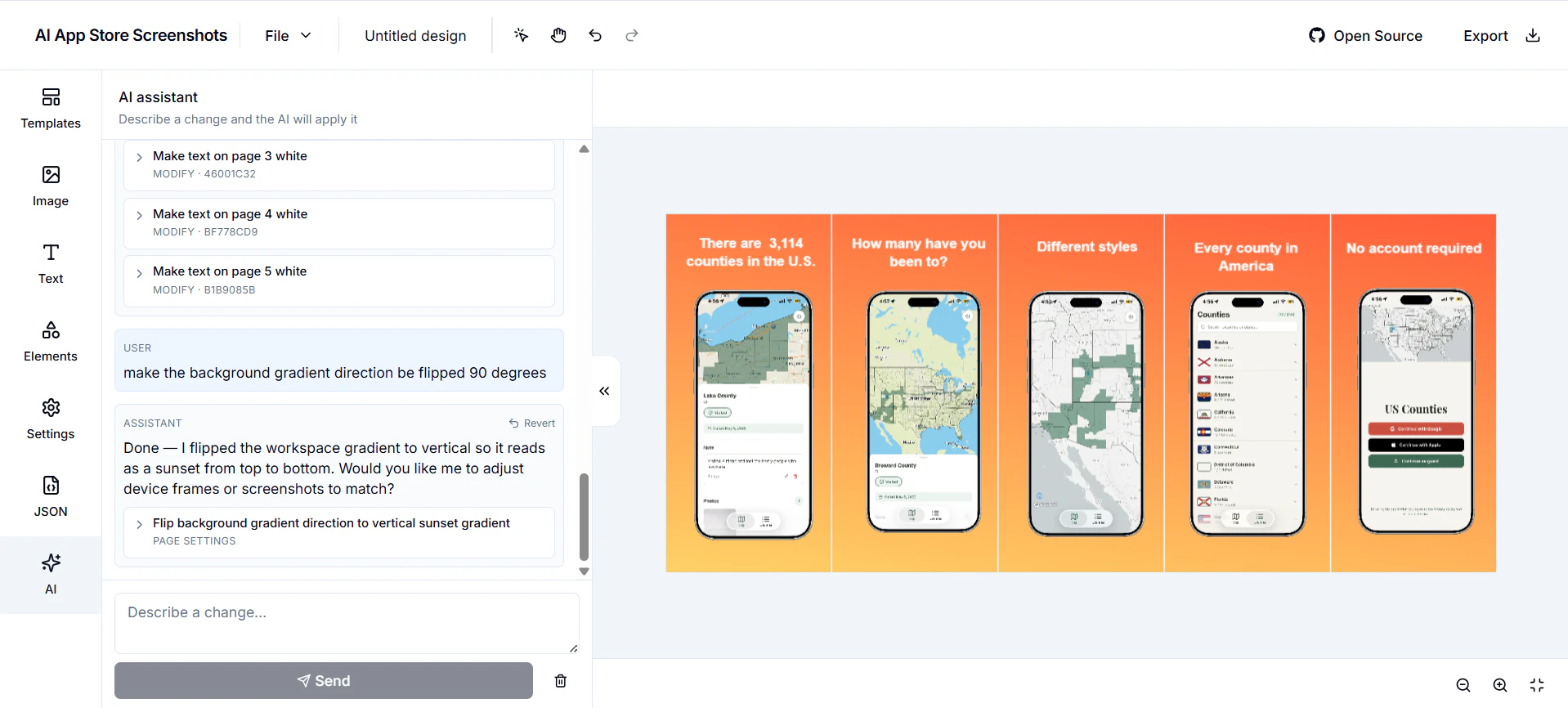
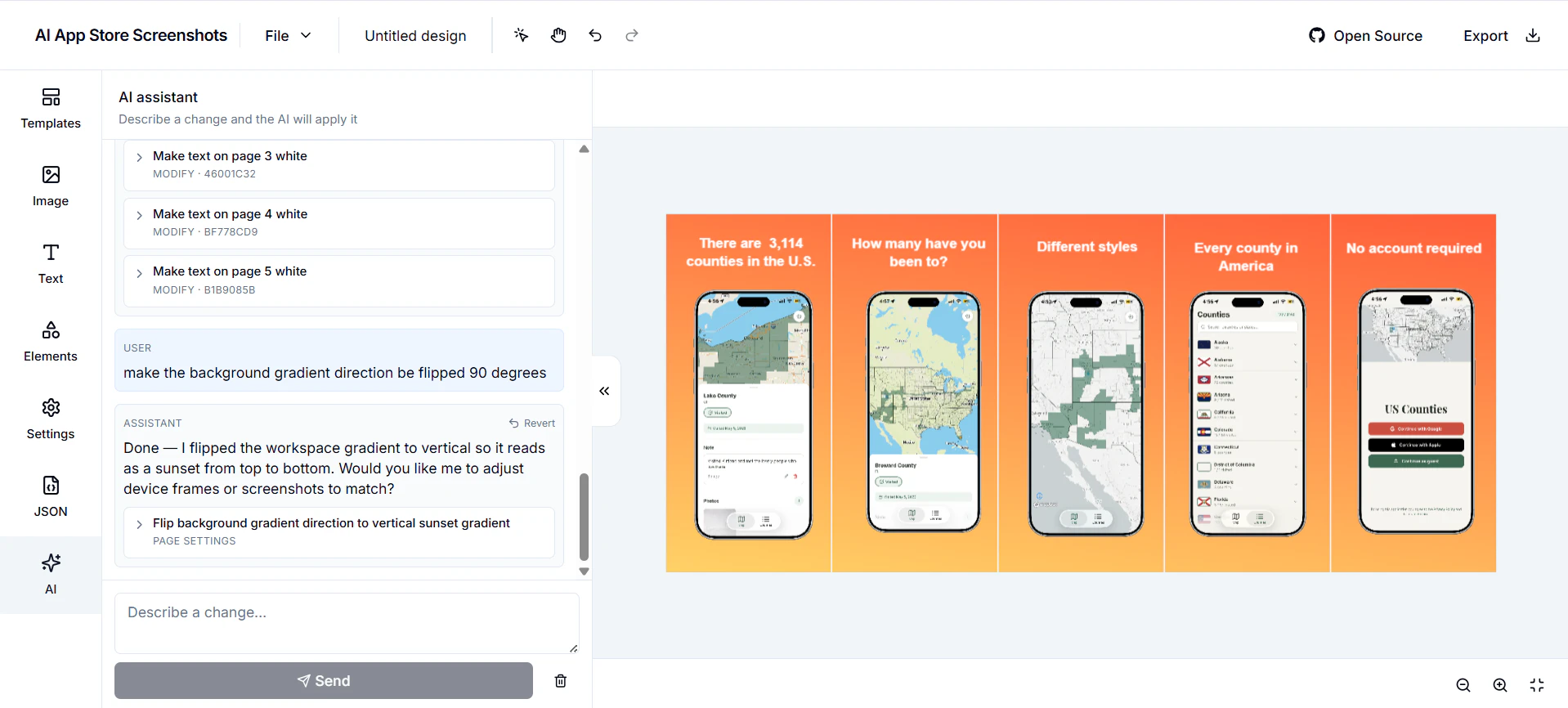
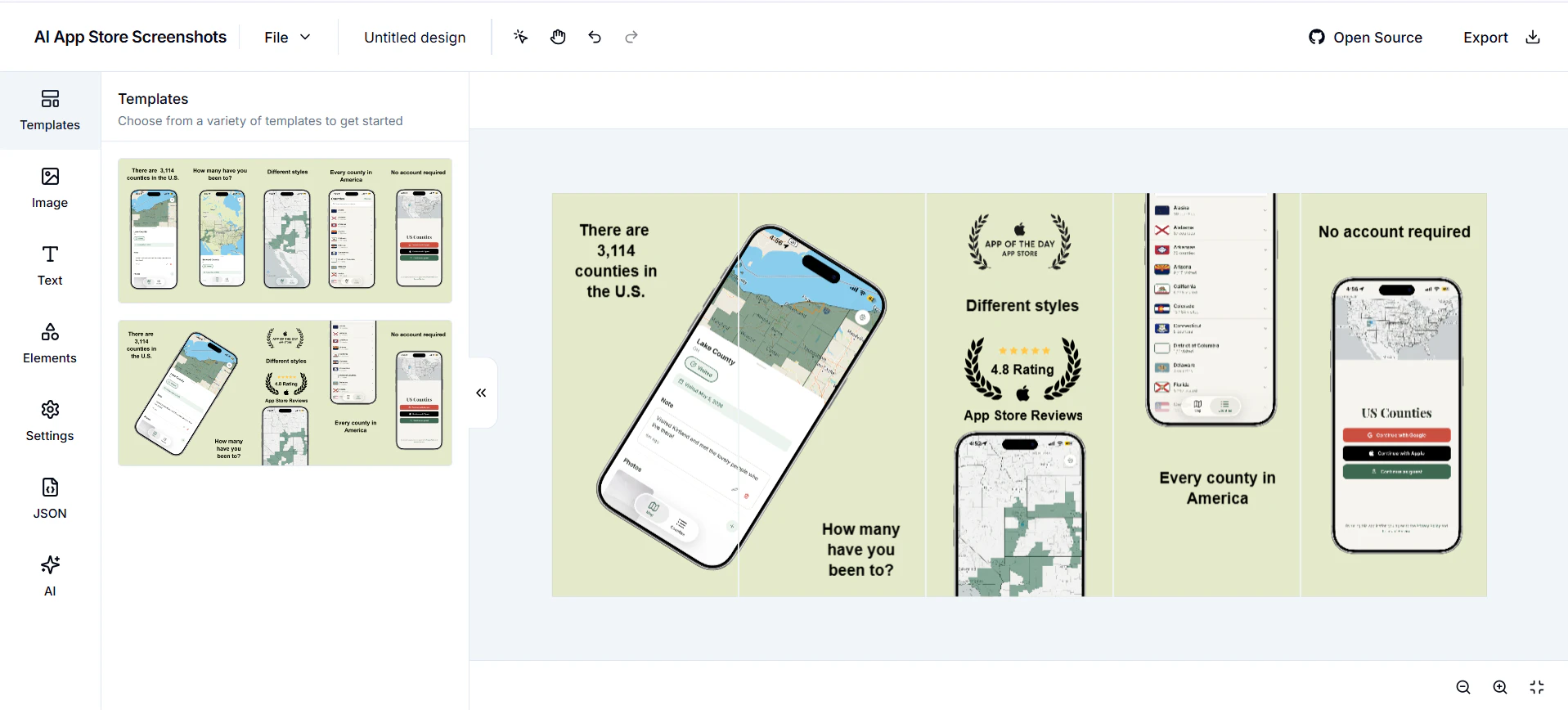
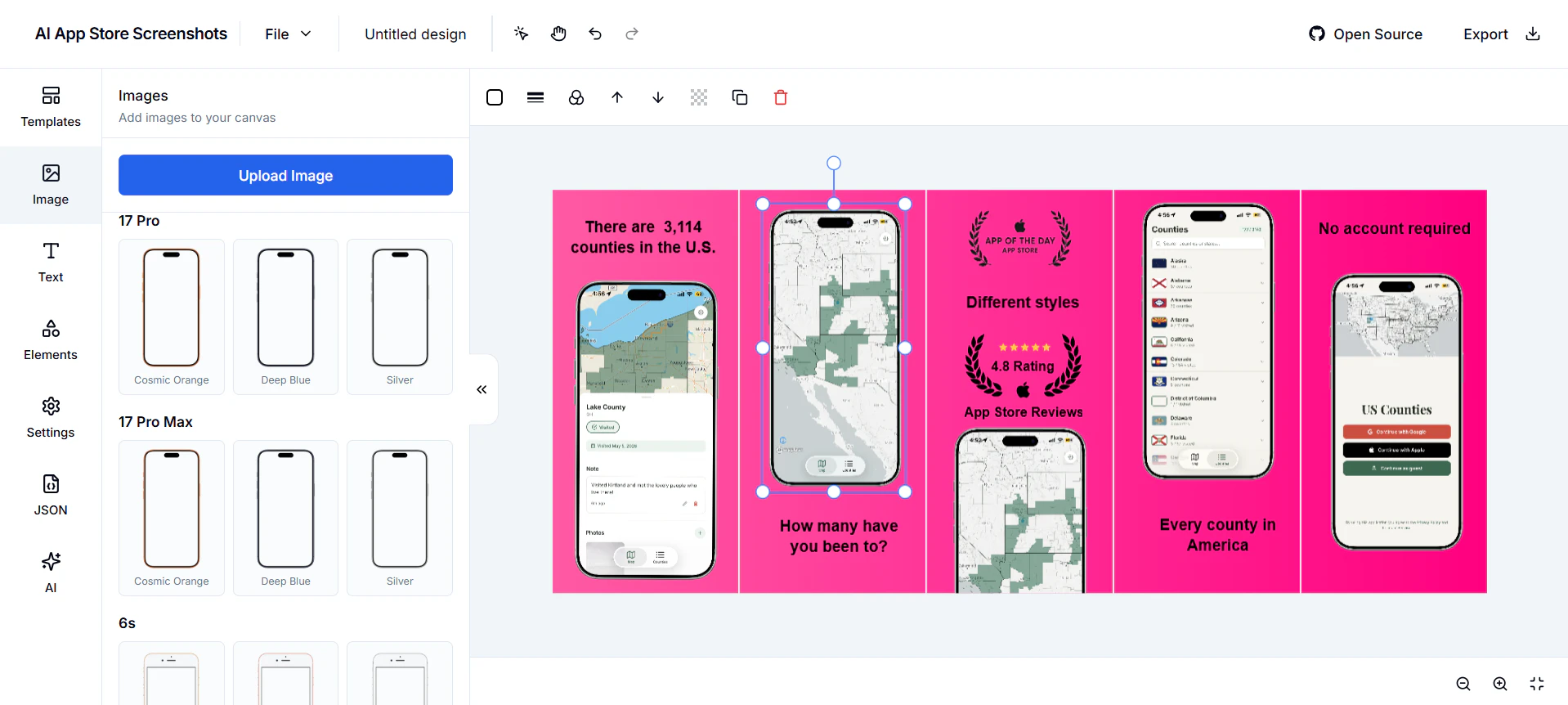
AI App Store Screenshots is a specialized design tool tailored for creating compelling app store visuals. Unlike generic graphic design platforms, it focuses solely on crafting app store screenshots, making it ideal for developers and marketers aiming to optimize their app listings. Its standout feature is the integration of AI, allowing users to modify designs effortlessly through AI-driven suggestions and edits. Additionally, it offers a developer-first approach with JSON import/export capabilities, enabling seamless integration into existing workflows. Being open source and self-hostable, it appeals to privacy-conscious users and teams wanting full control over their tools. Essentially, it combines the simplicity of Canva with the power and flexibility needed for app marketing, making it a unique asset for app promotion.
Screenshots
Pros
- ✓Open source and self-hostable, ensuring full control and customization
- ✓AI-powered editing simplifies design adjustments and enhances creativity
- ✓Developer-friendly with JSON import/export capabilities
- ✓Tailored specifically for app store screenshot creation, optimizing for app marketing
Cons
- ✗May have a steeper learning curve for users unfamiliar with JSON or developer-centric tools
- ✗Limited to app store screenshot design, not suitable for broader graphic needs
- ✗Relatively new with no extensive user base or community support yet
Use Cases
Pricing
Free and open source, allowing users to self-host and modify without licensing costs; additional features or hosting services may have optional paid support or hosting plans depending on the community or development stage.
Quick Info
Topics
Alternatives
Similar Tools in AI Image & Design




Embed Badge
Add this badge to your website to show that AI App Store Screenshots is featured on Visalytica.
<a href="https://www.visalytica.com/tool/ai-app-store-screenshots" target="_blank" rel="noopener noreferrer" style="display:inline-flex;align-items:center;gap:6px;padding:6px 14px;background:#7c3aed;color:#fff;border-radius:8px;font-family:-apple-system,system-ui,sans-serif;font-size:13px;font-weight:600;text-decoration:none;transition:background .2s" onmouseover="this.style.background='#6d28d9'" onmouseout="this.style.background='#7c3aed'"><svg width="14" height="14" viewBox="0 0 24 24" fill="none" stroke="currentColor" stroke-width="2.5" stroke-linecap="round" stroke-linejoin="round"><path d="M12 20V10"/><path d="M18 20V4"/><path d="M6 20v-4"/></svg>Featured on Visalytica</a>