
Zumie
Screen Studio-style recordings, right in Chrome
About Zumie
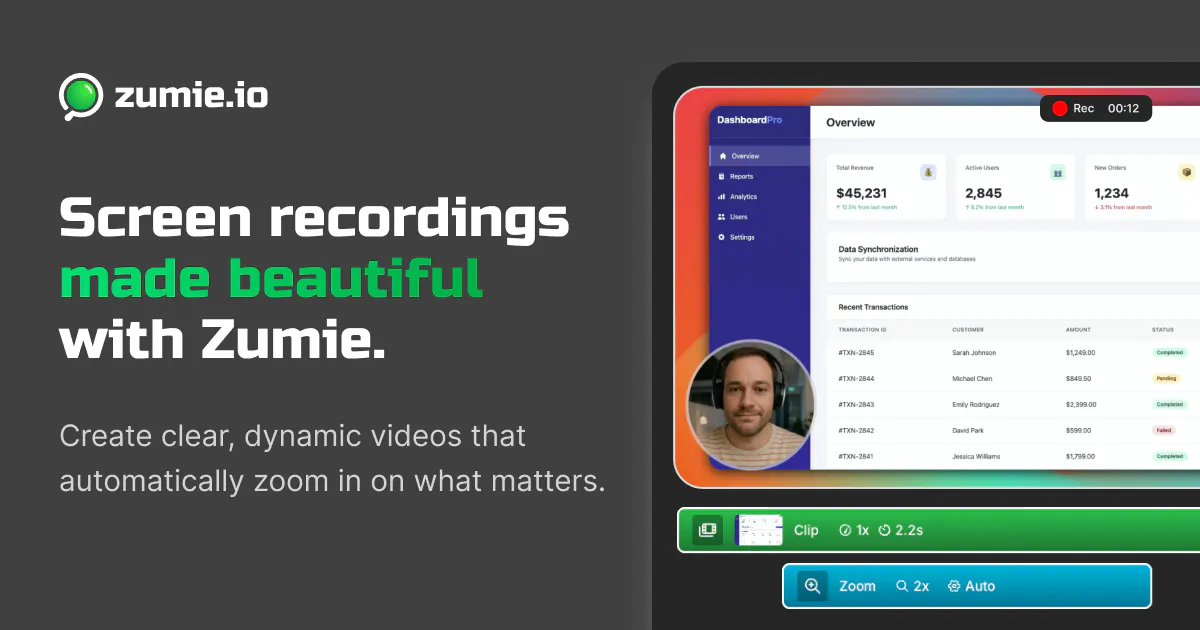
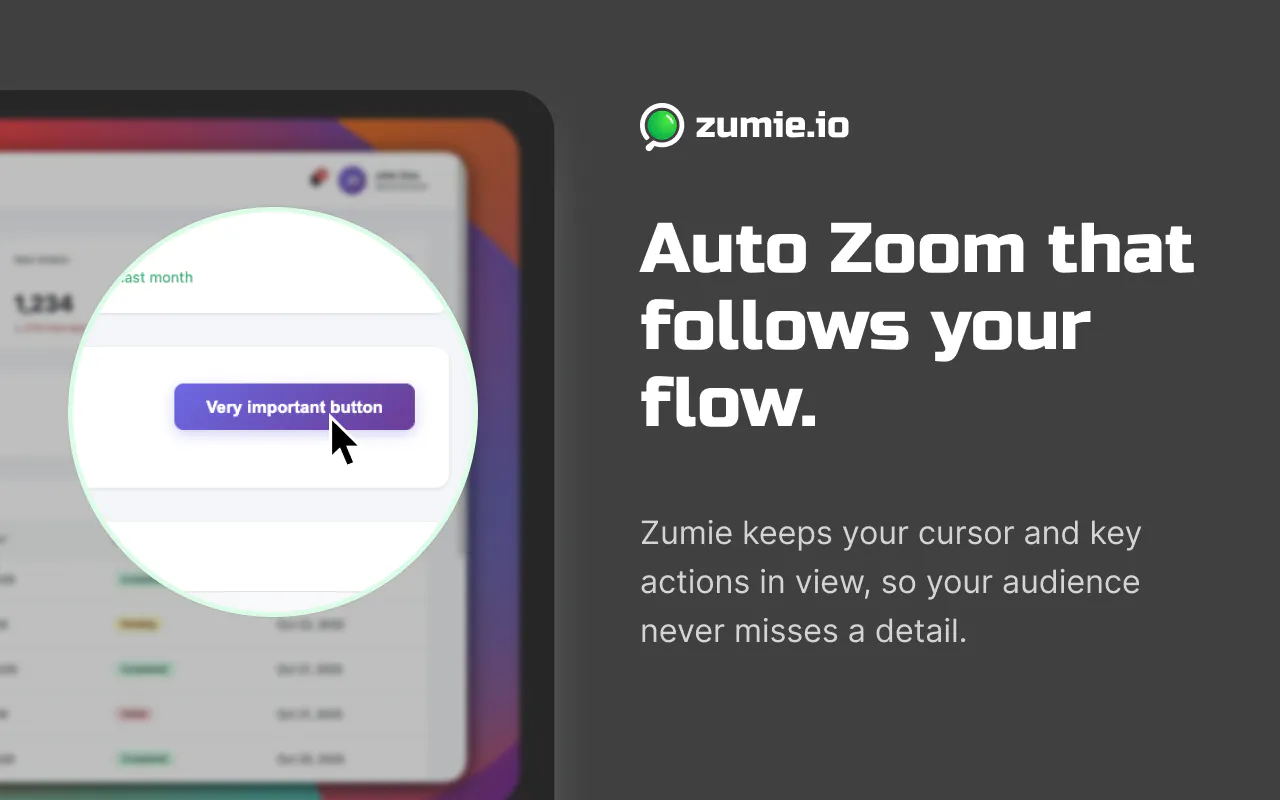
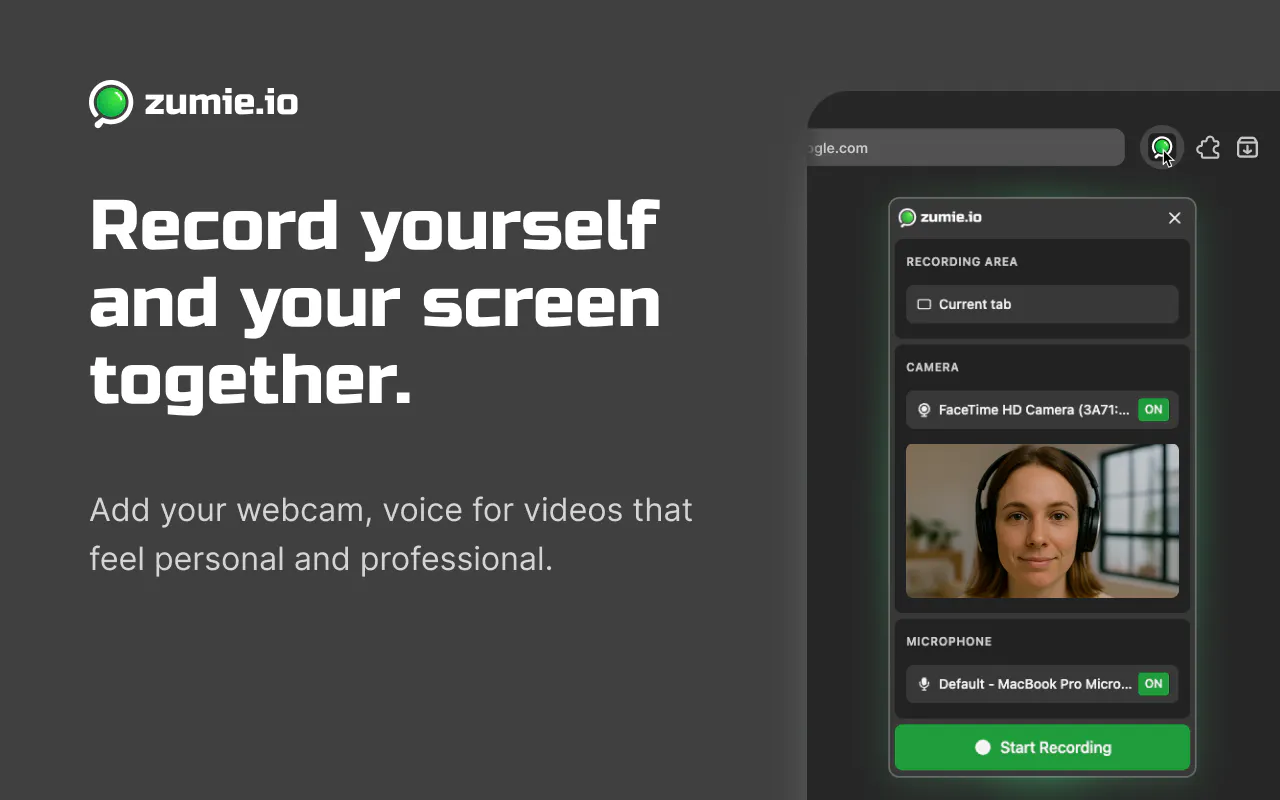
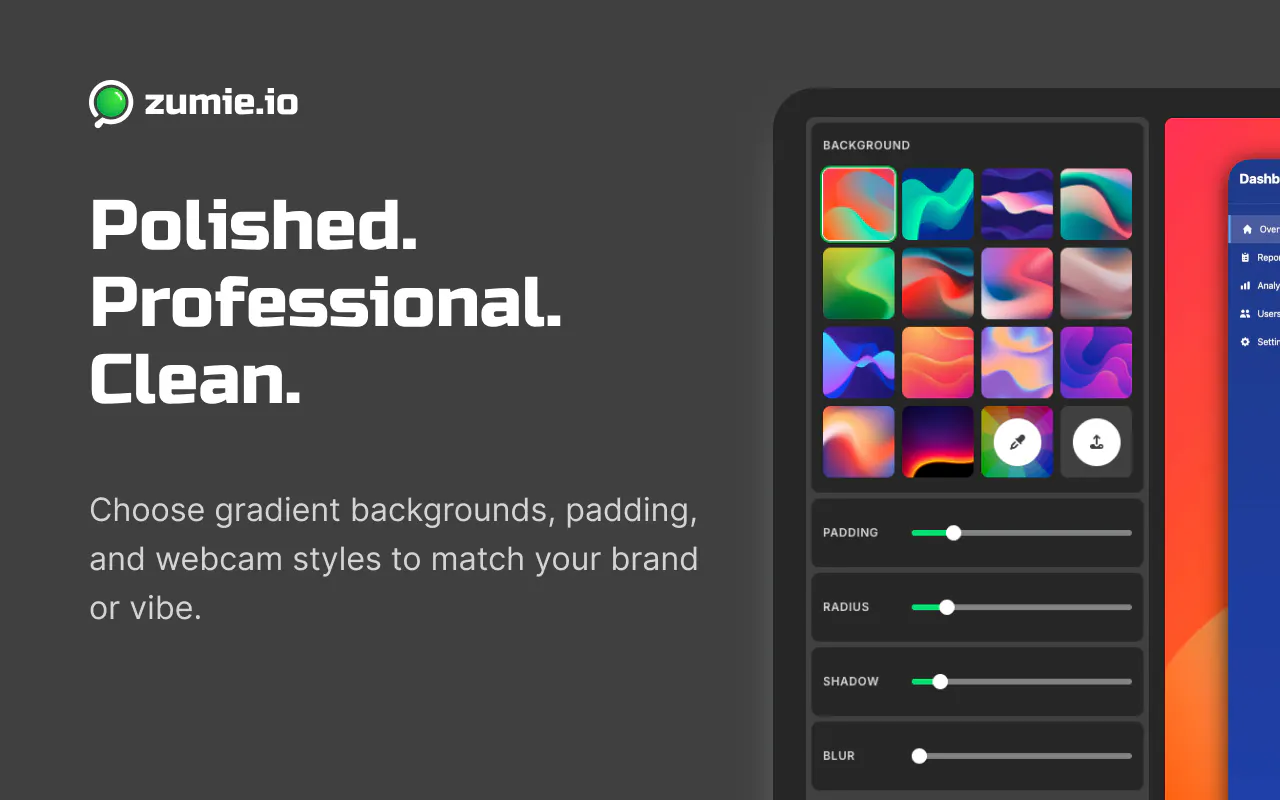
Zumie is a Chrome extension designed to elevate screen recordings with a polished, editor-like appearance. It automatically adds professional touches such as auto zoom that follows your clicks, smooth cursors, click effects, keystroke overlays, webcam bubbles, and customizable backgrounds. Recent updates have improved its framing logic for auto zoom, style enhancements for cursors and click effects, and support for full Retina resolution with faster exports. Compatible across Windows, Mac, Linux, and Chromebooks, Zumie offers a seamless, no-signup experience without uploading any footage, making it ideal for quick, high-quality tutorials, demos, and presentations. Its free version includes a watermark, while a one-time purchase unlocks full features at $49, making it accessible for both casual users and professionals seeking quick, visually appealing recordings.
Screenshots
Pros
- ✓Auto zoom that intelligently frames clicks for professional-looking videos
- ✓Stylish cursor and click effects enhance viewer engagement
- ✓No uploading required, ensuring privacy and quick turnaround
- ✓Works across multiple operating systems including Chromebooks
- ✓Full resolution support on Retina displays and faster export times
Cons
- ✗Watermark in the free version may limit usage for some users
- ✗One-time payment may be a barrier for some compared to subscription models
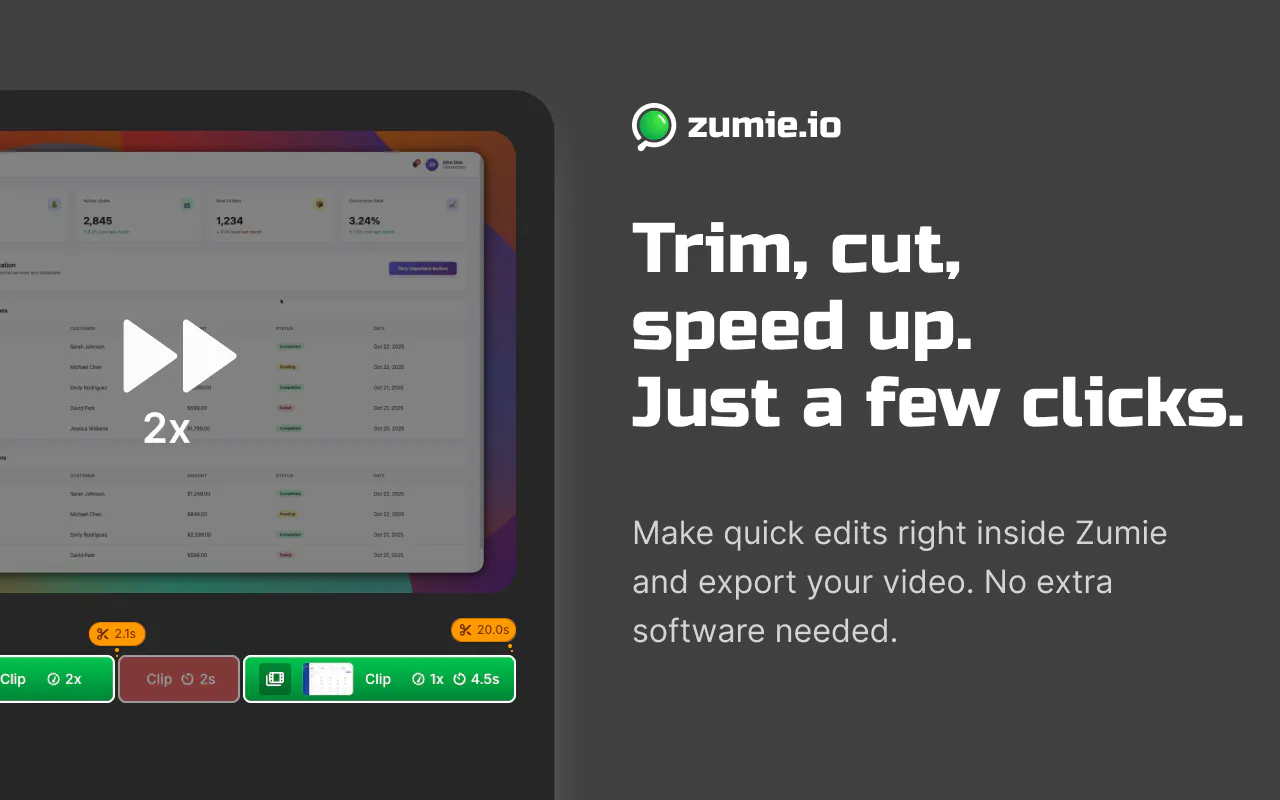
- ✗Limited advanced editing features compared to dedicated video editing tools
Use Cases
Pricing
Pricing not verified
Quick Info
Topics
Makers

Daniel Fulop
Similar Tools in HR & Recruiting




Embed Badge
Add this badge to your website to show that Zumie is featured on Visalytica.
<a href="https://www.visalytica.com/tool/zumie" target="_blank" rel="noopener noreferrer" style="display:inline-flex;align-items:center;gap:6px;padding:6px 14px;background:#7c3aed;color:#fff;border-radius:8px;font-family:-apple-system,system-ui,sans-serif;font-size:13px;font-weight:600;text-decoration:none;transition:background .2s" onmouseover="this.style.background='#6d28d9'" onmouseout="this.style.background='#7c3aed'"><svg width="14" height="14" viewBox="0 0 24 24" fill="none" stroke="currentColor" stroke-width="2.5" stroke-linecap="round" stroke-linejoin="round"><path d="M12 20V10"/><path d="M18 20V4"/><path d="M6 20v-4"/></svg>Featured on Visalytica</a>