
zero
One command to deploy Docker containers to your own server
About zero
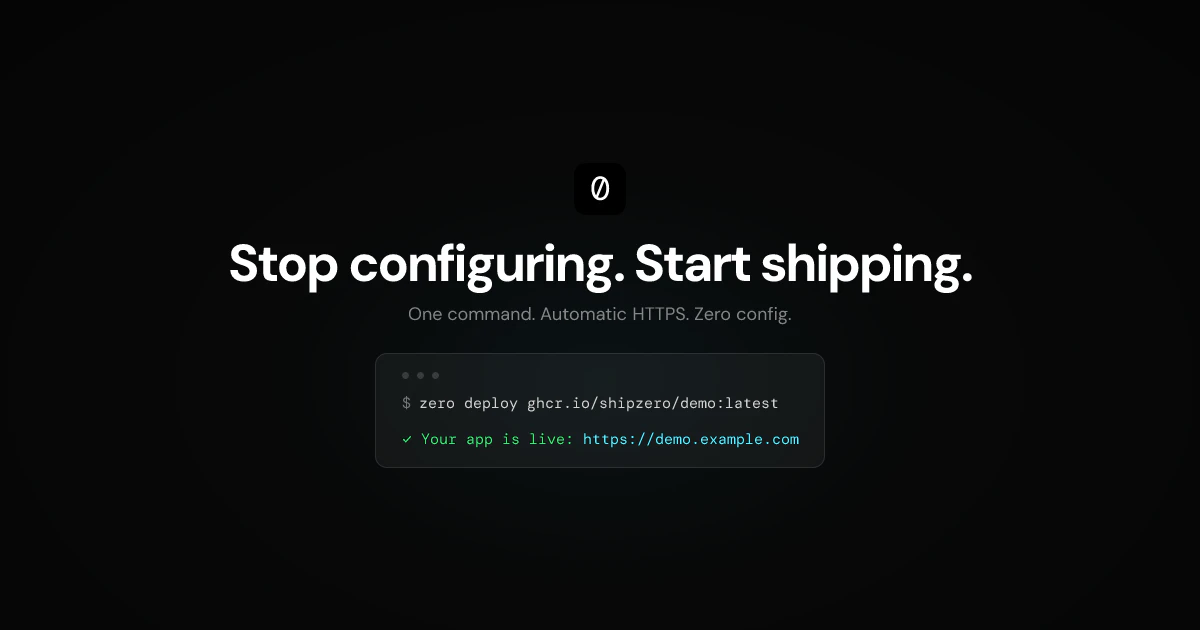
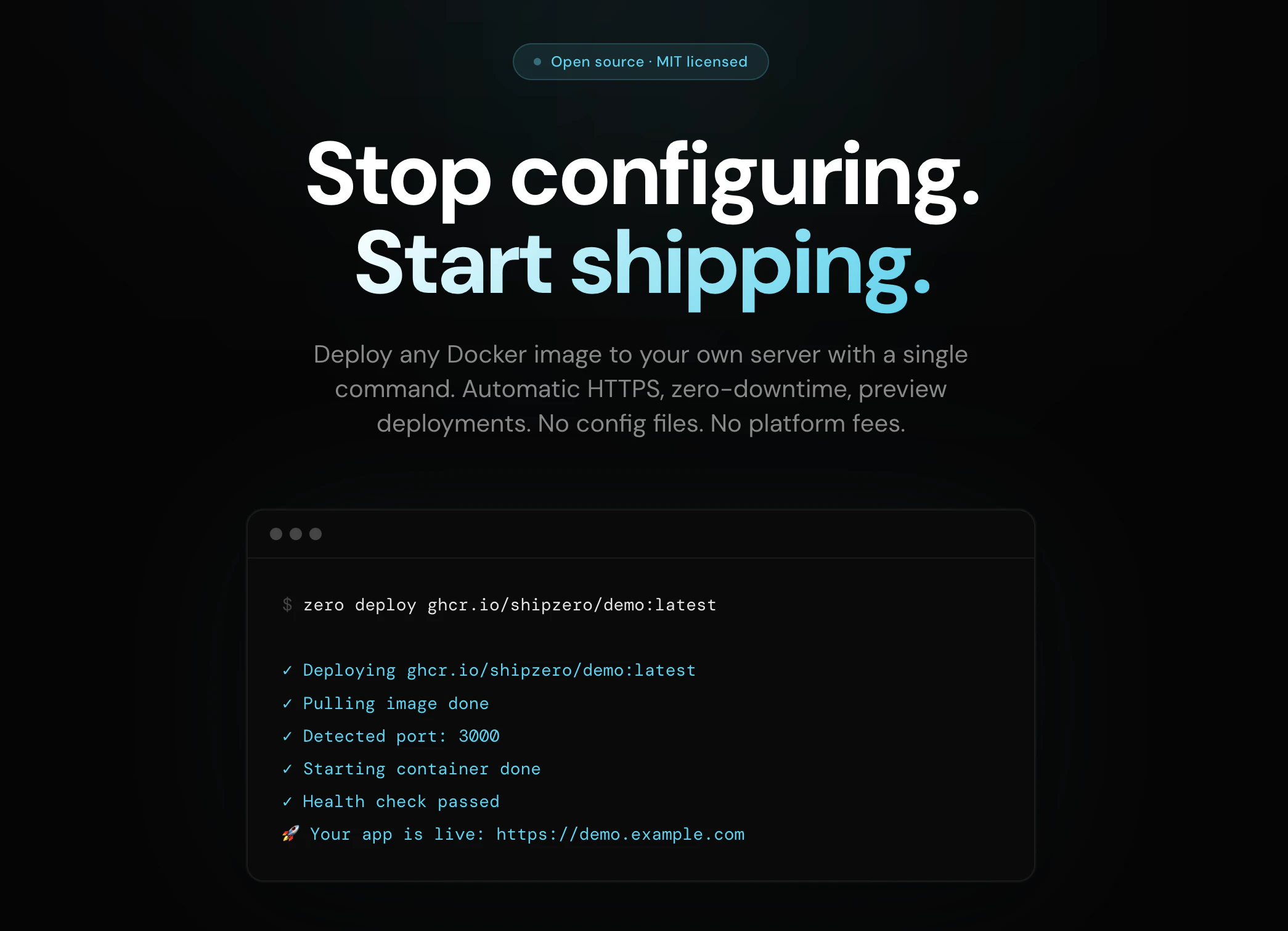

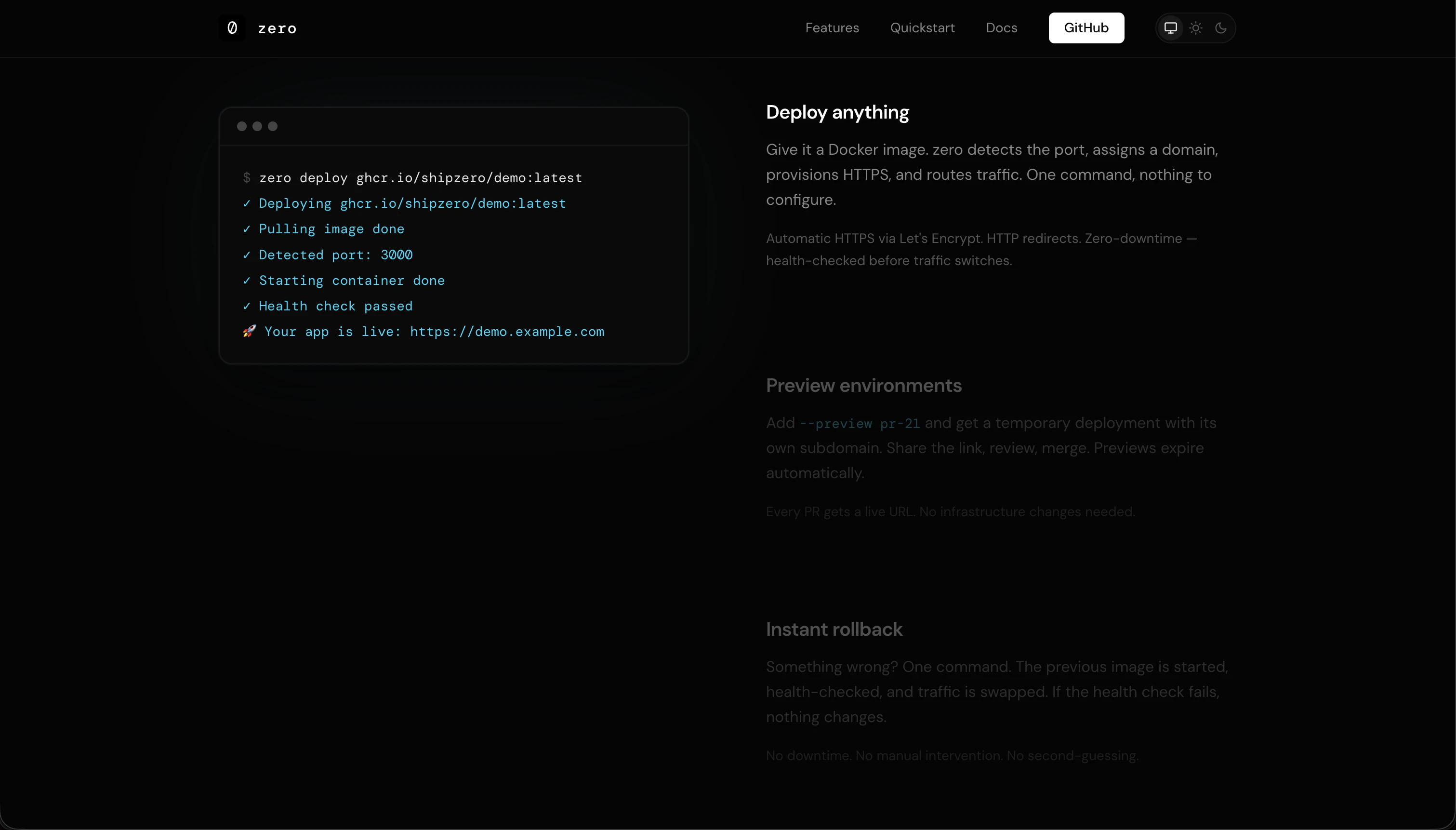
zero is a streamlined CLI tool designed for developers and sysadmins who want to deploy Docker containers seamlessly to their own servers. Its primary appeal lies in simplifying the deployment process by eliminating complex configurations, YAML files, and web UIs. With just a single command, users can deploy any Docker image with automatic HTTPS, zero-downtime updates, health checks, rollbacks, and preview environments. This makes self-hosting more accessible and developer-friendly, bridging the gap between cloud services like Vercel and Railway and traditional self-managed setups. Perfect for those seeking full control over their infrastructure without sacrificing ease of use, zero stands out by providing a fast, reliable, and declarative deployment experience that doesn’t lock users into proprietary platforms.
Screenshots
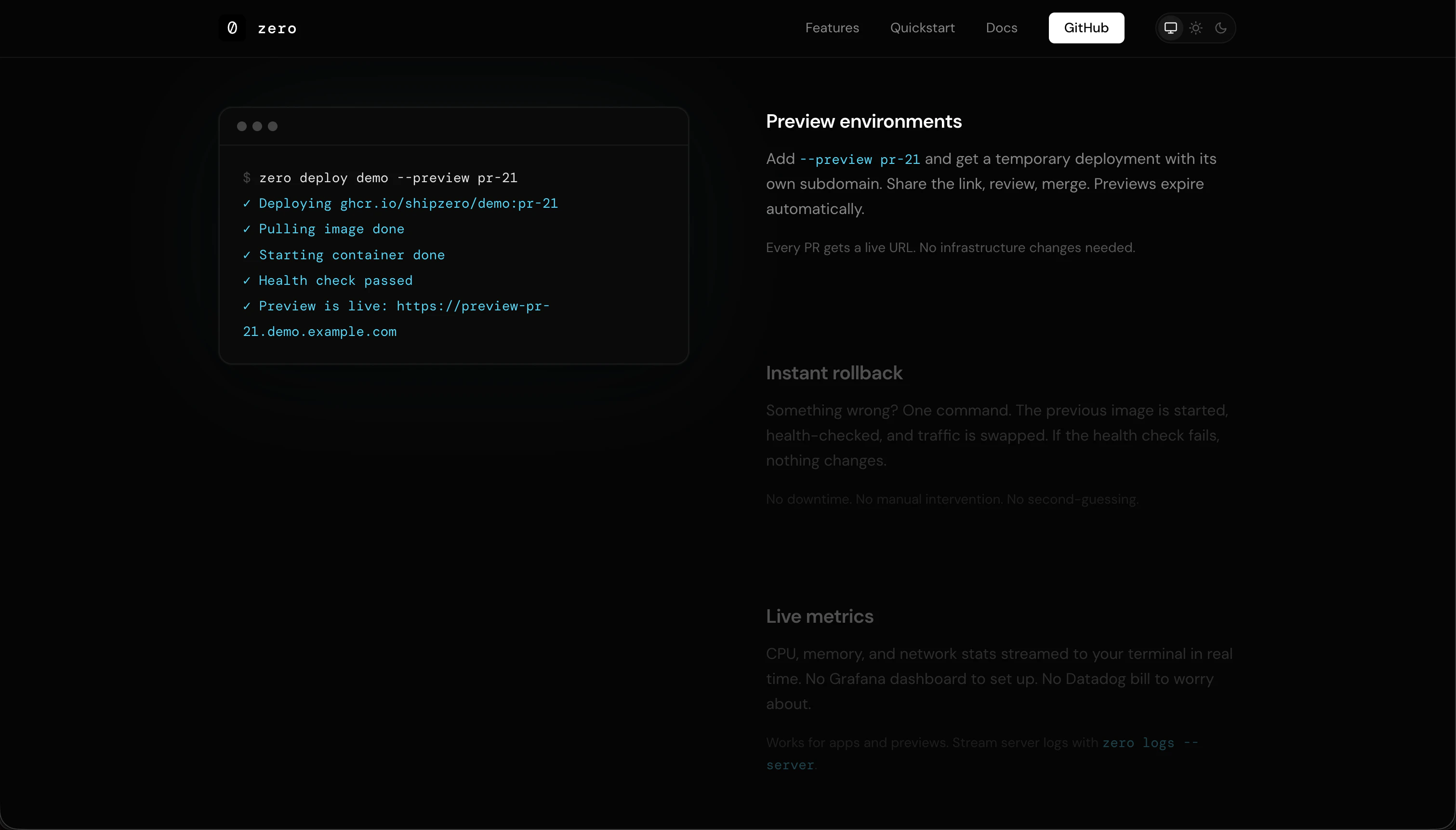
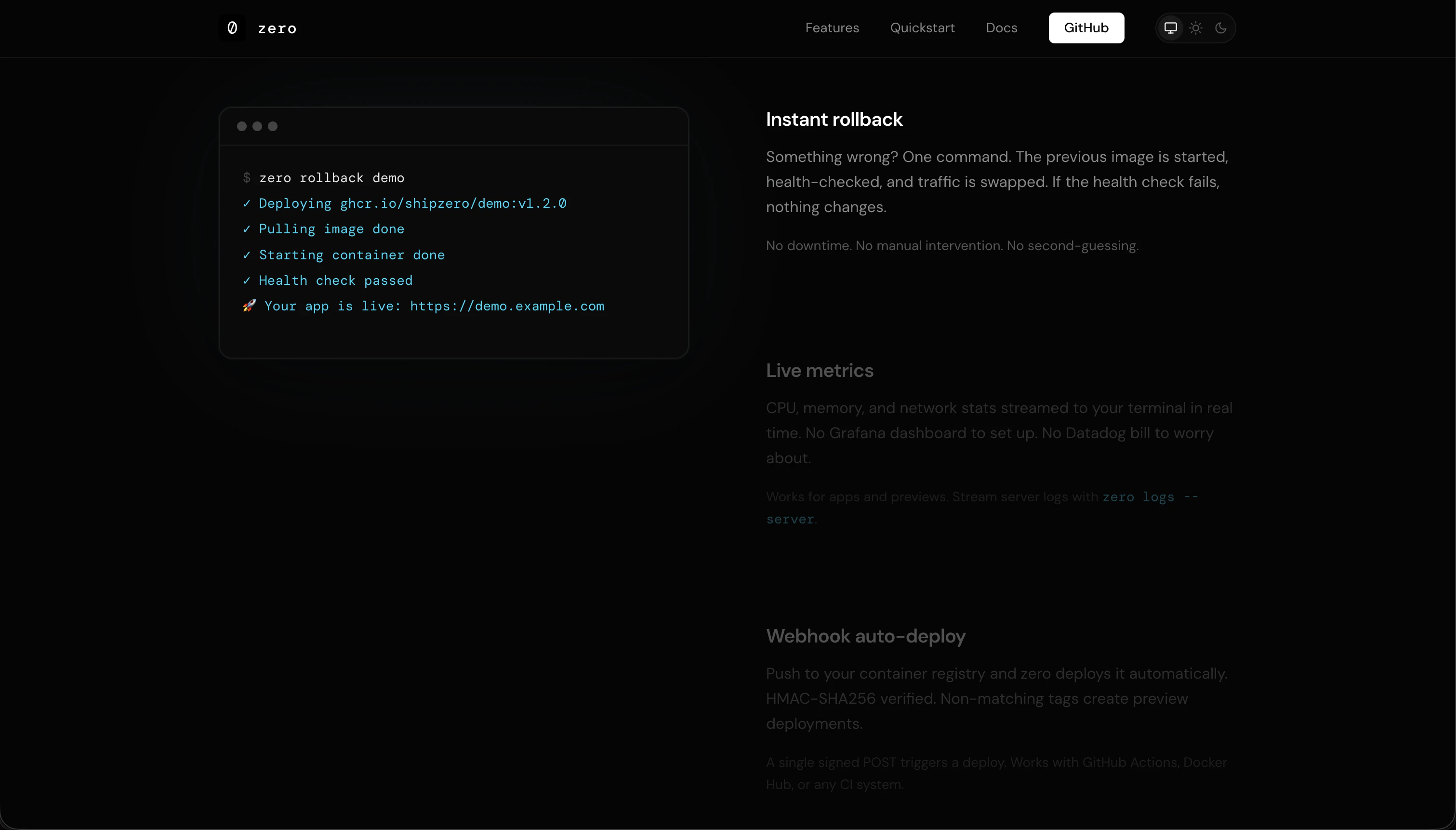
+5 more screenshots
Pros
- ✓Single-command deployment simplifies complex Docker workflows
- ✓Automatic HTTPS and zero-downtime updates enhance reliability and security
- ✓No configuration files or web UI required, reducing setup time
- ✓Supports rollbacks, health checks, and preview environments for robust deployment cycles
- ✓Open source nature allows customization and community contributions
Cons
- ✗May lack advanced features found in full CI/CD pipelines
- ✗Requires familiarity with CLI and Docker concepts, which could be a barrier for complete beginners
- ✗Limited graphical interface might not suit teams that prefer visual management
Use Cases
Pricing
Likely open source and free to use, with potential paid support or hosting options; specific pricing details are not provided but the tool’s focus on simplicity and open source suggests a free model.
Quick Info
Topics
Alternatives
Similar Tools in AI Assistants




Embed Badge
Add this badge to your website to show that zero is featured on Visalytica.
<a href="https://www.visalytica.com/tool/zero" target="_blank" rel="noopener noreferrer" style="display:inline-flex;align-items:center;gap:6px;padding:6px 14px;background:#7c3aed;color:#fff;border-radius:8px;font-family:-apple-system,system-ui,sans-serif;font-size:13px;font-weight:600;text-decoration:none;transition:background .2s" onmouseover="this.style.background='#6d28d9'" onmouseout="this.style.background='#7c3aed'"><svg width="14" height="14" viewBox="0 0 24 24" fill="none" stroke="currentColor" stroke-width="2.5" stroke-linecap="round" stroke-linejoin="round"><path d="M12 20V10"/><path d="M18 20V4"/><path d="M6 20v-4"/></svg>Featured on Visalytica</a>