
ZenithBar
The activity island Windows was missing
About ZenithBar
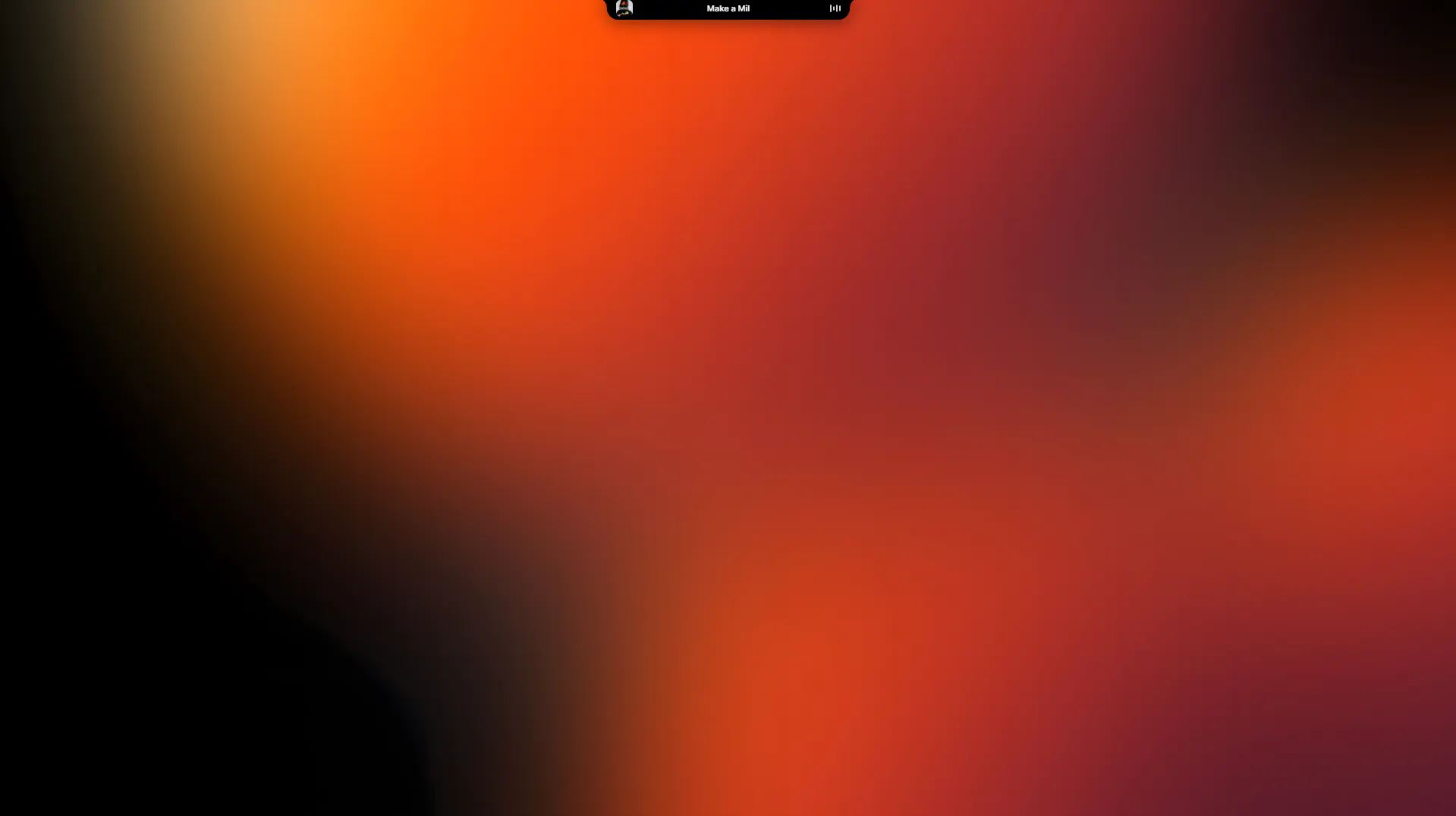
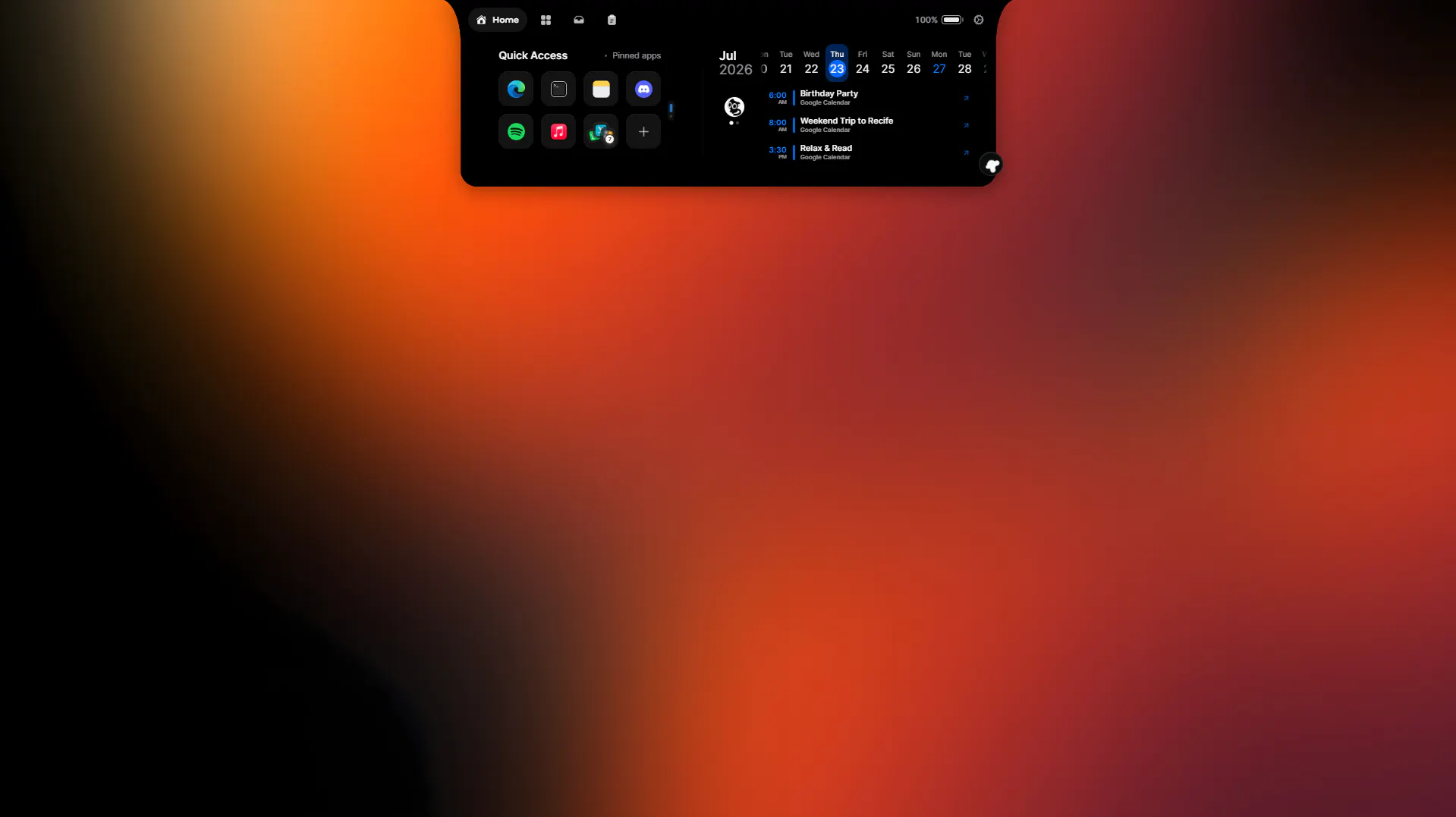
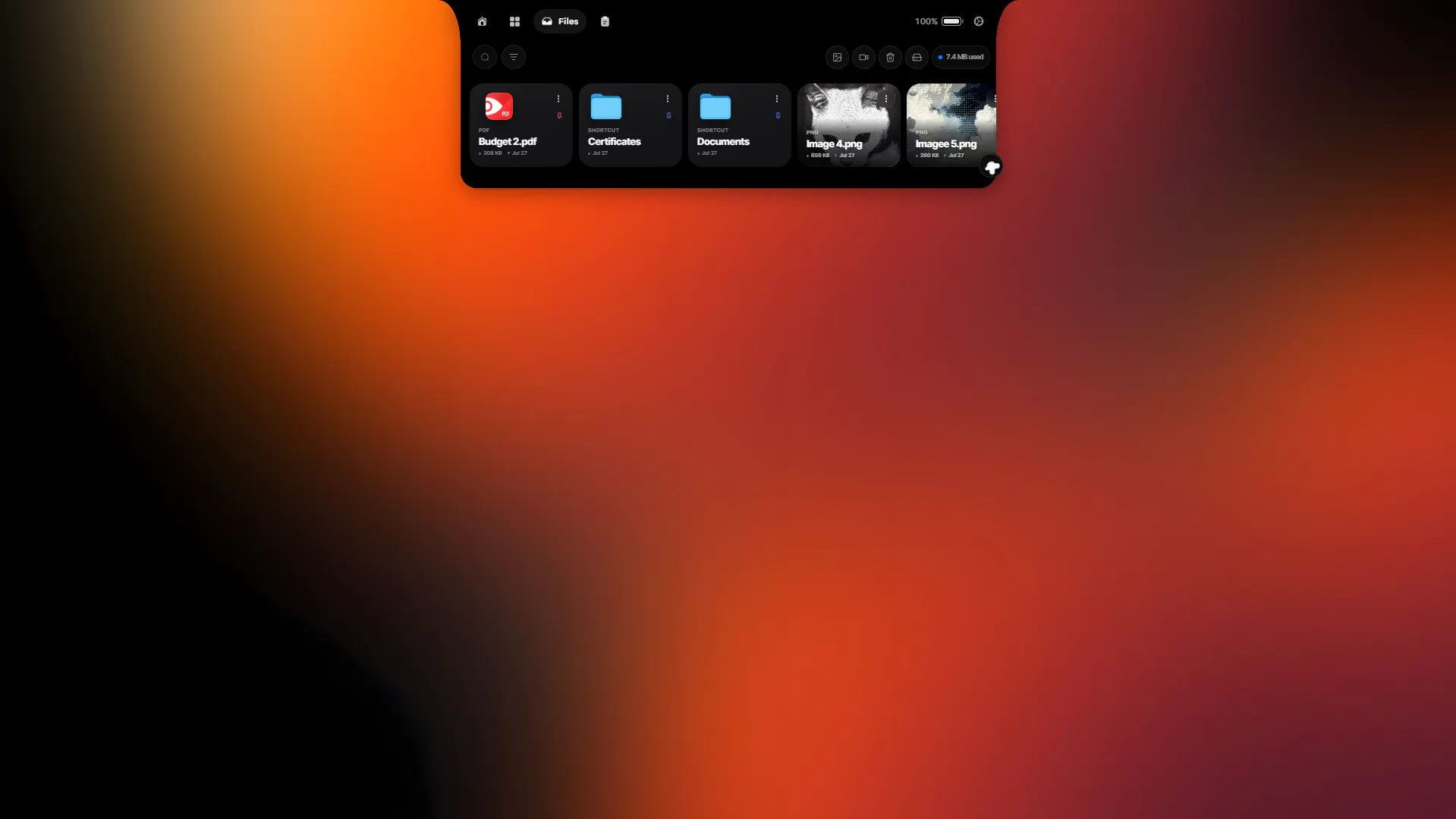
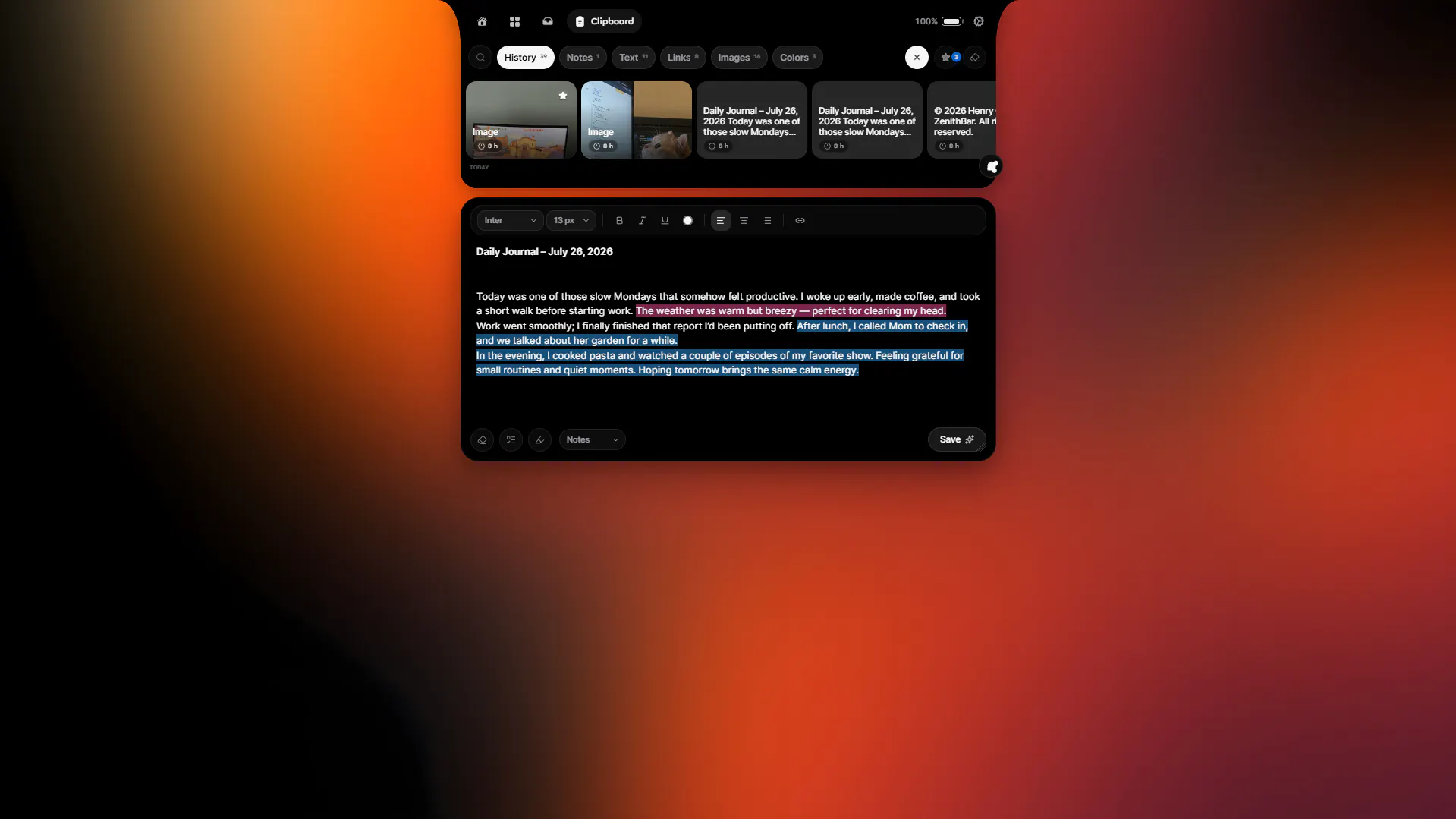
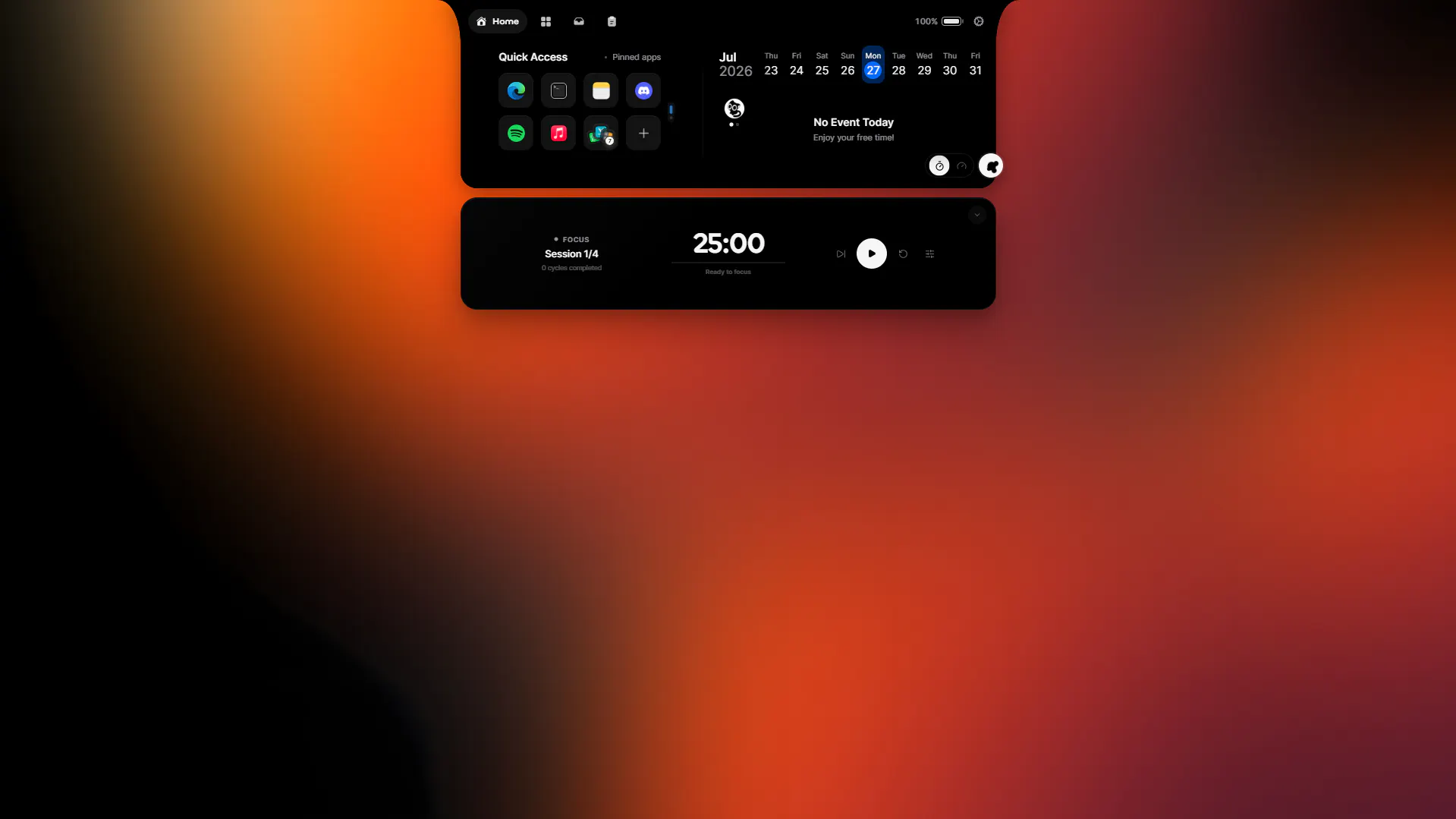
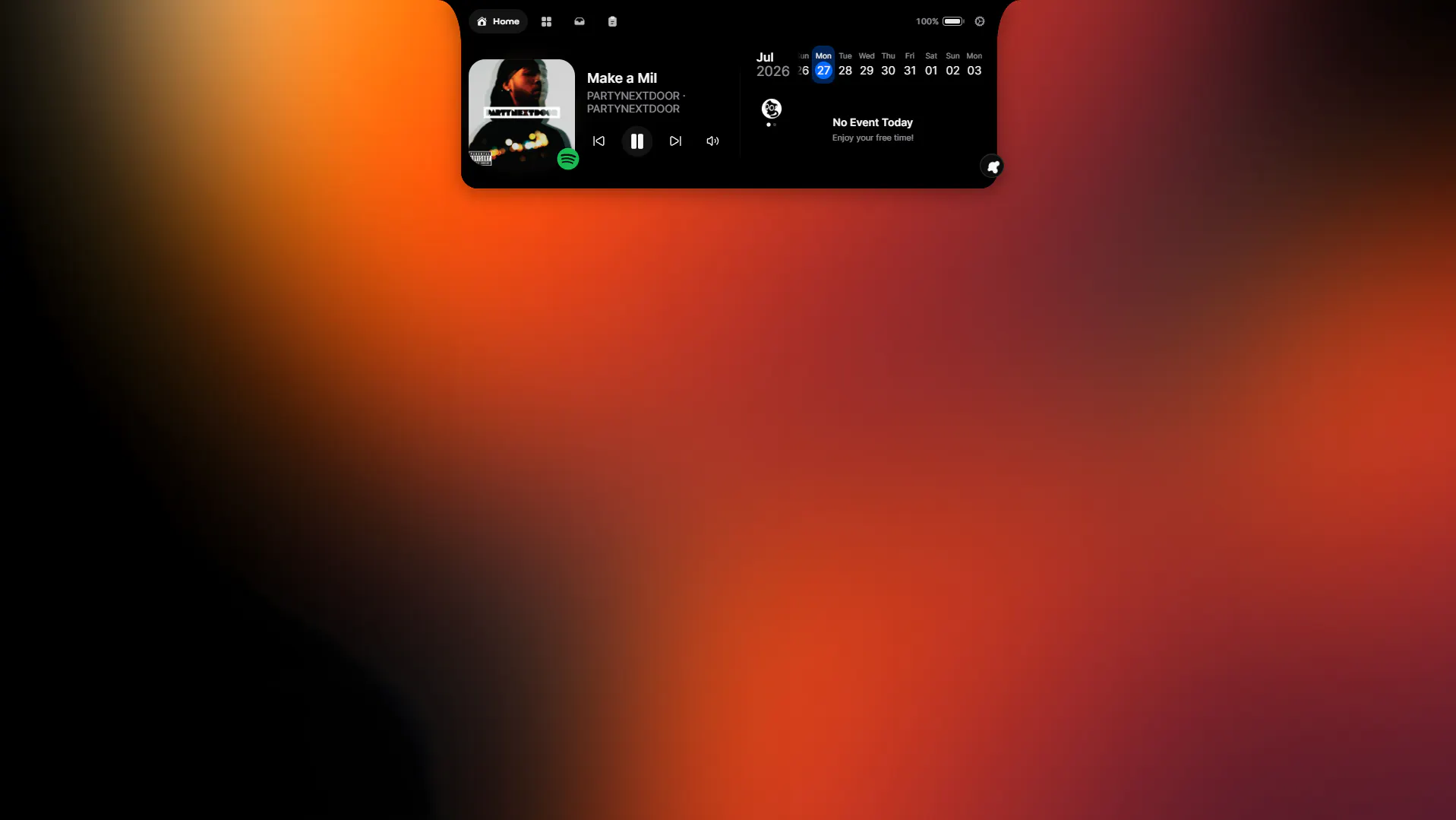
ZenithBar is a innovative Windows utility designed to fill the gap in task visibility and quick access. It introduces a floating island at the top of the screen, providing users with real-time playback controls for media sessions, upcoming calendar events, pinned apps and sites, a draggable file shelf, and a visual clipboard history. Its unobtrusive design appears on hover, automatically hides during full-screen gaming, and processes everything locally, ensuring privacy and smooth performance without requiring an account. This makes ZenithBar an ideal tool for productivity enthusiasts, multitaskers, and power users seeking a centralized, customizable activity hub on Windows. Its one-time purchase model, coupled with a 7-day trial, offers a cost-effective alternative to subscription-based solutions, appealing to users who prefer ownership and simplicity.
Screenshots
Pros
- ✓Provides a centralized, customizable activity hub directly on the screen
- ✓On-device processing ensures privacy and smooth performance
- ✓No account required, easy to try with a free trial and one-time purchase
- ✓Disappears during full-screen applications like games or presentations
- ✓Includes useful features like media controls, calendar view, and clipboard history
Cons
- ✗Limited integration with third-party apps or cloud services
- ✗May require some configuration to match user workflow
- ✗Currently lacks advanced automation or extensive customization options
Use Cases
Pricing
Likely a one-time purchase model with a free trial period, offering an affordable alternative to subscription-based productivity tools. Exact pricing details are not specified but emphasize ownership rather than ongoing payments.
Quick Info
Topics
Makers

Henry Cauan
Alternatives
Similar Tools in Productivity




Embed Badge
Add this badge to your website to show that ZenithBar is featured on Visalytica.
<a href="https://www.visalytica.com/tool/zenithbar" target="_blank" rel="noopener noreferrer" style="display:inline-flex;align-items:center;gap:6px;padding:6px 14px;background:#7c3aed;color:#fff;border-radius:8px;font-family:-apple-system,system-ui,sans-serif;font-size:13px;font-weight:600;text-decoration:none;transition:background .2s" onmouseover="this.style.background='#6d28d9'" onmouseout="this.style.background='#7c3aed'"><svg width="14" height="14" viewBox="0 0 24 24" fill="none" stroke="currentColor" stroke-width="2.5" stroke-linecap="round" stroke-linejoin="round"><path d="M12 20V10"/><path d="M18 20V4"/><path d="M6 20v-4"/></svg>Featured on Visalytica</a>