
Zella
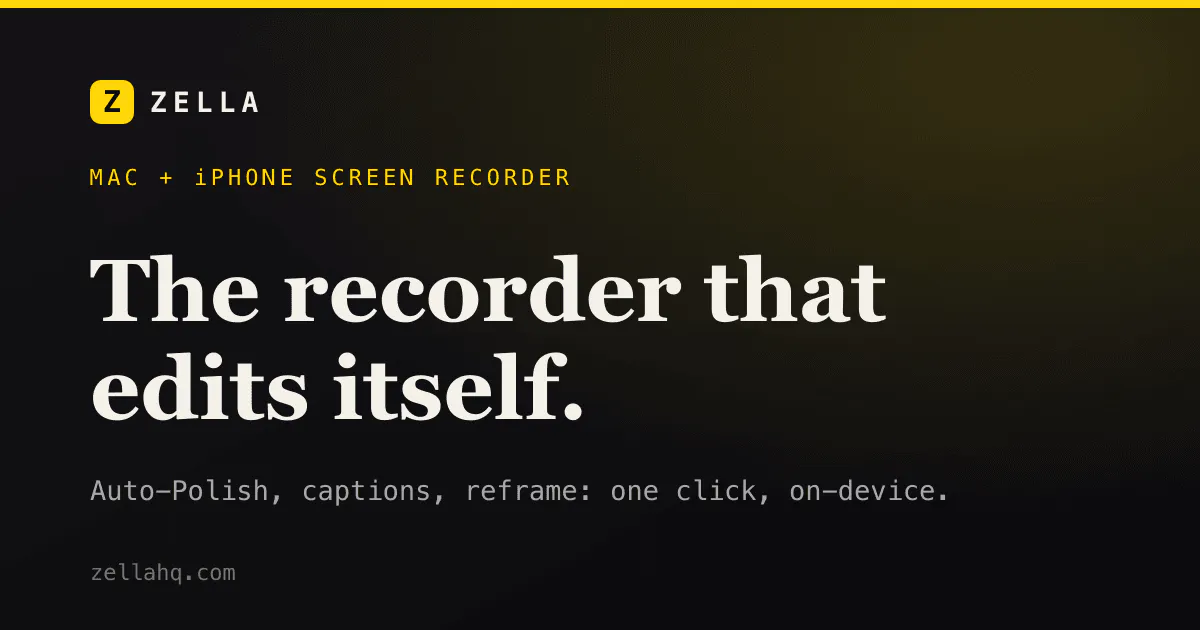
Video recorder that edits itself on Mac and iPhone
About Zella
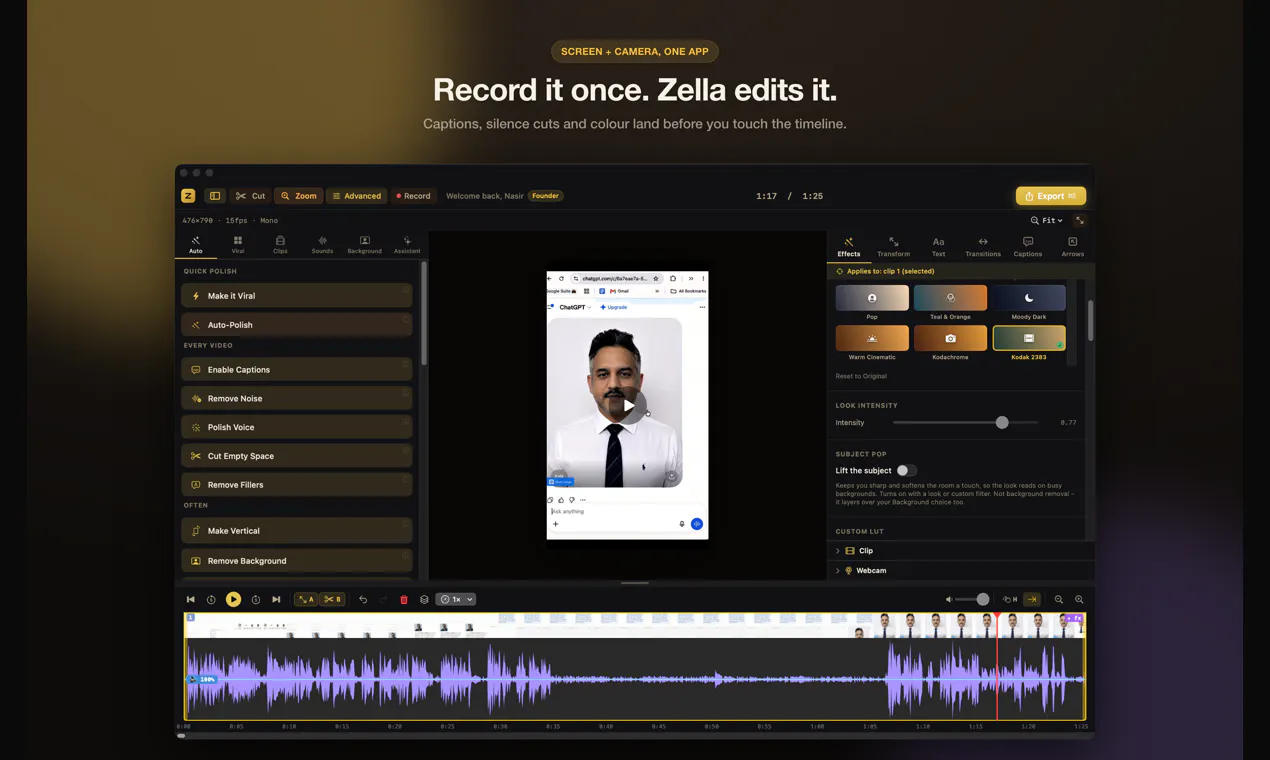
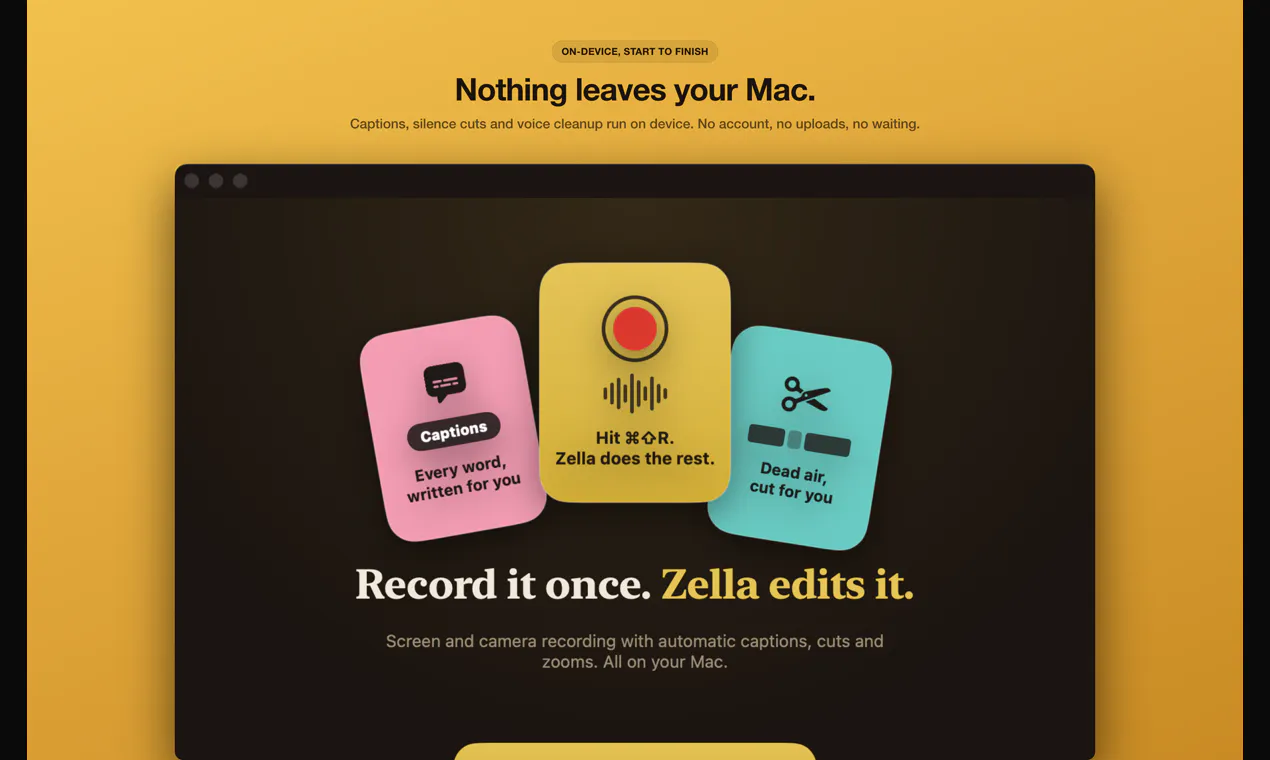
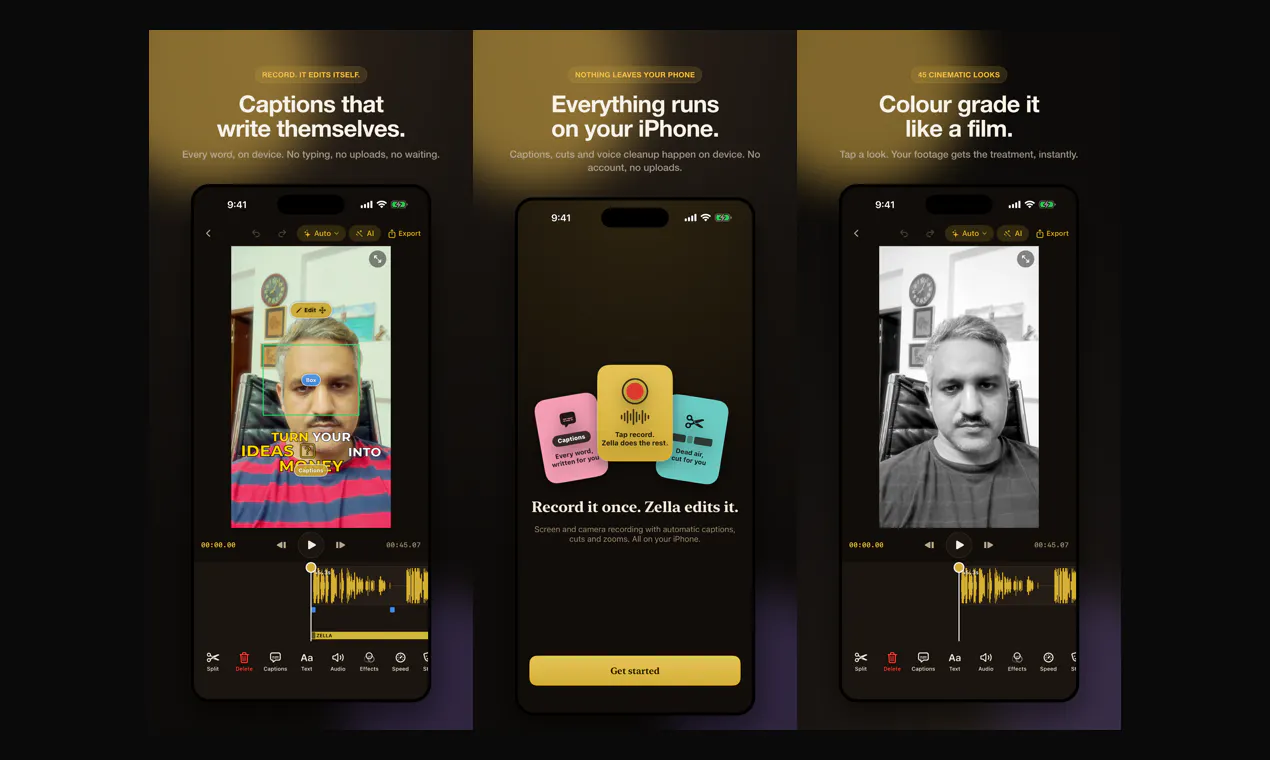
Zella is an innovative video recording and editing tool designed for Mac and iPhone users who want quick, professional-looking videos without the hassle of complex editing. It captures your screen or camera footage and automatically enhances the video with minimal effort. Its standout feature is Auto-Polish, which, with a single tap, adds captions, removes silences and filler words, zooms in for emphasis, and cleans up voice quality. For more polished content, the Make it Viral feature adds pacing, transitions, sound effects, and background music, making it ideal for social media videos, tutorials, and personal content. Zella's unique approach of handling both recording and editing locally—without uploads, accounts, or subscriptions—appeals to creators seeking privacy and simplicity. The one-time Pro payment unlocks full Mac and iPhone compatibility for lifetime use, offering a cost-effective alternative to recurring subscriptions.
Screenshots
+1 more screenshots
Pros
- ✓No uploads, accounts, or subscriptions needed, ensuring privacy
- ✓One-tap Auto-Polish for quick professional edits
- ✓Additional features for viral-ready content with Make it Viral
- ✓Cross-device support for Mac and iPhone with a single purchase
- ✓Free at 1080p with no watermark
Cons
- ✗Features may be limited compared to full-fledged editing software
- ✗Lack of advanced customization options for professional editors
- ✗No information on additional editing tools or exports
Use Cases
Pricing
Pro is a one-time payment of $89 that unlocks both Mac and iPhone versions for lifetime use.
Quick Info
Topics
Makers

NUS
@nusagainAlternatives
Similar Tools in AI Image & Design




Embed Badge
Add this badge to your website to show that Zella is featured on Visalytica.
<a href="https://www.visalytica.com/tool/zella" target="_blank" rel="noopener noreferrer" style="display:inline-flex;align-items:center;gap:6px;padding:6px 14px;background:#7c3aed;color:#fff;border-radius:8px;font-family:-apple-system,system-ui,sans-serif;font-size:13px;font-weight:600;text-decoration:none;transition:background .2s" onmouseover="this.style.background='#6d28d9'" onmouseout="this.style.background='#7c3aed'"><svg width="14" height="14" viewBox="0 0 24 24" fill="none" stroke="currentColor" stroke-width="2.5" stroke-linecap="round" stroke-linejoin="round"><path d="M12 20V10"/><path d="M18 20V4"/><path d="M6 20v-4"/></svg>Featured on Visalytica</a>