
YouTube TV Custom Multiview
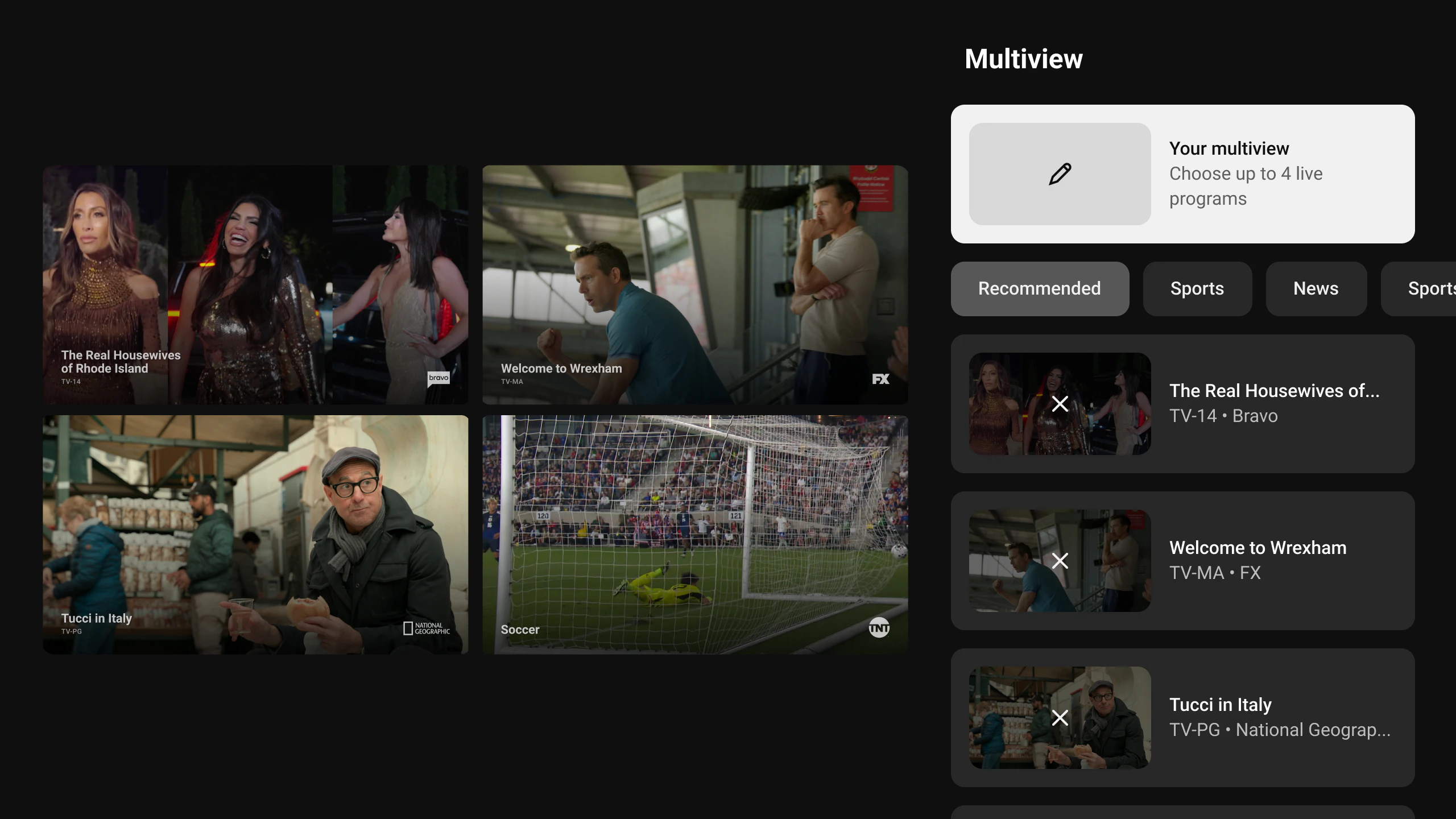
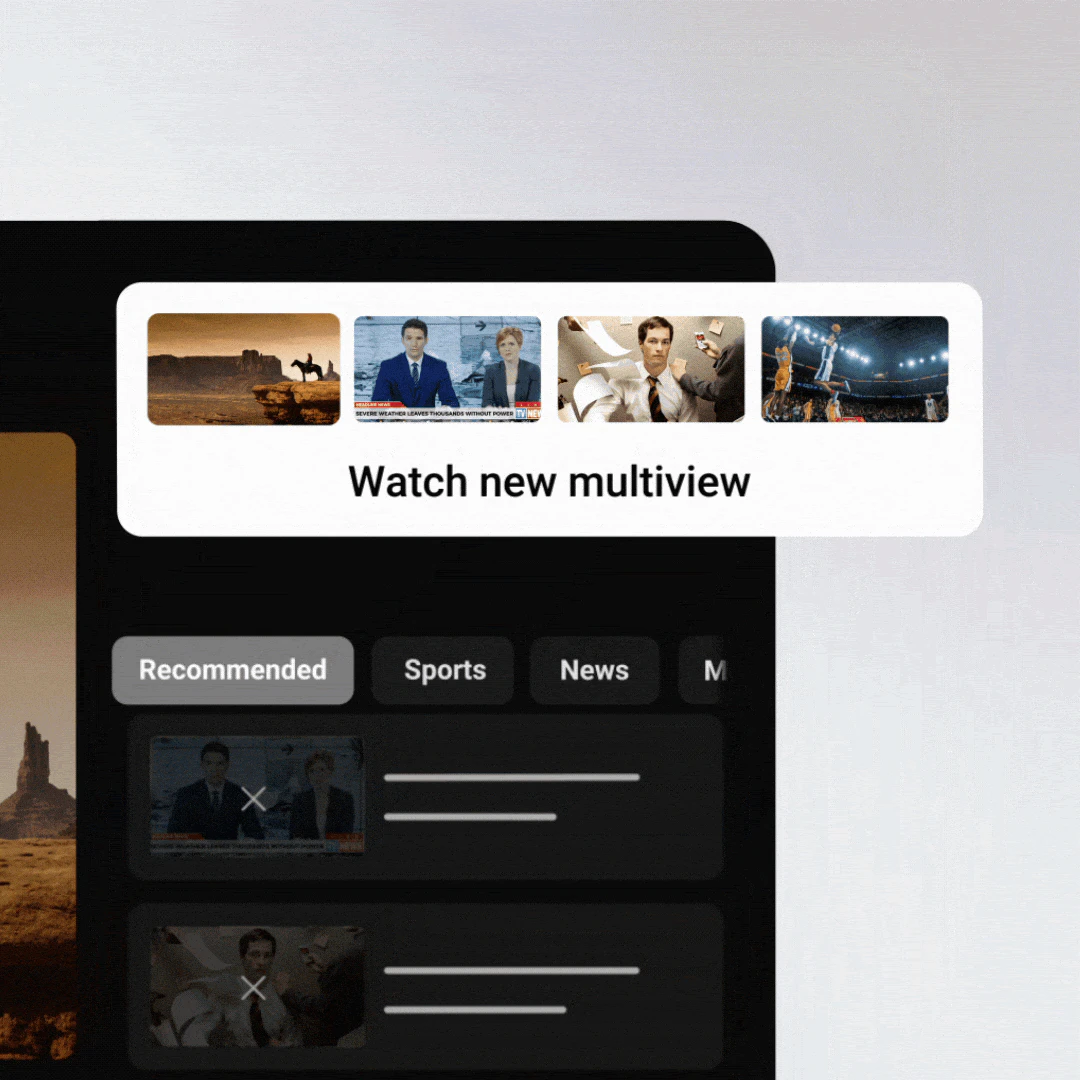
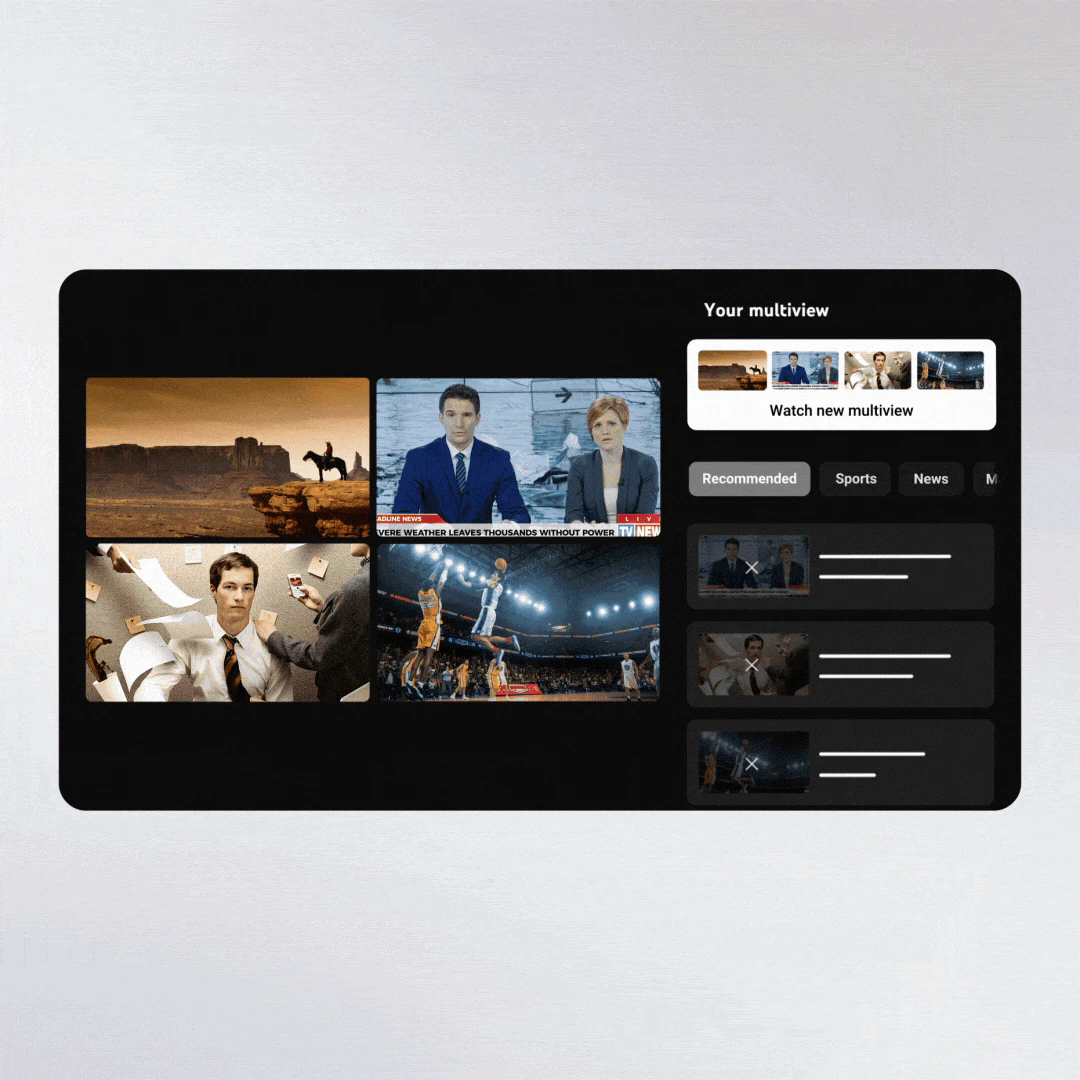
Mix and match up to 4 live streams at once
About YouTube TV Custom Multiview
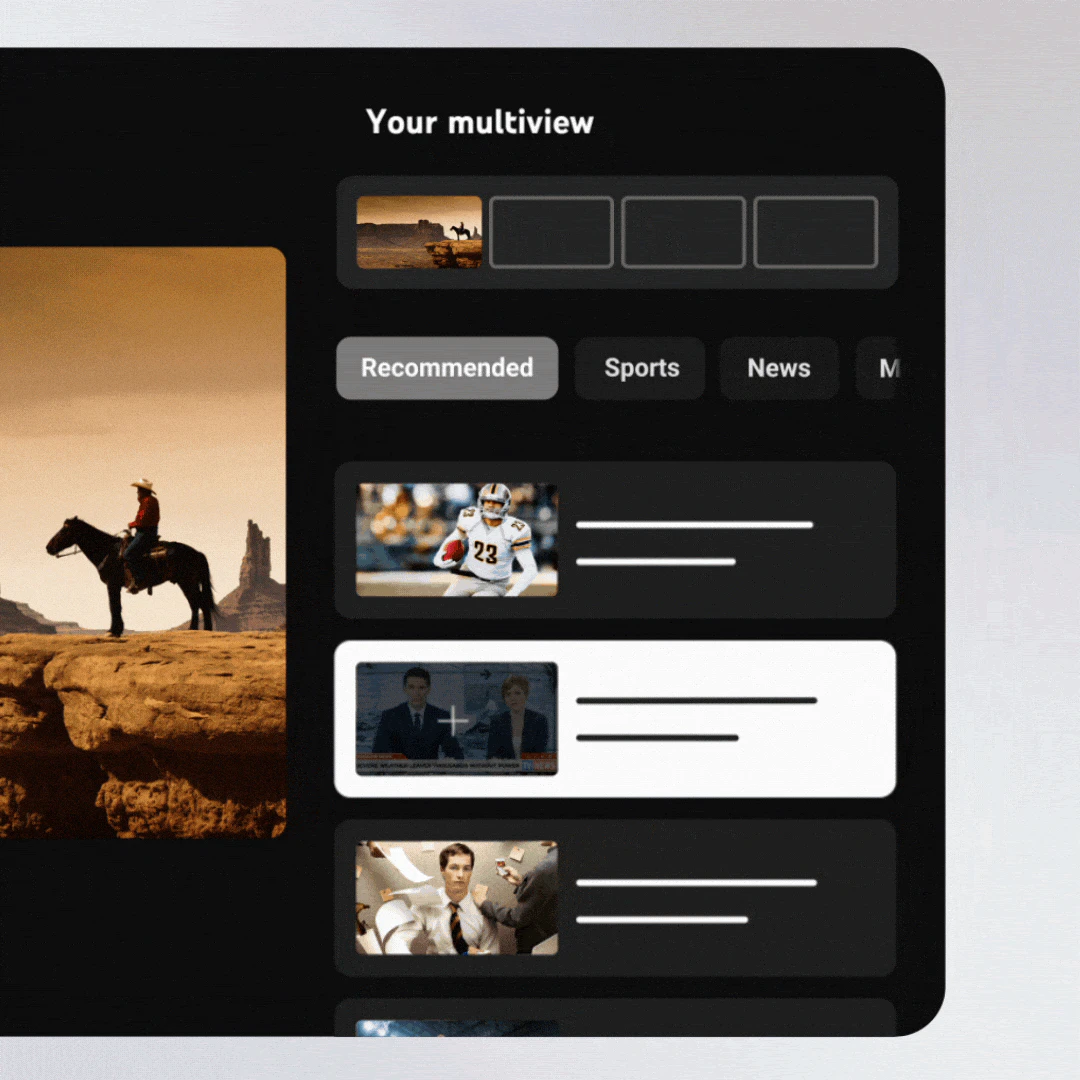
YouTube TV Custom Multiview offers a powerful new way for subscribers to enhance their live TV experience by creating personalized multi-stream layouts featuring up to four simultaneous live channels. This innovative feature allows users to mix and match streams across various categories like sports, news, entertainment, and movies, making it ideal for viewers who want a comprehensive viewing experience or need to monitor multiple events at once. The intuitive builder with filtering options provides a seamless way to customize the multiview, including premium add-ons like NFL Sunday Ticket, catering to sports fans and avid TV watchers alike. Its flexibility and user-friendly interface set it apart from traditional single-channel viewing, making it a must-have for those seeking a dynamic, all-in-one viewing solution.
Screenshots
Pros
- ✓Highly customizable multi-stream viewing experience
- ✓Supports mixing channels across different categories and add-ons
- ✓User-friendly builder with filters for sports, news, shows, and movies
- ✓Ideal for sports fans, news followers, or multitasking viewers
Cons
- ✗Limited to YouTube TV subscribers, restricting accessibility
- ✗Potentially higher bandwidth usage due to multiple streams
- ✗No information on advanced features like recording or saving layouts
Use Cases
Pricing
Likely included as part of a YouTube TV subscription with no additional charge, since it is an integrated feature within the platform. Specific costs depend on the base subscription plan and add-ons, but the multiview feature itself appears to be a value-added benefit for existing subscribers.
Quick Info
Topics
Alternatives
Similar Tools in AI Image & Design




Embed Badge
Add this badge to your website to show that YouTube TV Custom Multiview is featured on Visalytica.
<a href="https://www.visalytica.com/tool/youtube-tv-custom-multiview" target="_blank" rel="noopener noreferrer" style="display:inline-flex;align-items:center;gap:6px;padding:6px 14px;background:#7c3aed;color:#fff;border-radius:8px;font-family:-apple-system,system-ui,sans-serif;font-size:13px;font-weight:600;text-decoration:none;transition:background .2s" onmouseover="this.style.background='#6d28d9'" onmouseout="this.style.background='#7c3aed'"><svg width="14" height="14" viewBox="0 0 24 24" fill="none" stroke="currentColor" stroke-width="2.5" stroke-linecap="round" stroke-linejoin="round"><path d="M12 20V10"/><path d="M18 20V4"/><path d="M6 20v-4"/></svg>Featured on Visalytica</a>