
Youtube Study Mode
Stop falling into YouTube rabbit holes when you study
About Youtube Study Mode
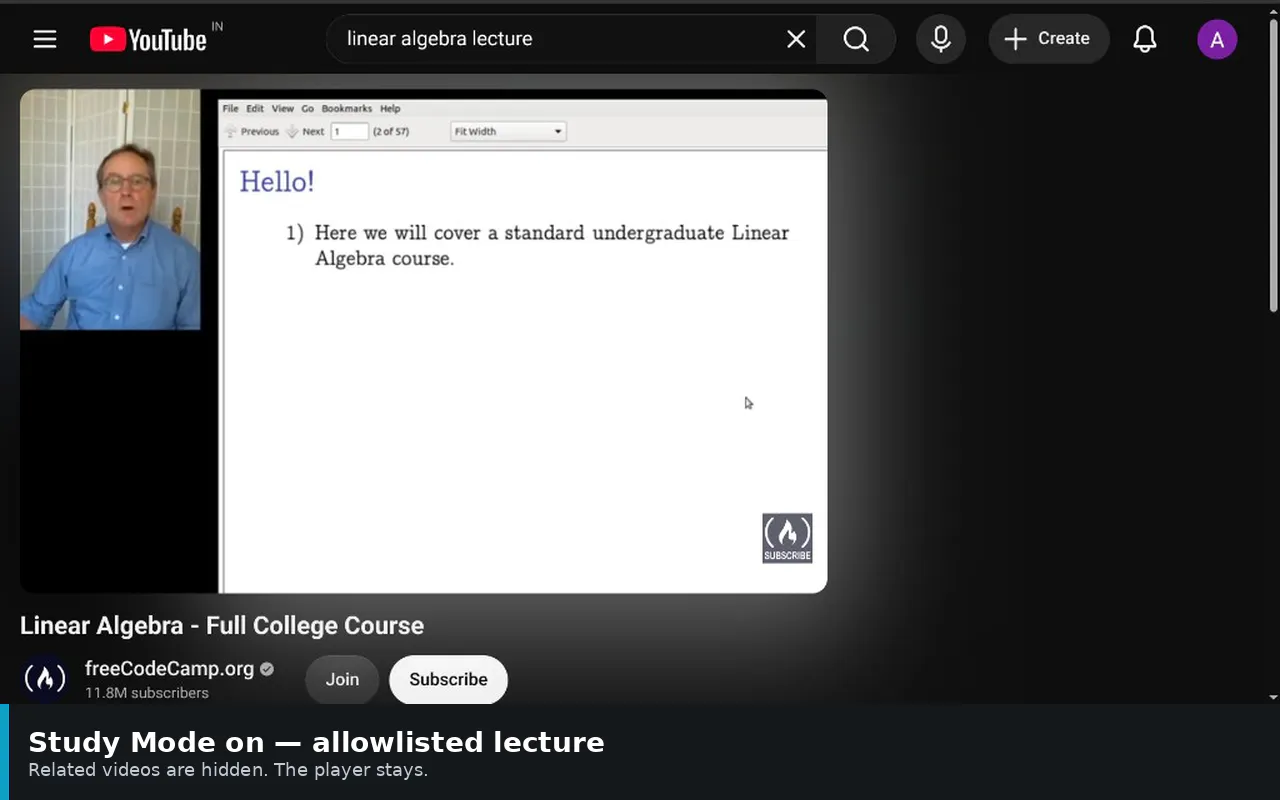
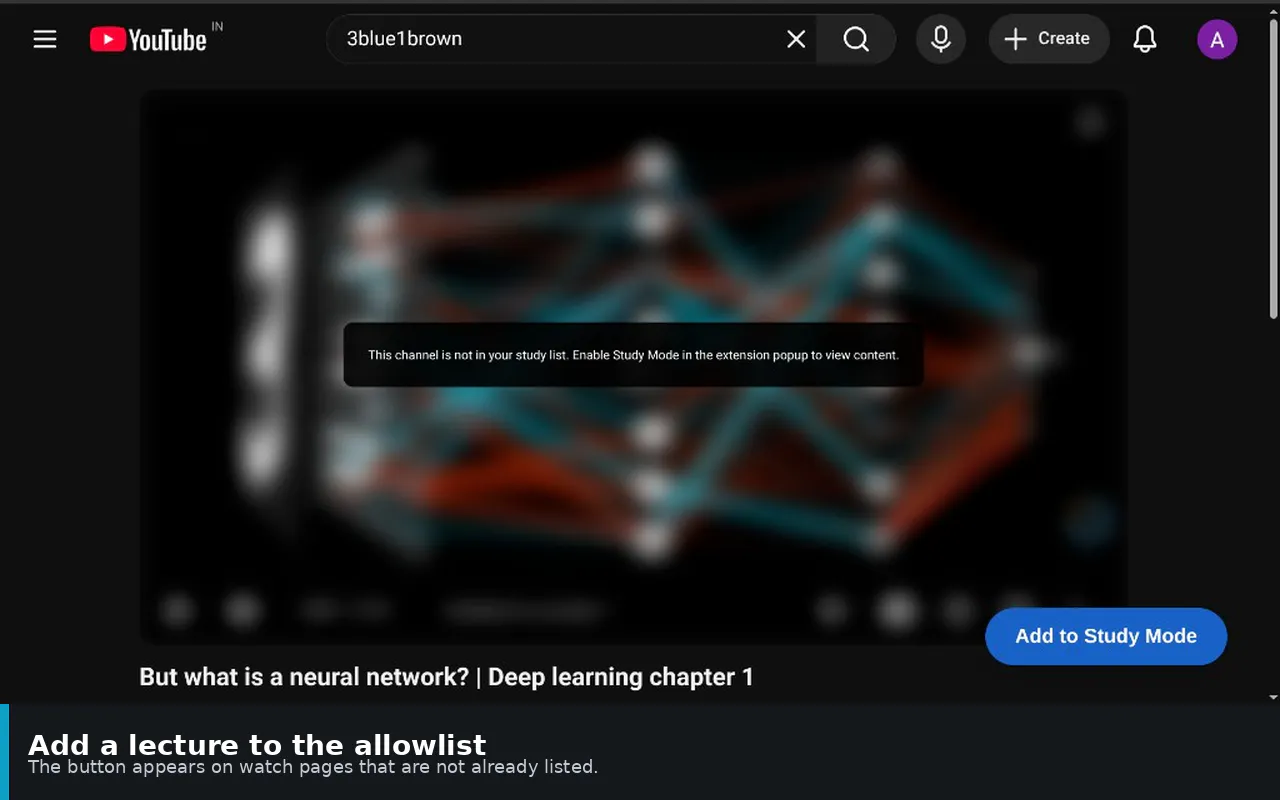
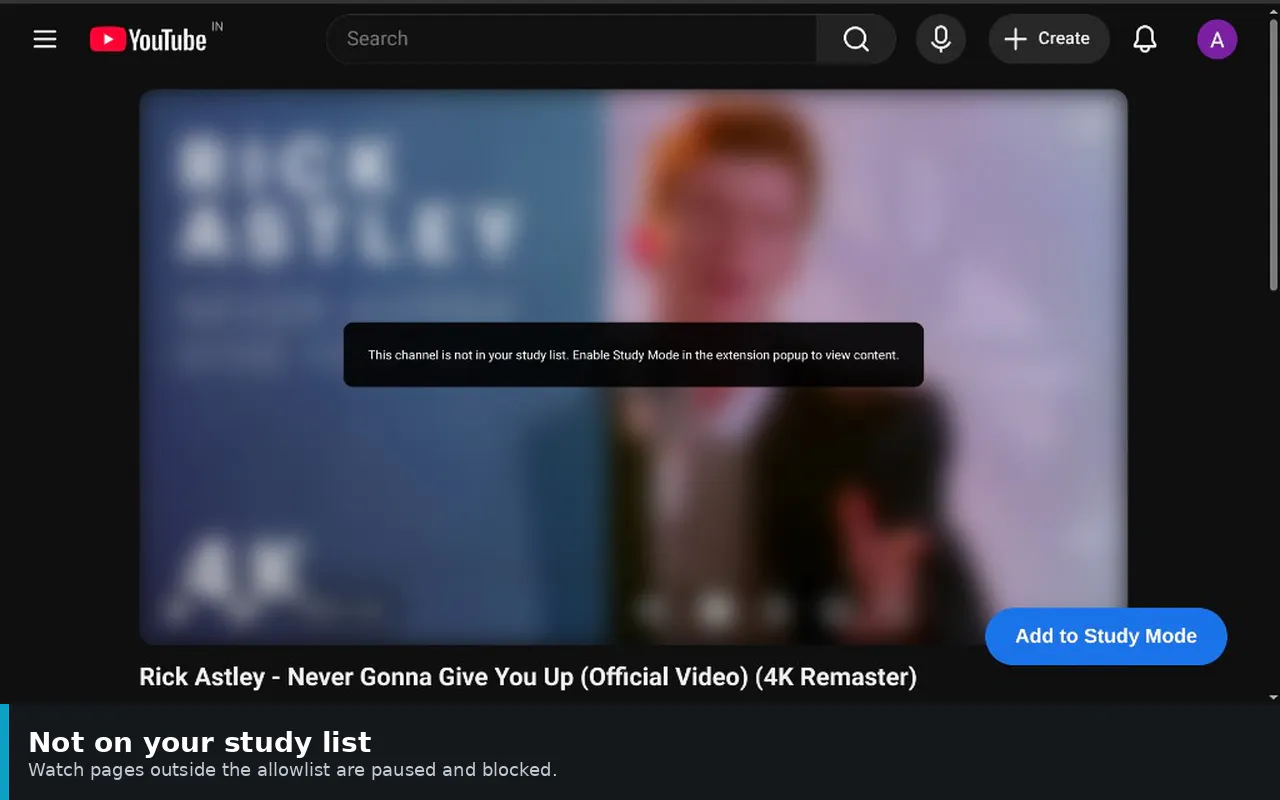
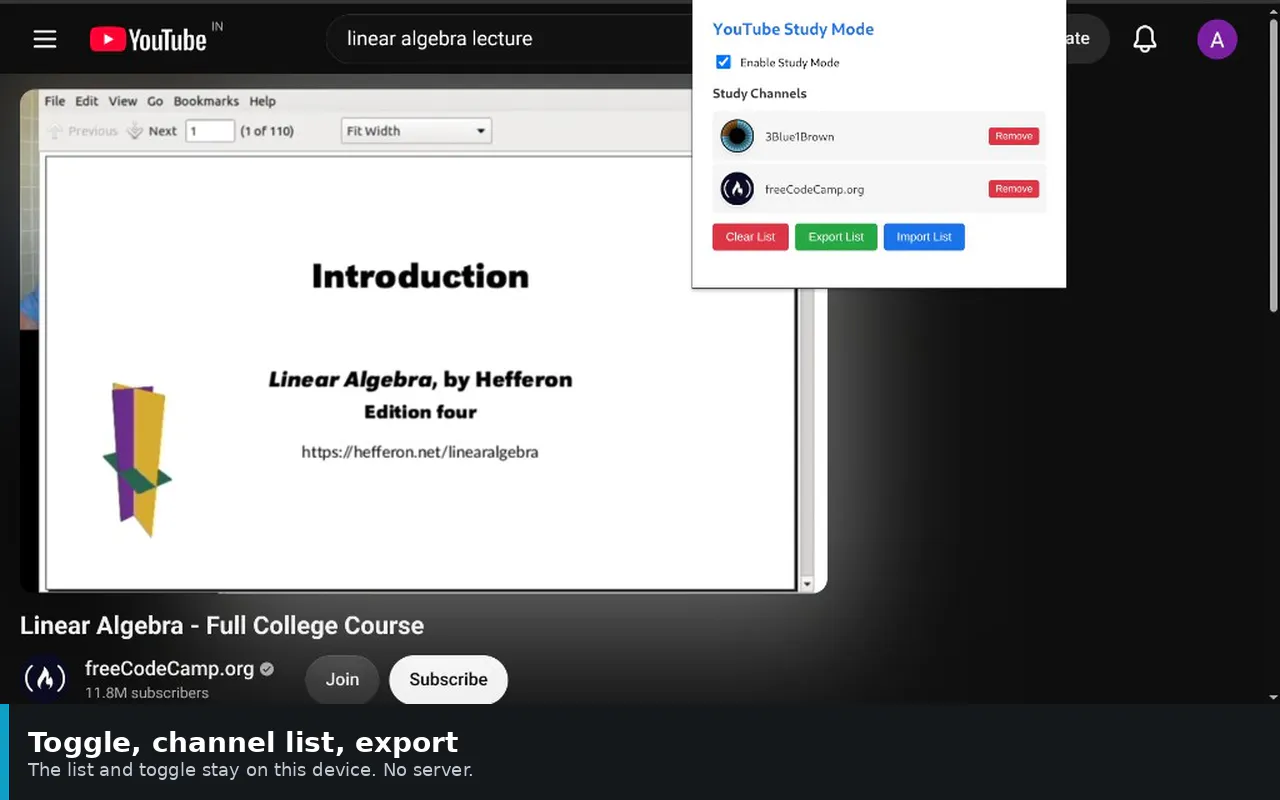
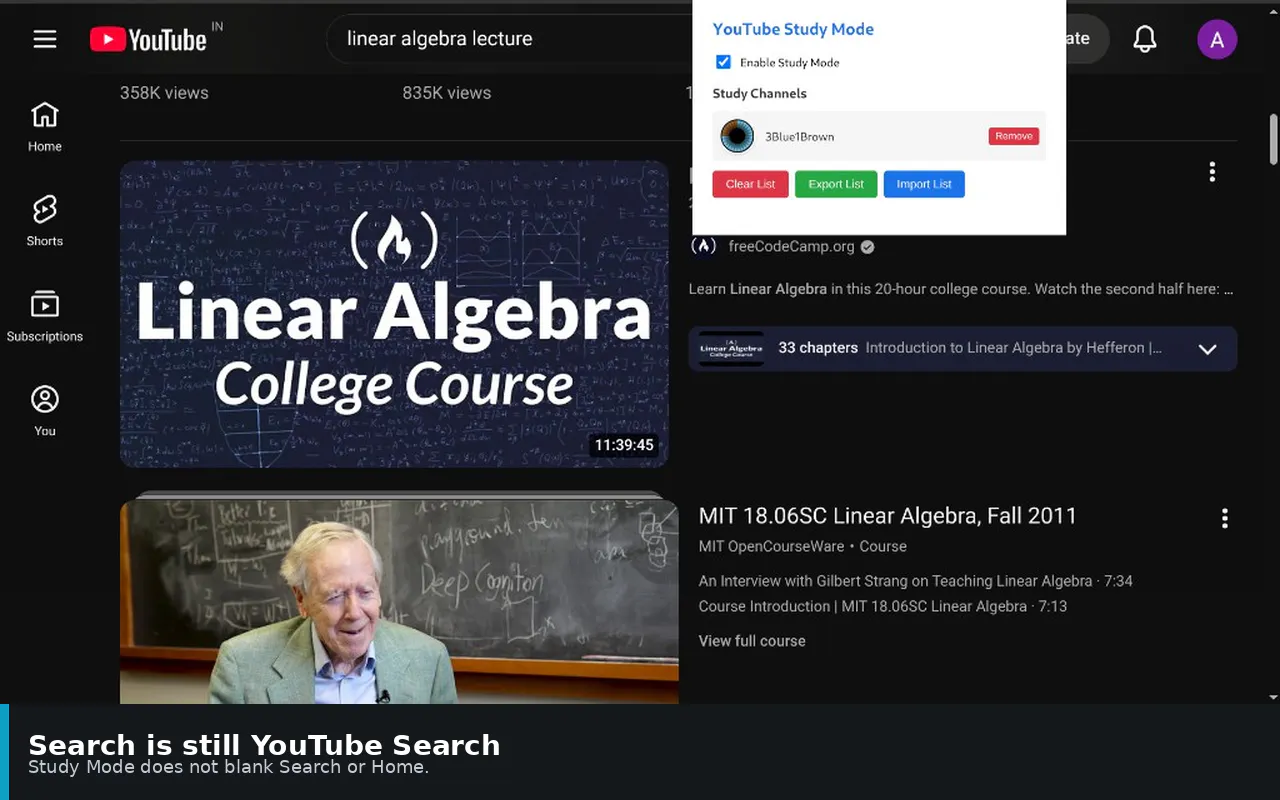
Youtube Study Mode is a lightweight, open-source Chrome extension designed to help students and productivity-focused individuals stay on track while studying on YouTube. It effectively blocks distracting elements such as YouTube Shorts, recommendations, and related videos, creating a distraction-free environment. Users can whitelist trusted channels, ensuring they have access to essential content without the temptation of endless rabbit holes. Unlike many ad-hoc solutions, this tool operates locally without requiring an account, prioritizing user privacy and simplicity. Its ability to maintain normal browsing for home and search pages while blocking distractions during viewing sessions makes it ideal for focused study sessions. Perfect for students, educators, or anyone seeking to enhance their concentration, Youtube Study Mode offers a straightforward, free way to reclaim control over YouTube consumption during study time.
Screenshots

Pros
- ✓Effective distraction blocking tailored for studying
- ✓No account required, ensuring privacy and simplicity
- ✓Allows whitelisting trusted channels for focused content
- ✓Open source and free to use
- ✓Operates locally without relying on cloud services
Cons
- ✗Limited to Chrome browser, not available on other platforms
- ✗Requires manual toggling for activation during each session
- ✗May not block all forms of distraction if new elements appear
Use Cases
Pricing
Pricing not verified
Quick Info
Topics
Makers

Regain
Alternatives
Similar Tools in Education & Learning




Embed Badge
Add this badge to your website to show that Youtube Study Mode is featured on Visalytica.
<a href="https://www.visalytica.com/tool/youtube-study-mode" target="_blank" rel="noopener noreferrer" style="display:inline-flex;align-items:center;gap:6px;padding:6px 14px;background:#7c3aed;color:#fff;border-radius:8px;font-family:-apple-system,system-ui,sans-serif;font-size:13px;font-weight:600;text-decoration:none;transition:background .2s" onmouseover="this.style.background='#6d28d9'" onmouseout="this.style.background='#7c3aed'"><svg width="14" height="14" viewBox="0 0 24 24" fill="none" stroke="currentColor" stroke-width="2.5" stroke-linecap="round" stroke-linejoin="round"><path d="M12 20V10"/><path d="M18 20V4"/><path d="M6 20v-4"/></svg>Featured on Visalytica</a>