
YouTube Playlist Search
Save-to-playlist, faster.
About YouTube Playlist Search
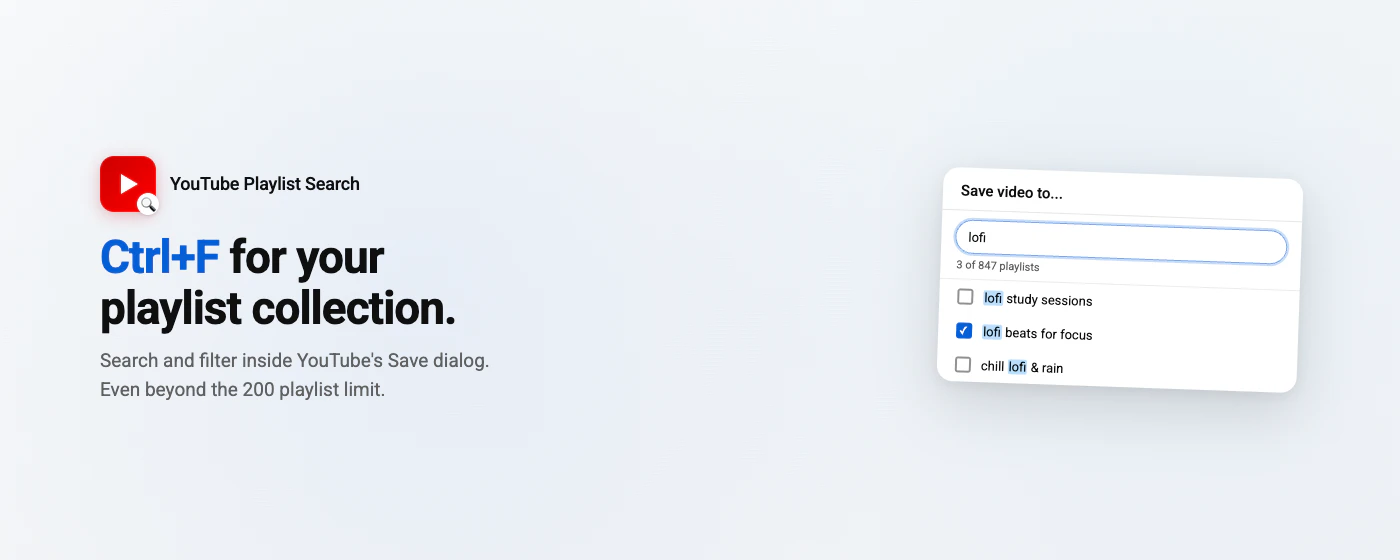
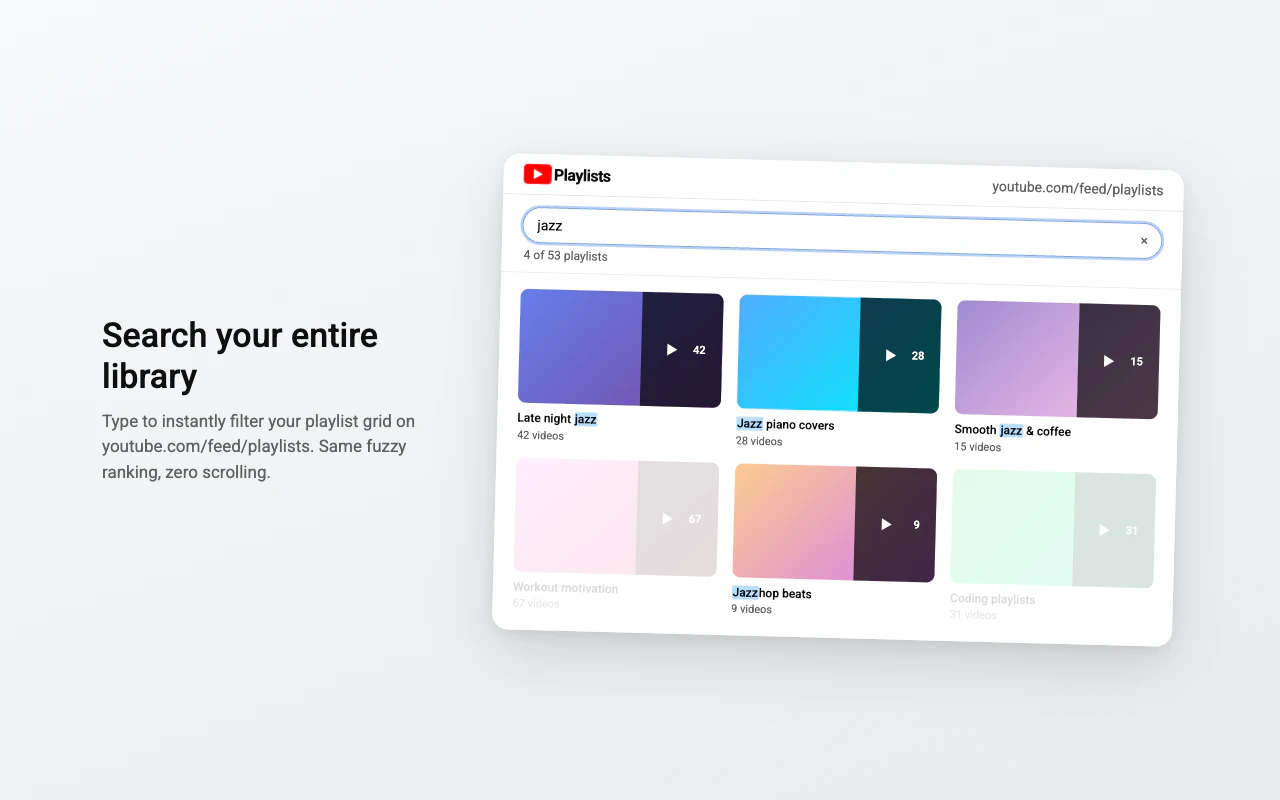
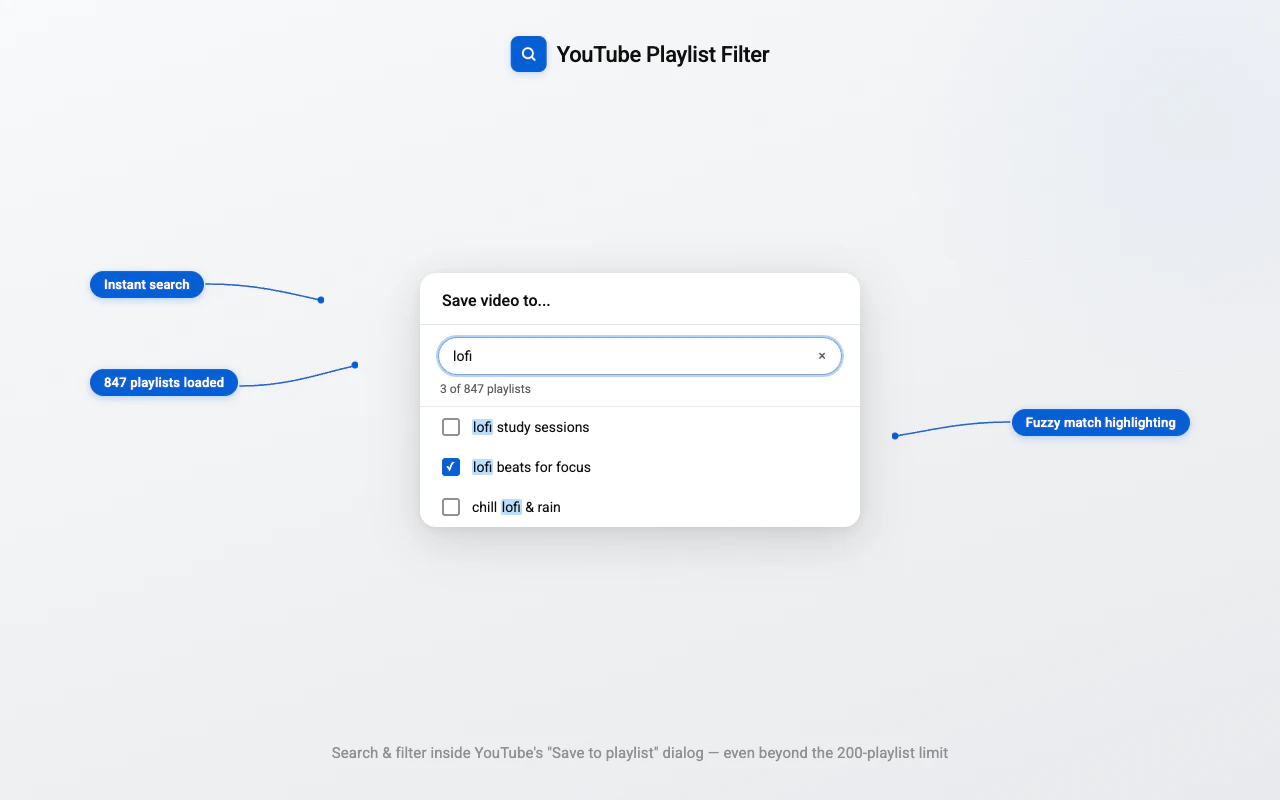
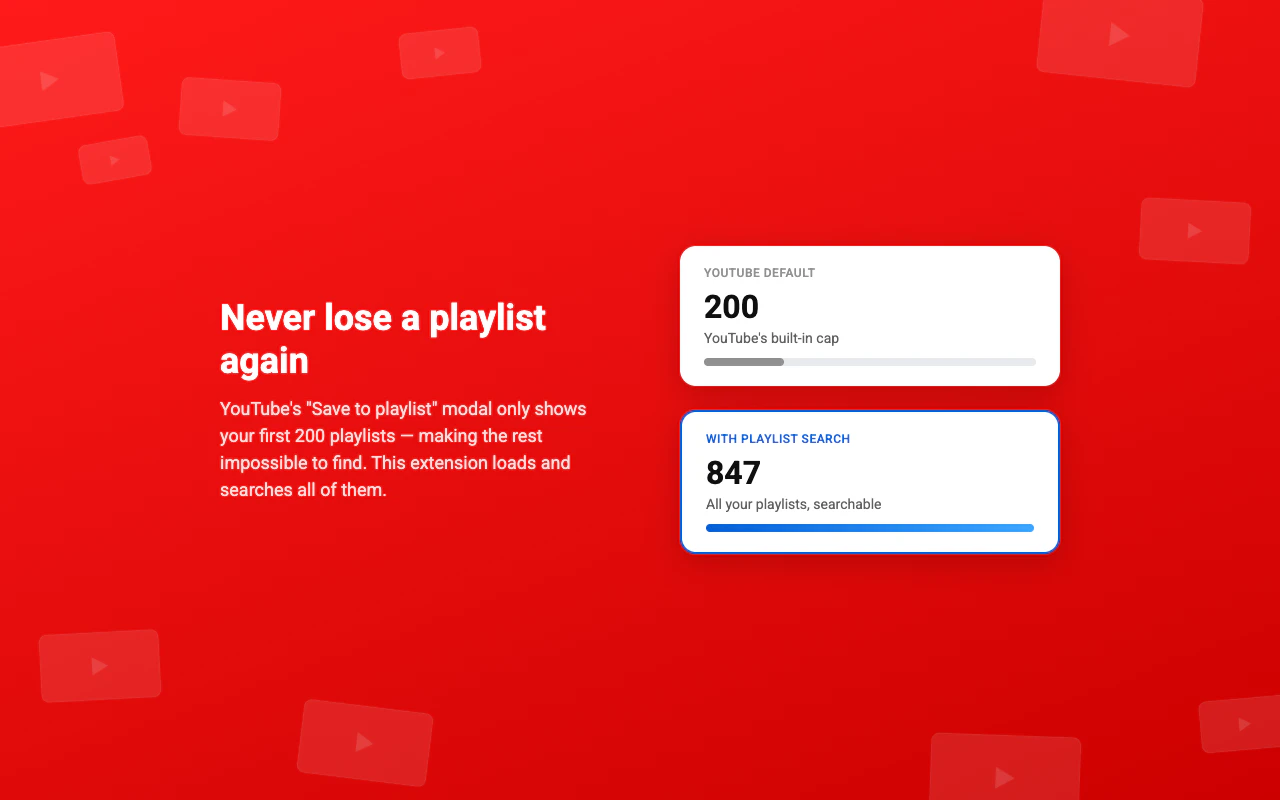
YouTube Playlist Search is a Chrome extension designed to streamline the process of saving videos to playlists on YouTube. By integrating a lightweight filter bar within the Save to playlist dialog, it allows users to quickly locate and add videos without tedious scrolling. The extension also overcomes the default 200-playlist cap, enabling users to search through all their playlists, regardless of size. This makes it especially valuable for content creators, social media managers, and avid YouTube users managing large collections of playlists. Its simplicity and focus on efficiency help users save time and improve their playlist management workflow. As an open-source project with a presence on GitHub, it appeals to both casual users and developers interested in customization or contributing to its development.
Screenshots
Pros
- ✓Speeds up the playlist saving process with an integrated filter bar
- ✓Bypasses the 200-playlist limit, allowing access to all playlists
- ✓Open source, enabling customization and community contributions
- ✓Lightweight and easy to install as a Chrome extension
- ✓Helps manage large playlist collections more efficiently
Cons
- ✗Limited to Chrome browser, not available for other browsers
- ✗Depends on YouTube's interface which could change, affecting functionality
- ✗No detailed user analytics or advanced playlist management features
Use Cases
Pricing
Likely a free, open-source extension with no associated costs, supported by community contributions and open development.
Quick Info
Topics
Alternatives
Similar Tools in Developer Tools




Embed Badge
Add this badge to your website to show that YouTube Playlist Search is featured on Visalytica.
<a href="https://www.visalytica.com/tool/youtube-playlist-search" target="_blank" rel="noopener noreferrer" style="display:inline-flex;align-items:center;gap:6px;padding:6px 14px;background:#7c3aed;color:#fff;border-radius:8px;font-family:-apple-system,system-ui,sans-serif;font-size:13px;font-weight:600;text-decoration:none;transition:background .2s" onmouseover="this.style.background='#6d28d9'" onmouseout="this.style.background='#7c3aed'"><svg width="14" height="14" viewBox="0 0 24 24" fill="none" stroke="currentColor" stroke-width="2.5" stroke-linecap="round" stroke-linejoin="round"><path d="M12 20V10"/><path d="M18 20V4"/><path d="M6 20v-4"/></svg>Featured on Visalytica</a>