
Yeta AI
Real-time AI dubbing for any YouTube video
About Yeta AI
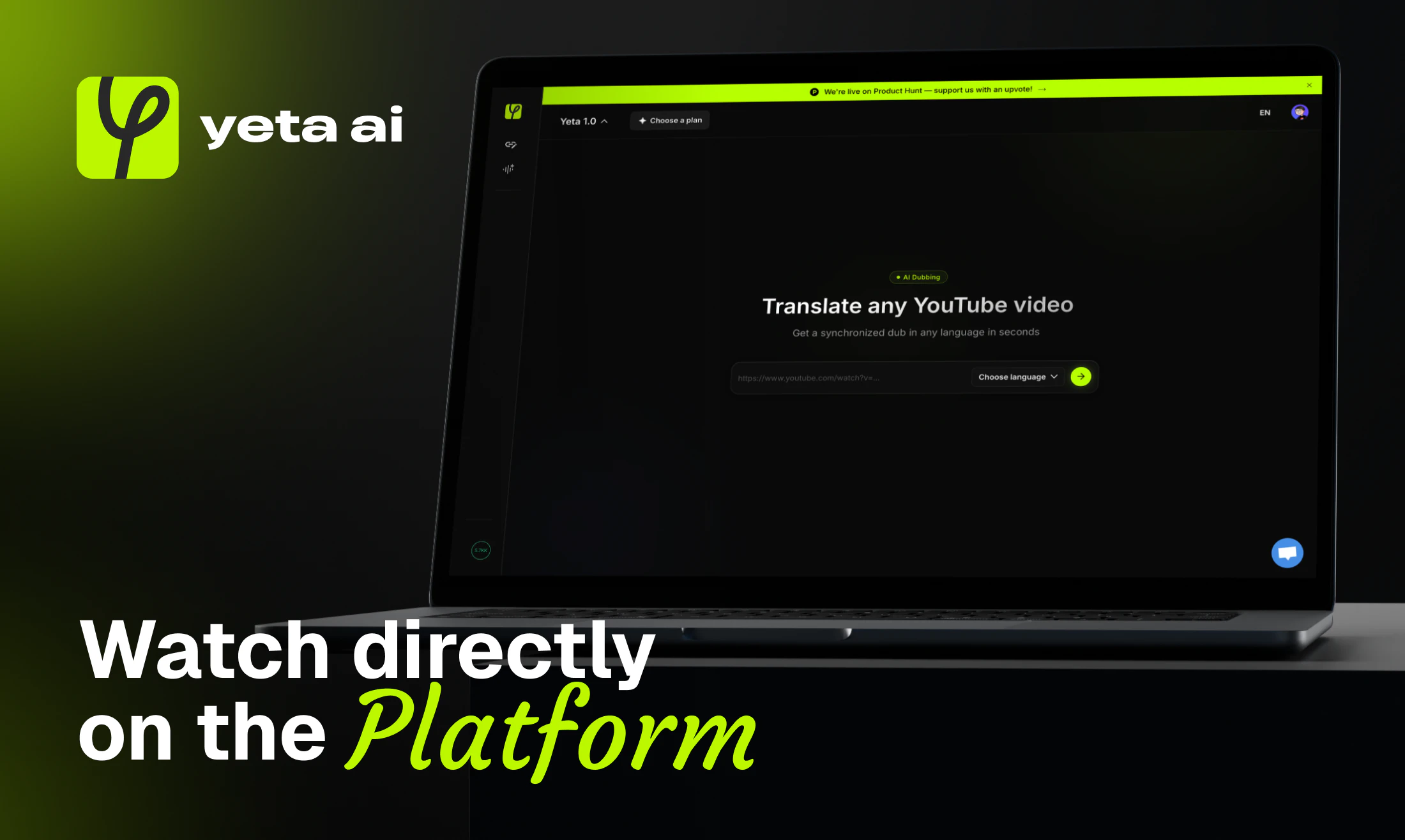
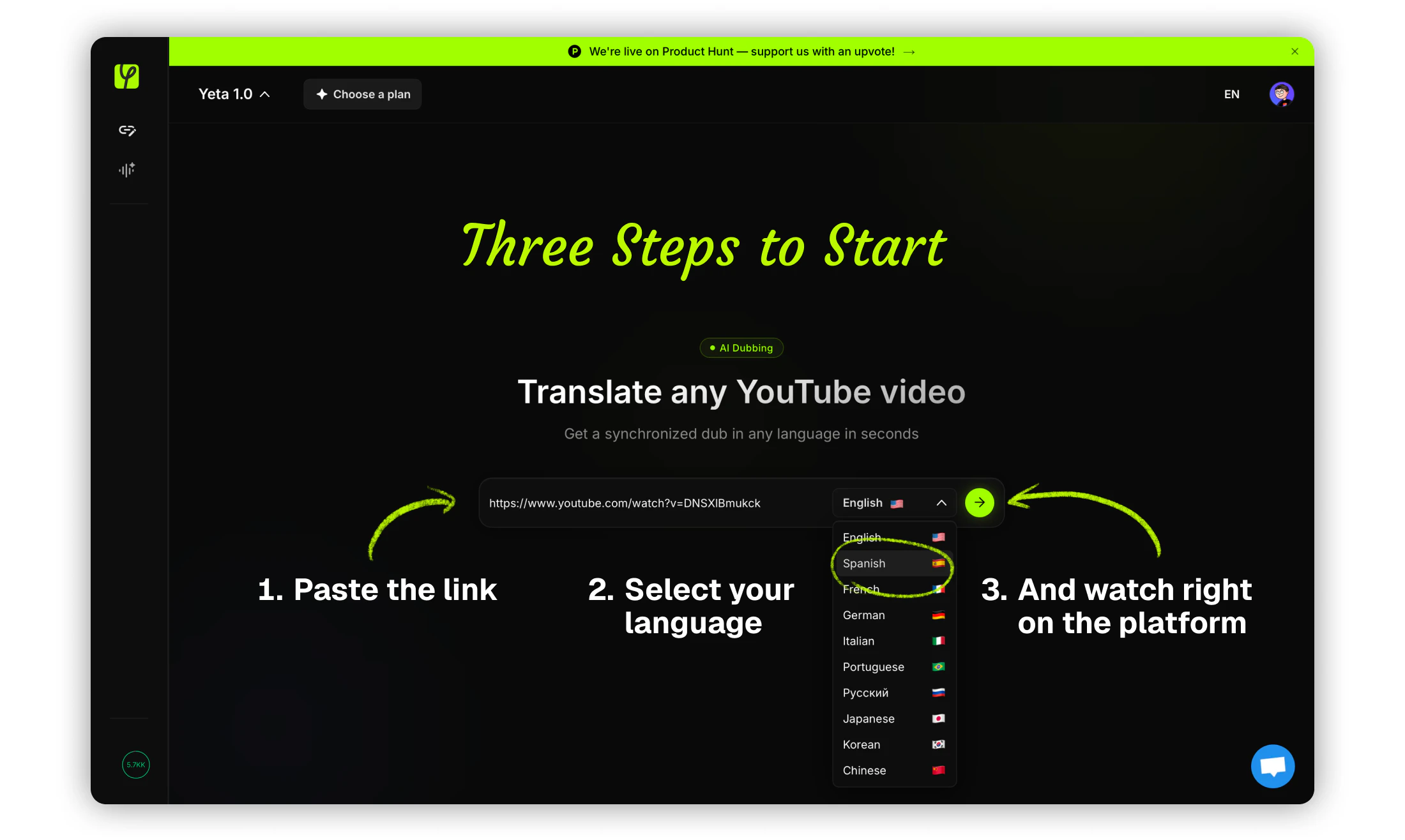
Yeta AI is an innovative real-time AI dubbing tool designed for content creators, educators, and marketers who want to make their YouTube videos accessible to a global audience. Simply paste a YouTube link, select a desired language, and Yeta AI instantly provides natural-sounding AI voices in over 10 languages, eliminating the need for lengthy uploads or editing. Its real-time processing capability makes it highly convenient for quick content localization, allowing users to dub videos seamlessly without technical hassle. The platform is particularly suited for those aiming to expand their reach across different linguistic demographics without the complexity of traditional dubbing workflows. With a user-friendly interface and free starter options, Yeta AI offers an accessible entry point into multilingual video content creation, making professional-quality dubbing more accessible than ever.
Screenshots


+1 more screenshots
Pros
- ✓Instant, real-time dubbing without uploads or waiting
- ✓Supports over 10 languages with natural AI voices
- ✓No technical expertise required, user-friendly interface
- ✓Free to start, no credit card needed
Cons
- ✗Limited to YouTube videos, not general video files
- ✗Dubbing quality may vary depending on language and content complexity
- ✗Features may be basic in free tier, with advanced options likely behind paywalls
Use Cases
Pricing
Yeta AI appears to operate on a freemium model, offering free access with basic features and potential paid plans for advanced capabilities or higher volume usage. Exact pricing details are not specified, but it is likely to start with a free tier with optional subscriptions for enhanced features.
Quick Info
Topics
Similar Tools in AI Image & Design




Embed Badge
Add this badge to your website to show that Yeta AI is featured on Visalytica.
<a href="https://www.visalytica.com/tool/yeta-ai" target="_blank" rel="noopener noreferrer" style="display:inline-flex;align-items:center;gap:6px;padding:6px 14px;background:#7c3aed;color:#fff;border-radius:8px;font-family:-apple-system,system-ui,sans-serif;font-size:13px;font-weight:600;text-decoration:none;transition:background .2s" onmouseover="this.style.background='#6d28d9'" onmouseout="this.style.background='#7c3aed'"><svg width="14" height="14" viewBox="0 0 24 24" fill="none" stroke="currentColor" stroke-width="2.5" stroke-linecap="round" stroke-linejoin="round"><path d="M12 20V10"/><path d="M18 20V4"/><path d="M6 20v-4"/></svg>Featured on Visalytica</a>