
xtty
A terminal that makes everyday work easier.
About xtty
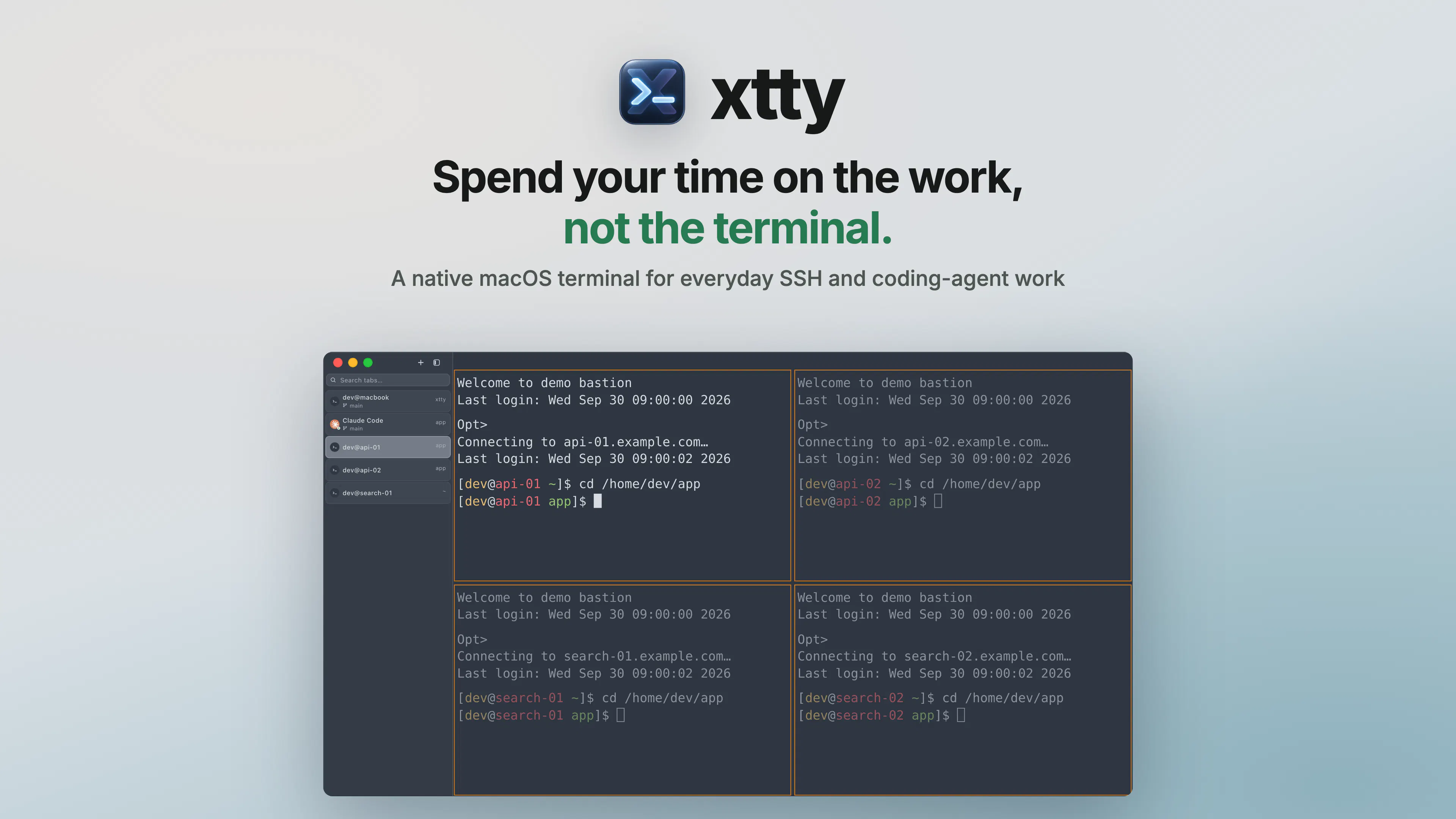
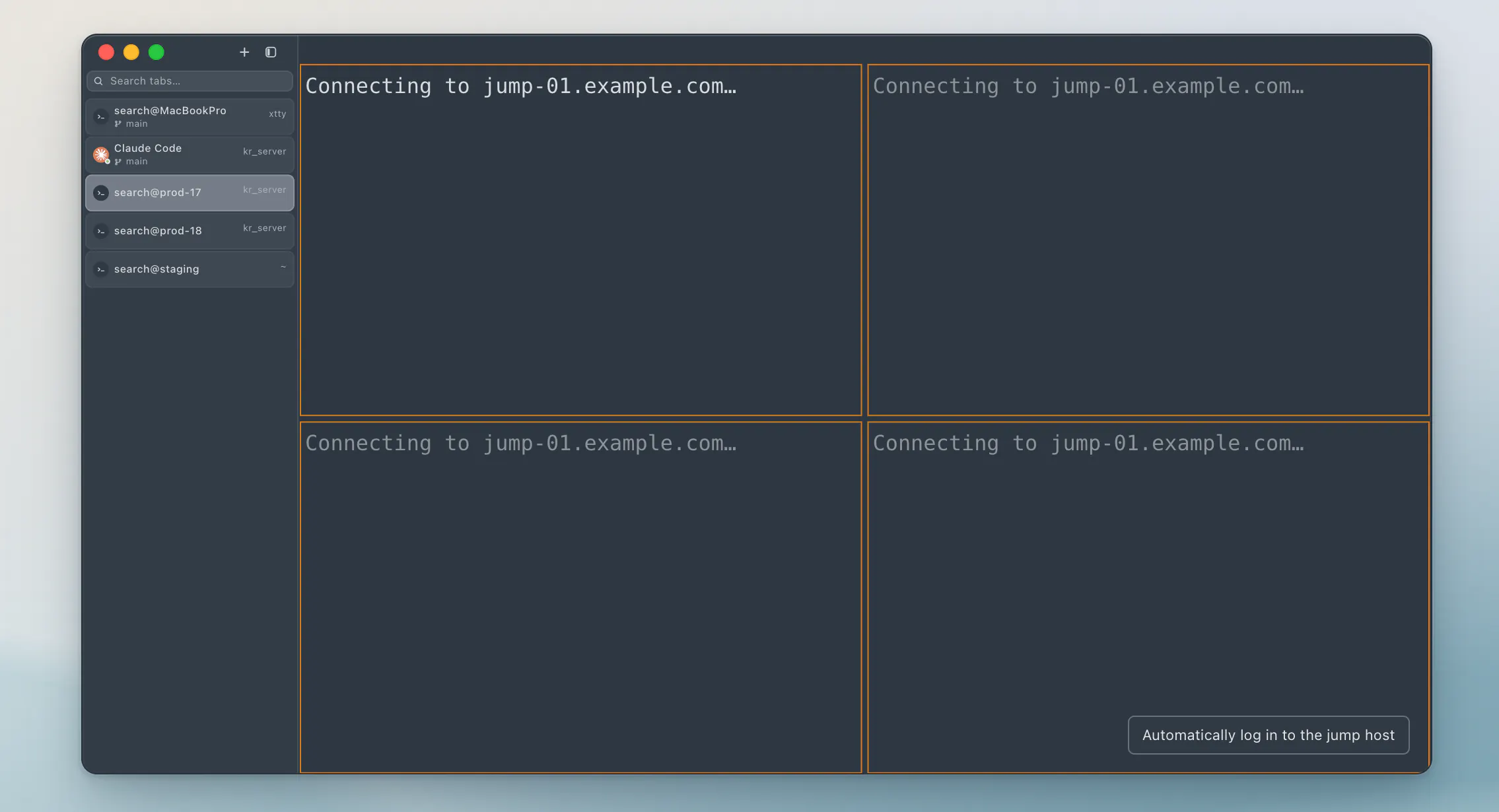
xtty is a streamlined native macOS terminal designed to simplify everyday SSH and coding-agent workflows. It caters to developers and system administrators who frequently connect to remote servers, offering features like batch connection to saved hosts, password autofill, and efficient file transfer with sz/rz. Its user-friendly interface includes tabs, split panes, and the ability to duplicate tabs that open independent SSH sessions in the same remote directory, enhancing multitasking capabilities. Additionally, xtty incorporates broadcast input and a coding-agent status indicator, making remote development and server management more efficient. Compatibility with both Apple Silicon and Intel Macs ensures broad usability. The tool offers a free edition with an optional one-time Pro upgrade, providing flexibility for different user needs. Overall, xtty stands out by combining essential terminal features with productivity enhancements tailored for modern development workflows.
Screenshots
Pros
- ✓Native macOS application optimized for Apple Silicon and Intel
- ✓Supports batch SSH connections and saved hosts for quick access
- ✓Enhanced productivity with tabs, split panes, and duplicate tabs
- ✓File transfer capabilities with sz/rz for efficient remote file management
- ✓Optional Pro version for additional features
Cons
- ✗Limited information on advanced customization options
- ✗No details on integrated scripting or automation features
- ✗ProductHunt votes are currently at zero, indicating limited visibility
Use Cases
Pricing
Pricing not verified
Quick Info
Topics
Makers

jian xu
Similar Tools in Developer Tools




Embed Badge
Add this badge to your website to show that xtty is featured on Visalytica.
<a href="https://www.visalytica.com/tool/xtty" target="_blank" rel="noopener noreferrer" style="display:inline-flex;align-items:center;gap:6px;padding:6px 14px;background:#7c3aed;color:#fff;border-radius:8px;font-family:-apple-system,system-ui,sans-serif;font-size:13px;font-weight:600;text-decoration:none;transition:background .2s" onmouseover="this.style.background='#6d28d9'" onmouseout="this.style.background='#7c3aed'"><svg width="14" height="14" viewBox="0 0 24 24" fill="none" stroke="currentColor" stroke-width="2.5" stroke-linecap="round" stroke-linejoin="round"><path d="M12 20V10"/><path d="M18 20V4"/><path d="M6 20v-4"/></svg>Featured on Visalytica</a>