
Xtracticle
Save X Articles and threads as PDF, Markdown or EPUB
About Xtracticle
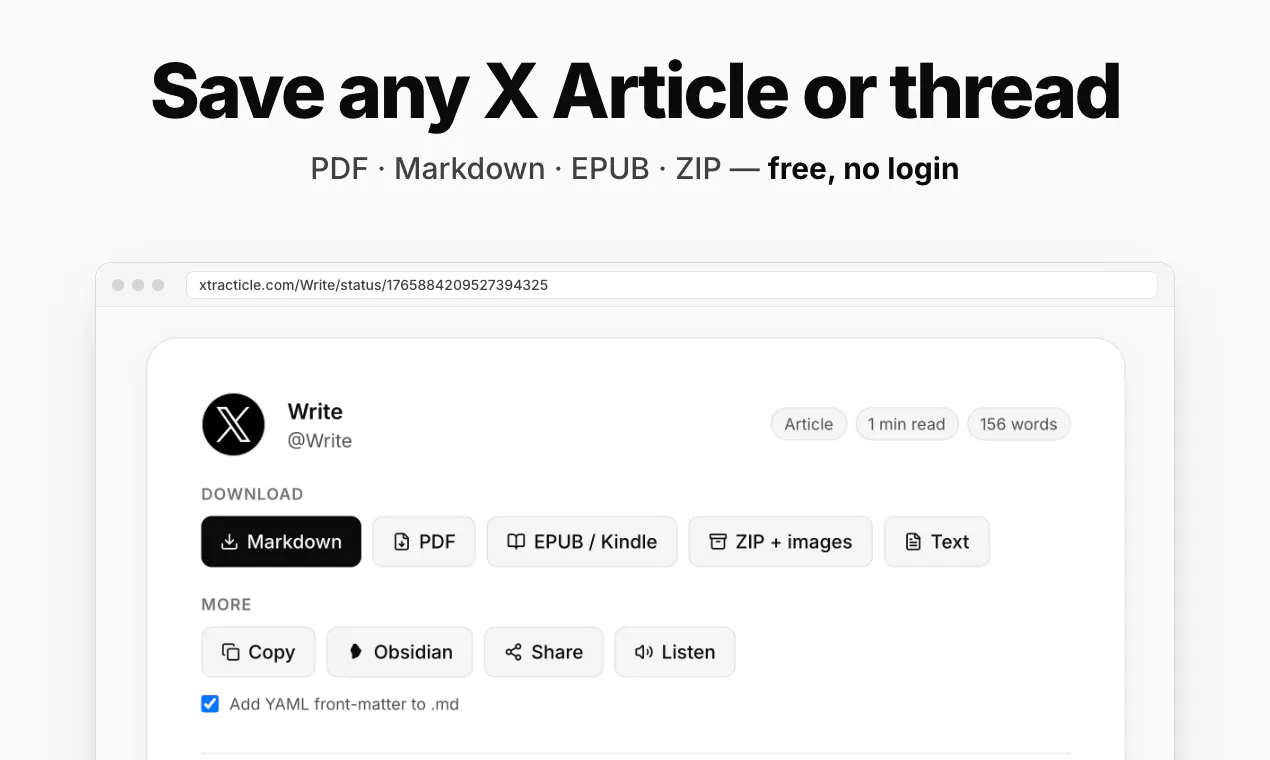
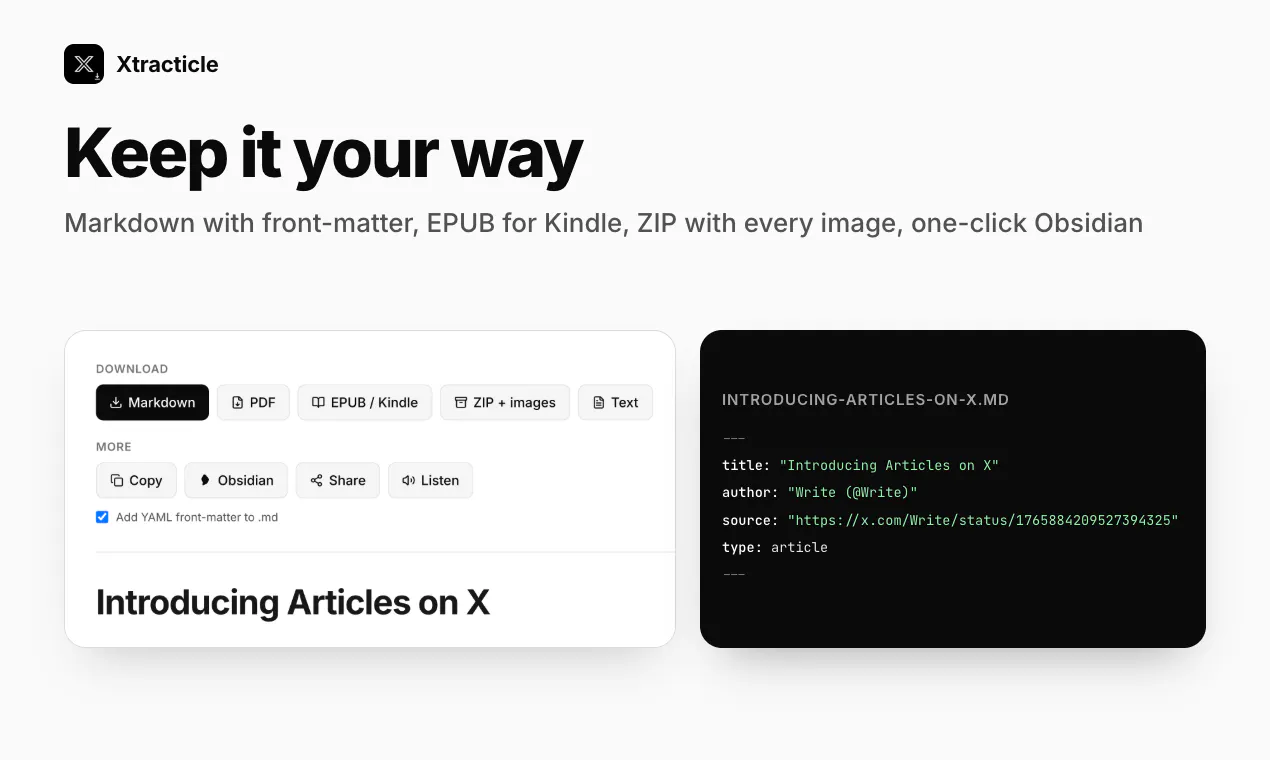
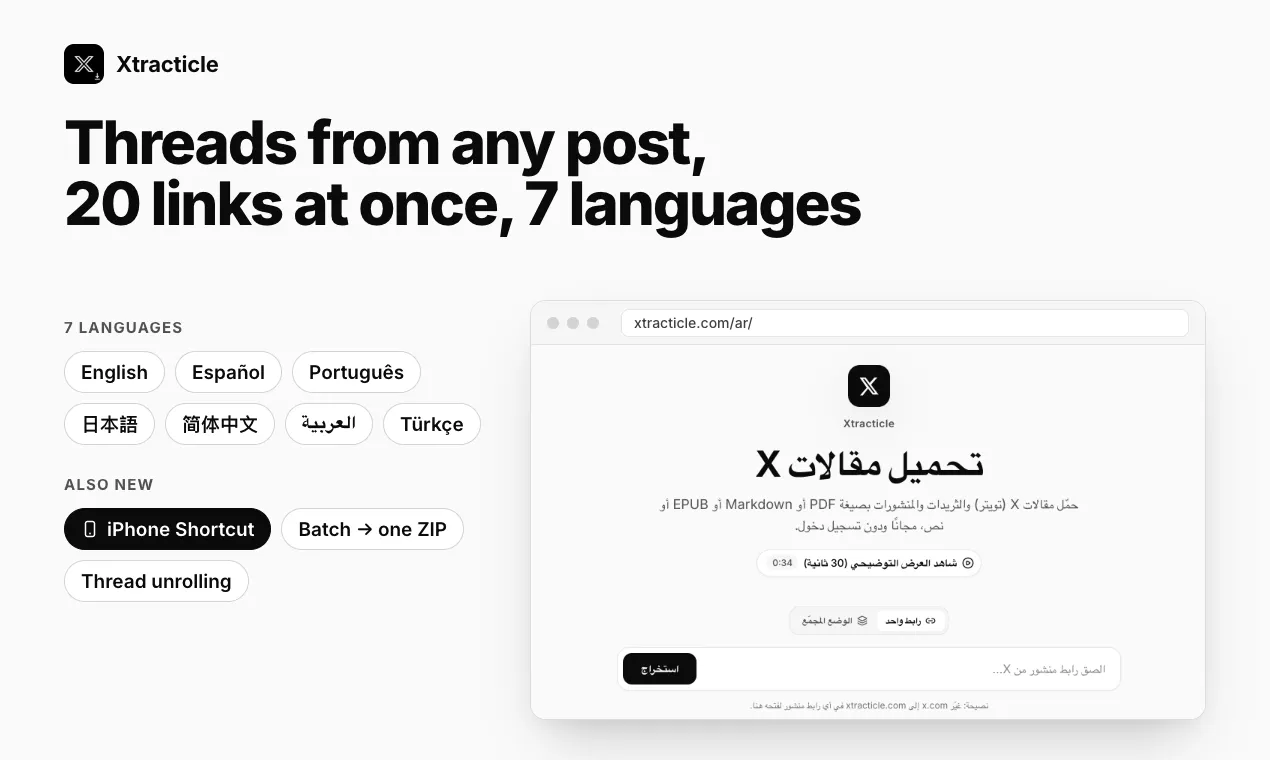
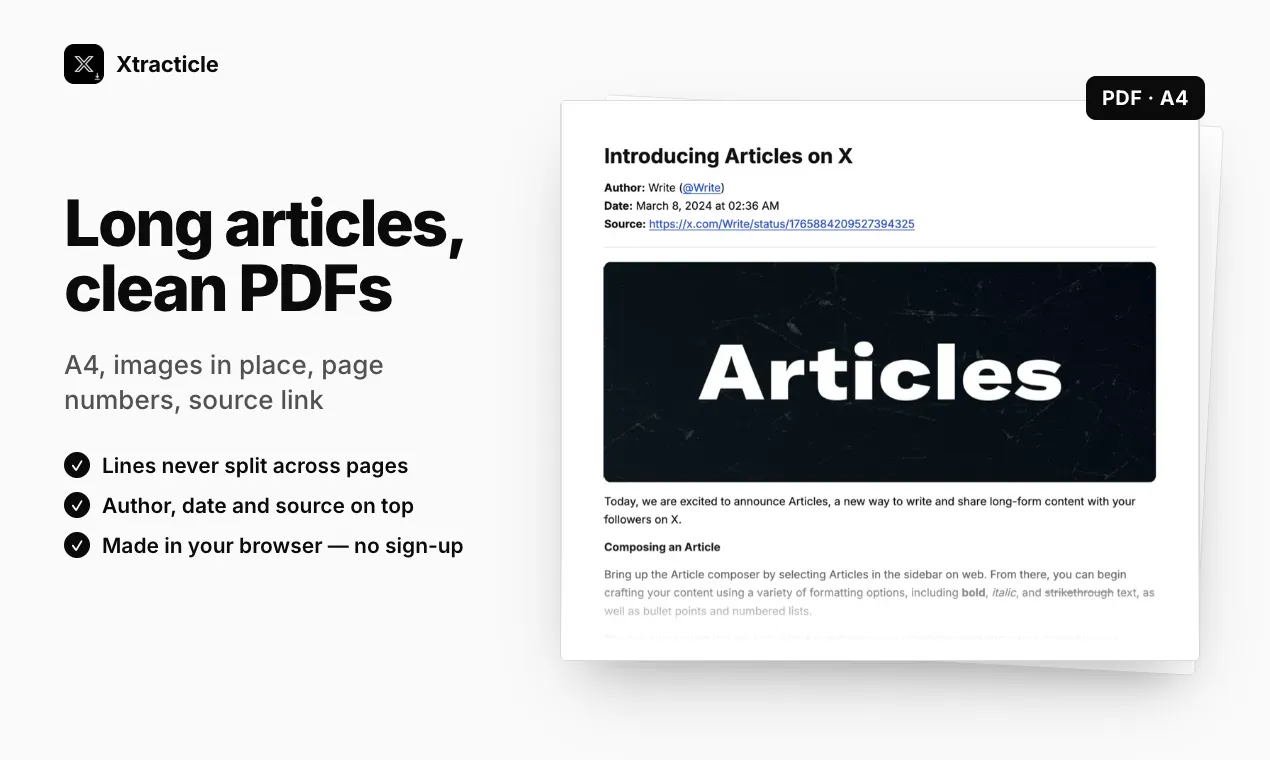
Xtracticle is a versatile open-source tool designed to help users save and organize Twitter content efficiently. It allows you to convert Twitter articles, threads, and posts into various file formats such as PDF, Markdown (with optional YAML front-matter), EPUB for Kindle, or a ZIP archive containing all images. Its latest updates include features like unrolling threads from any post, batch processing of up to 20 links into a single ZIP, and an iPhone Shortcut for mobile convenience. Additionally, Xtracticle offers a free MCP server enabling Claude, ChatGPT, and Cursor to read Twitter posts in Markdown format. Its no-login, free, open-source nature makes it accessible to a wide range of users seeking a simple yet powerful way to archive and manage Twitter content. Users can easily swap x.com with xtracticle.com in URLs for quick access, enhancing its usability and flexibility.
Screenshots

Pros
- ✓Open-source and free, no login required
- ✓Supports multiple export formats including PDF, Markdown, EPUB, and ZIP
- ✓Batch processing capability for multiple links at once
- ✓Unrolls threads from any post for easier reading
- ✓Includes an iPhone Shortcut for mobile use
Cons
- ✗Limited to Twitter content, not a multi-platform solution
- ✗Features may require some technical familiarity to maximize benefits
- ✗No built-in content editing or annotation tools
Use Cases
Pricing
Pricing not verified
Quick Info
Topics
Makers

Ahmet Deveci
Similar Tools in AI Image & Design




Embed Badge
Add this badge to your website to show that Xtracticle is featured on Visalytica.
<a href="https://www.visalytica.com/tool/xtracticle" target="_blank" rel="noopener noreferrer" style="display:inline-flex;align-items:center;gap:6px;padding:6px 14px;background:#7c3aed;color:#fff;border-radius:8px;font-family:-apple-system,system-ui,sans-serif;font-size:13px;font-weight:600;text-decoration:none;transition:background .2s" onmouseover="this.style.background='#6d28d9'" onmouseout="this.style.background='#7c3aed'"><svg width="14" height="14" viewBox="0 0 24 24" fill="none" stroke="currentColor" stroke-width="2.5" stroke-linecap="round" stroke-linejoin="round"><path d="M12 20V10"/><path d="M18 20V4"/><path d="M6 20v-4"/></svg>Featured on Visalytica</a>