
XeroxQ
Skip the queue at your Xerox shop - scan, upload, done.
About XeroxQ
XeroxQ is an innovative mobile solution designed specifically for India's local print shops, streamlining the printing process for customers. By scanning a QR code at any participating print shop, users can easily upload their files without the need for app installation or lengthy waits. Once uploaded, they receive a token number, allowing them to skip long queues and save time. Files are automatically deleted after 2 hours, ensuring privacy and security. This tool is ideal for busy urban environments where convenience and efficiency are prioritized, making print management seamless and contactless. Its simplicity and focus on local print shop integration set it apart, providing a frictionless experience for end-users and shop owners alike.
Screenshots
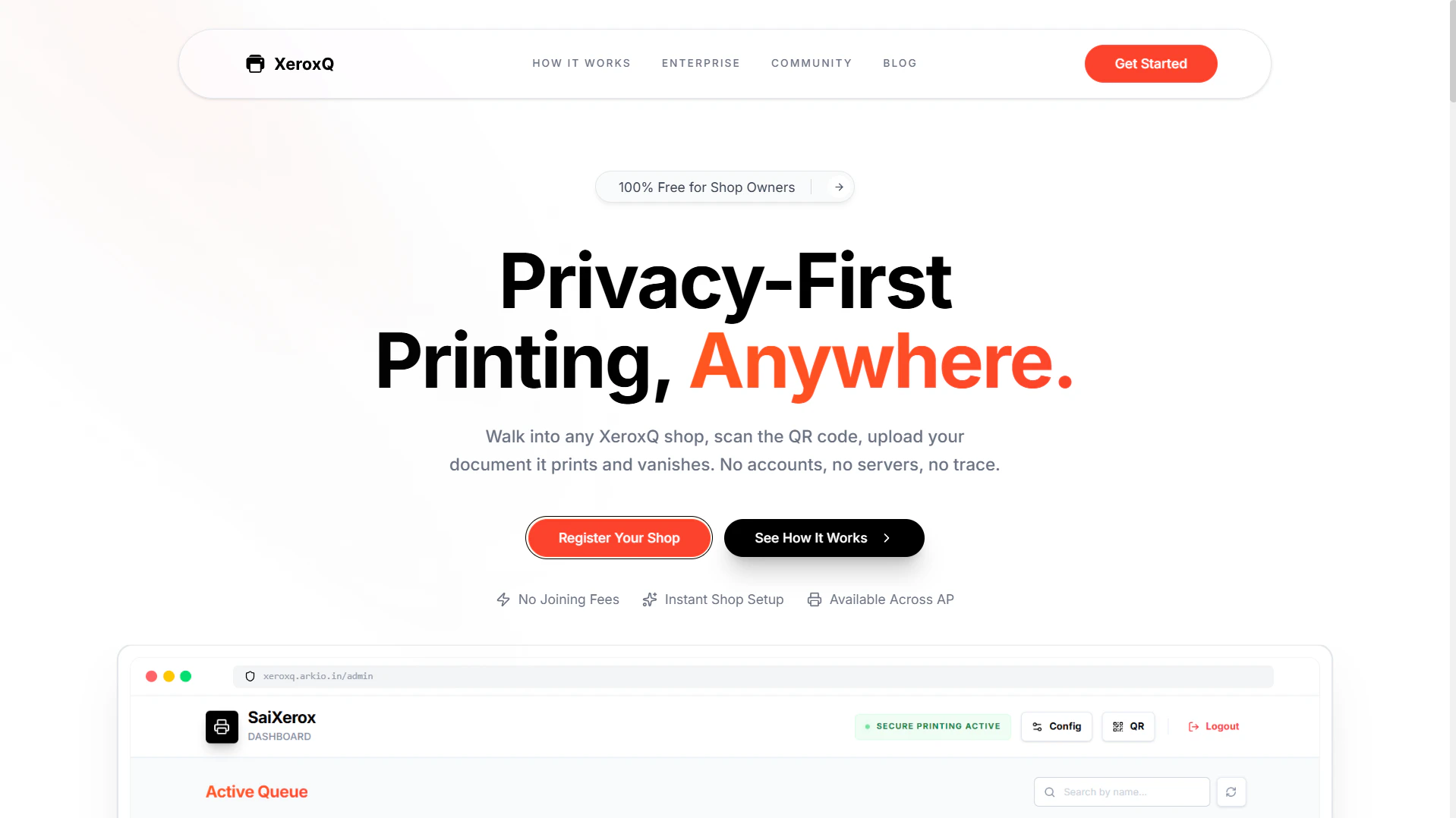
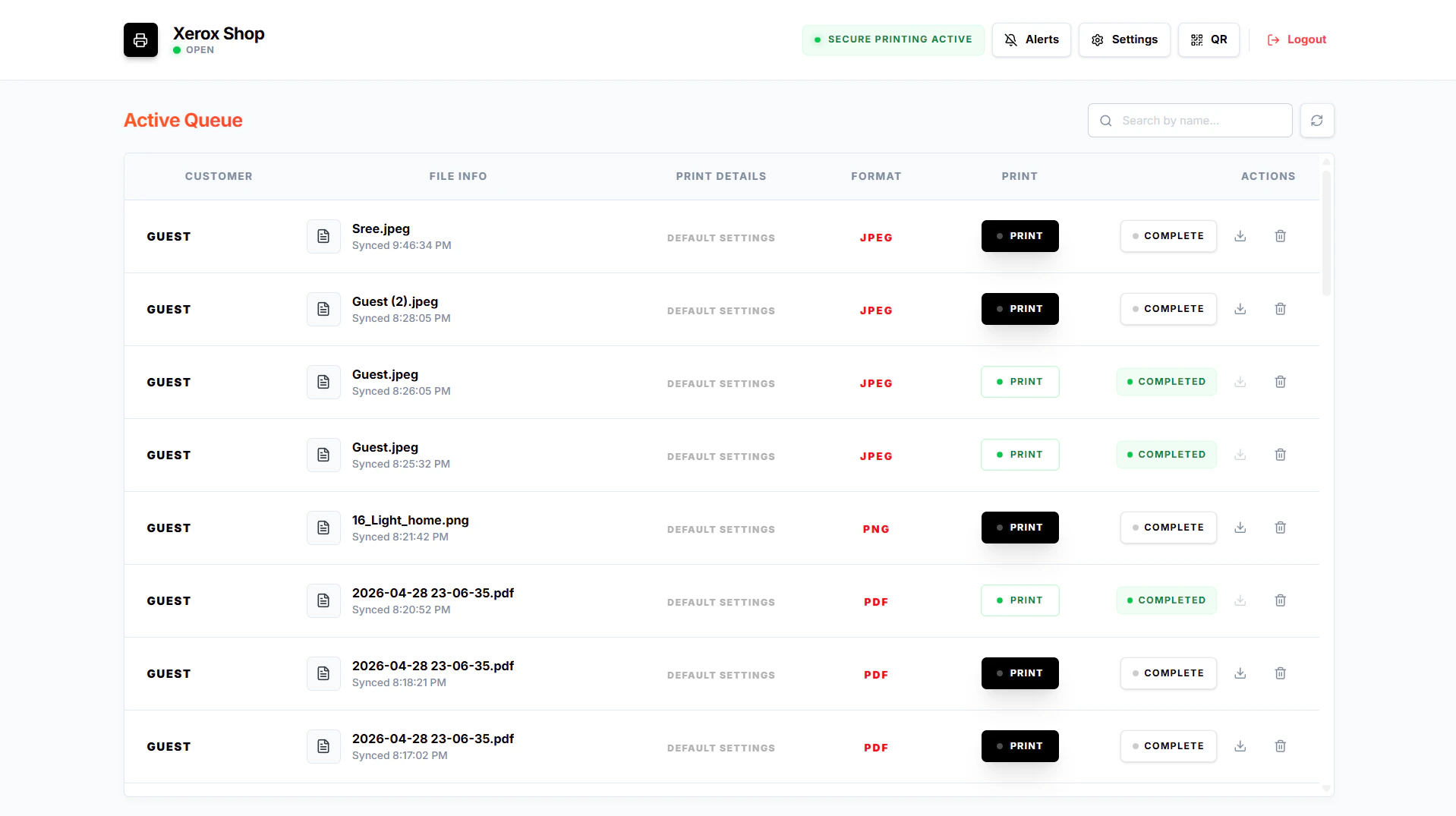
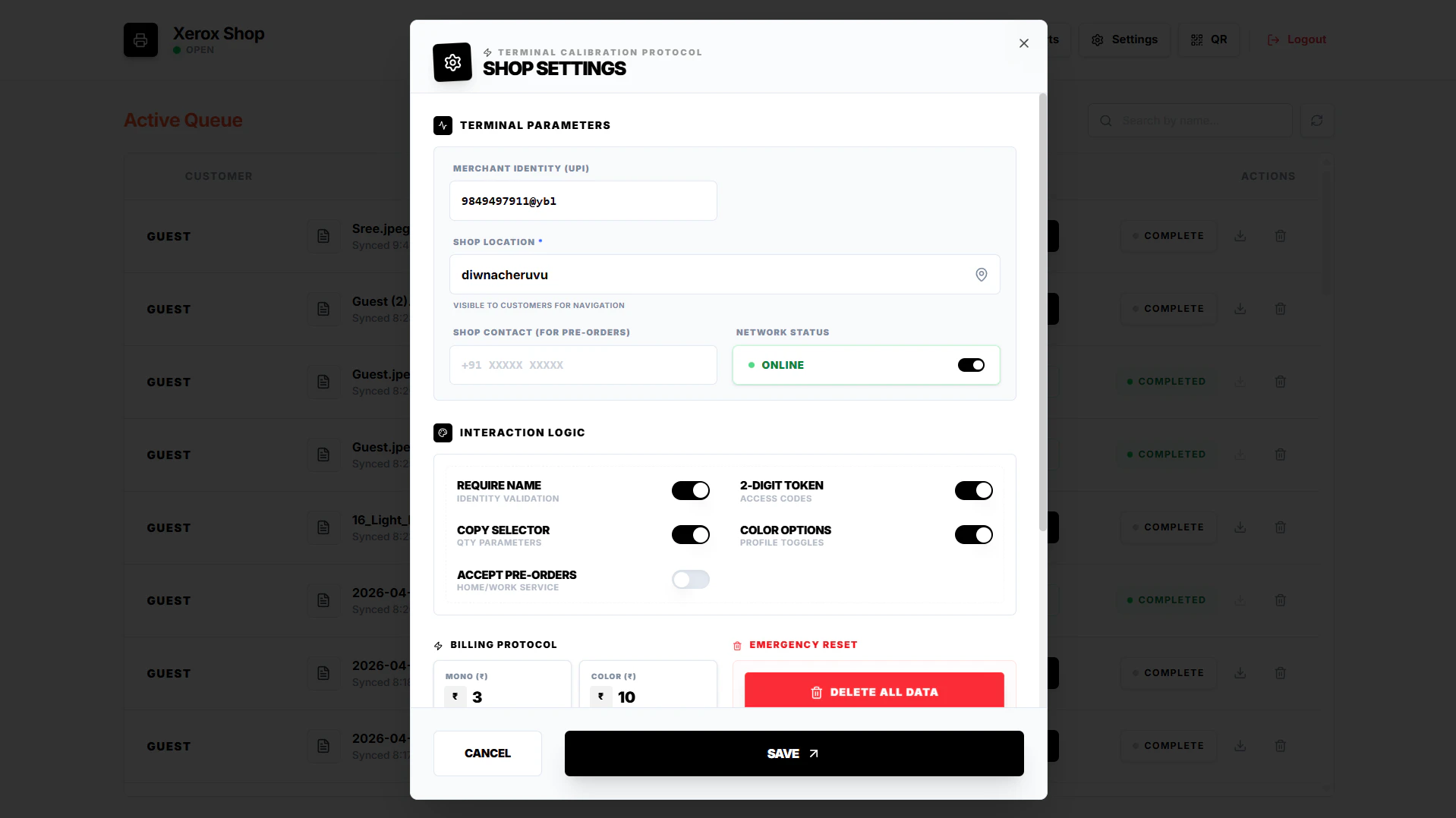
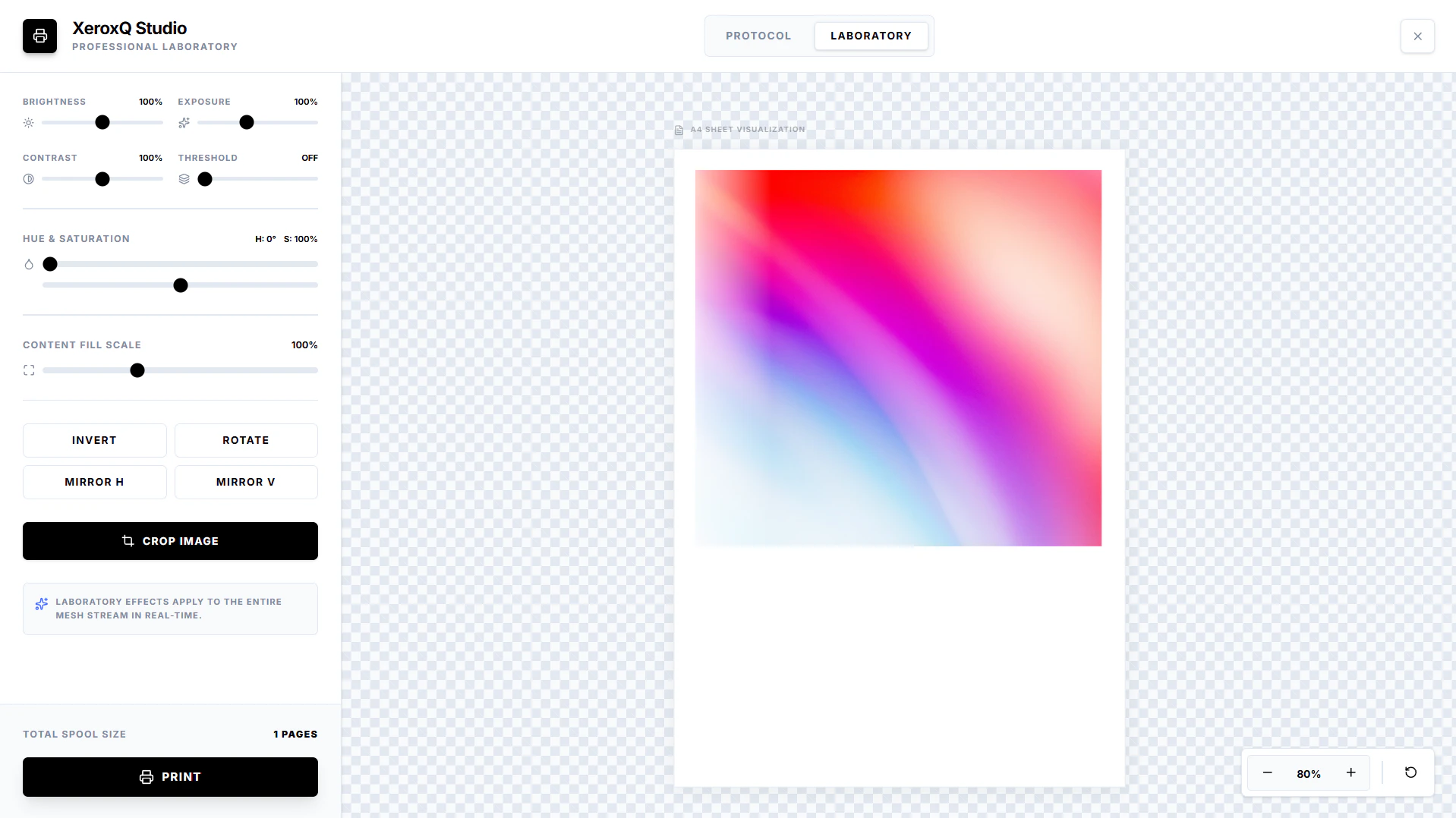
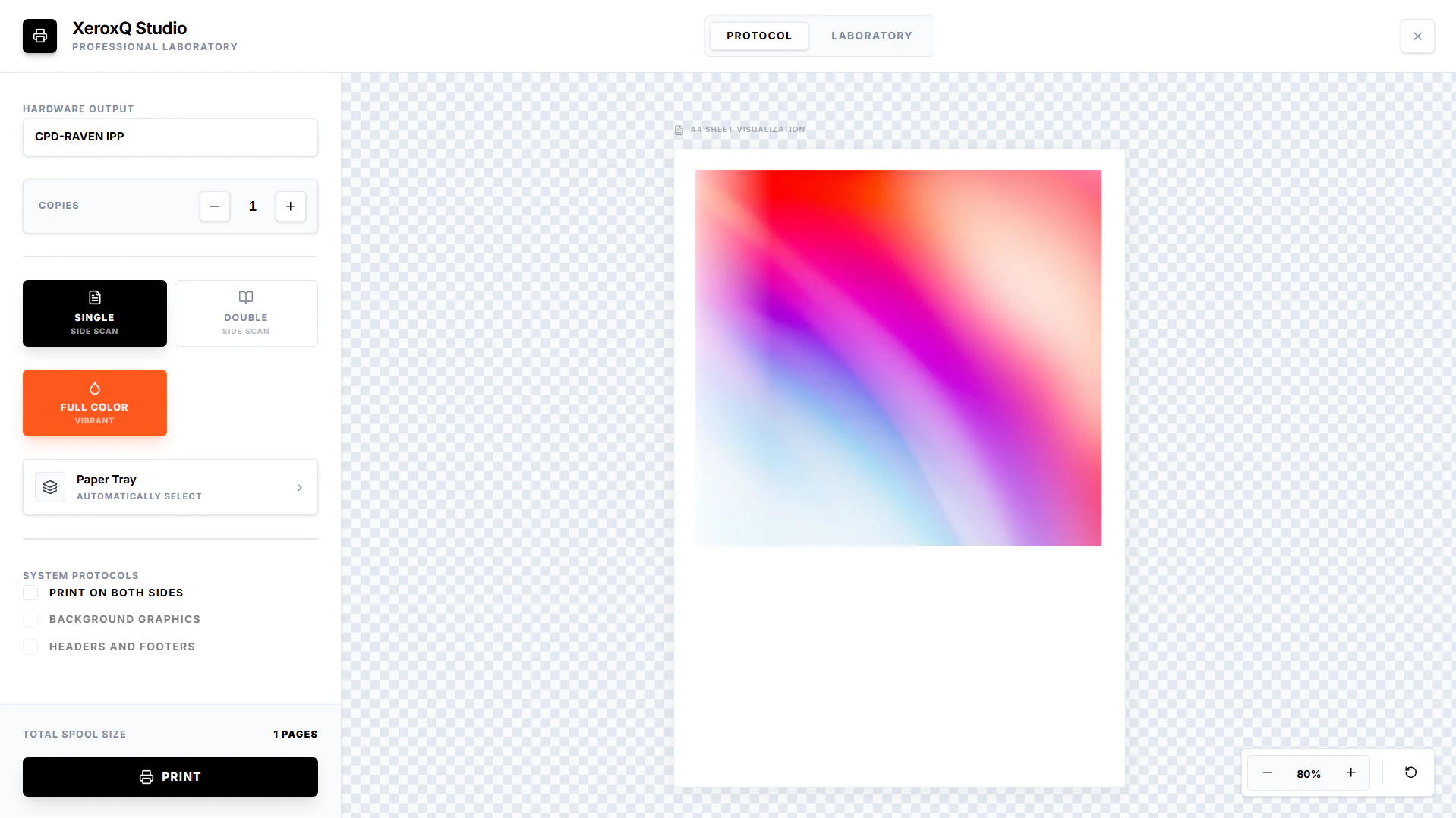
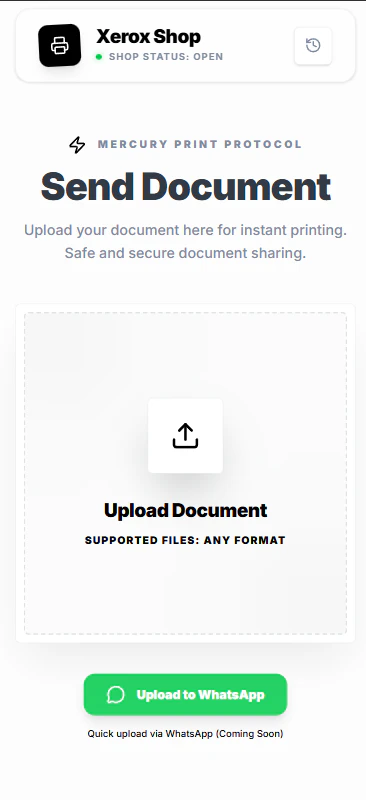
+2 more screenshots
Pros
- ✓No app installation required, easy for users to adopt
- ✓Reduces wait times and enhances customer experience
- ✓Automatic file deletion ensures privacy and security
- ✓Built specifically for local Indian print shops, supporting small businesses
- ✓Contactless process aligns with health and safety concerns
Cons
- ✗Limited to shops that have integrated QR code scanning setup
- ✗Dependent on internet connectivity for file uploads
- ✗Features may be basic compared to larger print management platforms
Use Cases
Pricing
Likely operates on a simple transactional or subscription-based model, possibly free for basic use with premium features or enterprise integrations available for print shops. Exact pricing details are not publicly available, but it is designed to be affordable for small businesses.
Quick Info
Topics
Alternatives
Similar Tools in E-commerce




Embed Badge
Add this badge to your website to show that XeroxQ is featured on Visalytica.
<a href="https://www.visalytica.com/tool/xeroxq" target="_blank" rel="noopener noreferrer" style="display:inline-flex;align-items:center;gap:6px;padding:6px 14px;background:#7c3aed;color:#fff;border-radius:8px;font-family:-apple-system,system-ui,sans-serif;font-size:13px;font-weight:600;text-decoration:none;transition:background .2s" onmouseover="this.style.background='#6d28d9'" onmouseout="this.style.background='#7c3aed'"><svg width="14" height="14" viewBox="0 0 24 24" fill="none" stroke="currentColor" stroke-width="2.5" stroke-linecap="round" stroke-linejoin="round"><path d="M12 20V10"/><path d="M18 20V4"/><path d="M6 20v-4"/></svg>Featured on Visalytica</a>