
WP Admin UI Color Generator
Design your WordPress admin colors. Export as a plugin
About WP Admin UI Color Generator
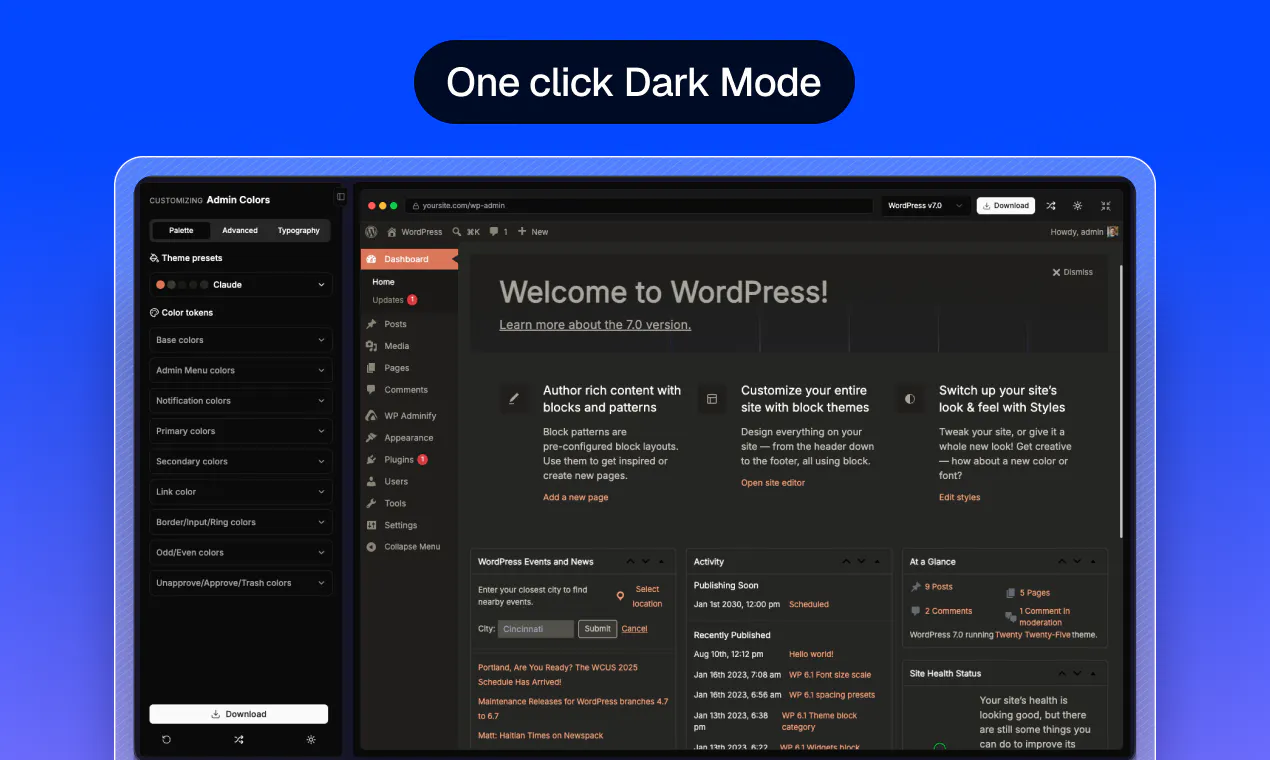
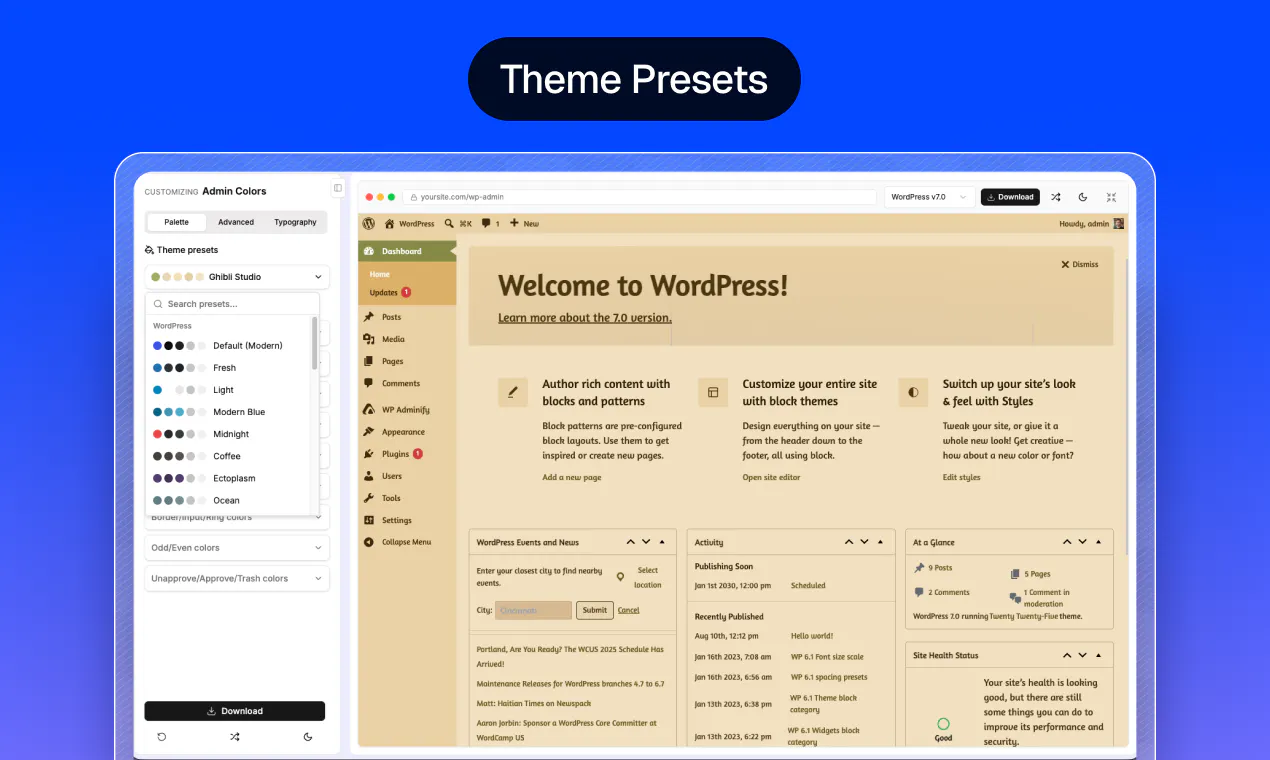
WP Admin UI Color Generator is a user-friendly tool designed to personalize and enhance the appearance of the WordPress admin dashboard. It allows users to select from stylish preset themes like Tokyo Night, Claude, Midnight, Coffee, and Ghibli Studio, or create custom color schemes with a live preview directly within WordPress. The tool provides extensive customization options, including menus, buttons, notices, links, tables, fonts, sidebar width, and border radius, enabling users to craft a unique, visually appealing admin interface without any coding skills. Once the design is finalized, users can export their customizations as a lightweight, standalone WordPress plugin, making deployment straightforward and seamless. This makes the tool ideal for WordPress developers, agencies, and site owners who want a branded, cohesive admin experience that matches their website’s branding or personal style. Its no-signup, free-for-all approach lowers barriers to entry, encouraging experimentation and personalization.
Screenshots
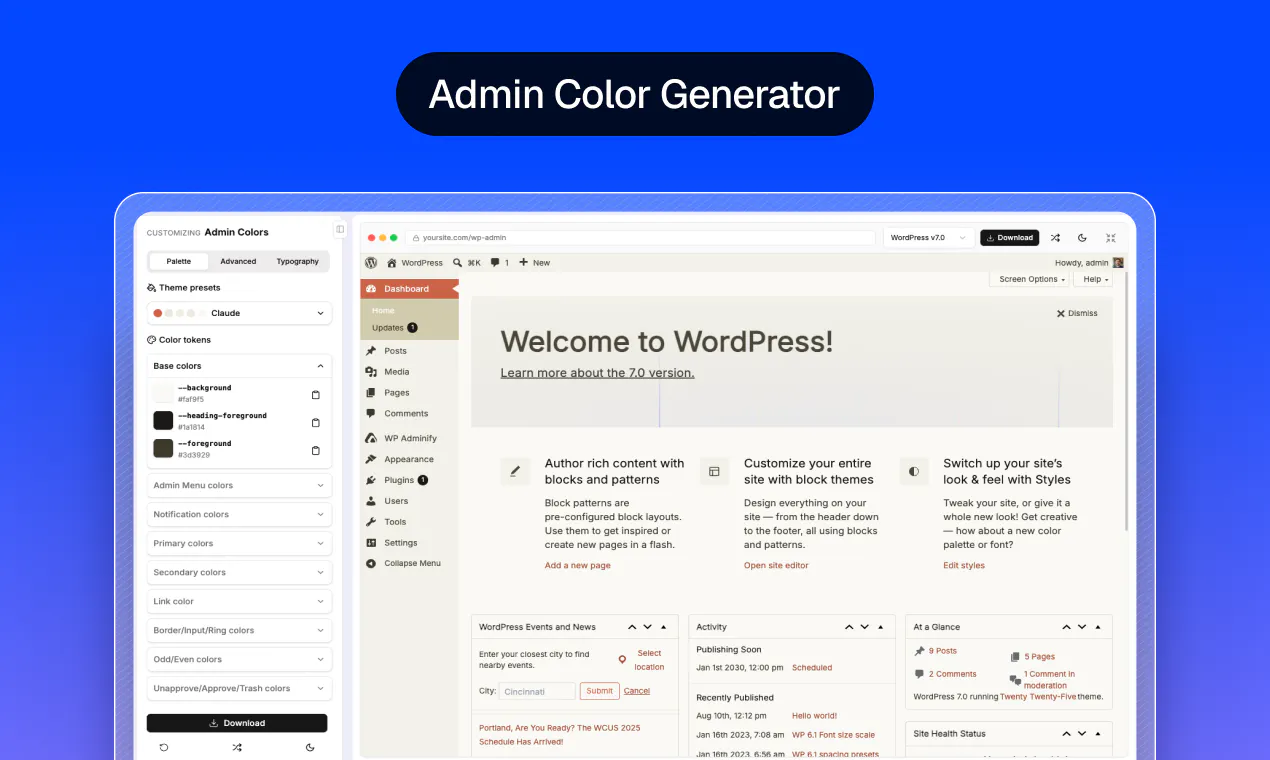
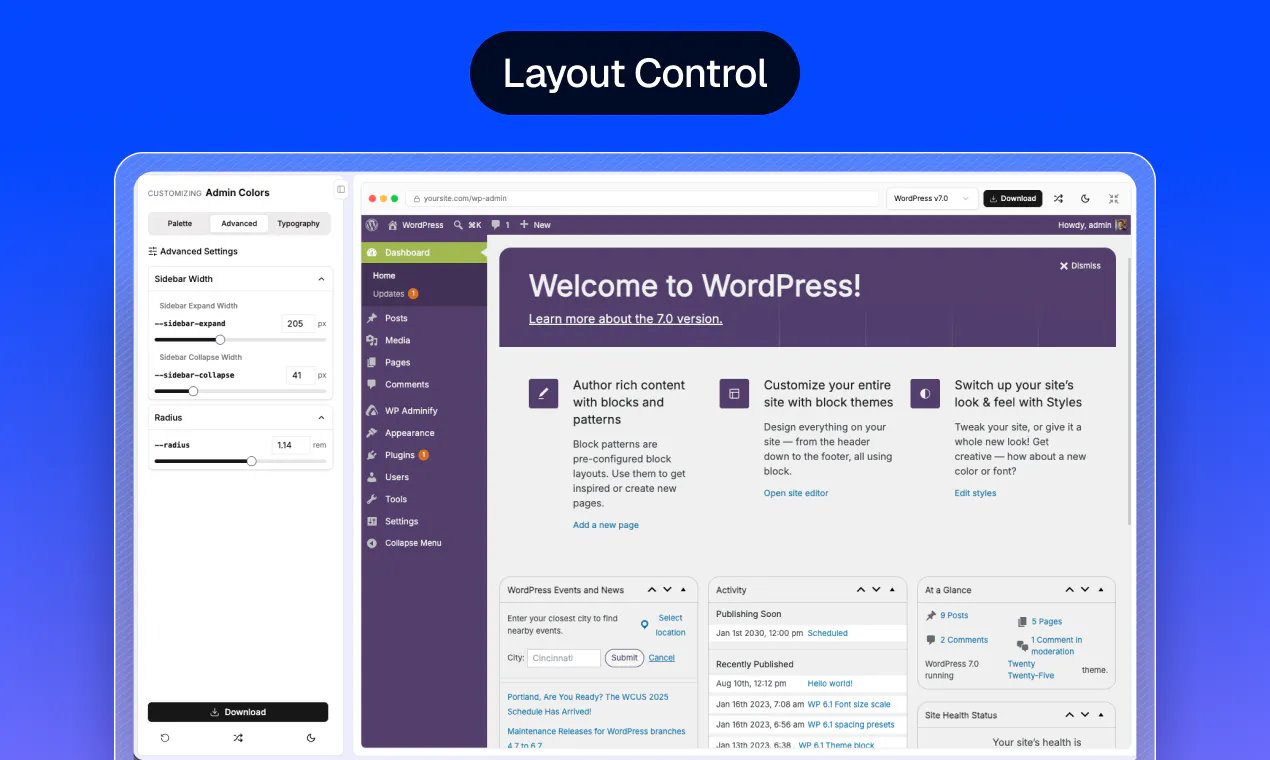
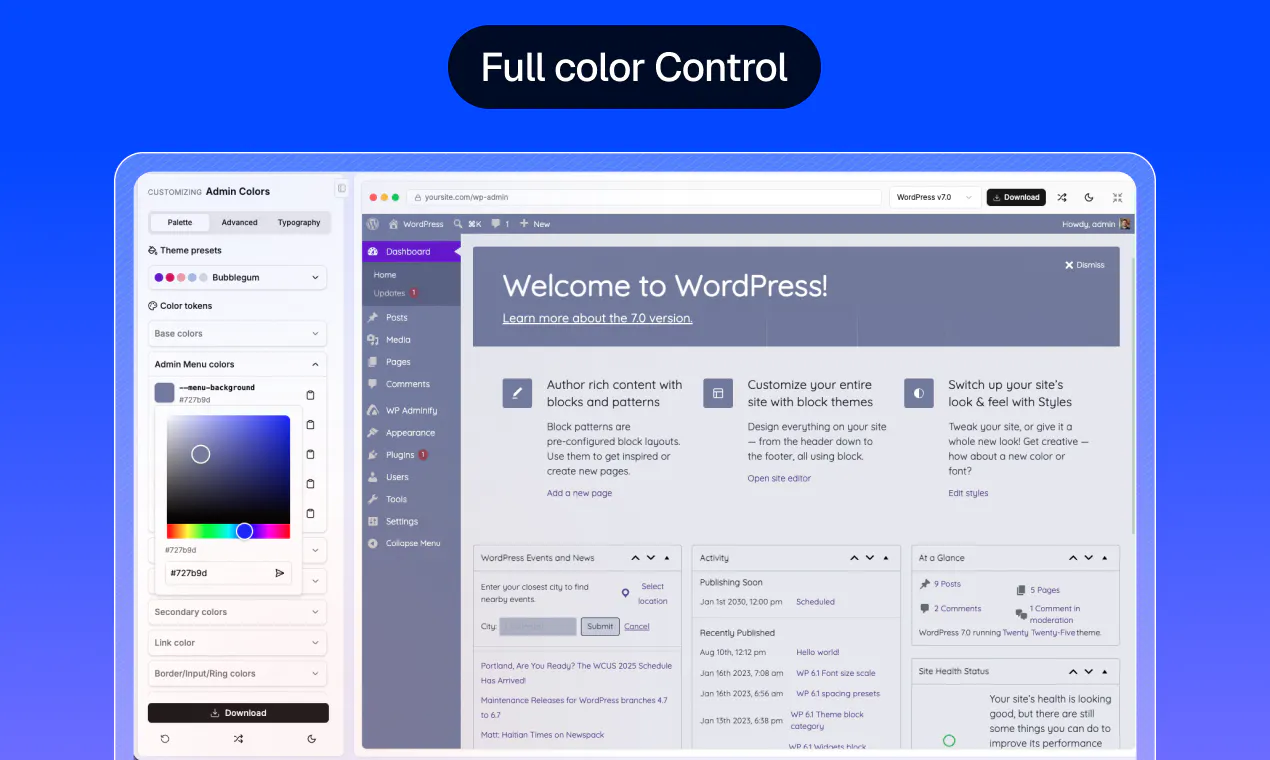
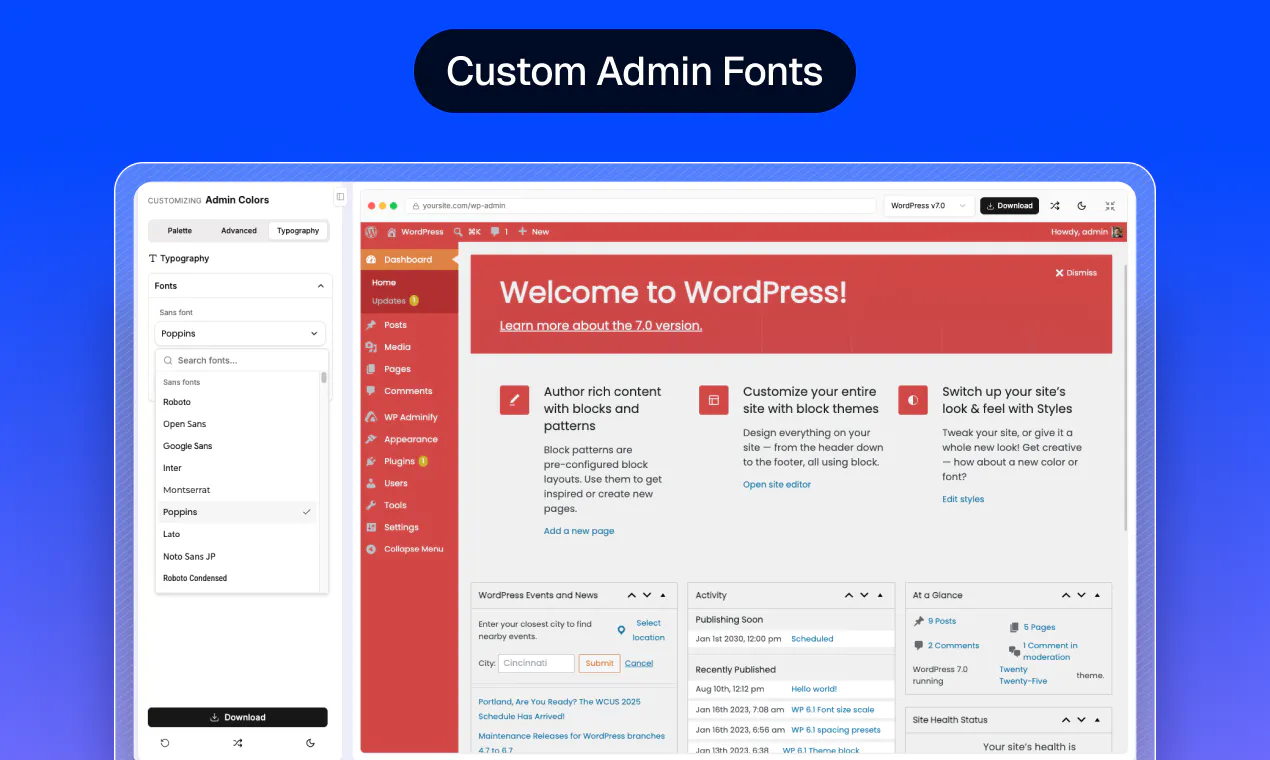
Pros
- ✓Easy-to-use interface with live preview for instant customization
- ✓Wide selection of beautiful presets for quick setup
- ✓No coding required, making it accessible to non-developers
- ✓Export as a lightweight standalone plugin for easy deployment
- ✓Completely free and no signup needed
Cons
- ✗Limited advanced customization options for complex UI changes
- ✗Focused solely on color and style; lacks broader UI editing features
- ✗No built-in support or documentation, which might be a barrier for some users
Use Cases
Pricing
Free and open to use, with no signup required. The tool's core features are provided at no cost, making it accessible for individual users and small teams.
Quick Info
Topics
Makers

Liton Arefin
@jwthemeltdAlternatives
Similar Tools in AI Image & Design




Embed Badge
Add this badge to your website to show that WP Admin UI Color Generator is featured on Visalytica.
<a href="https://www.visalytica.com/tool/wp-admin-ui-color-generator" target="_blank" rel="noopener noreferrer" style="display:inline-flex;align-items:center;gap:6px;padding:6px 14px;background:#7c3aed;color:#fff;border-radius:8px;font-family:-apple-system,system-ui,sans-serif;font-size:13px;font-weight:600;text-decoration:none;transition:background .2s" onmouseover="this.style.background='#6d28d9'" onmouseout="this.style.background='#7c3aed'"><svg width="14" height="14" viewBox="0 0 24 24" fill="none" stroke="currentColor" stroke-width="2.5" stroke-linecap="round" stroke-linejoin="round"><path d="M12 20V10"/><path d="M18 20V4"/><path d="M6 20v-4"/></svg>Featured on Visalytica</a>