
Workflo
Mac workspace automation that never sees your screen
About Workflo
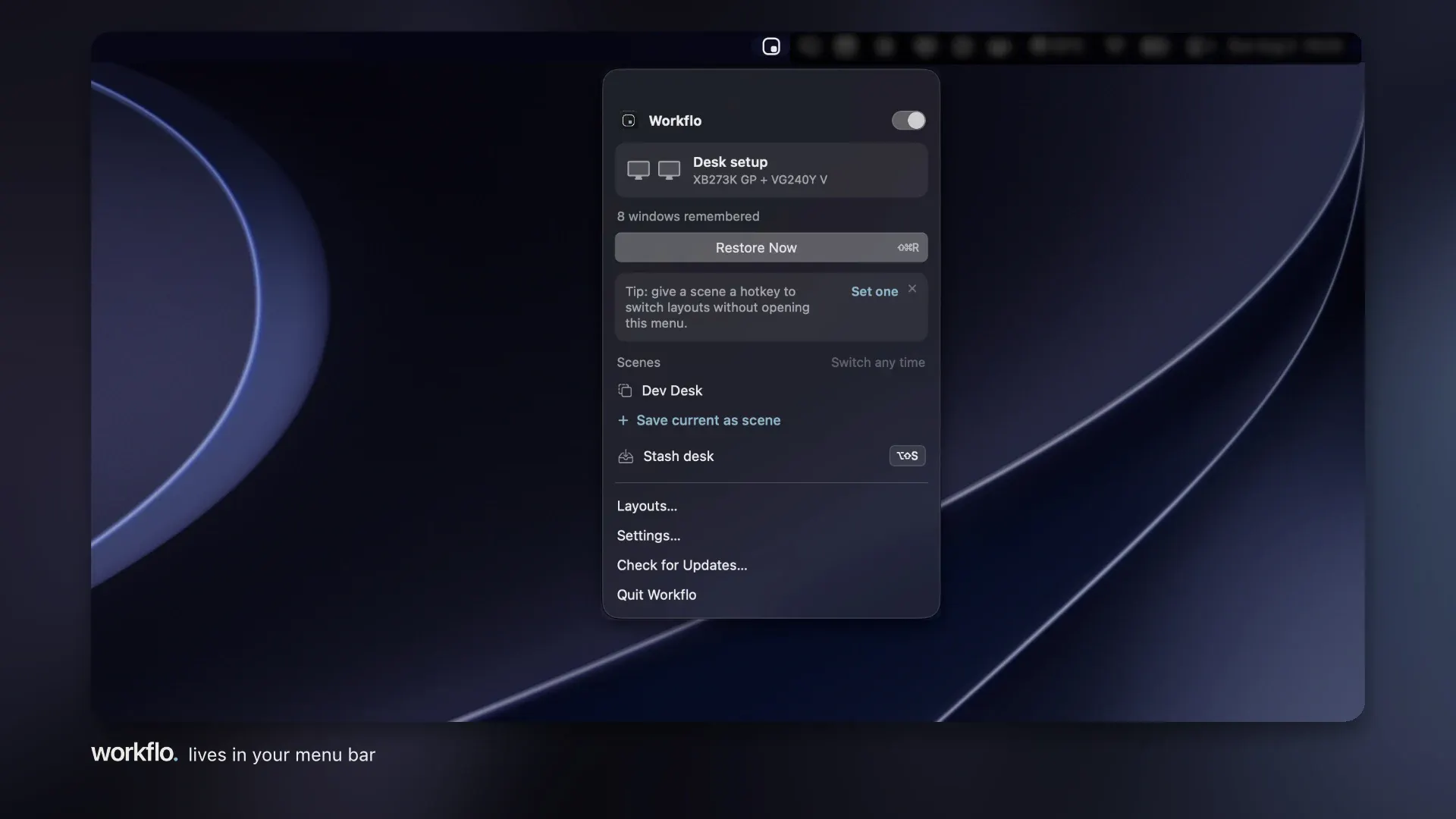
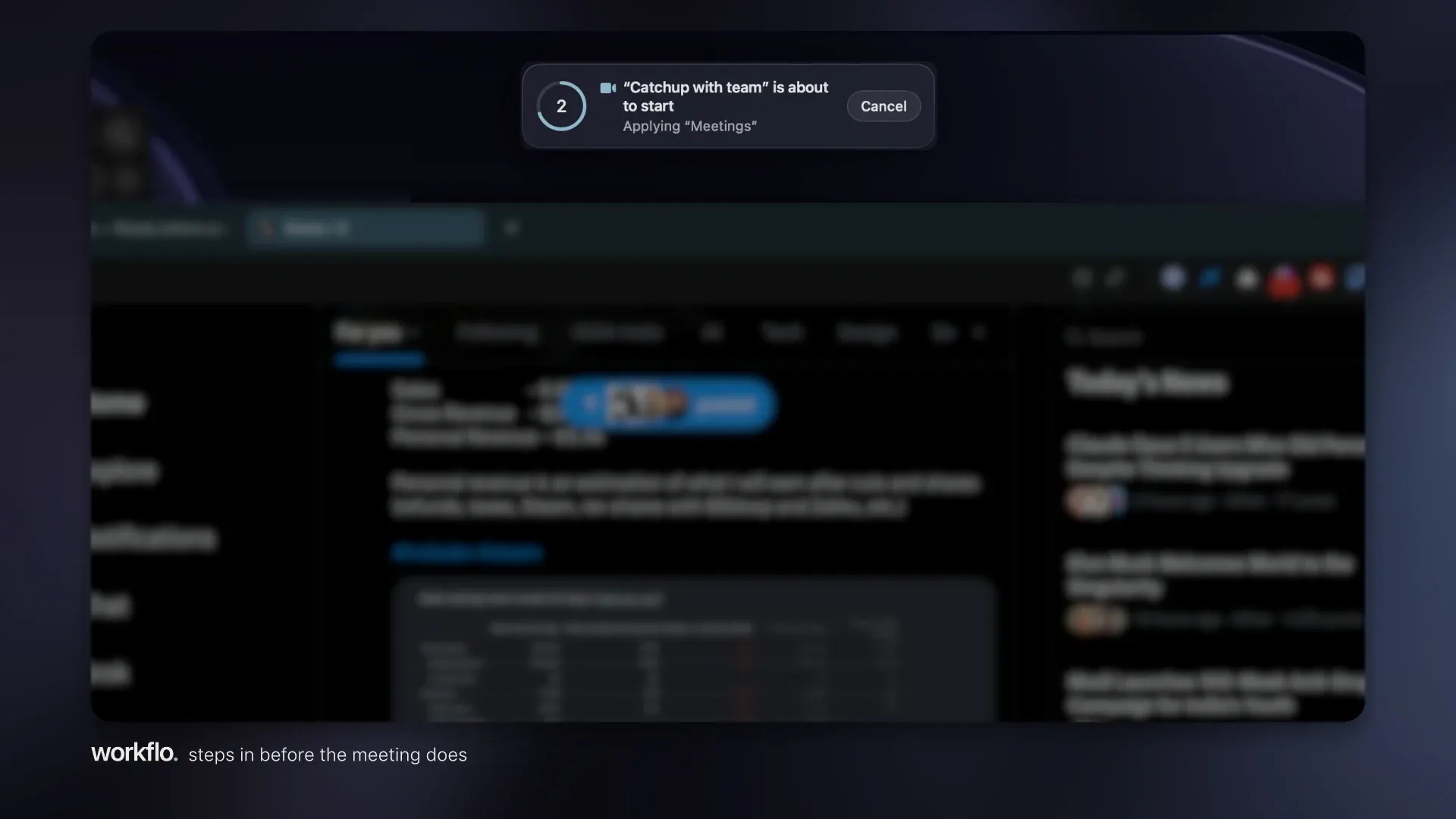
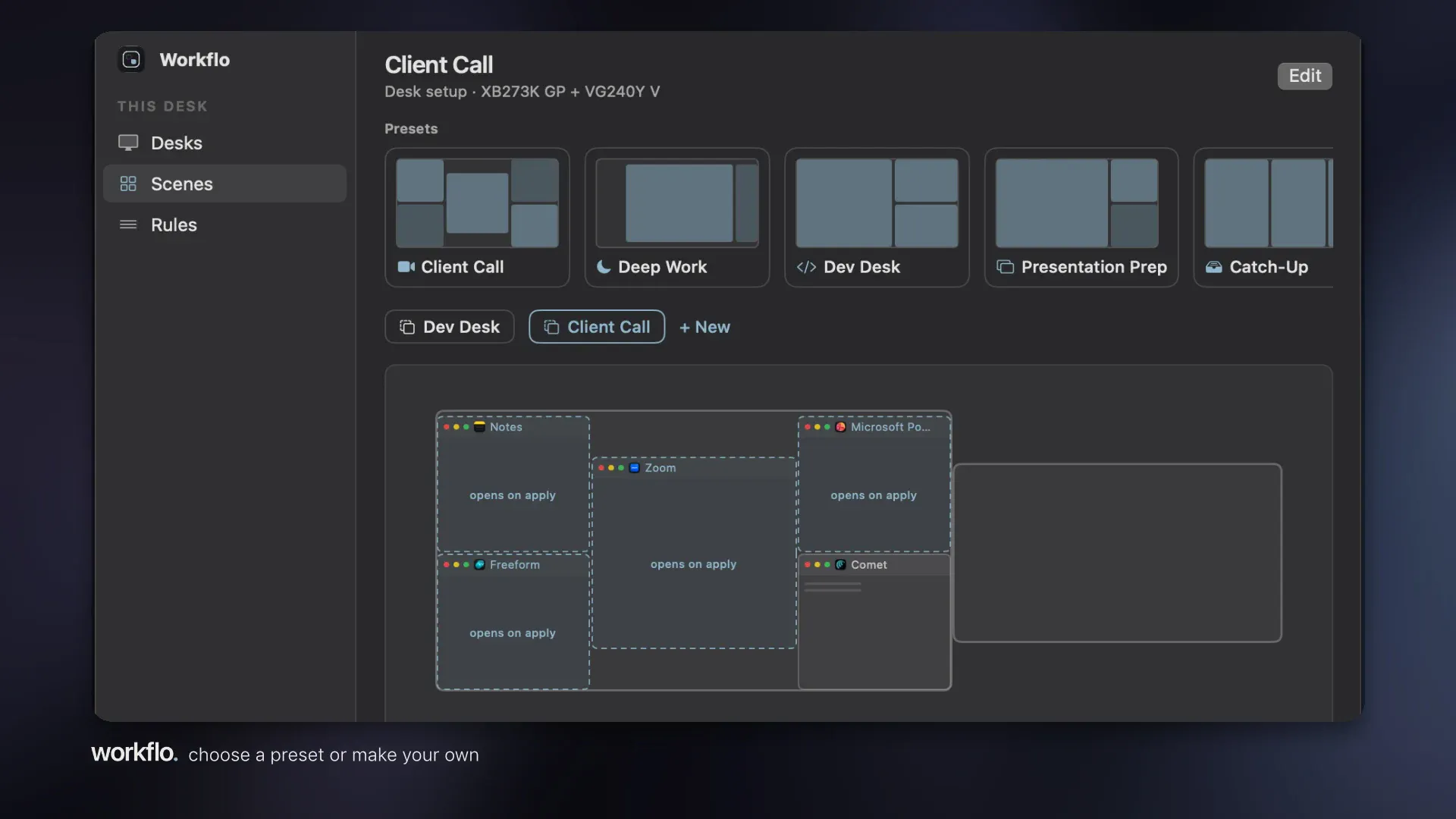
Workflo is an innovative Mac workspace automation tool designed for users who value seamless, privacy-conscious productivity enhancements. Unlike traditional automation software that often relies on screen reading, Workflo operates solely through Accessibility, ensuring it cannot access or interpret screen content, thereby prioritizing user privacy. The app automatically arranges windows before important calls or focus sessions and restores layouts when display configurations change, making multitasking smoother and more organized. Built with native Swift and weighing around 4 MB, it offers a lightweight, local-only solution that runs efficiently without cloud dependencies, making it suitable for privacy-conscious professionals and power users who need reliable workspace management without security concerns.
Screenshots
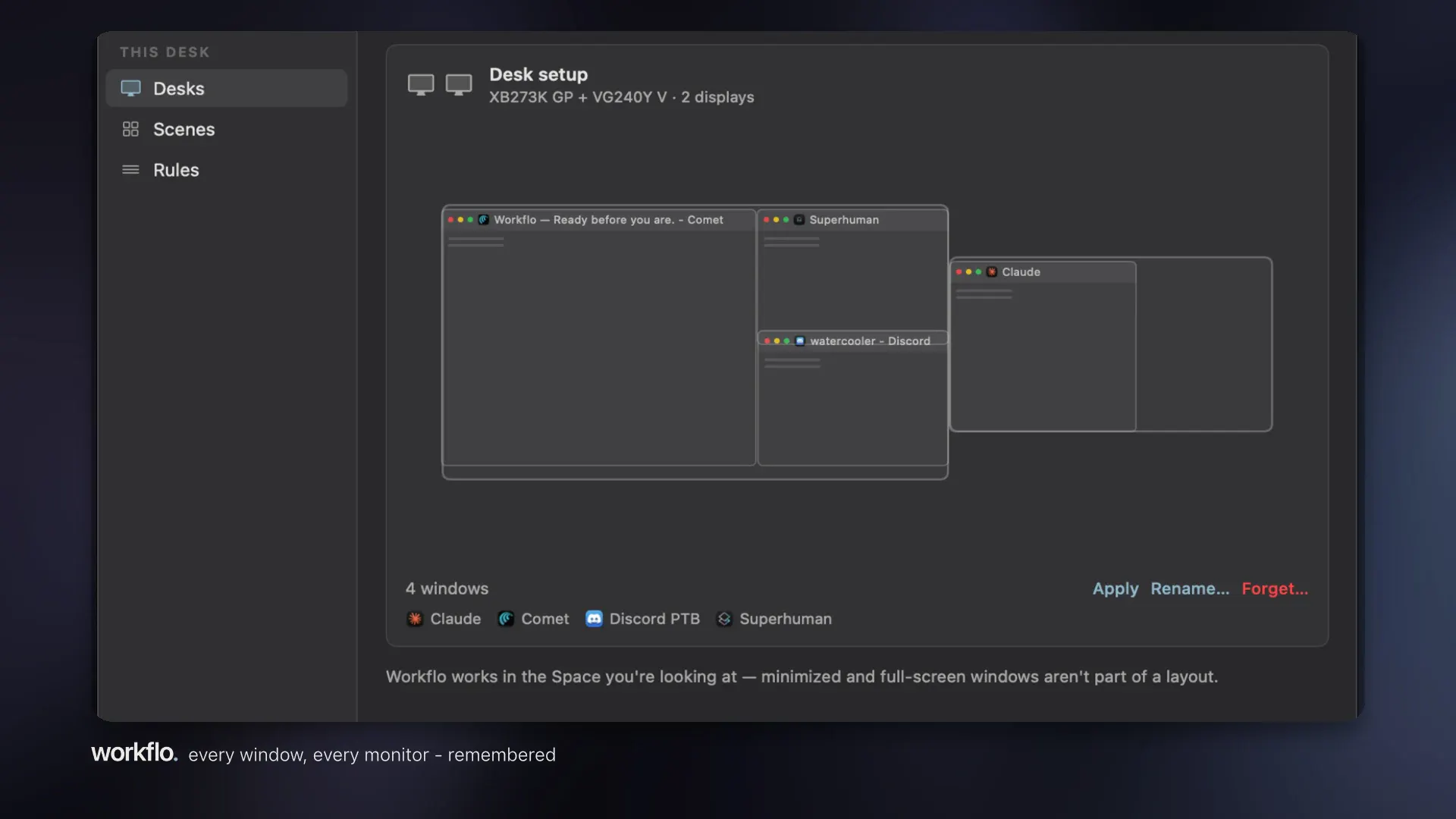
Pros
- ✓Privacy-focused design that operates without screen reading, enhancing data security
- ✓Lightweight and fast, with a small installation size (~4 MB)
- ✓Automatic window management before meetings or focus periods
- ✓Restores workspace layouts when displays are changed or disconnected
- ✓One-time purchase option, no ongoing subscriptions
Cons
- ✗Limited to Mac users, so not cross-platform
- ✗May require some initial setup for specific workflows
- ✗No cloud sync, which could be a drawback for remote or multiple device users
Use Cases
Pricing
Likely sold as a one-time purchase with a flat fee, given its lightweight and local-only nature. There is no indication of a free tier or subscription model, but details are not explicitly confirmed.

Similar Tools in No-Code & Automation



Embed Badge
Add this badge to your website to show that Workflo is featured on Visalytica.
<a href="https://www.visalytica.com/tool/workflo" target="_blank" rel="noopener noreferrer" style="display:inline-flex;align-items:center;gap:6px;padding:6px 14px;background:#7c3aed;color:#fff;border-radius:8px;font-family:-apple-system,system-ui,sans-serif;font-size:13px;font-weight:600;text-decoration:none;transition:background .2s" onmouseover="this.style.background='#6d28d9'" onmouseout="this.style.background='#7c3aed'"><svg width="14" height="14" viewBox="0 0 24 24" fill="none" stroke="currentColor" stroke-width="2.5" stroke-linecap="round" stroke-linejoin="round"><path d="M12 20V10"/><path d="M18 20V4"/><path d="M6 20v-4"/></svg>Featured on Visalytica</a>