
WinScript
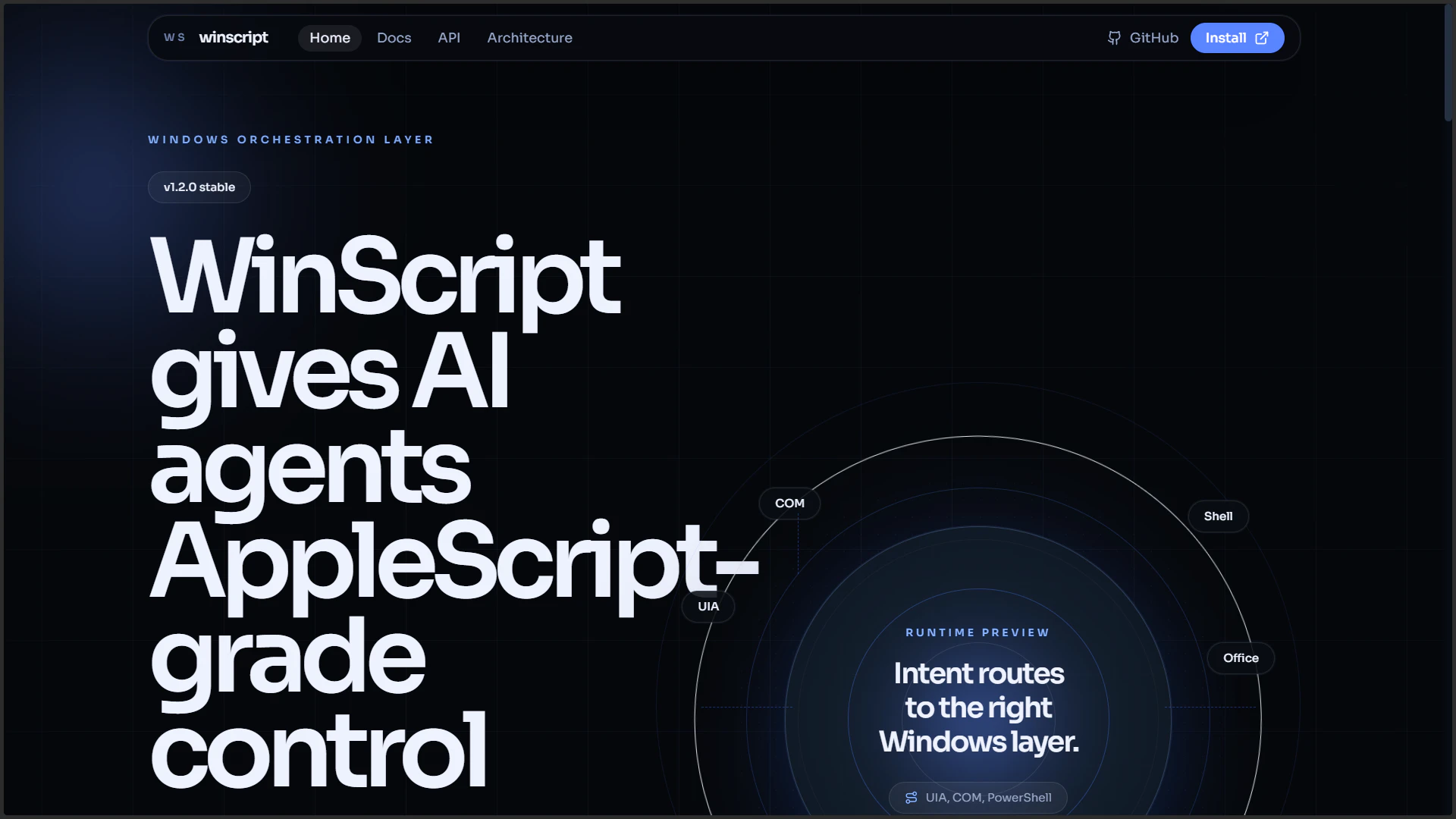
The AppleScript for Windows for AI desktop control
About WinScript
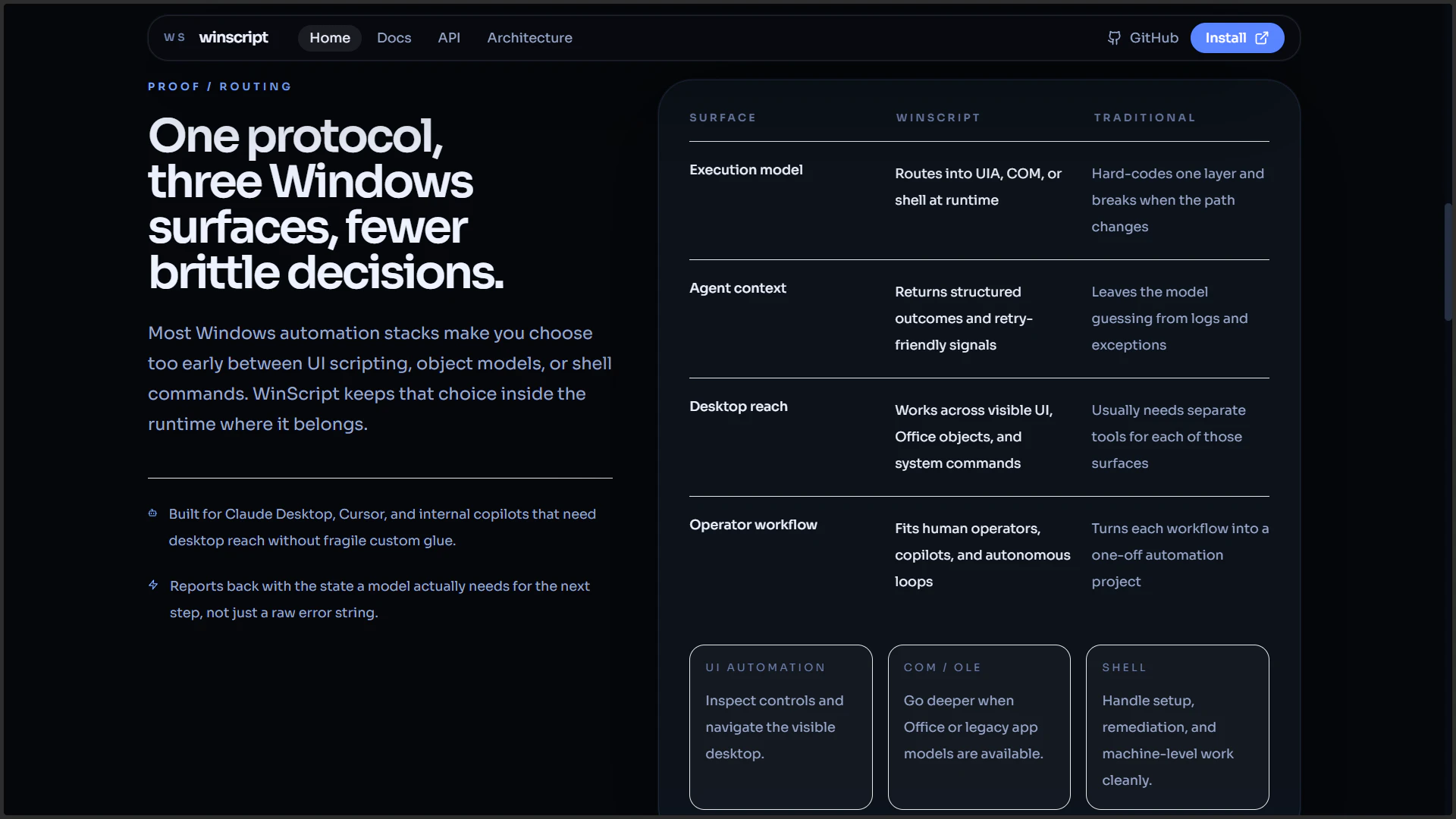
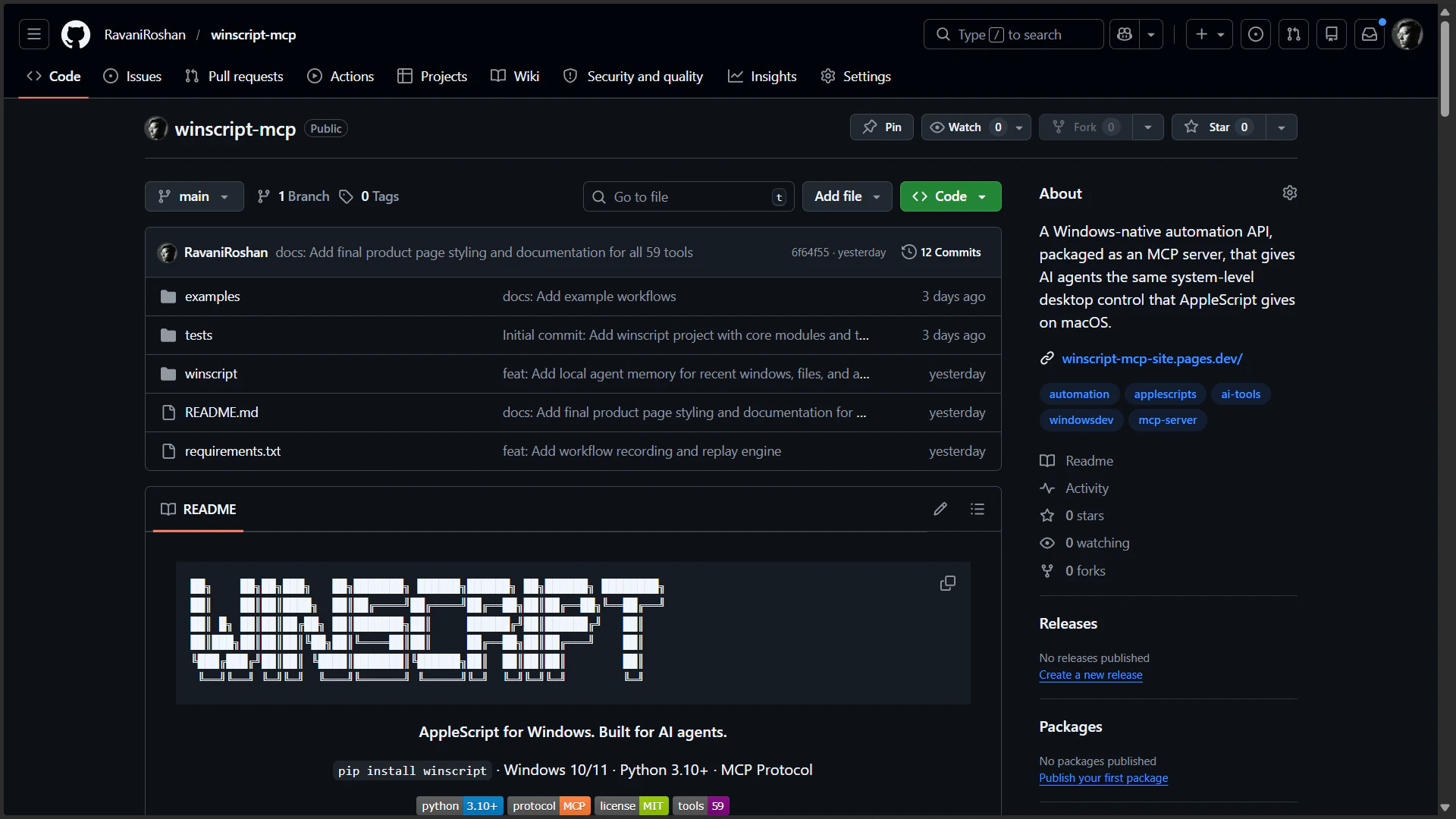
WinScript is a powerful Windows-native automation API designed to bring the scripting capabilities of AppleScript to the Windows environment. Packaged as an MCP server, it enables AI agents and developers to gain system-level desktop control similar to what AppleScript offers on macOS. This tool is particularly appealing to developers and automation enthusiasts seeking to streamline complex workflows, automate repetitive tasks, and enhance AI integration on Windows platforms. Its unique approach of providing a native, system-level API opens new possibilities for desktop automation, making it easier to control applications, manage files, and interact with the OS programmatically. With a growing community and integration potential with AI tools, WinScript stands out as a robust solution for Windows automation and desktop control.
Screenshots
Pros
- ✓Enables deep system-level desktop automation on Windows
- ✓Designed for AI integration, facilitating intelligent automation workflows
- ✓Packaged as an MCP server for seamless API access
- ✓Bridges the gap between Windows scripting and AI-controlled automation
- ✓Open to developers looking for customizable automation solutions
Cons
- ✗Requires technical knowledge to set up and utilize effectively
- ✗Limited user-friendly interfaces or no GUI for non-developers
- ✗The ecosystem and community are still growing, which may limit immediate support
Use Cases
Pricing
Likely follows a freemium model with a free tier for basic features and paid plans for advanced capabilities, support, or enterprise use. Specific pricing details are not publicly confirmed but are expected to start at a moderate monthly fee.
Quick Info
Topics
Alternatives
Similar Tools in AI Assistants




Embed Badge
Add this badge to your website to show that WinScript is featured on Visalytica.
<a href="https://www.visalytica.com/tool/winscript" target="_blank" rel="noopener noreferrer" style="display:inline-flex;align-items:center;gap:6px;padding:6px 14px;background:#7c3aed;color:#fff;border-radius:8px;font-family:-apple-system,system-ui,sans-serif;font-size:13px;font-weight:600;text-decoration:none;transition:background .2s" onmouseover="this.style.background='#6d28d9'" onmouseout="this.style.background='#7c3aed'"><svg width="14" height="14" viewBox="0 0 24 24" fill="none" stroke="currentColor" stroke-width="2.5" stroke-linecap="round" stroke-linejoin="round"><path d="M12 20V10"/><path d="M18 20V4"/><path d="M6 20v-4"/></svg>Featured on Visalytica</a>