windowssettingmenu
WindowsSettingsMenu is a lightweight, high-performance
About windowssettingmenu
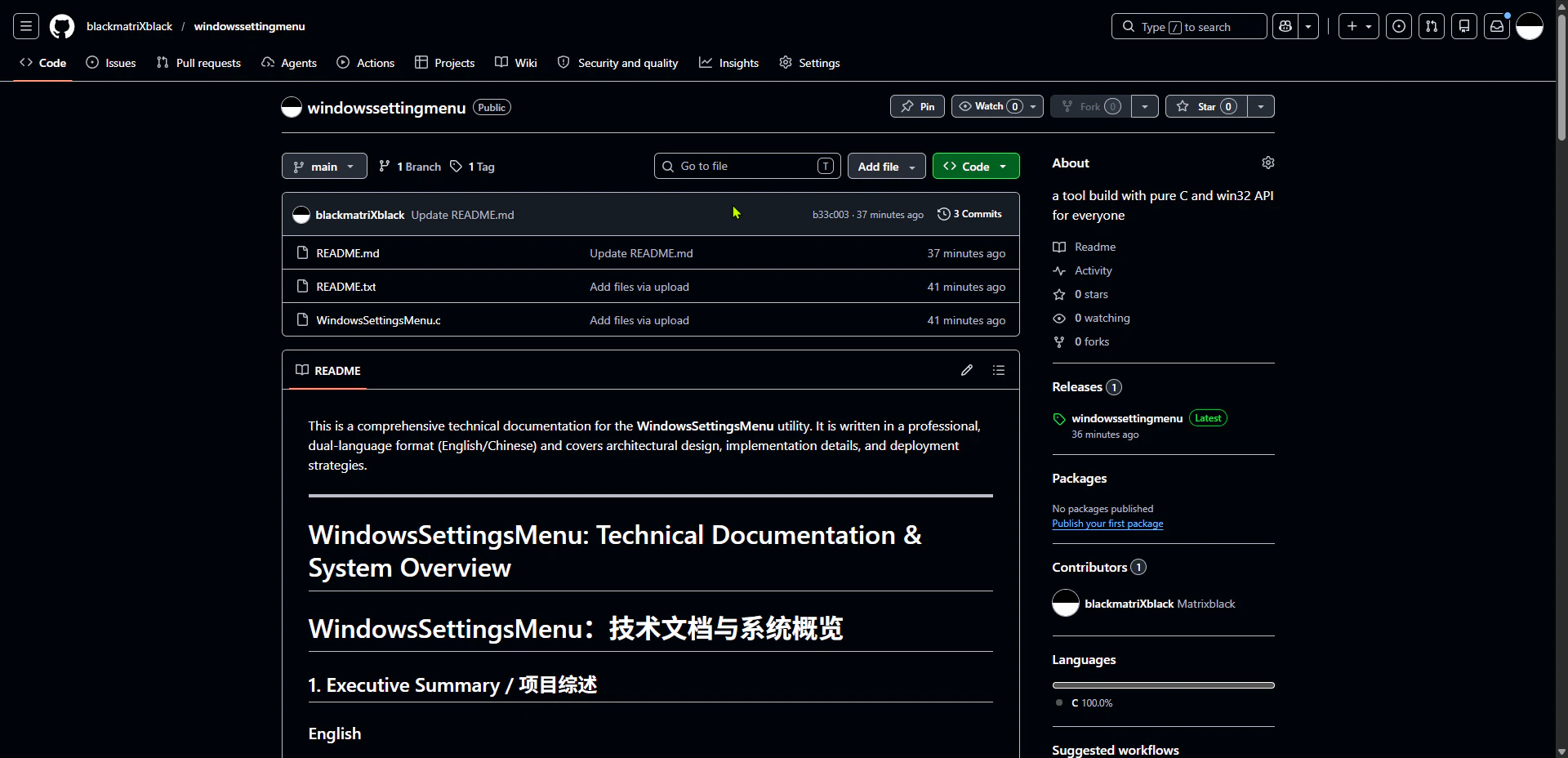
WindowsSettingMenu is a lightweight and high-performance utility developed with pure C and the Win32 API, designed to enhance user interaction with Windows settings. Its minimalistic approach ensures quick access and smooth operation, making it ideal for developers and power users seeking a seamless way to manage Windows configurations. Created by blackmatriXblack, this tool stands out for its efficiency, speed, and deep integration with the Windows environment, offering a reliable alternative to traditional settings menus. Whether for customizing system preferences or streamlining administrative tasks, WindowsSettingMenu provides a straightforward yet powerful interface that can be easily integrated into various workflows. Its open-source nature encourages customization and community-driven improvements, making it a versatile addition to any developer’s toolkit.
Screenshots
Pros
- ✓Lightweight and fast performance
- ✓Built with pure C and Win32 API for deep system integration
- ✓Open source, allowing customization
- ✓Minimal resource consumption
- ✓Suitable for developers and power users
Cons
- ✗Limited user interface features compared to full-fledged settings apps
- ✗Requires some technical knowledge to customize or extend
- ✗No built-in support or documentation provided
Use Cases
Pricing
Likely free and open source, given its development in C with open-source hosting and community contributions.
Quick Info
Topics
Alternatives
Similar Tools in Developer Tools




Embed Badge
Add this badge to your website to show that windowssettingmenu is featured on Visalytica.
<a href="https://www.visalytica.com/tool/windowssettingmenu" target="_blank" rel="noopener noreferrer" style="display:inline-flex;align-items:center;gap:6px;padding:6px 14px;background:#7c3aed;color:#fff;border-radius:8px;font-family:-apple-system,system-ui,sans-serif;font-size:13px;font-weight:600;text-decoration:none;transition:background .2s" onmouseover="this.style.background='#6d28d9'" onmouseout="this.style.background='#7c3aed'"><svg width="14" height="14" viewBox="0 0 24 24" fill="none" stroke="currentColor" stroke-width="2.5" stroke-linecap="round" stroke-linejoin="round"><path d="M12 20V10"/><path d="M18 20V4"/><path d="M6 20v-4"/></svg>Featured on Visalytica</a>