
WikiFix for Confluence
Find and fix issues in your knowledge base
About WikiFix for Confluence
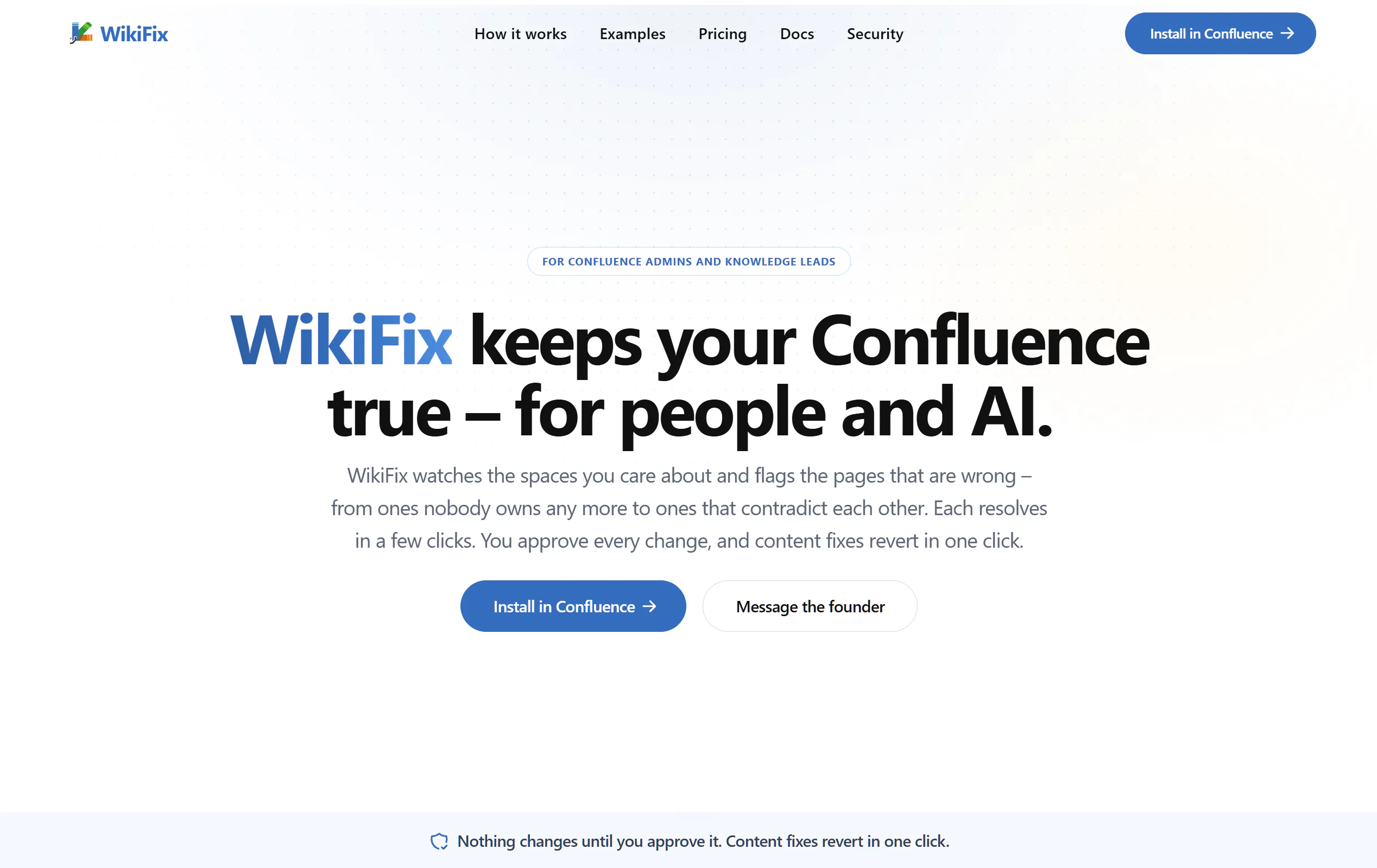
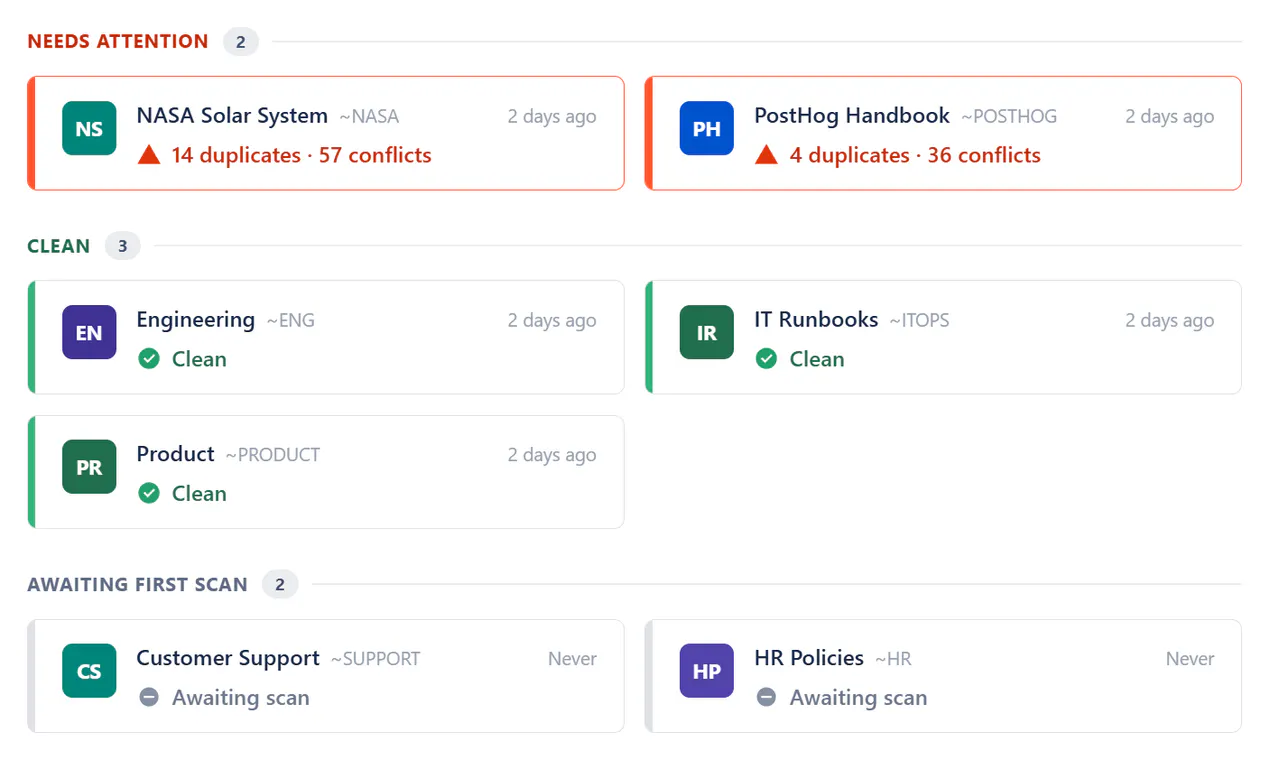
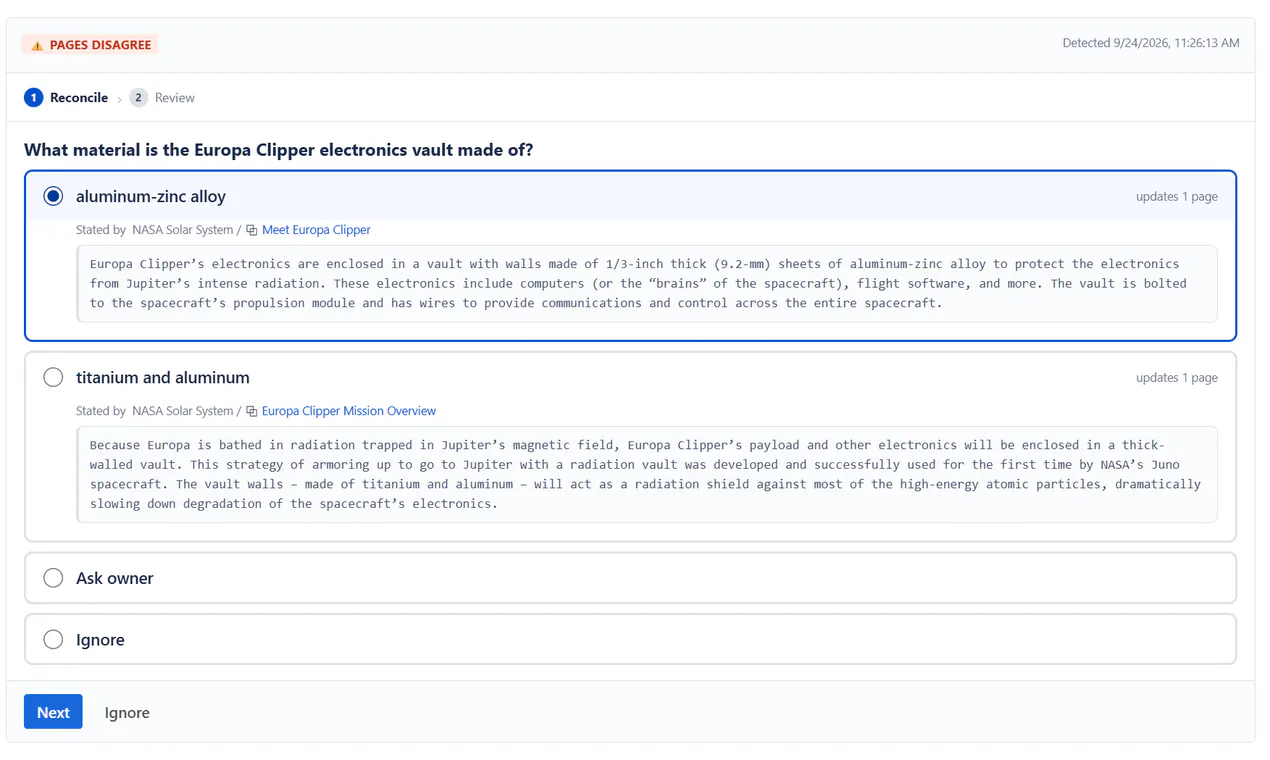
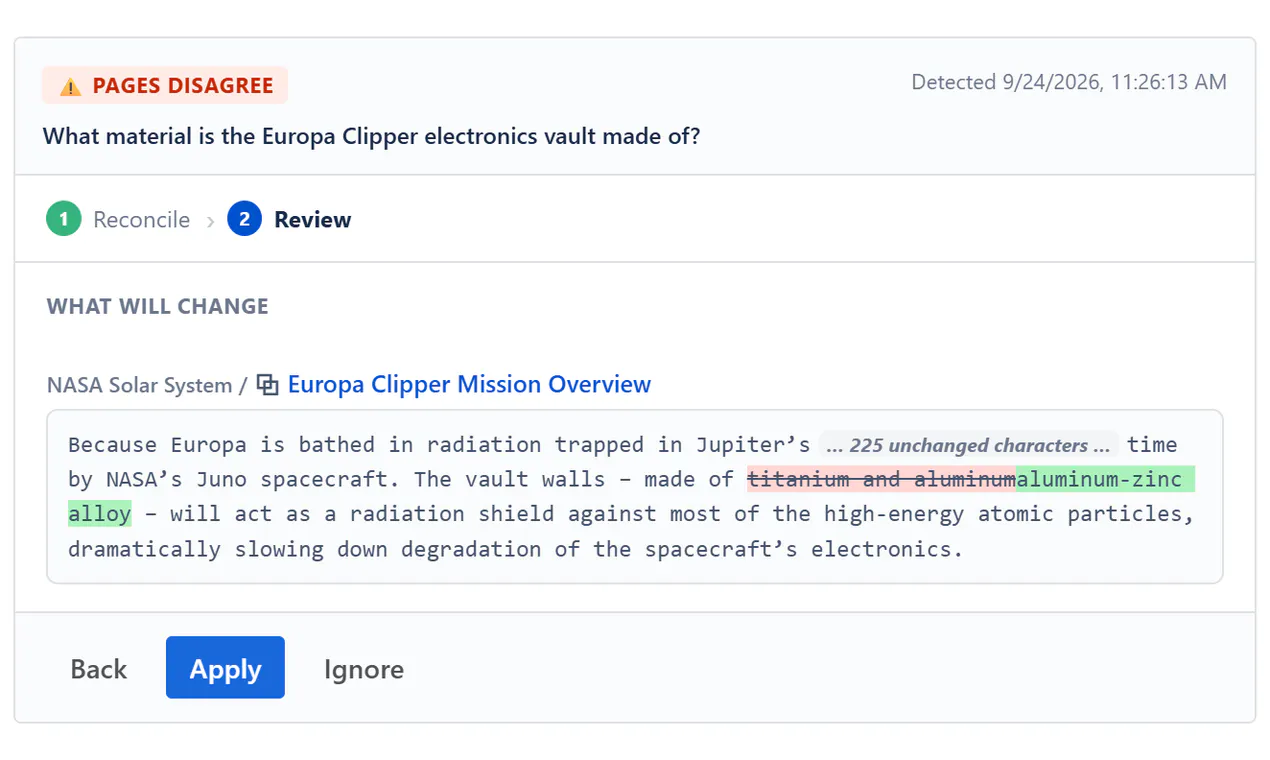
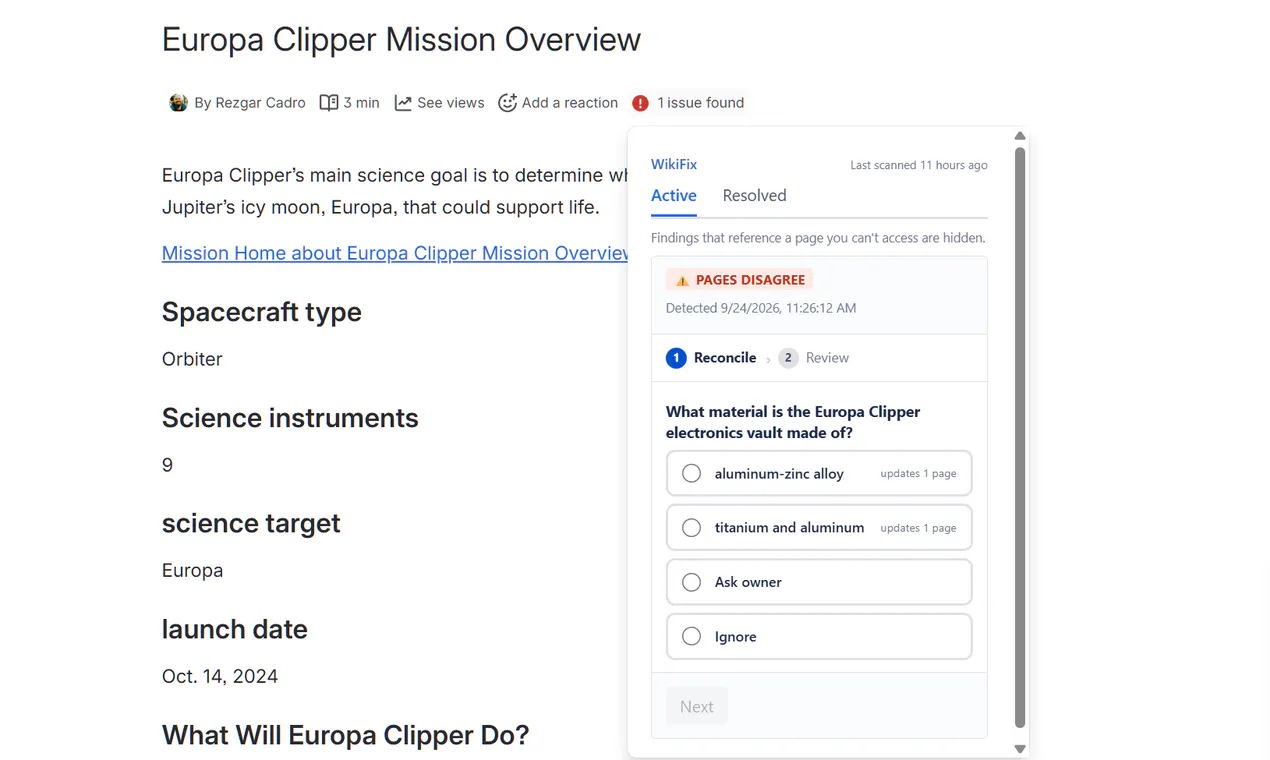
WikiFix for Confluence is an innovative SaaS tool designed to enhance the reliability of your knowledge base. By continuously monitoring your Confluence pages, it detects common issues such as contradicting information, duplicate content, and orphaned pages that may cause confusion or misinformation among team members. Once issues are identified, WikiFix offers a streamlined process to approve and implement fixes with a single click, ensuring your team can trust the accuracy of the content they rely on—whether for internal documentation or AI-driven insights. Its focus on automation and ease of use makes it particularly valuable for teams managing large, dynamic knowledge repositories, aiming to maintain high-quality, consistent information without extensive manual effort. What sets WikiFix apart is its ability to seamlessly integrate issue detection and correction, saving time and reducing errors, thereby improving overall knowledge management efficiency.
Screenshots
Pros
- ✓Automates detection and correction of knowledge base issues
- ✓Simplifies maintaining accurate and consistent content
- ✓Integrates seamlessly with Confluence for smooth workflow
- ✓Reduces manual effort and human error in content management
- ✓Supports team trust and AI reliability by ensuring data integrity
Cons
- ✗Limited information on pricing and subscription plans
- ✗Potential reliance on user approval for fixes, which may slow down large-scale updates
- ✗Features may be tailored specifically for Confluence, limiting flexibility with other platforms
Use Cases
Pricing
Pricing not verified
Quick Info
Topics
Makers

Artiom Aleksandrovici
Alternatives
Similar Tools in Customer Support




Embed Badge
Add this badge to your website to show that WikiFix for Confluence is featured on Visalytica.
<a href="https://www.visalytica.com/tool/wikifix-for-confluence" target="_blank" rel="noopener noreferrer" style="display:inline-flex;align-items:center;gap:6px;padding:6px 14px;background:#7c3aed;color:#fff;border-radius:8px;font-family:-apple-system,system-ui,sans-serif;font-size:13px;font-weight:600;text-decoration:none;transition:background .2s" onmouseover="this.style.background='#6d28d9'" onmouseout="this.style.background='#7c3aed'"><svg width="14" height="14" viewBox="0 0 24 24" fill="none" stroke="currentColor" stroke-width="2.5" stroke-linecap="round" stroke-linejoin="round"><path d="M12 20V10"/><path d="M18 20V4"/><path d="M6 20v-4"/></svg>Featured on Visalytica</a>