
WiFi QR Code Generator by QRMaster
Let guests join WiFi with a scan, not a password hunt.
About WiFi QR Code Generator by QRMaster
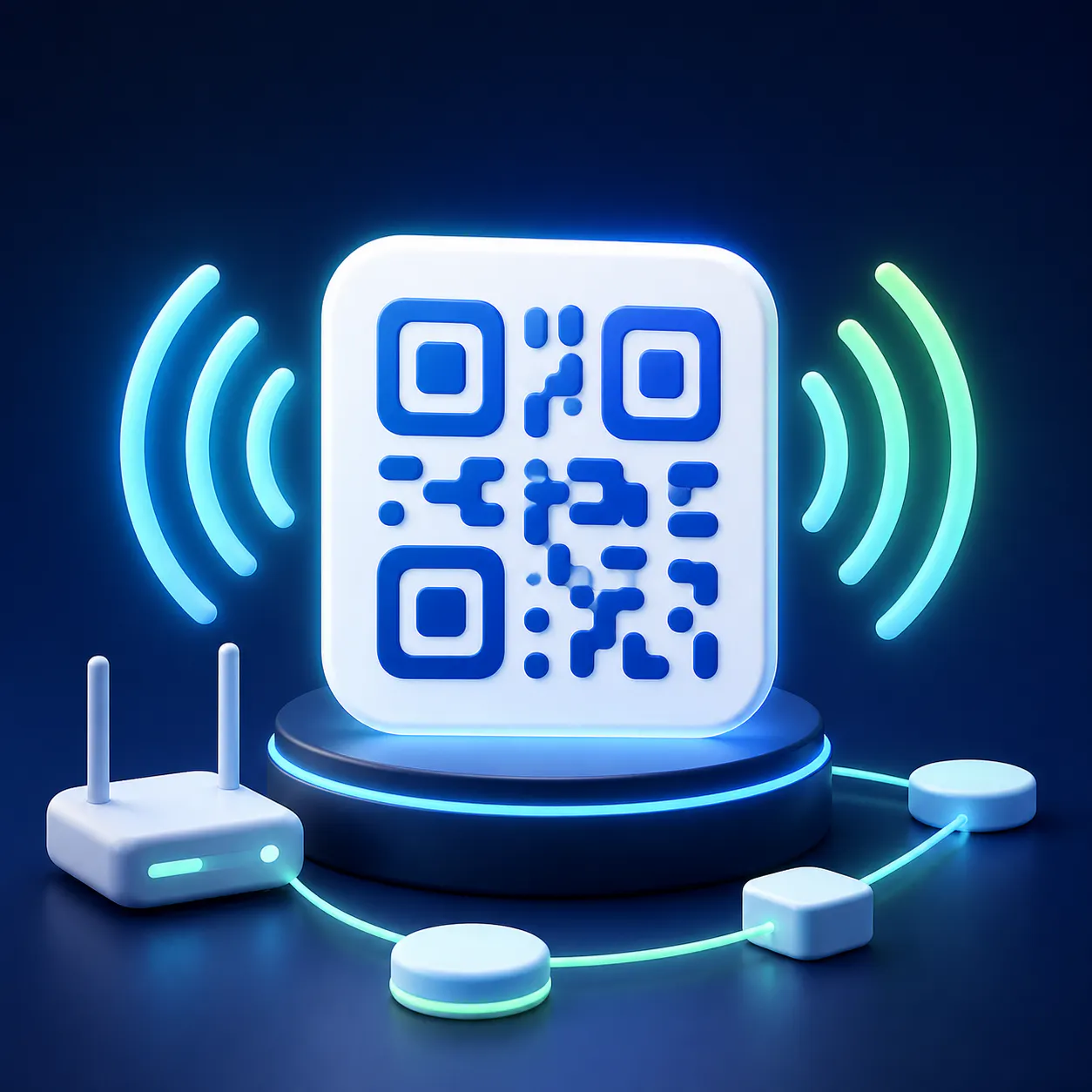
WiFi QR Code Generator by QRMaster is a simple yet powerful tool designed to streamline WiFi access for guests and users. Perfect for cafes, hotels, Airbnbs, offices, classrooms, and homes, it eliminates the hassle of sharing long, complex passwords. Users input their network name and password, and the tool generates a standard WiFi QR code that can be printed or displayed anywhere visitors need quick WiFi access. The process is quick, user-friendly, and makes connecting to WiFi effortless, enhancing the overall guest experience. Its support for the standard WiFi QR format ensures compatibility across most smartphones and devices, making it an ideal solution for businesses aiming for seamless connectivity. Best of all, the tool is free to use, making it accessible for a variety of settings without any upfront costs.
Screenshots
Pros
- ✓Easy to use with a straightforward interface
- ✓Supports standard WiFi QR code format for universal compatibility
- ✓Free to use, no subscription required
- ✓Quickly generates printable QR codes for various environments
- ✓Suitable for multiple use cases including hospitality, education, and home
Cons
- ✗Limited customization options beyond basic network info
- ✗No advanced security features or analytics
- ✗Dependent on printed or displayed QR code for access
Use Cases
Pricing
Free to use with no mention of paid plans or premium features, making it accessible for all users without financial commitment.
Quick Info
Topics
Makers

Timo Knuth
@TIMO_QRMASTERAlternatives
Similar Tools in Developer Tools




Embed Badge
Add this badge to your website to show that WiFi QR Code Generator by QRMaster is featured on Visalytica.
<a href="https://www.visalytica.com/tool/wifi-qr-code-generator-by-qrmaster" target="_blank" rel="noopener noreferrer" style="display:inline-flex;align-items:center;gap:6px;padding:6px 14px;background:#7c3aed;color:#fff;border-radius:8px;font-family:-apple-system,system-ui,sans-serif;font-size:13px;font-weight:600;text-decoration:none;transition:background .2s" onmouseover="this.style.background='#6d28d9'" onmouseout="this.style.background='#7c3aed'"><svg width="14" height="14" viewBox="0 0 24 24" fill="none" stroke="currentColor" stroke-width="2.5" stroke-linecap="round" stroke-linejoin="round"><path d="M12 20V10"/><path d="M18 20V4"/><path d="M6 20v-4"/></svg>Featured on Visalytica</a>