
whosthere
Local Area Network discovery tool with an interactive TUI
About whosthere
Whosthere is an innovative LAN discovery tool designed for network administrators, developers, and IT professionals who need an intuitive way to explore and understand their local networks. Built with a sleek interactive Terminal User Interface (TUI) in Go, it allows users to easily visualize connected devices, identify network topology, and gain insights into the devices present on their LAN. Its user-friendly, text-based interface makes it accessible for those comfortable with command-line tools while offering an engaging experience that simplifies complex network discovery tasks. Perfect for troubleshooting, network auditing, and IoT device management, Whosthere stands out by combining functionality with a clean, interactive design that enhances productivity and understanding of network environments.
Screenshots
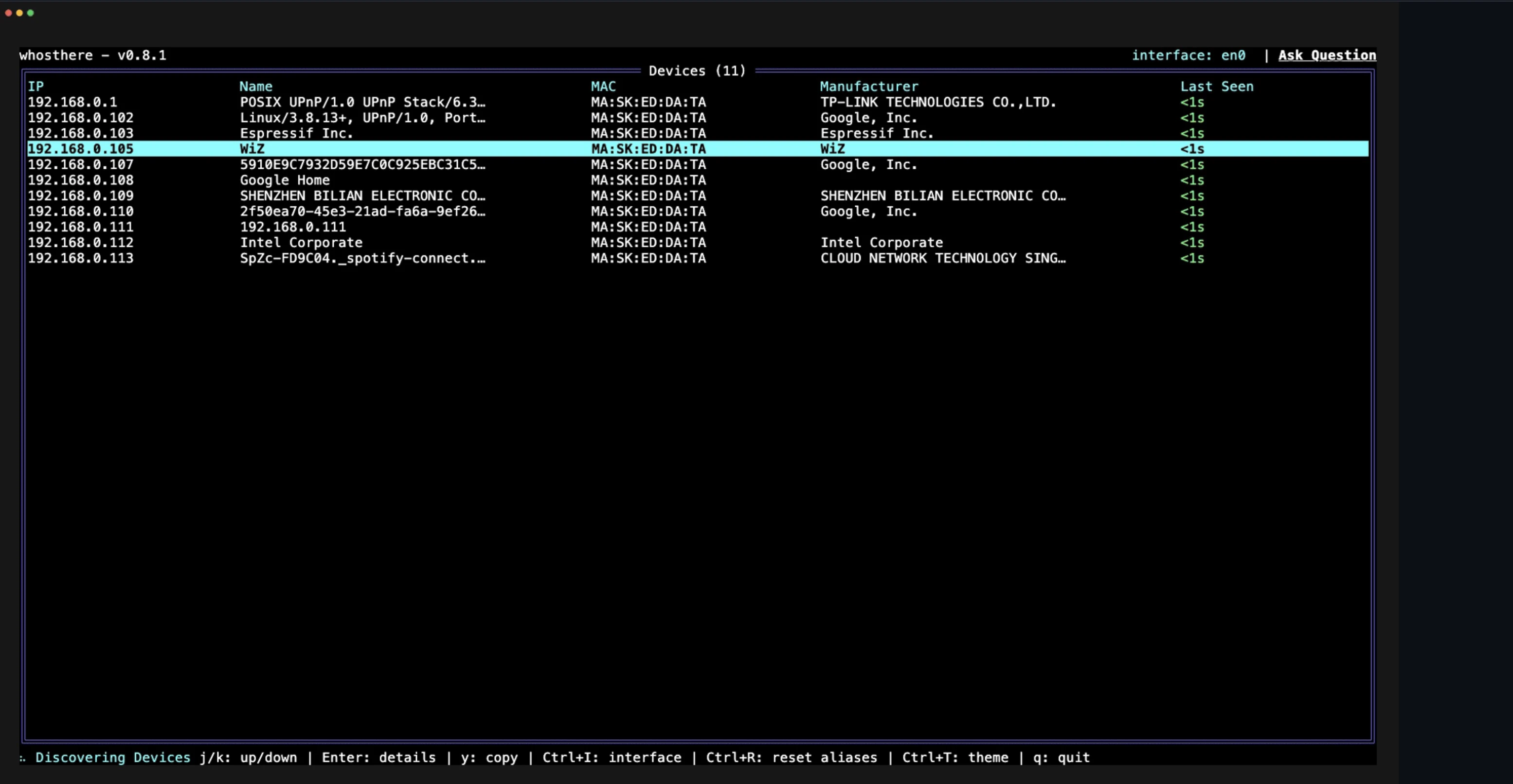
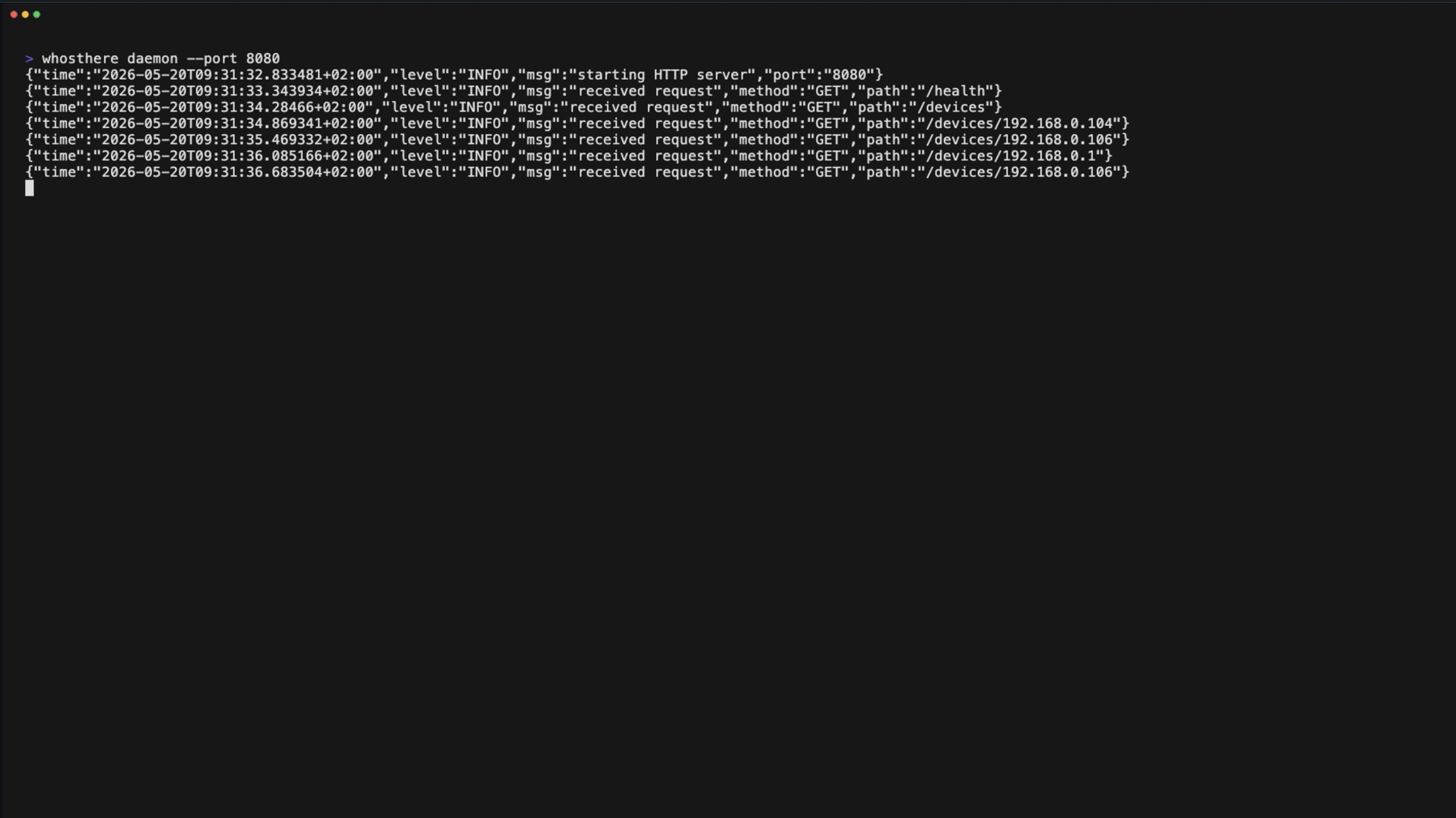
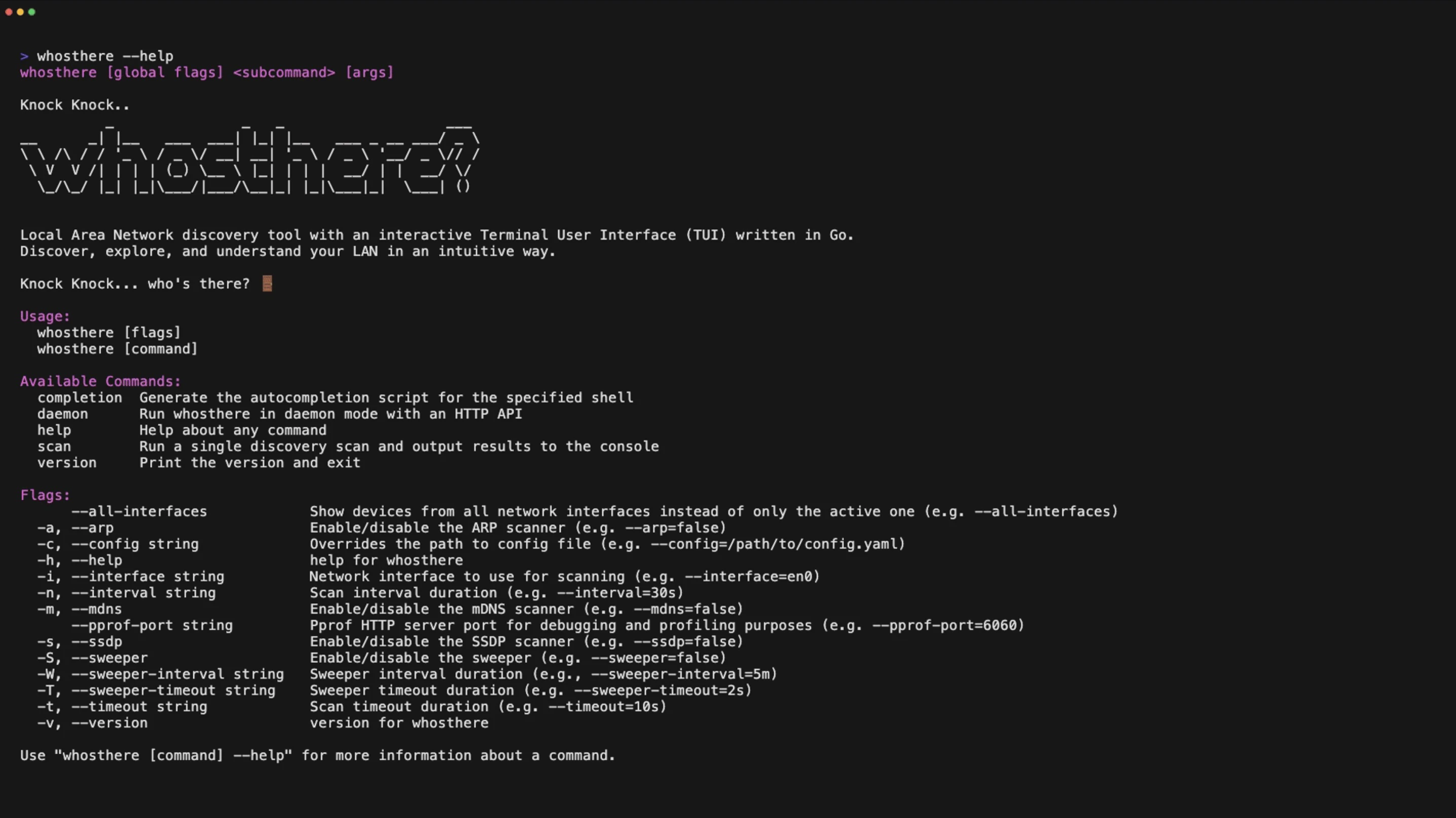
Pros
- ✓Interactive TUI provides an engaging and intuitive user experience
- ✓Open source nature allows for customization and community contributions
- ✓Lightweight and efficient, written in Go for fast performance
- ✓Suitable for both beginners and advanced users
- ✓Facilitates quick network discovery and device identification
Cons
- ✗Limited to local network environments; cannot scan remote networks
- ✗May lack advanced features found in enterprise-grade network tools
- ✗User interface relies on terminal familiarity, which could be a barrier for some
Use Cases
Pricing
Likely open source and free to use, as it is categorized under open source and developer tools, enabling users to freely download, modify, and distribute the software.
Quick Info
Topics
Alternatives
Similar Tools in Developer Tools




Embed Badge
Add this badge to your website to show that whosthere is featured on Visalytica.
<a href="https://www.visalytica.com/tool/whosthere" target="_blank" rel="noopener noreferrer" style="display:inline-flex;align-items:center;gap:6px;padding:6px 14px;background:#7c3aed;color:#fff;border-radius:8px;font-family:-apple-system,system-ui,sans-serif;font-size:13px;font-weight:600;text-decoration:none;transition:background .2s" onmouseover="this.style.background='#6d28d9'" onmouseout="this.style.background='#7c3aed'"><svg width="14" height="14" viewBox="0 0 24 24" fill="none" stroke="currentColor" stroke-width="2.5" stroke-linecap="round" stroke-linejoin="round"><path d="M12 20V10"/><path d="M18 20V4"/><path d="M6 20v-4"/></svg>Featured on Visalytica</a>