
Whirr
Ambient agent activity in your notch
About Whirr
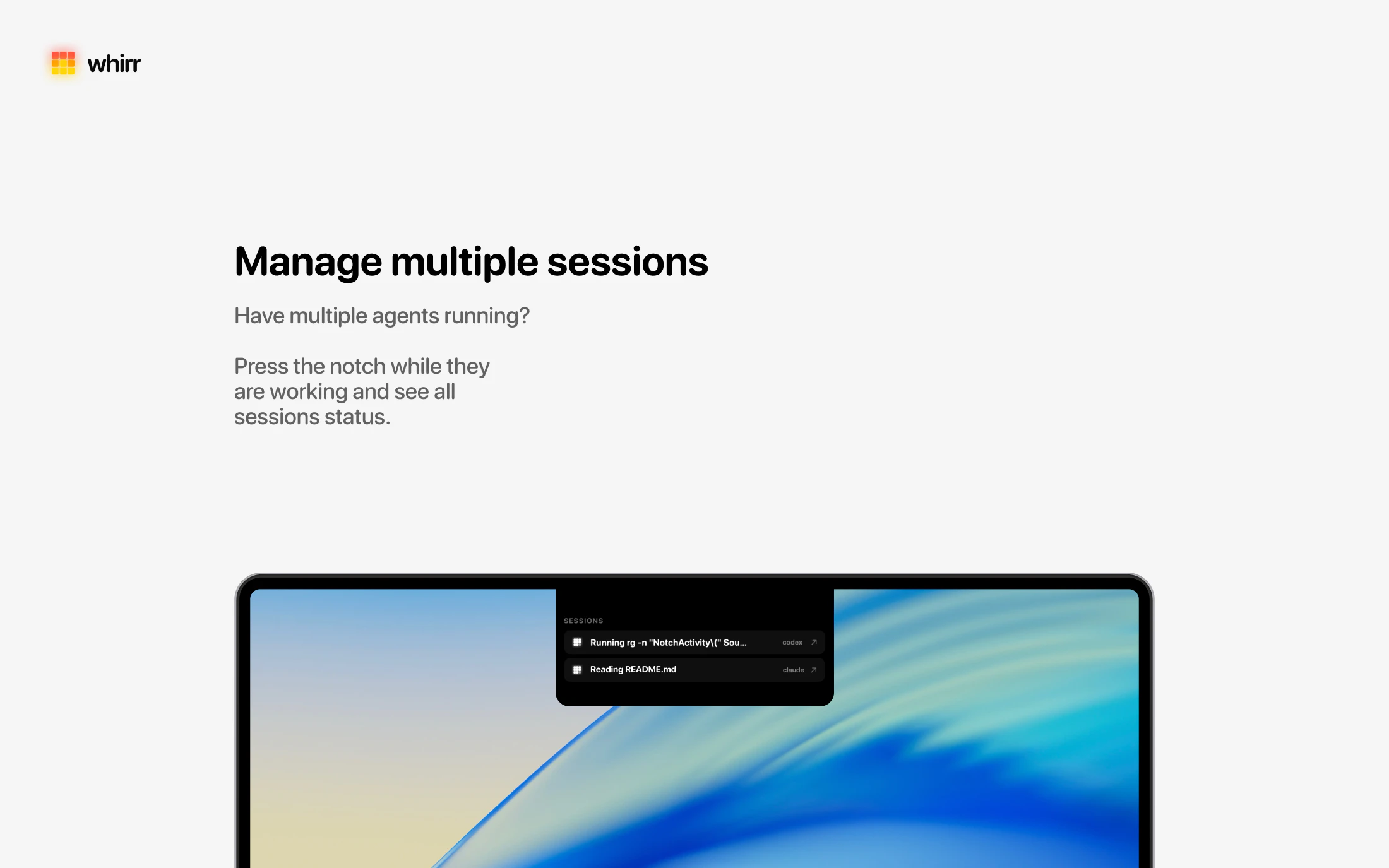
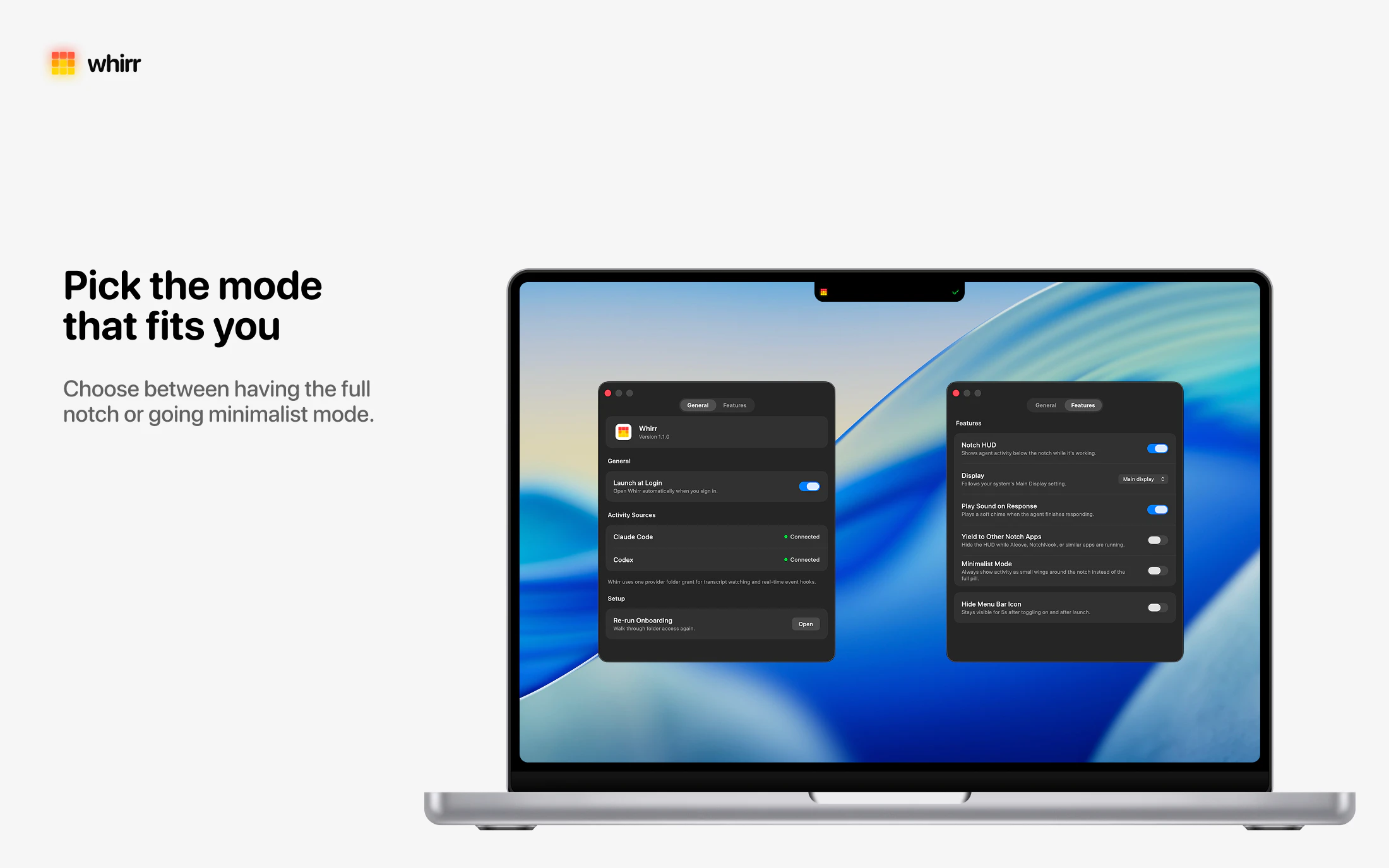
Whirr is a innovative macOS tool designed to keep users informed about their AI agent activities without disrupting their workflow. By displaying live status updates directly under the notch, it allows users to monitor multiple AI agents at a glance, eliminating the need to switch windows or check separate dashboards. This seamless integration makes it ideal for developers, AI enthusiasts, and productivity-focused users who rely on real-time insights to stay on top of their AI-driven tasks. Its unobtrusive design ensures that users remain focused while still having immediate visibility into their agents' activities. Whether managing multiple AI tools or keeping an eye on ongoing processes, Whirr enhances efficiency by providing instant, glanceable updates right on the desktop.
Screenshots


Pros
- ✓Real-time visibility of AI agent activity directly on the desktop
- ✓Non-intrusive display under the Mac notch, maintaining workflow flow
- ✓Simple and clean interface focused on productivity
- ✓Ideal for developers and AI enthusiasts managing multiple agents
Cons
- ✗Limited information about advanced customization options
- ✗No mention of a free trial or free tier; pricing details are unclear
- ✗Currently has zero votes on Product Hunt, indicating limited user feedback
Use Cases
Pricing
Likely operates on a freemium model with basic features available for free, and premium plans possibly offering additional customization or integrations; exact pricing details are not publicly specified.
Quick Info
Topics
Similar Tools in Data & Analytics




Embed Badge
Add this badge to your website to show that Whirr is featured on Visalytica.
<a href="https://www.visalytica.com/tool/whirr" target="_blank" rel="noopener noreferrer" style="display:inline-flex;align-items:center;gap:6px;padding:6px 14px;background:#7c3aed;color:#fff;border-radius:8px;font-family:-apple-system,system-ui,sans-serif;font-size:13px;font-weight:600;text-decoration:none;transition:background .2s" onmouseover="this.style.background='#6d28d9'" onmouseout="this.style.background='#7c3aed'"><svg width="14" height="14" viewBox="0 0 24 24" fill="none" stroke="currentColor" stroke-width="2.5" stroke-linecap="round" stroke-linejoin="round"><path d="M12 20V10"/><path d="M18 20V4"/><path d="M6 20v-4"/></svg>Featured on Visalytica</a>