
WhenDo: AI Auto Clicker Macro
Turn one sentence into an Android automation
About WhenDo: AI Auto Clicker Macro
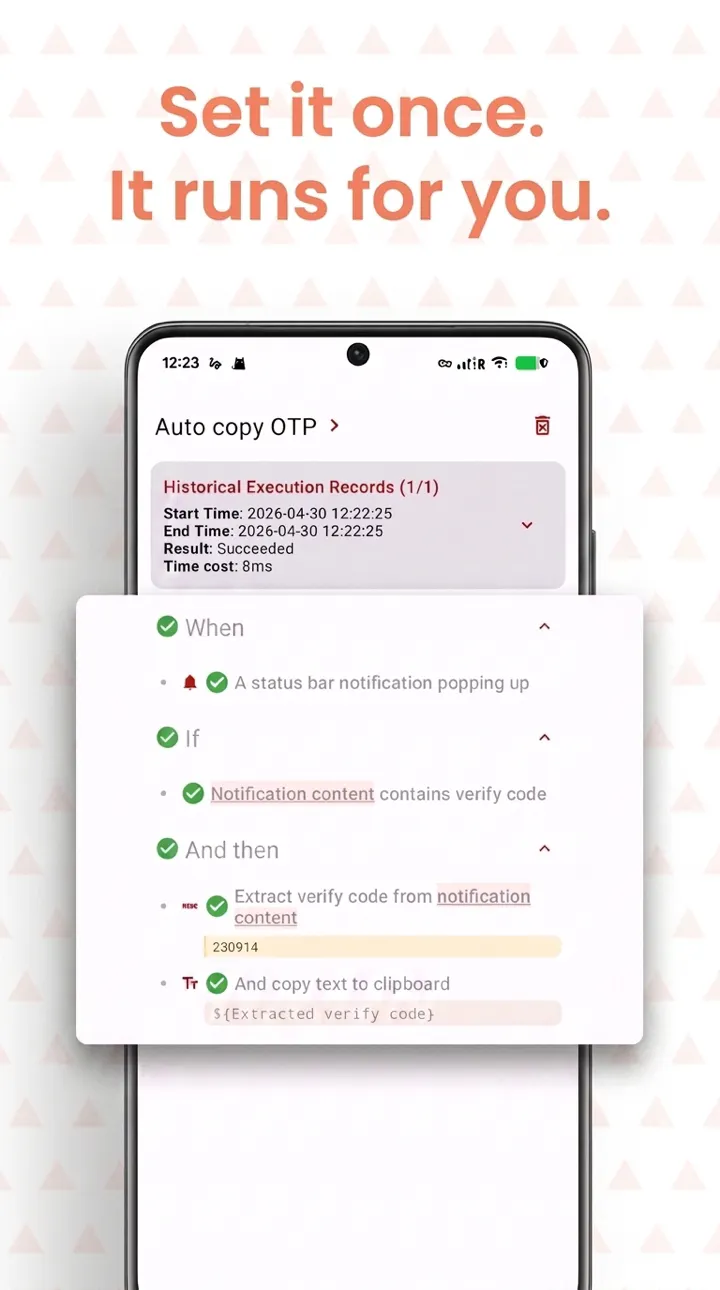
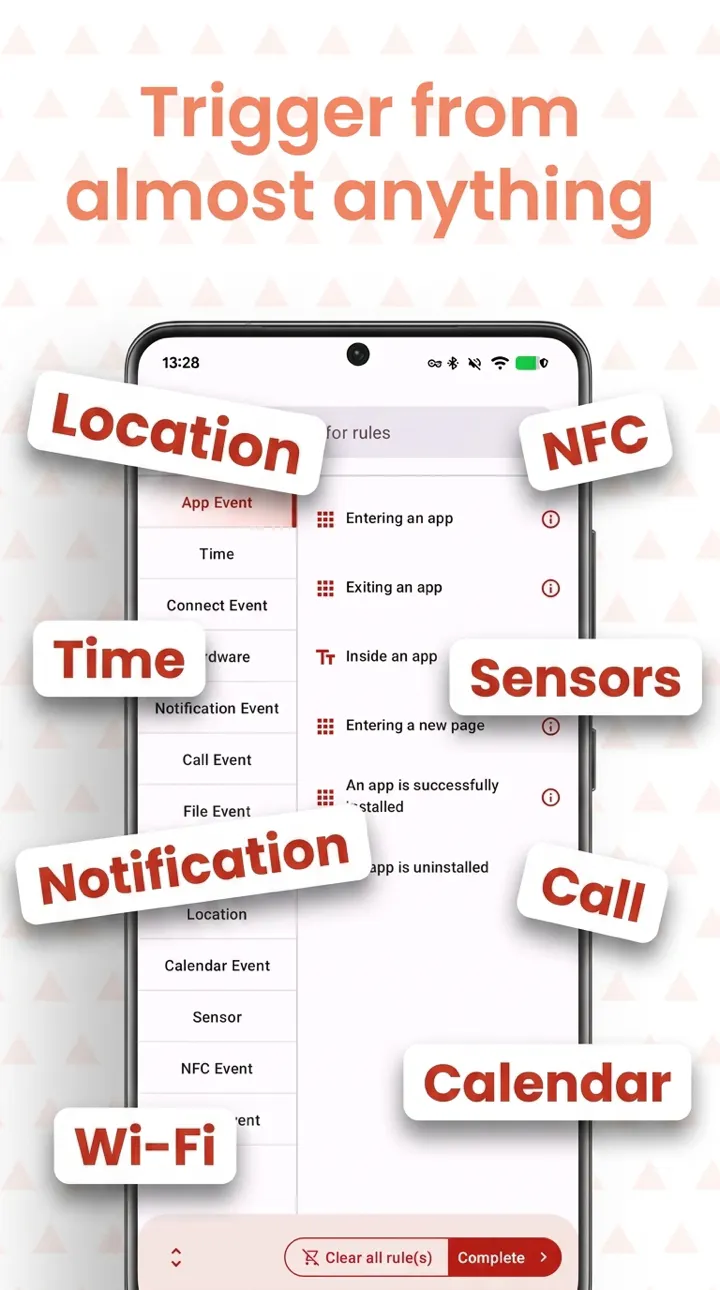
WhenDo: AI Auto Clicker Macro is an innovative Android automation tool designed to simplify the creation of routines through natural language. Users can describe a task in a single sentence, such as 'mute my phone on home Wi-Fi,' and the AI generates the necessary triggers, conditions, and actions, all of which are fully editable. Beyond automation, WhenDo functions as a comprehensive auto clicker, allowing users to record taps and swipes, schedule repeated tasks, and choose from over 250 triggers like app launches, Wi-Fi status, calendar events, location, and NFC. Its no-root requirement makes it accessible for most Android devices, while optional Shizuku support offers more advanced control for experienced users. The tool is free to use, with a one-time Pro unlock, making it a cost-effective solution for productivity enthusiasts, developers, and anyone looking to automate repetitive Android tasks effortlessly.
Screenshots
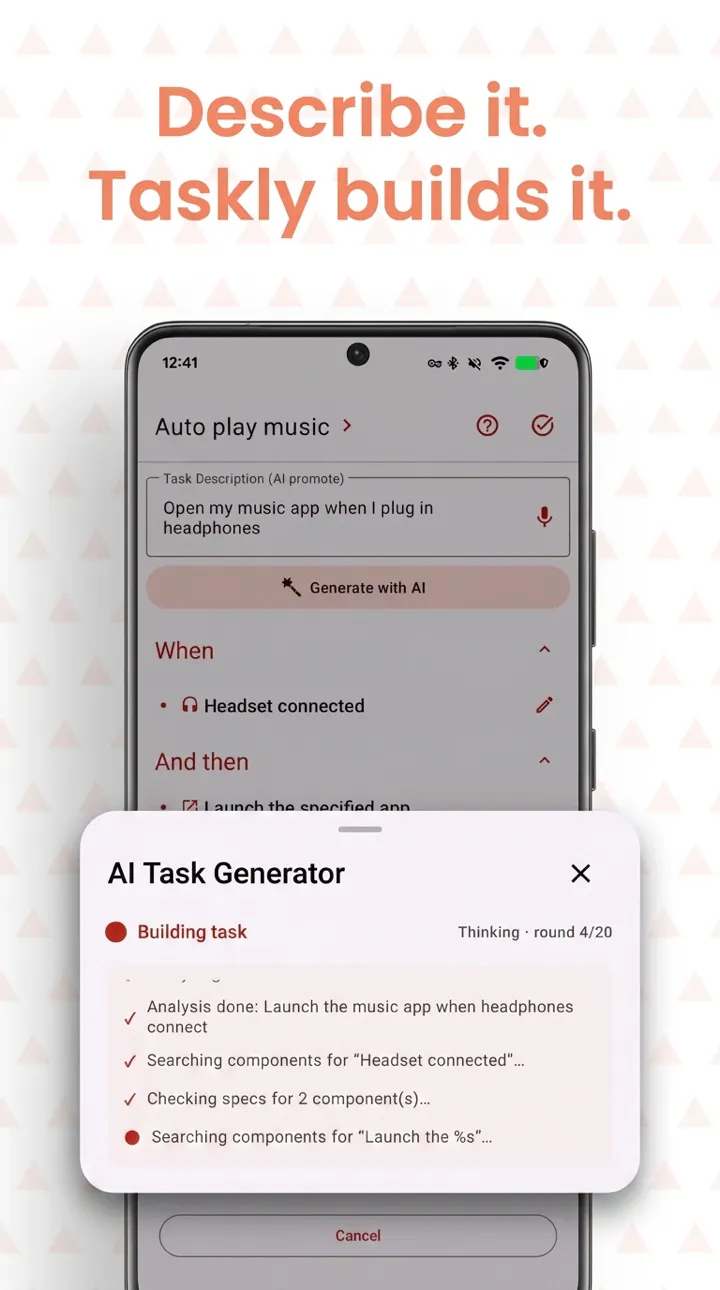
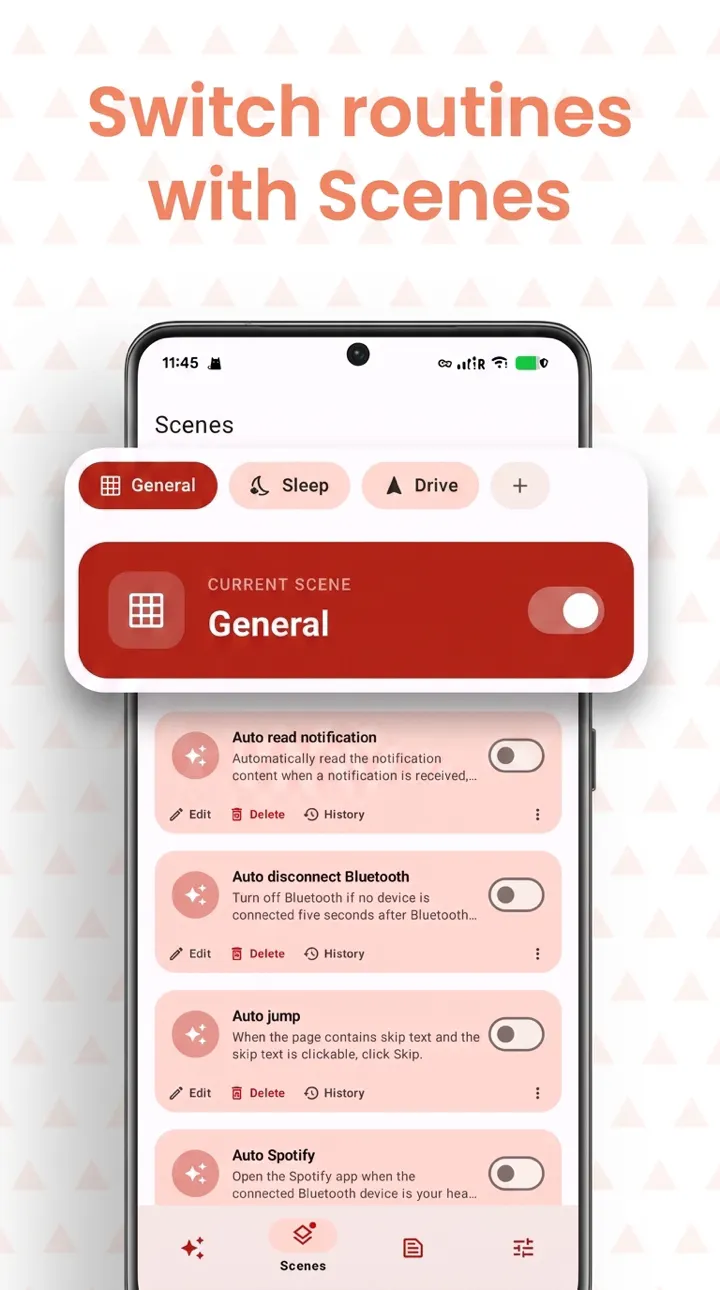
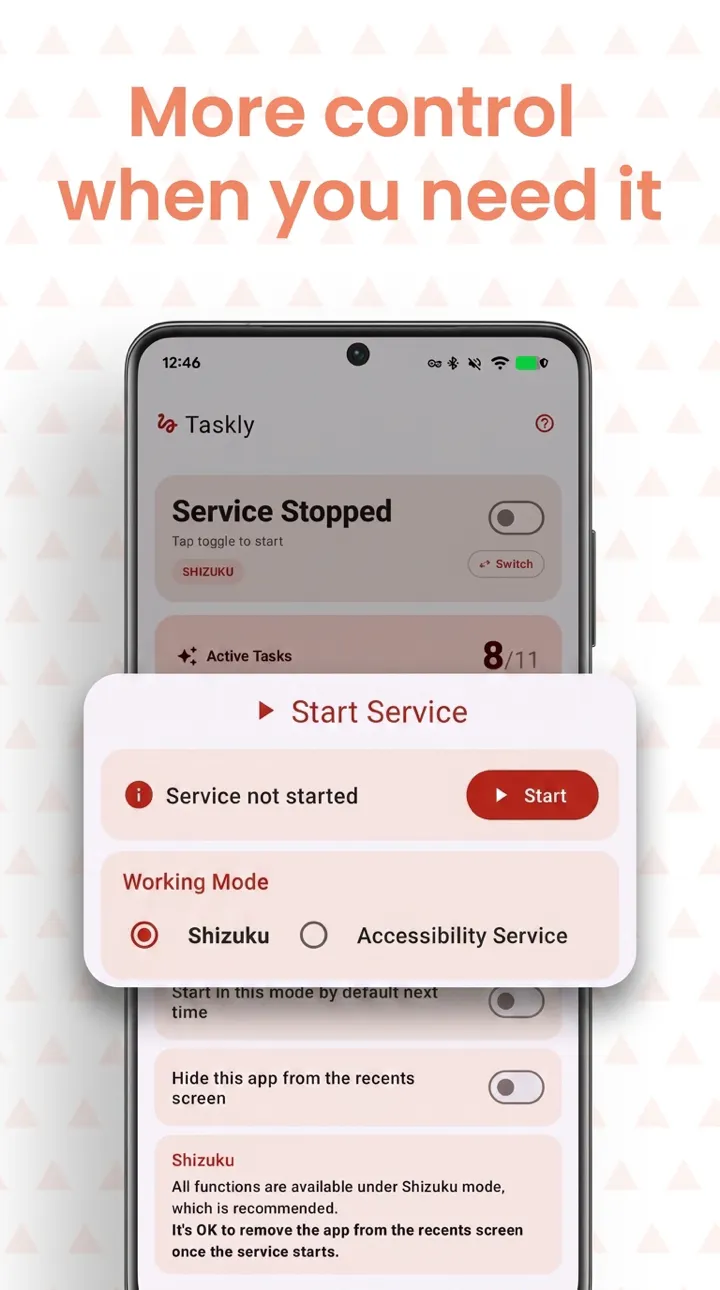
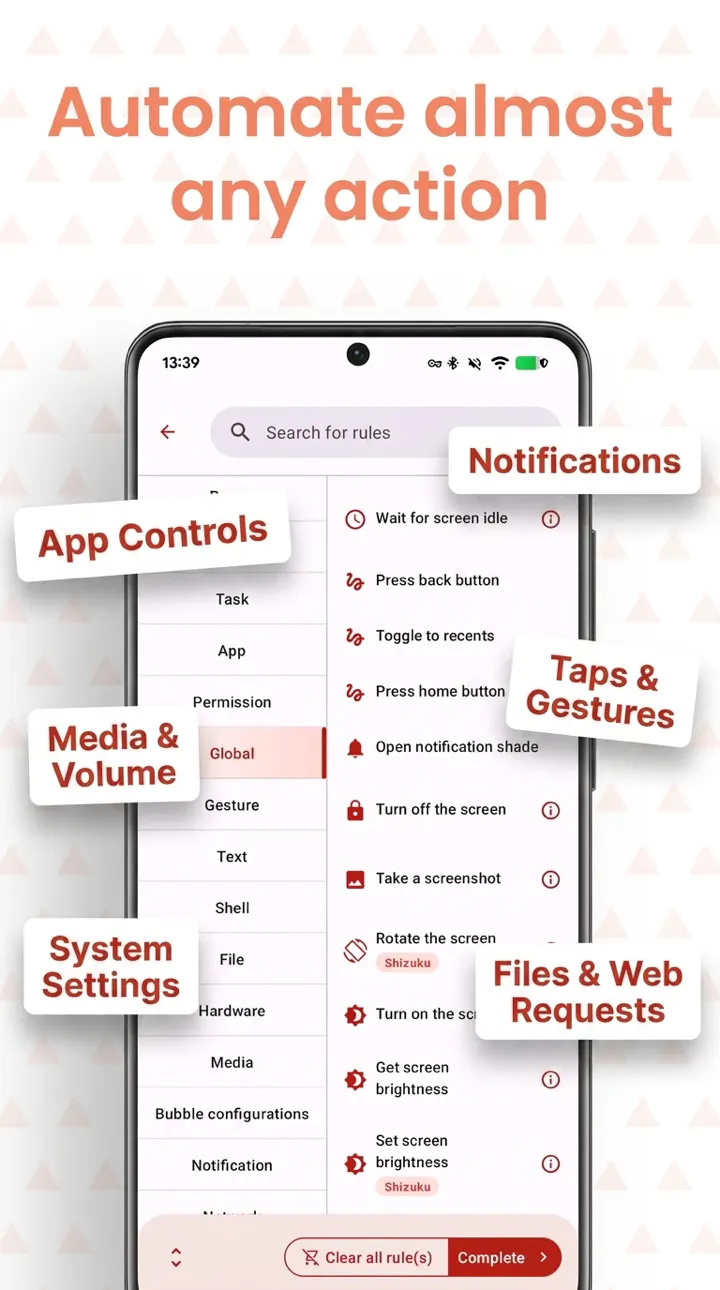
+1 more screenshots
Pros
- ✓Natural language input simplifies automation creation
- ✓Extensive trigger options with over 250 choices
- ✓No root required, easy setup
- ✓Full editing of generated routines
- ✓One-time Pro unlock offers premium features without subscription fees
Cons
- ✗Features and capabilities may depend on device compatibility
- ✗Learning curve for complex automation setups
- ✗Limited integration with other platforms outside Android
Use Cases
Pricing
Pricing not verified
Quick Info
Topics
Makers

dylan xu
Alternatives
Similar Tools in Productivity




Embed Badge
Add this badge to your website to show that WhenDo: AI Auto Clicker Macro is featured on Visalytica.
<a href="https://www.visalytica.com/tool/whendo-ai-auto-clicker-macro" target="_blank" rel="noopener noreferrer" style="display:inline-flex;align-items:center;gap:6px;padding:6px 14px;background:#7c3aed;color:#fff;border-radius:8px;font-family:-apple-system,system-ui,sans-serif;font-size:13px;font-weight:600;text-decoration:none;transition:background .2s" onmouseover="this.style.background='#6d28d9'" onmouseout="this.style.background='#7c3aed'"><svg width="14" height="14" viewBox="0 0 24 24" fill="none" stroke="currentColor" stroke-width="2.5" stroke-linecap="round" stroke-linejoin="round"><path d="M12 20V10"/><path d="M18 20V4"/><path d="M6 20v-4"/></svg>Featured on Visalytica</a>