
WhatCable
Know what your USB-C cable can really do
About WhatCable
WhatCable is a straightforward yet powerful tool designed for Mac users who want to understand the true capabilities of their USB-C cables. By providing clear, plain English information on cable speed, charging power, and e-marker data, it removes the guesswork often associated with USB-C accessories. Whether you're troubleshooting slow charging, verifying cable specifications, or simply curious about what your cable can handle, WhatCable offers valuable insights with minimal effort. Its integration into the menu bar makes it easily accessible, making it ideal for tech enthusiasts, professionals, and everyday users who demand transparency and reliability from their hardware. What makes it unique is its focus on user-friendly data presentation, helping non-technical users get the info they need without sifting through technical jargon.
Screenshots
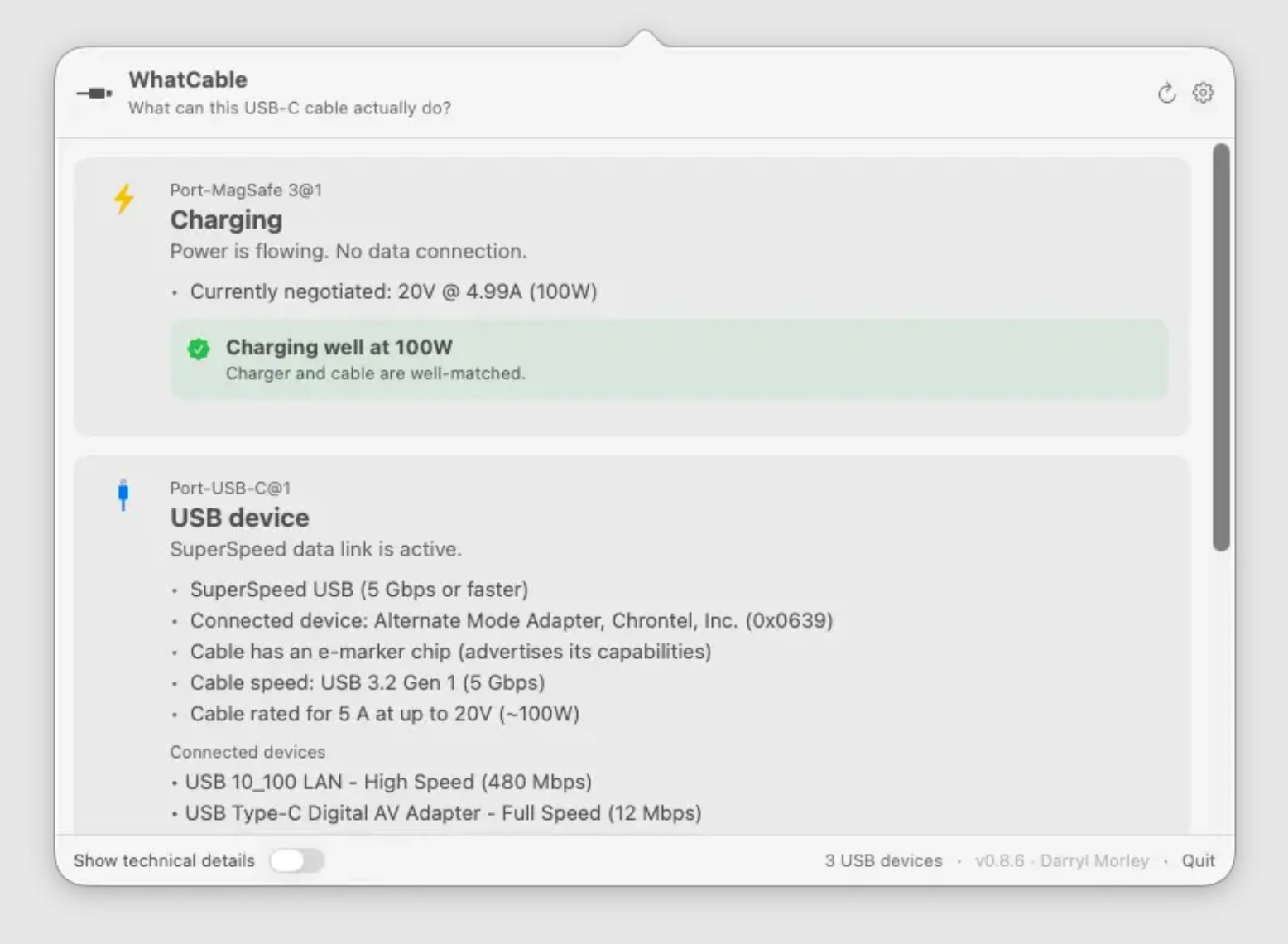
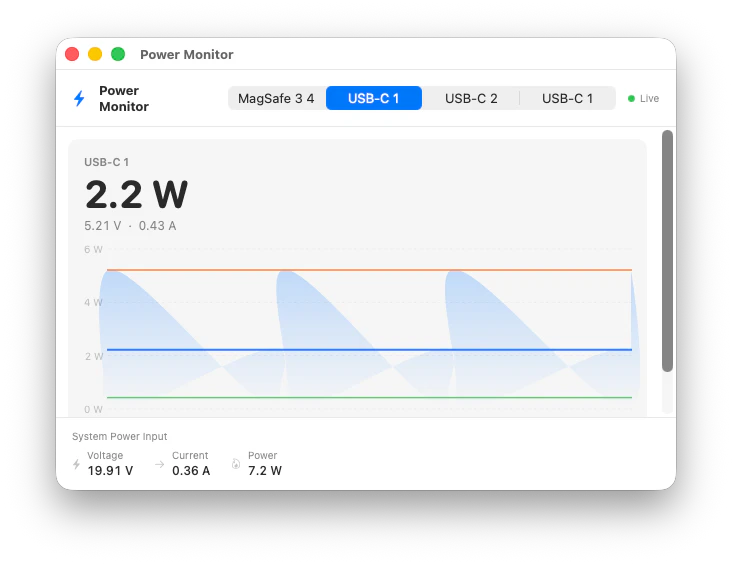
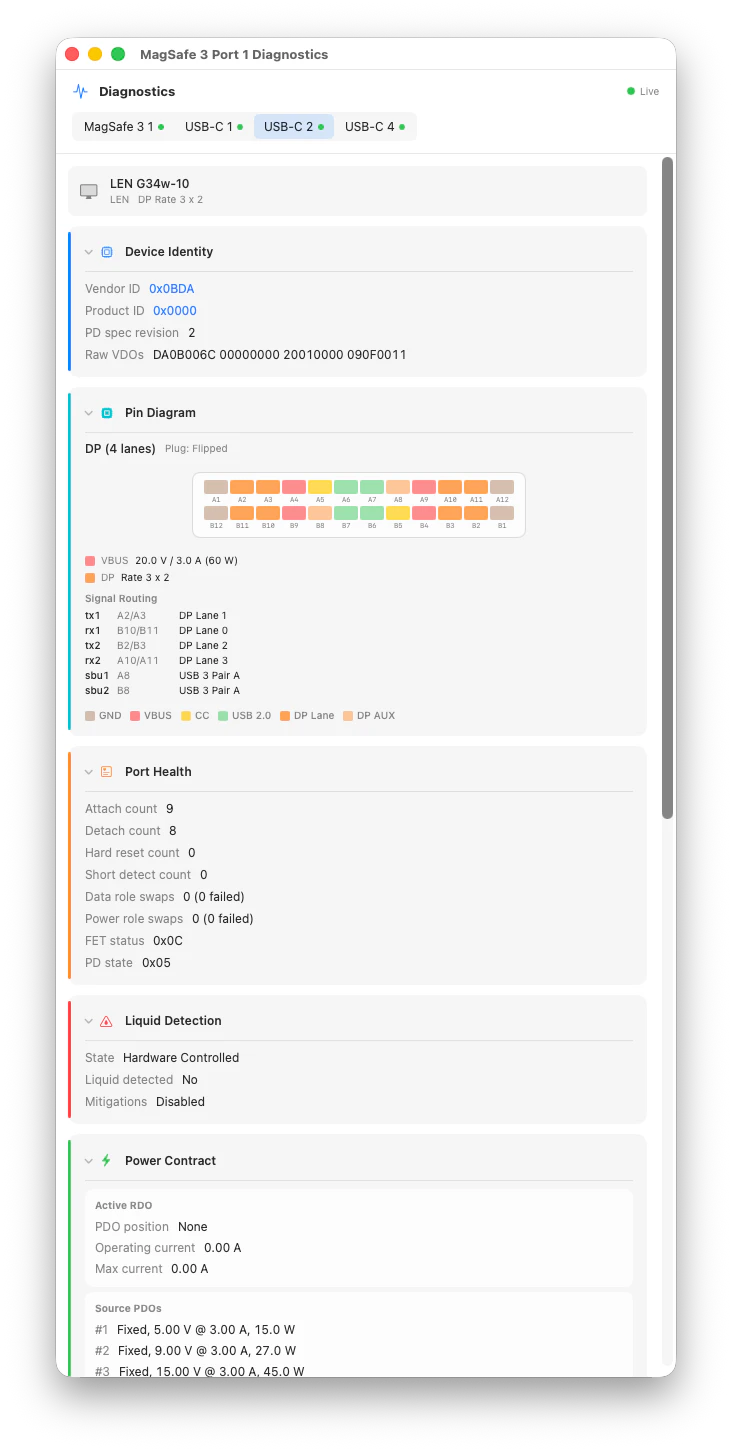
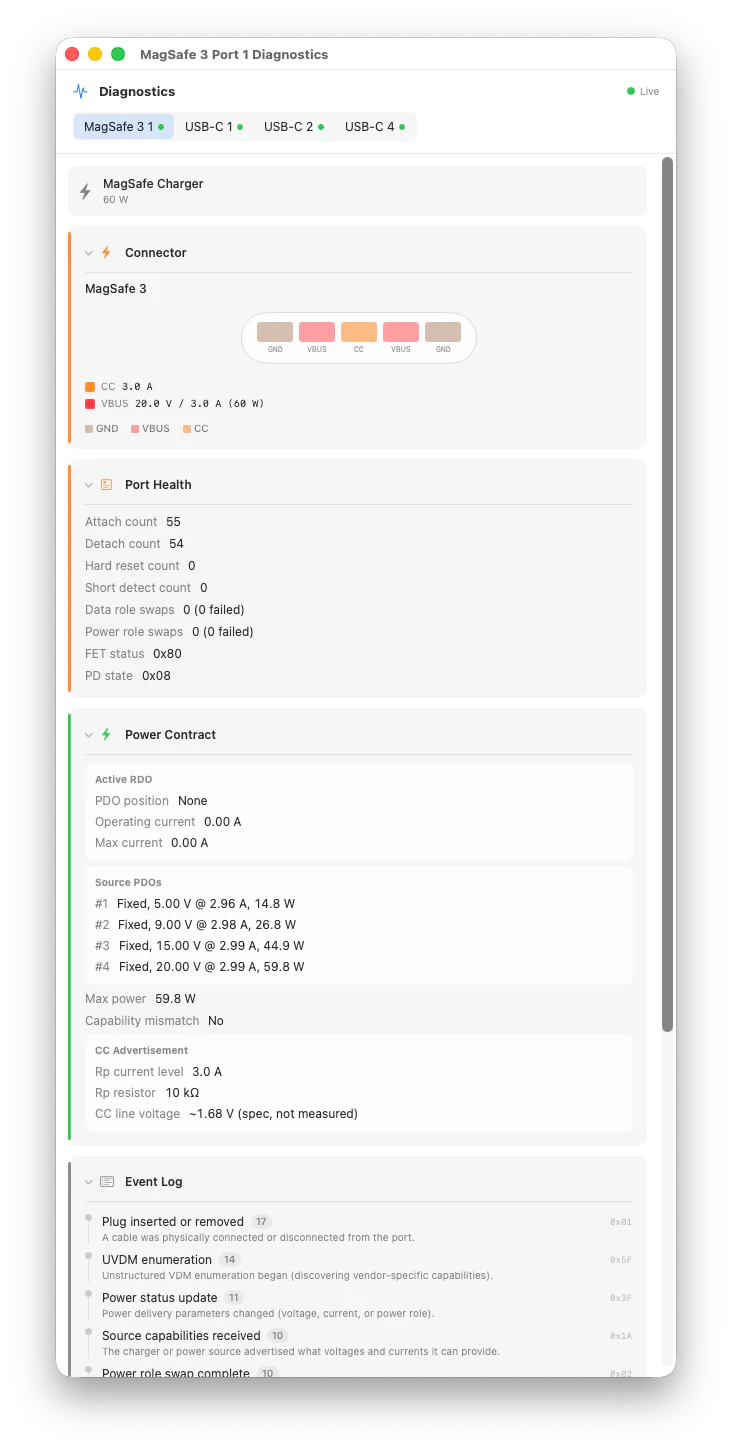
Pros
- ✓User-friendly interface with plain English explanations
- ✓Quick access via the menu bar for convenience
- ✓Accurately displays cable speed, power, and e-marker data
- ✓Helps troubleshoot charging issues effectively
- ✓Ideal for Mac users and Apple ecosystem enthusiasts
Cons
- ✗Limited to macOS, not available for other platforms
- ✗Features may be basic for advanced users needing detailed diagnostics
- ✗Dependence on hardware compatibility and USB-C standards
Use Cases
Pricing
Likely follows a freemium model with some basic features available for free, and premium features or detailed reports offered through a paid plan. Exact pricing details are not specified but may start around a few dollars per month or as a one-time purchase.
Quick Info
Topics
Alternatives
Similar Tools in AI Assistants




Embed Badge
Add this badge to your website to show that WhatCable is featured on Visalytica.
<a href="https://www.visalytica.com/tool/whatcable" target="_blank" rel="noopener noreferrer" style="display:inline-flex;align-items:center;gap:6px;padding:6px 14px;background:#7c3aed;color:#fff;border-radius:8px;font-family:-apple-system,system-ui,sans-serif;font-size:13px;font-weight:600;text-decoration:none;transition:background .2s" onmouseover="this.style.background='#6d28d9'" onmouseout="this.style.background='#7c3aed'"><svg width="14" height="14" viewBox="0 0 24 24" fill="none" stroke="currentColor" stroke-width="2.5" stroke-linecap="round" stroke-linejoin="round"><path d="M12 20V10"/><path d="M18 20V4"/><path d="M6 20v-4"/></svg>Featured on Visalytica</a>