
What the Fetch
A network agent in your browser
About What the Fetch
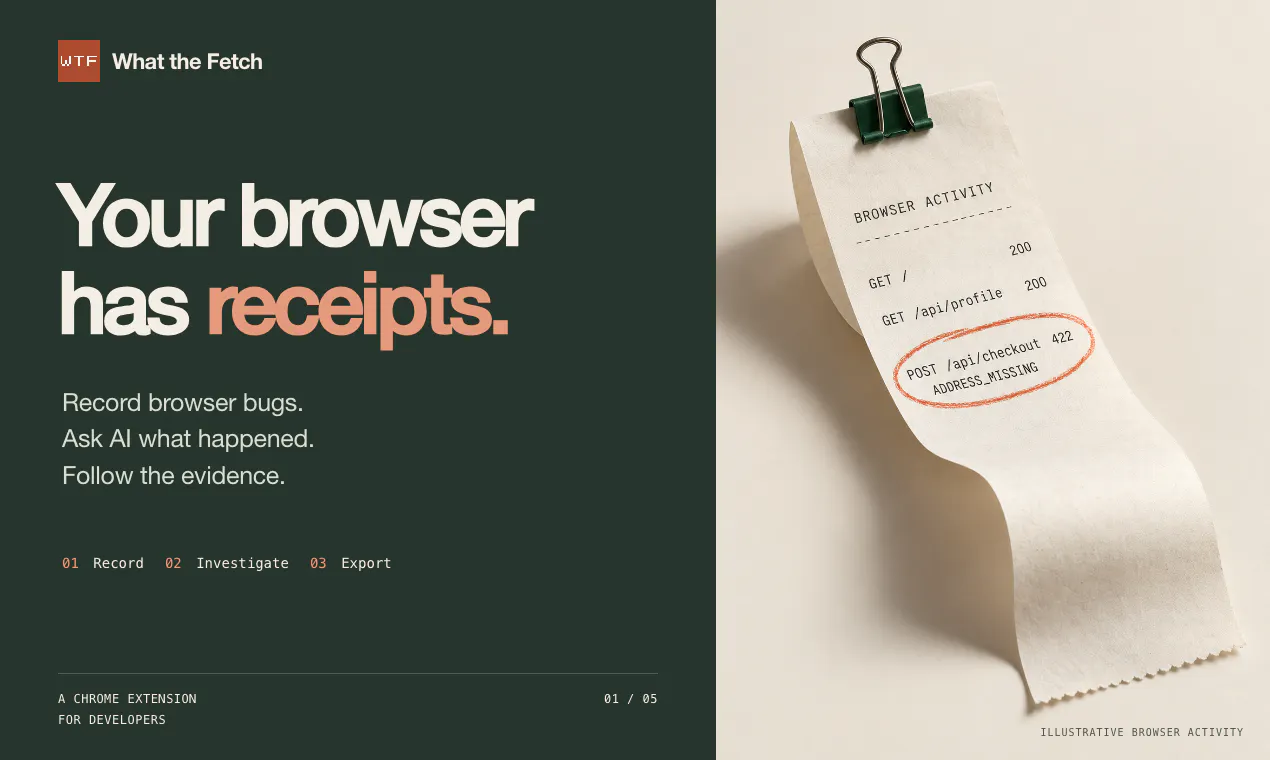
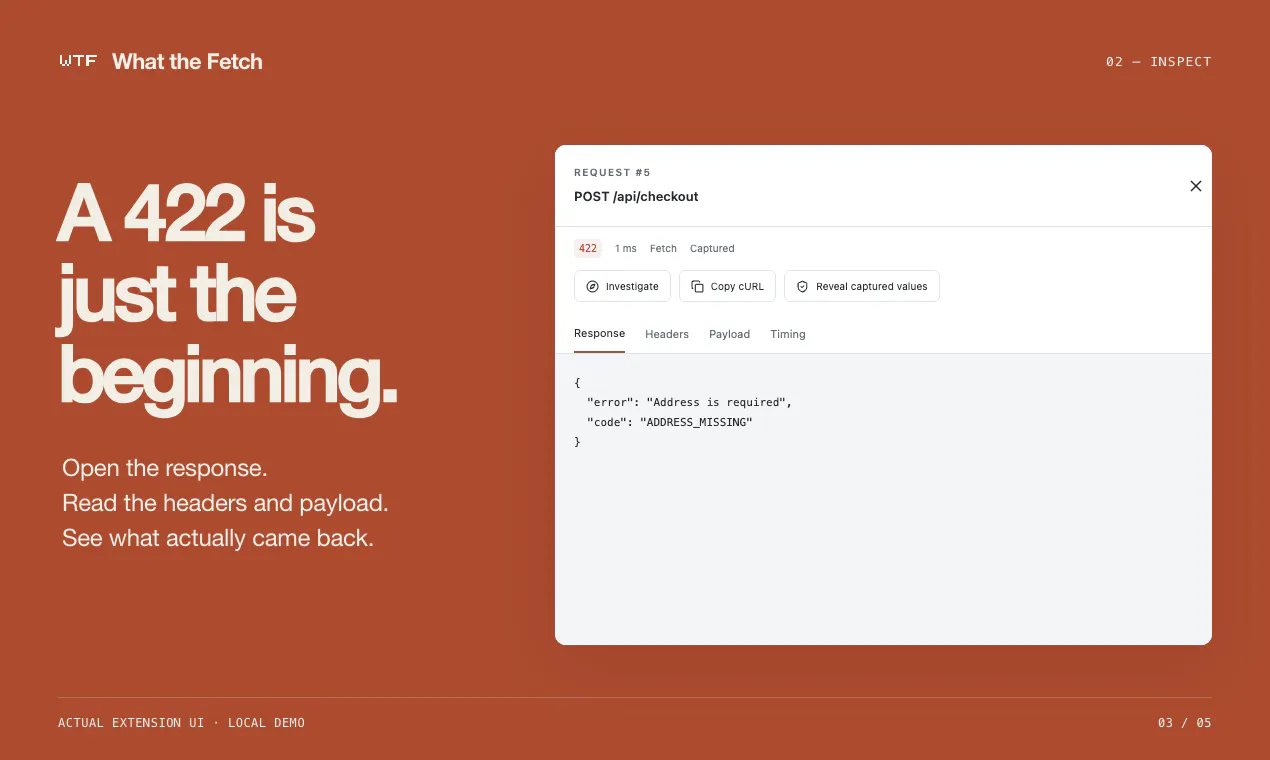
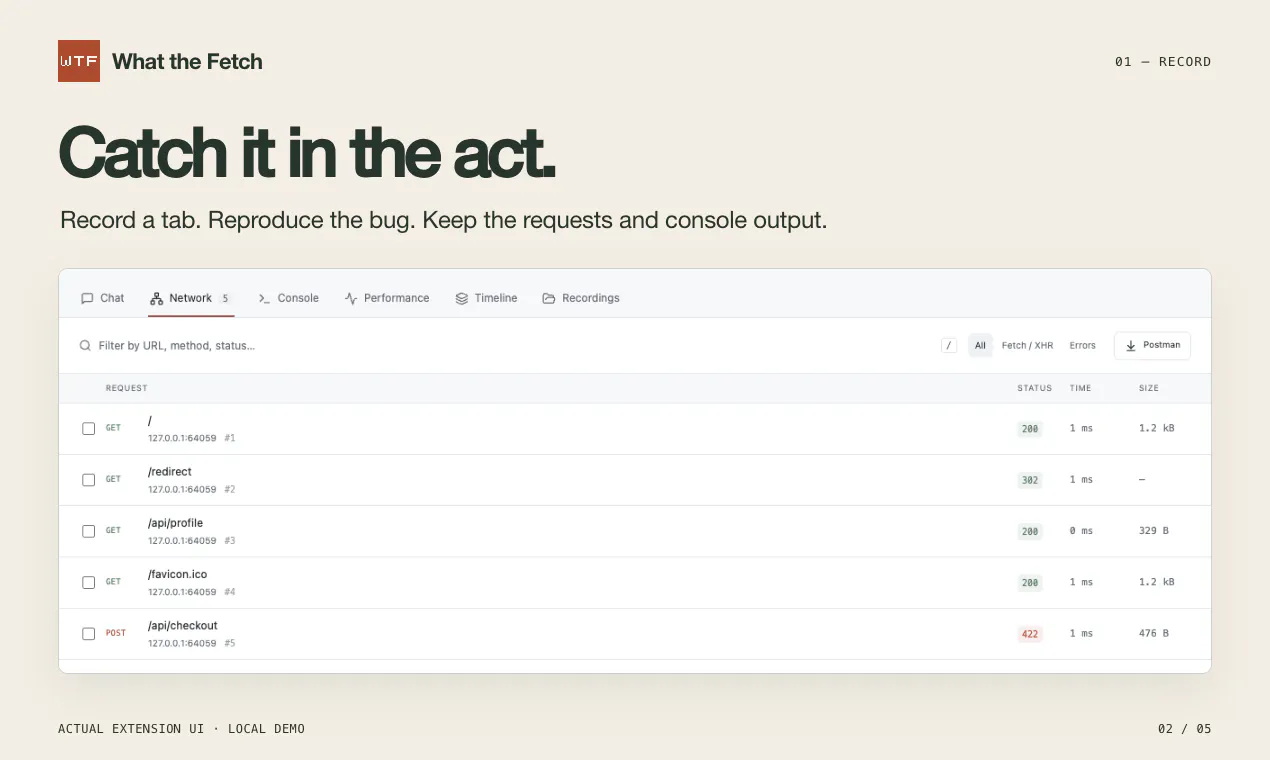
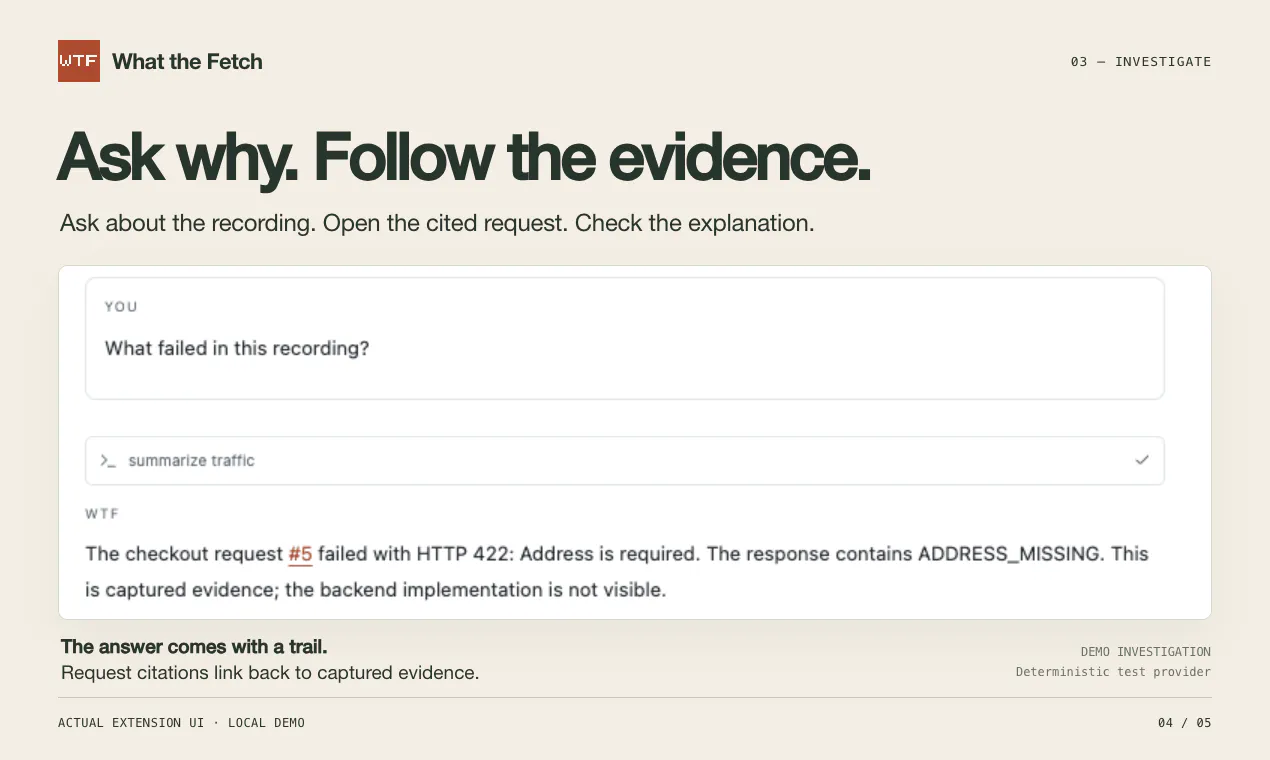
What the Fetch is a powerful browser-based network agent designed for web developers and testers. It allows users to record network requests, view console outputs, and leverage AI to analyze failures, making debugging more intuitive and efficient. Its ability to follow citations to evidence and export data in formats like HAR and cURL streamlines the troubleshooting process, saving developers time and effort. Additionally, users can try a limited AI or connect their own provider, enhancing flexibility and customization. The extension’s seamless integration into the browser environment makes it a handy tool for developers seeking real-time insights during web app debugging, especially when diagnosing complex issues or verifying network behavior. Its user-friendly interface and AI integration make it stand out among traditional developer tools, offering both automation and detailed control in a single package.
Screenshots
Pros
- ✓Real-time network request recording and analysis
- ✓AI-powered failure diagnosis and explanation
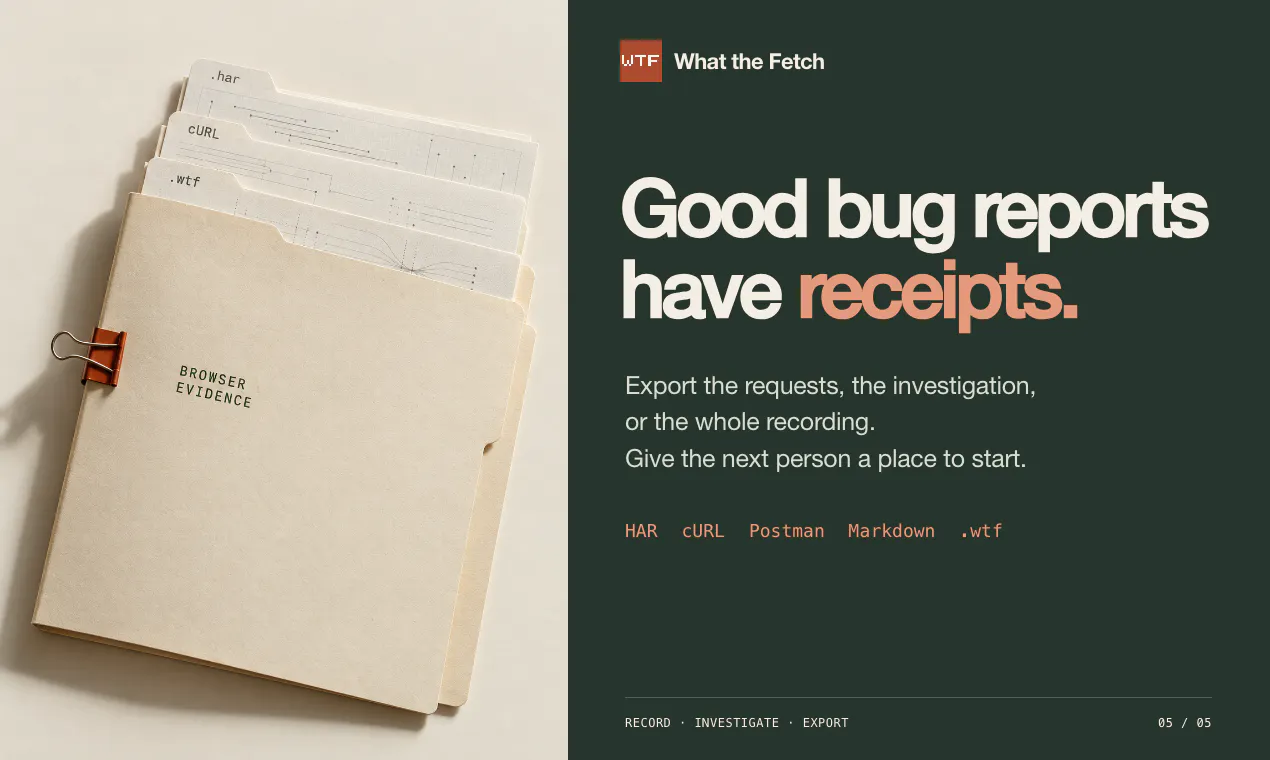
- ✓Supports exporting HAR, cURL, and recordings for sharing
- ✓Flexible AI integration with options for custom providers
- ✓Follow citations to evidence for transparent debugging
Cons
- ✗Limited features in the free or trial version
- ✗Requires browser extension installation, which might impact performance
- ✗AI capabilities may be limited without connection to a personal provider
Use Cases
Pricing
Pricing not verified
Quick Info
Topics
Makers

Harsh Joshi
Alternatives
Similar Tools in Developer Tools




Embed Badge
Add this badge to your website to show that What the Fetch is featured on Visalytica.
<a href="https://www.visalytica.com/tool/what-the-fetch" target="_blank" rel="noopener noreferrer" style="display:inline-flex;align-items:center;gap:6px;padding:6px 14px;background:#7c3aed;color:#fff;border-radius:8px;font-family:-apple-system,system-ui,sans-serif;font-size:13px;font-weight:600;text-decoration:none;transition:background .2s" onmouseover="this.style.background='#6d28d9'" onmouseout="this.style.background='#7c3aed'"><svg width="14" height="14" viewBox="0 0 24 24" fill="none" stroke="currentColor" stroke-width="2.5" stroke-linecap="round" stroke-linejoin="round"><path d="M12 20V10"/><path d="M18 20V4"/><path d="M6 20v-4"/></svg>Featured on Visalytica</a>