
Web2MCP
Turn any website's APIs into WebMCP tools for your AI agent
About Web2MCP
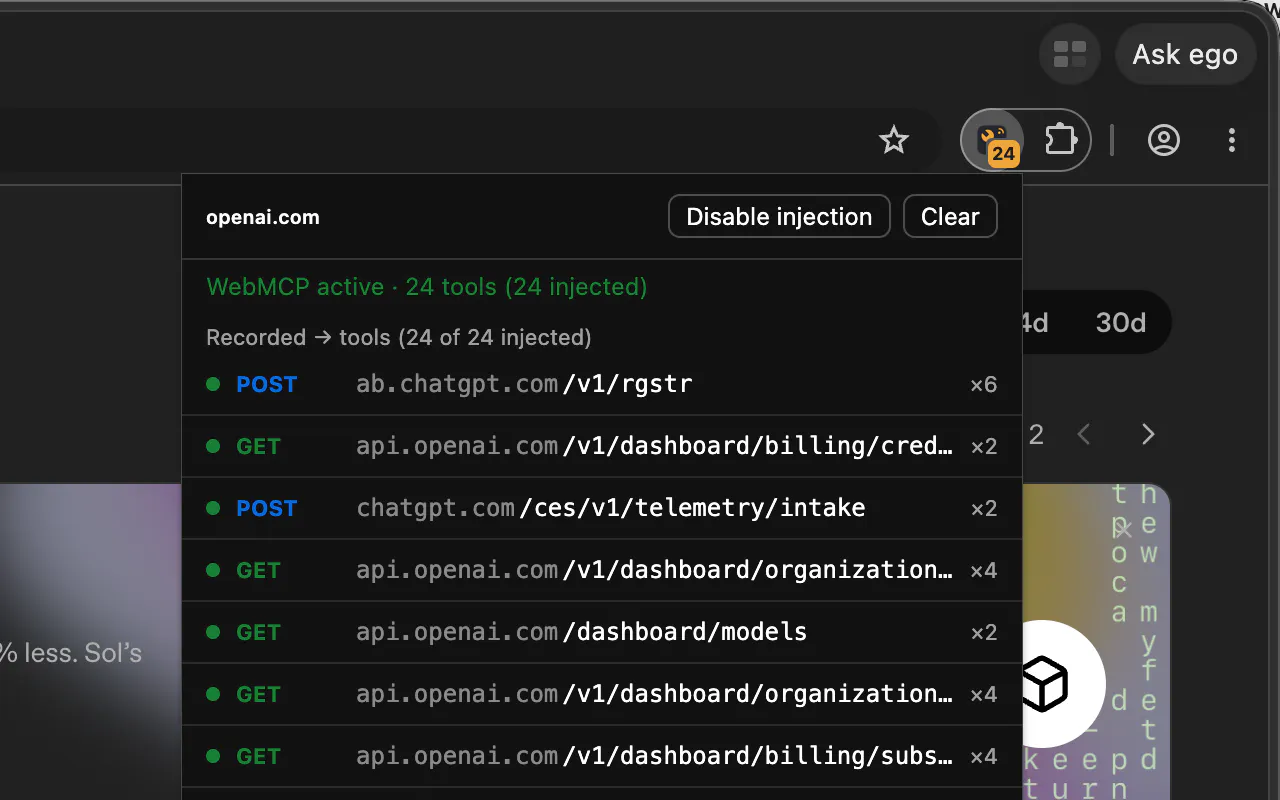
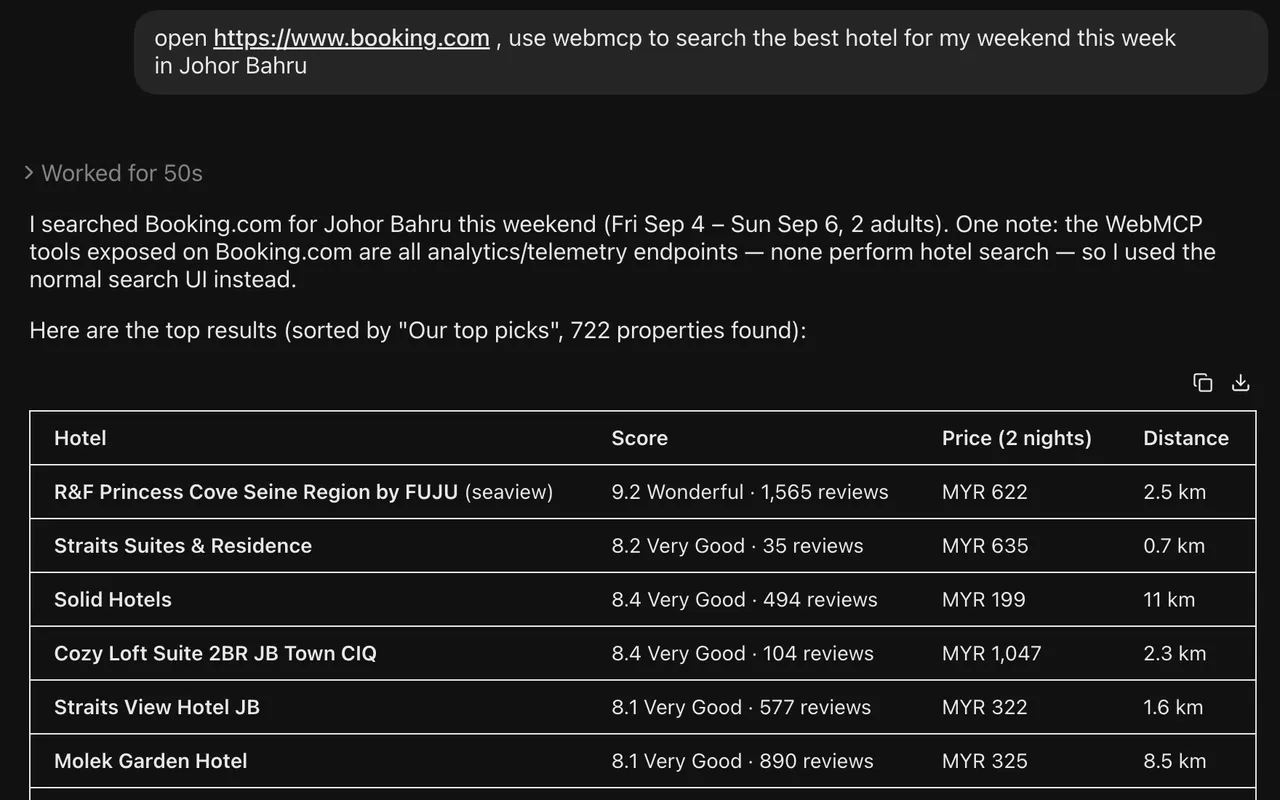
Web2MCP is an innovative Chrome extension designed for developers and AI enthusiasts who want to effortlessly integrate website APIs into their AI workflows. By recording APIs called during browsing sessions, Web2MCP automatically converts these into native WebMCP tools that an in-browser AI agent can discover and utilize. This eliminates the need for manual configuration, API keys, or schema setup, making the process seamless and highly accessible. Running entirely locally, Web2MCP prioritizes user privacy and security while offering a powerful way to enhance AI capabilities with real-time web data. Its self-building tools approach makes it particularly appealing for rapid prototyping, custom AI integrations, and dynamic data extraction, empowering users to extend AI functionality without technical barriers.
Screenshots
Pros
- ✓Automatic API recording without manual configuration
- ✓No need for API keys or schema setup, simplifying integration
- ✓Runs entirely locally, ensuring privacy and security
- ✓Self-building tools adapt to any website for versatile use
- ✓Enhances AI agents with real-time web data effortlessly
Cons
- ✗Currently limited to Chrome browser as a extension
- ✗Lacks detailed schema management for complex APIs
- ✗No explicit pricing or subscription details provided
Use Cases
Pricing
Pricing not verified
Quick Info
Topics
Makers

Joway Wang
Alternatives
Similar Tools in AI Assistants




Embed Badge
Add this badge to your website to show that Web2MCP is featured on Visalytica.
<a href="https://www.visalytica.com/tool/web2mcp" target="_blank" rel="noopener noreferrer" style="display:inline-flex;align-items:center;gap:6px;padding:6px 14px;background:#7c3aed;color:#fff;border-radius:8px;font-family:-apple-system,system-ui,sans-serif;font-size:13px;font-weight:600;text-decoration:none;transition:background .2s" onmouseover="this.style.background='#6d28d9'" onmouseout="this.style.background='#7c3aed'"><svg width="14" height="14" viewBox="0 0 24 24" fill="none" stroke="currentColor" stroke-width="2.5" stroke-linecap="round" stroke-linejoin="round"><path d="M12 20V10"/><path d="M18 20V4"/><path d="M6 20v-4"/></svg>Featured on Visalytica</a>