
Waterlogue for Android
Your watercolor camera
About Waterlogue for Android
Waterlogue for Android brings the beloved watercolor photo effect to a new audience, offering a seamless experience for Android users who want to transform their photos into beautiful watercolor artworks. Known for its simplicity and high-quality results, Waterlogue uses traditional image processing techniques rather than generative AI, ensuring consistent and artistically appealing outputs. Its user-friendly interface makes it accessible for hobbyists, artists, and social media enthusiasts looking to add a creative touch to their images. With feature parity to its long-standing iOS counterpart, this Android version opens up new possibilities for digital art and photo editing on a broader platform. Whether for personal projects, social media content, or artistic experimentation, Waterlogue provides a reliable tool to turn ordinary photos into watercolor masterpieces.
Screenshots
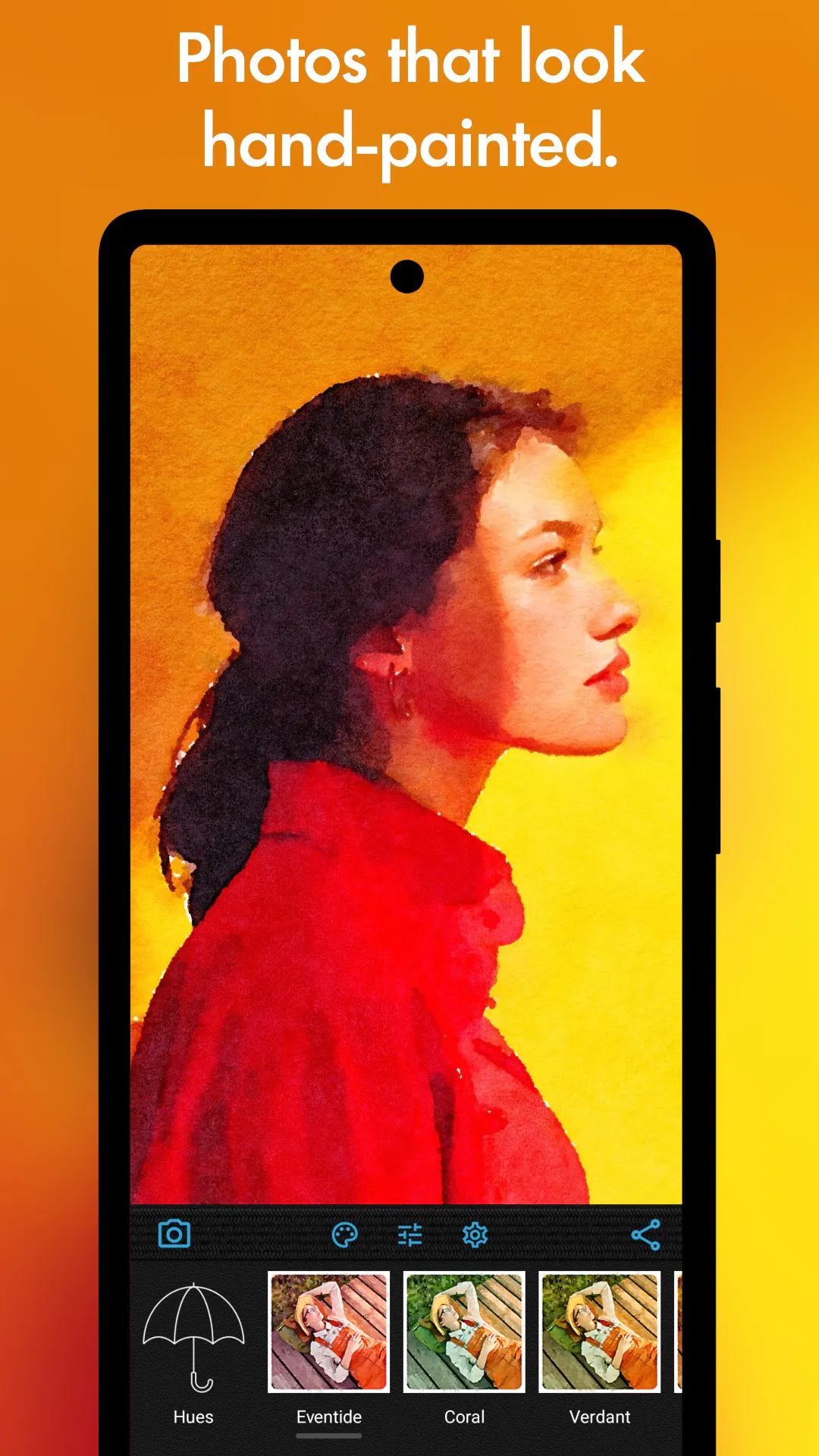
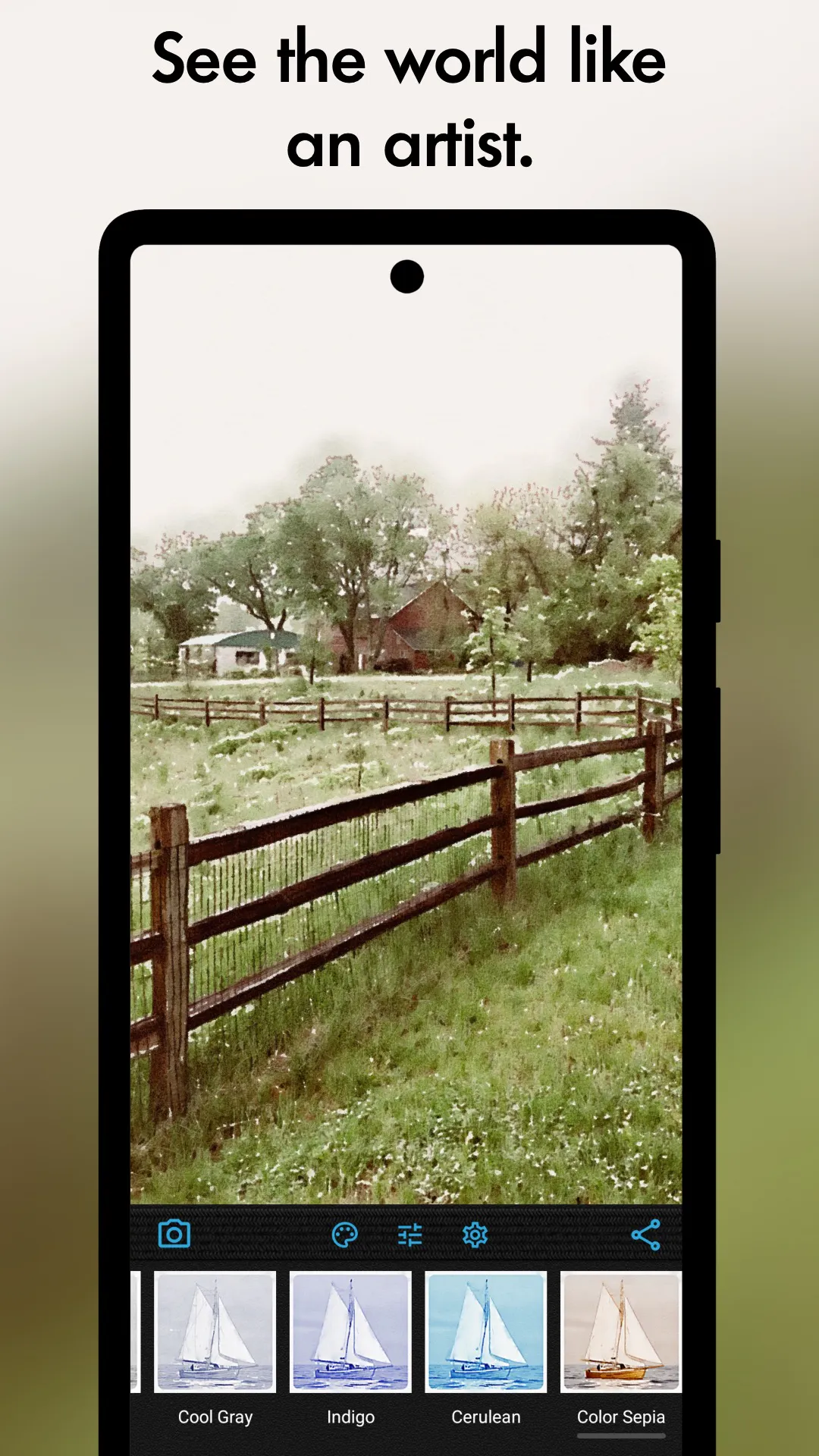
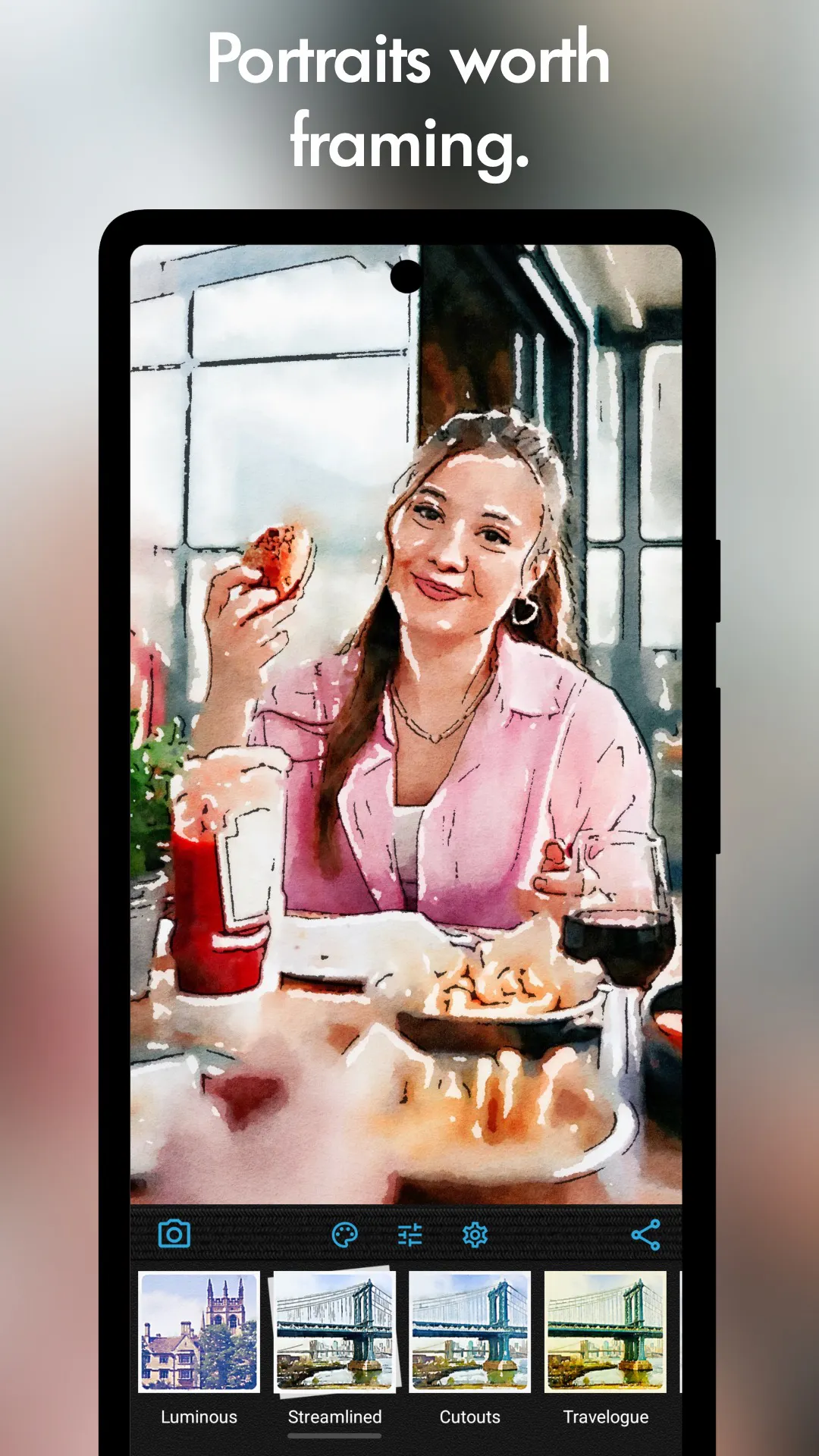
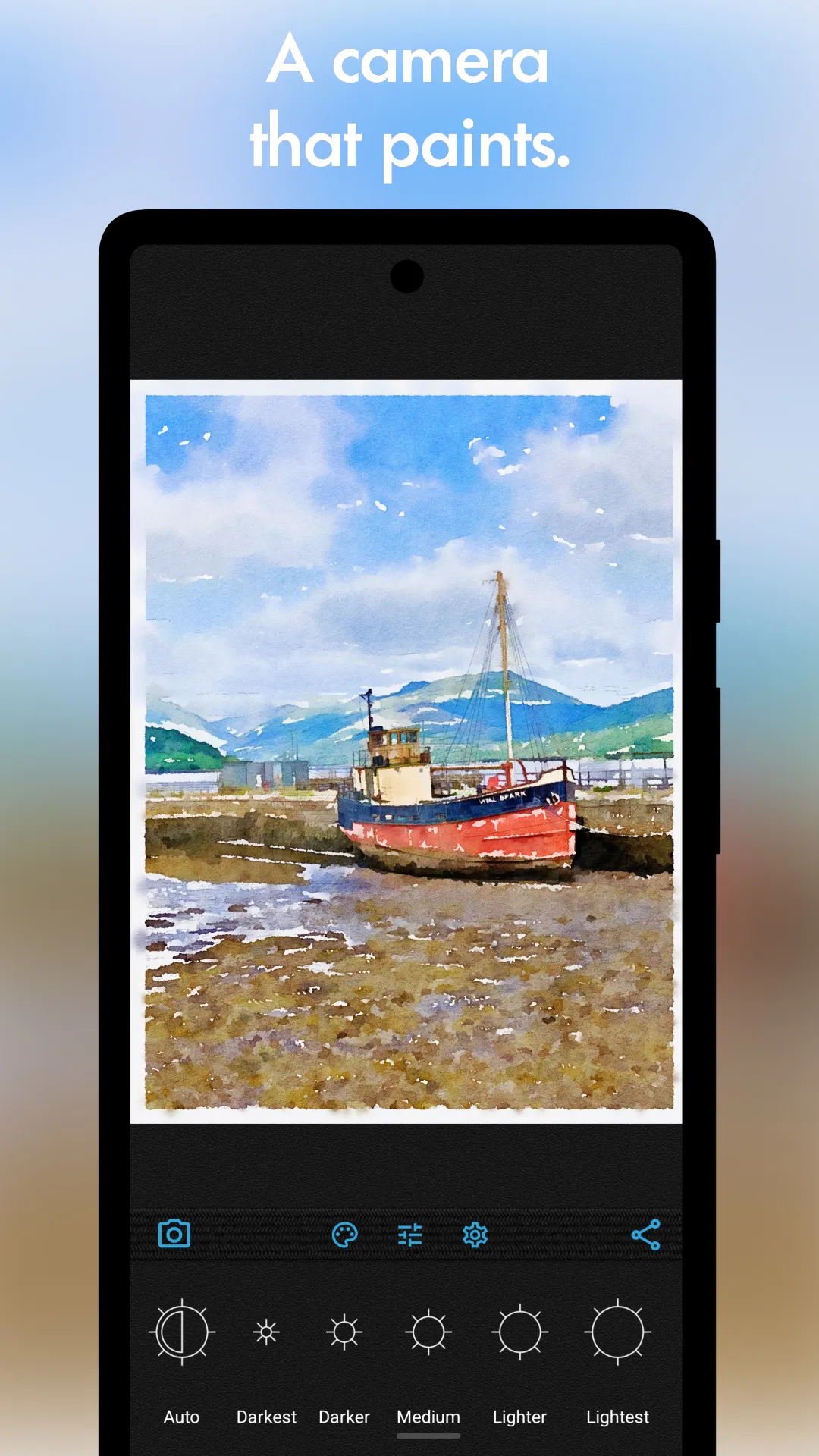
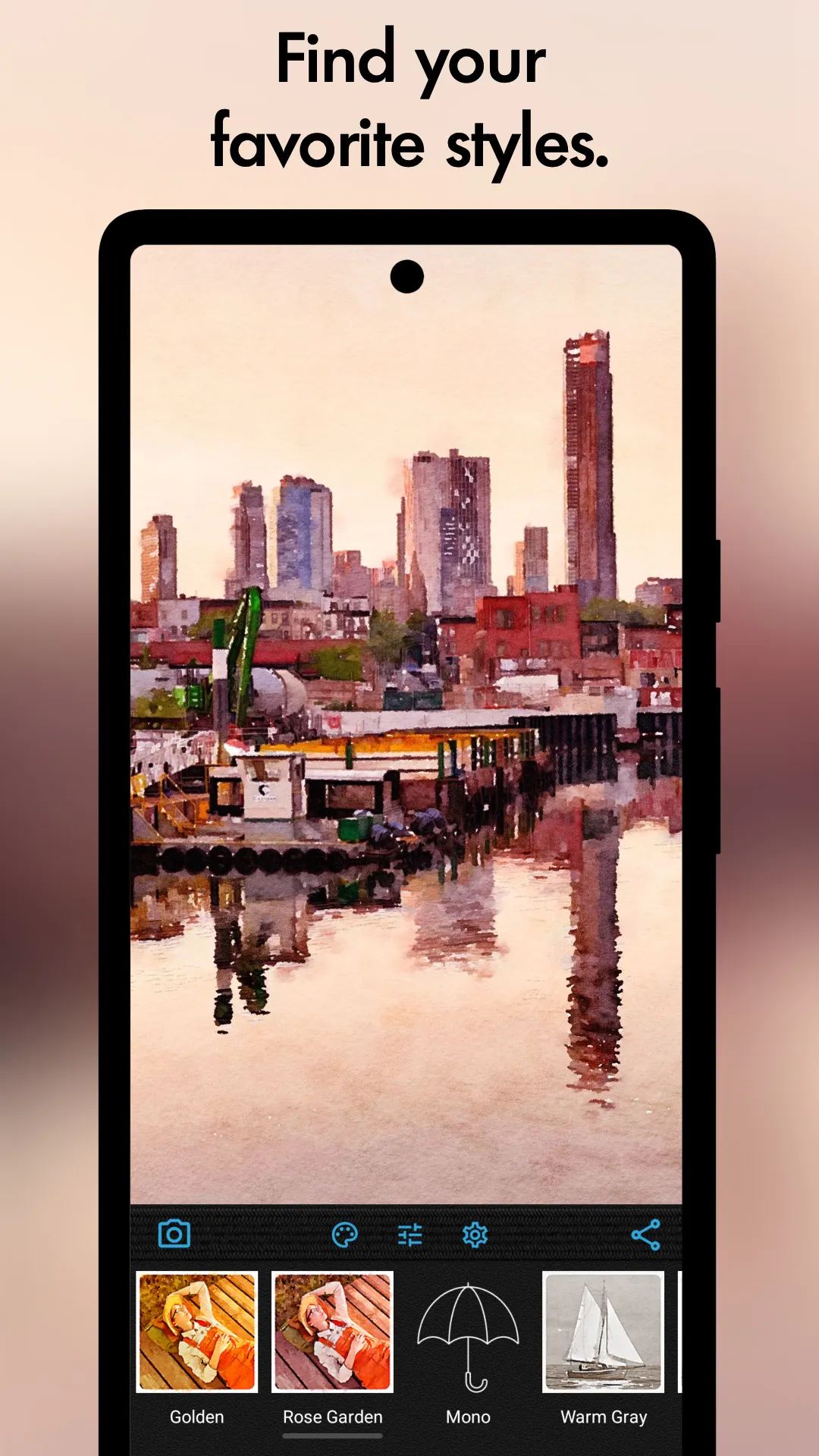
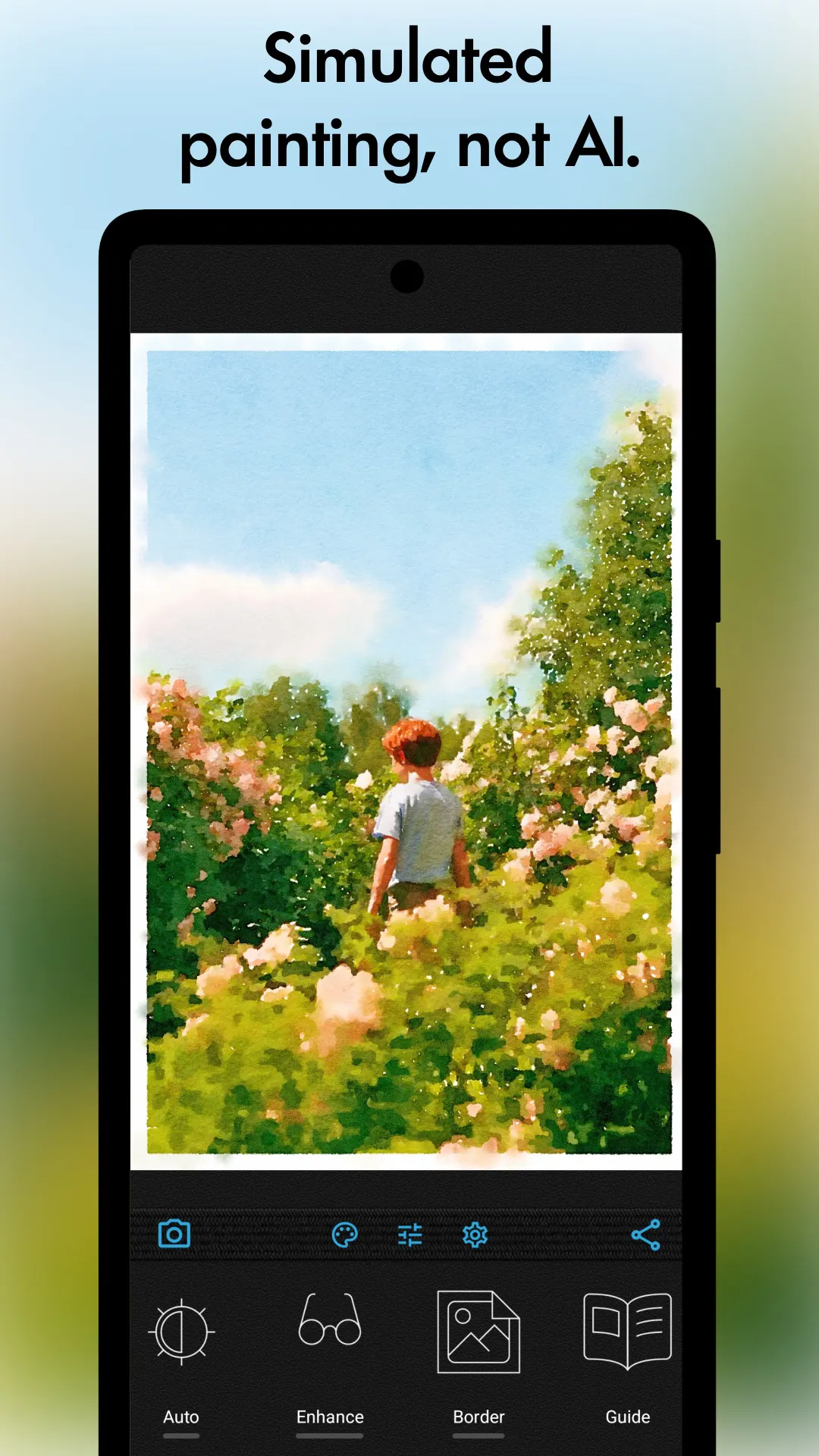
+1 more screenshots
Pros
- ✓High-quality watercolor effects with consistent results
- ✓Simple, intuitive interface suitable for all skill levels
- ✓No reliance on generative AI, ensuring natural artistic styles
- ✓Feature parity with the well-established iOS version
- ✓Ideal for creating artistic photos for social media and personal use
Cons
- ✗Lacks advanced editing features found in some photo apps
- ✗No AI-based enhancements or filters, which may limit creative options
- ✗Pricing details are not explicitly provided, potential costs unclear
Use Cases
Pricing
Likely follows a freemium model, offering basic features for free with optional paid upgrades or subscriptions for additional effects and features. Specific pricing details are not publicly confirmed.
Quick Info
Topics
Makers

Mr. John
@johnbalestrieriAlternatives
Similar Tools in AI Image & Design




Embed Badge
Add this badge to your website to show that Waterlogue for Android is featured on Visalytica.
<a href="https://www.visalytica.com/tool/waterlogue-for-android" target="_blank" rel="noopener noreferrer" style="display:inline-flex;align-items:center;gap:6px;padding:6px 14px;background:#7c3aed;color:#fff;border-radius:8px;font-family:-apple-system,system-ui,sans-serif;font-size:13px;font-weight:600;text-decoration:none;transition:background .2s" onmouseover="this.style.background='#6d28d9'" onmouseout="this.style.background='#7c3aed'"><svg width="14" height="14" viewBox="0 0 24 24" fill="none" stroke="currentColor" stroke-width="2.5" stroke-linecap="round" stroke-linejoin="round"><path d="M12 20V10"/><path d="M18 20V4"/><path d="M6 20v-4"/></svg>Featured on Visalytica</a>