
Wario Synth
Transform songs into retro Gameboy-style game console music
About Wario Synth
Wario Synth is a fun and innovative browser-based tool that transforms any song into authentic Game Boy-style chiptune music. By simply entering a song title, users can access a vast MIDI database via BitMidi, allowing the tool to synthesize the track live through four classic chiptune channels: two pulse, one wave, and one noise. This makes it perfect for gamers, musicians, and enthusiasts interested in retro gaming soundtracks or creating nostalgic 8-bit music. The platform's no-signup, no-server-render approach ensures quick, hassle-free conversions, with options to export tracks as WAV or MIDI files. Additionally, users can upload their own MIDI files, making Wario Synth versatile for personal projects or creative experimentation. Its deep catalog of classic tunes and straightforward interface make it a unique tool for both casual fun and music exploration.
Screenshots

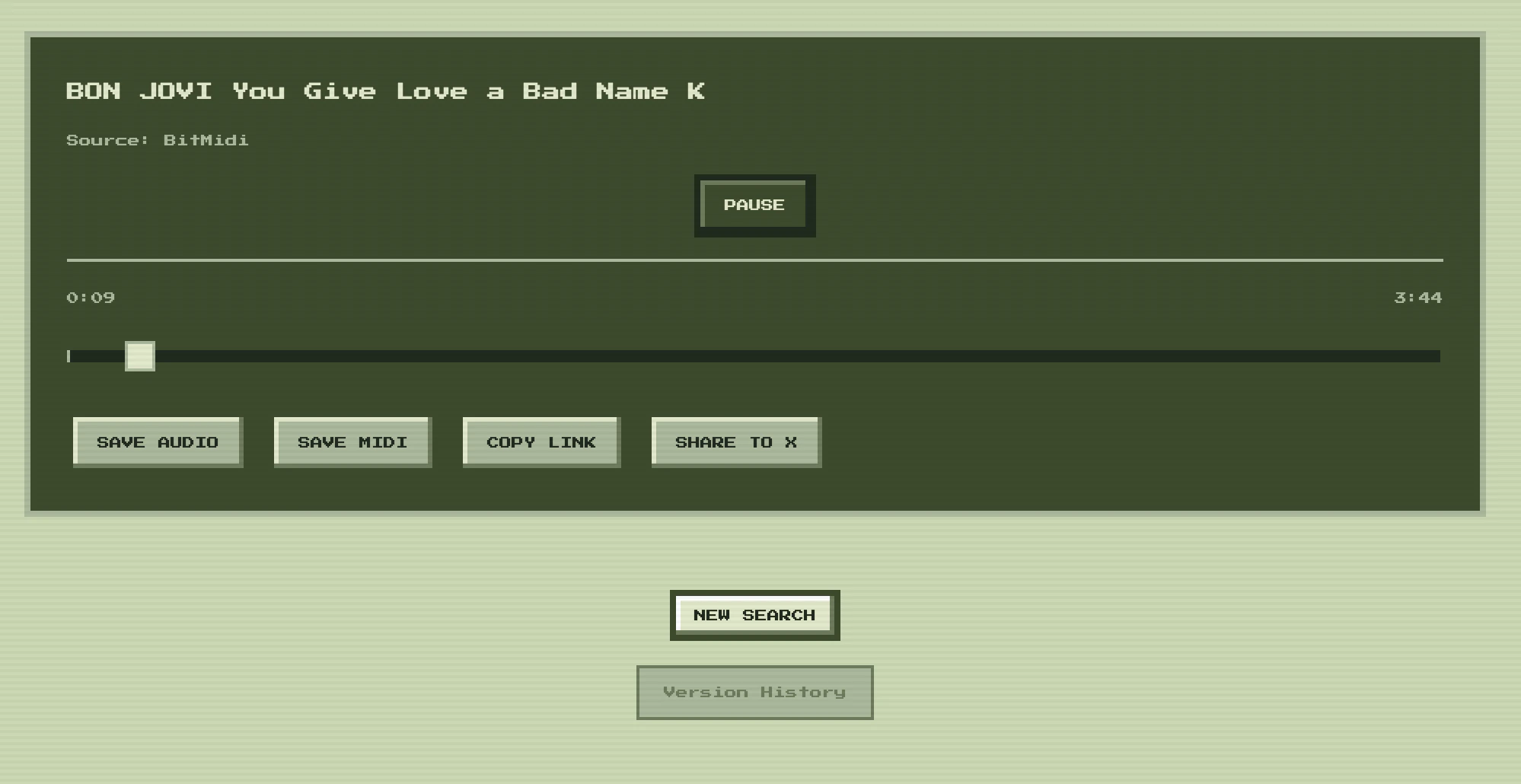
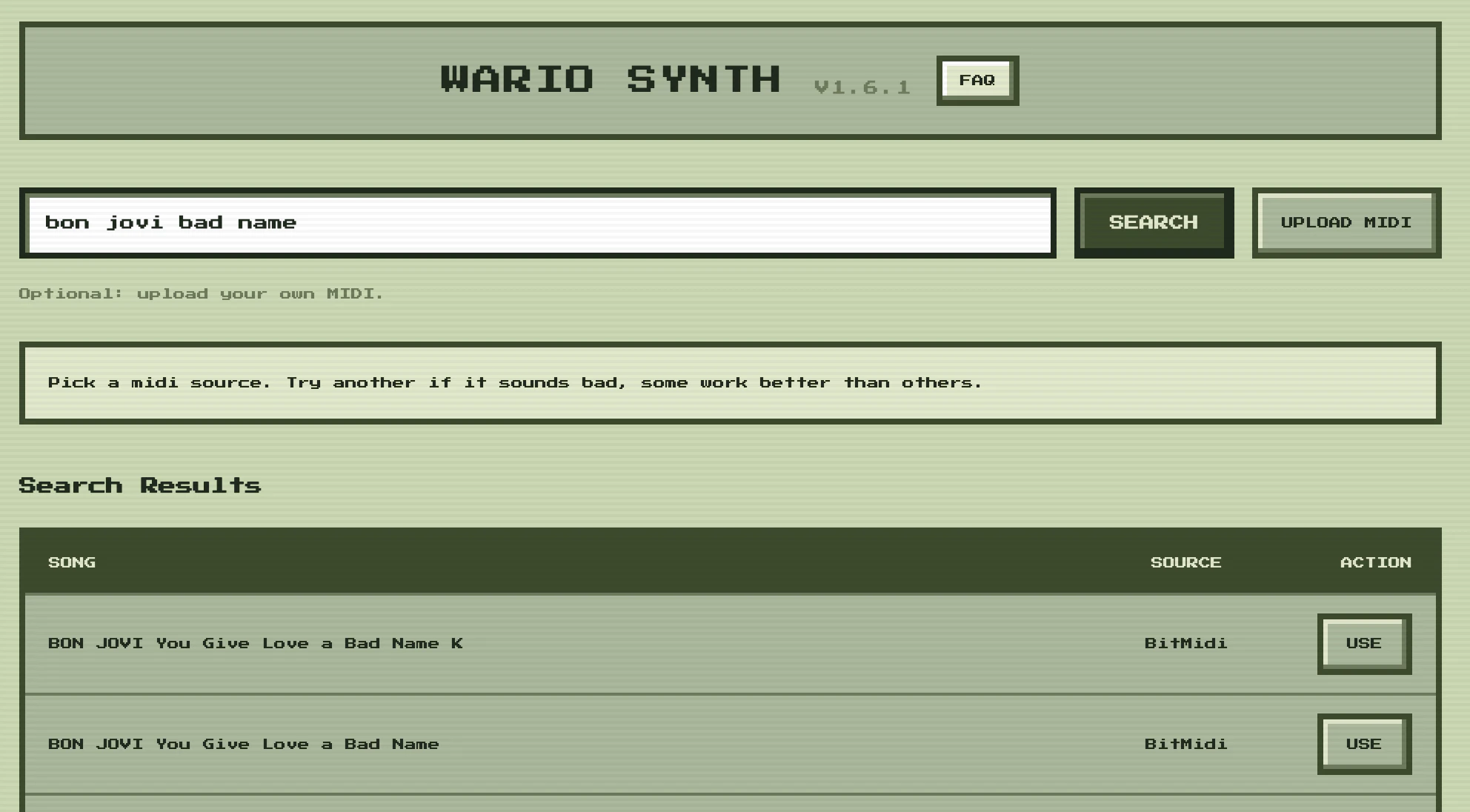
Pros
- ✓Instant conversion of songs into retro Game Boy-style music
- ✓No signup or server rendering, ensuring quick results
- ✓Supports custom MIDI uploads for personalized use
- ✓Exports in WAV and MIDI formats for versatility
- ✓Accessible directly in the browser, no software installation needed
Cons
- ✗Limited to existing MIDI files and may not support complex arrangements
- ✗Sound quality is authentic but simplified, not suitable for high-fidelity music production
- ✗Dependent on the availability of song MIDI data for search-based conversion
Use Cases
Pricing
Likely free to use with no sign-up required; supported by the platform's approach to quick, browser-based synthesis without advanced paid tiers.

Similar Tools in AI Audio & Voice




Embed Badge
Add this badge to your website to show that Wario Synth is featured on Visalytica.
<a href="https://www.visalytica.com/tool/wario-synth" target="_blank" rel="noopener noreferrer" style="display:inline-flex;align-items:center;gap:6px;padding:6px 14px;background:#7c3aed;color:#fff;border-radius:8px;font-family:-apple-system,system-ui,sans-serif;font-size:13px;font-weight:600;text-decoration:none;transition:background .2s" onmouseover="this.style.background='#6d28d9'" onmouseout="this.style.background='#7c3aed'"><svg width="14" height="14" viewBox="0 0 24 24" fill="none" stroke="currentColor" stroke-width="2.5" stroke-linecap="round" stroke-linejoin="round"><path d="M12 20V10"/><path d="M18 20V4"/><path d="M6 20v-4"/></svg>Featured on Visalytica</a>