
VoxFusion
Dictate into any Mac app with AI
About VoxFusion
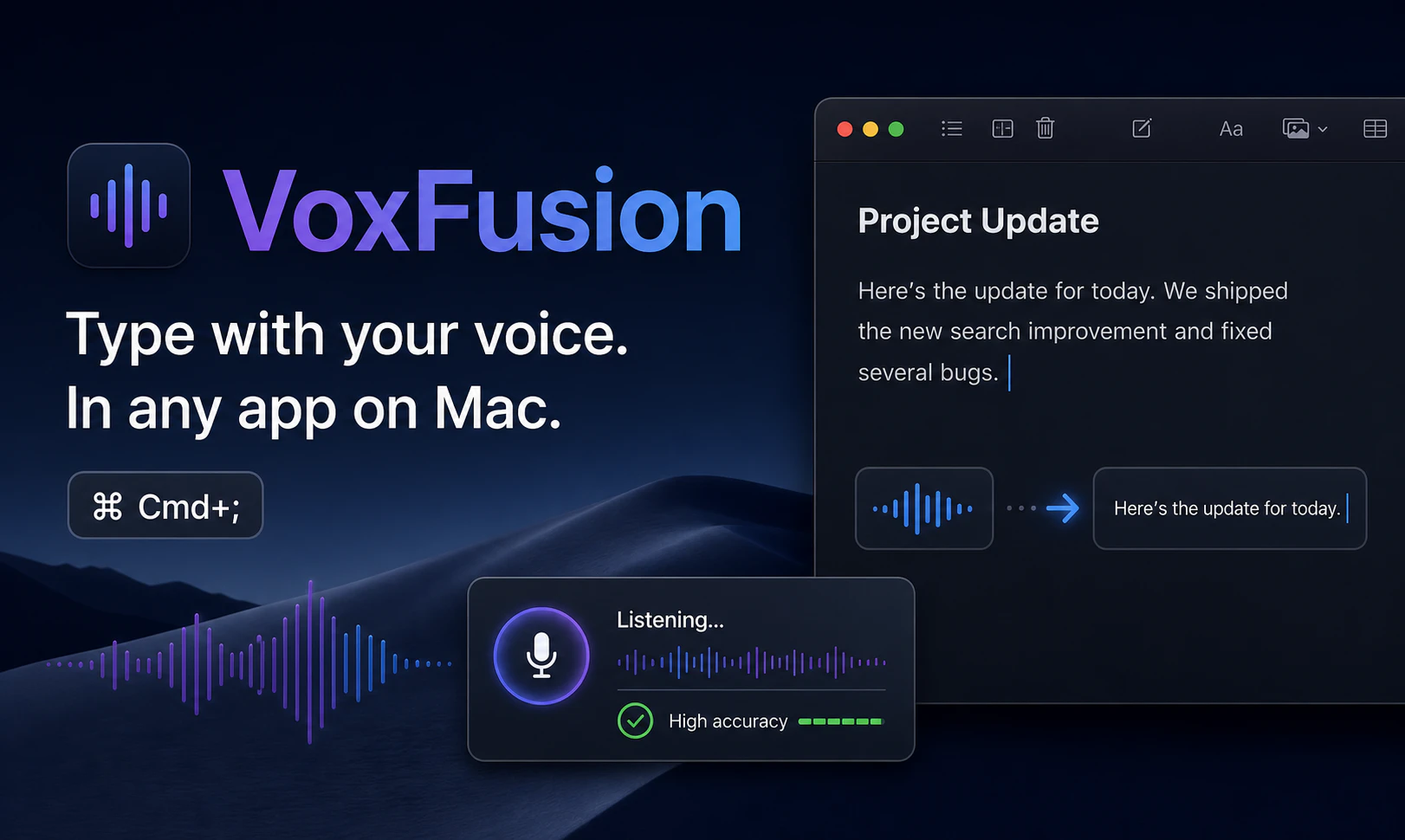
VoxFusion is a powerful Mac-based dictation tool designed for seamless speech-to-text conversion directly into any application where the cursor is active. By pressing Cmd+;, users can speak naturally, and the app inserts accurate transcriptions into emails, documents, chats, browsers, and code editors without the need to switch contexts or copy-paste. Its intuitive interface and real-time transcription capabilities make it ideal for professionals who want to boost productivity through voice. Unique features include a customizable dictionary for names and technical terms, ensuring high accuracy for specialized vocabulary, along with a transcription history for easy review and editing. With a generous free plan offering 10,000 words per month, VoxFusion caters to both casual users and heavy dictation needs, making it a versatile tool for writers, developers, students, and business professionals alike.
Screenshots
Pros
- ✓Inserts speech-to-text directly into any Mac app at the cursor position
- ✓Easy to activate with a simple keyboard shortcut (Cmd+;)
- ✓Custom dictionary improves accuracy for specialized vocabulary
- ✓Transcription history for review and editing
- ✓Generous free plan with 10,000 words/month
Cons
- ✗Limited information on advanced editing features or integrations
- ✗No details on language support or multi-language capabilities
- ✗Requires MacOS, limiting cross-platform use
Use Cases
Pricing
VoxFusion offers a free plan with up to 10,000 words per month. Additional features and higher usage limits are likely available through paid plans, though specific pricing details are not provided. It probably follows a freemium model with optional upgrades for power users.
Quick Info
Topics
Alternatives
Similar Tools in AI Assistants




Embed Badge
Add this badge to your website to show that VoxFusion is featured on Visalytica.
<a href="https://www.visalytica.com/tool/voxfusion" target="_blank" rel="noopener noreferrer" style="display:inline-flex;align-items:center;gap:6px;padding:6px 14px;background:#7c3aed;color:#fff;border-radius:8px;font-family:-apple-system,system-ui,sans-serif;font-size:13px;font-weight:600;text-decoration:none;transition:background .2s" onmouseover="this.style.background='#6d28d9'" onmouseout="this.style.background='#7c3aed'"><svg width="14" height="14" viewBox="0 0 24 24" fill="none" stroke="currentColor" stroke-width="2.5" stroke-linecap="round" stroke-linejoin="round"><path d="M12 20V10"/><path d="M18 20V4"/><path d="M6 20v-4"/></svg>Featured on Visalytica</a>