
Voicr for Mac
Dictate and get improved or translated text
About Voicr for Mac
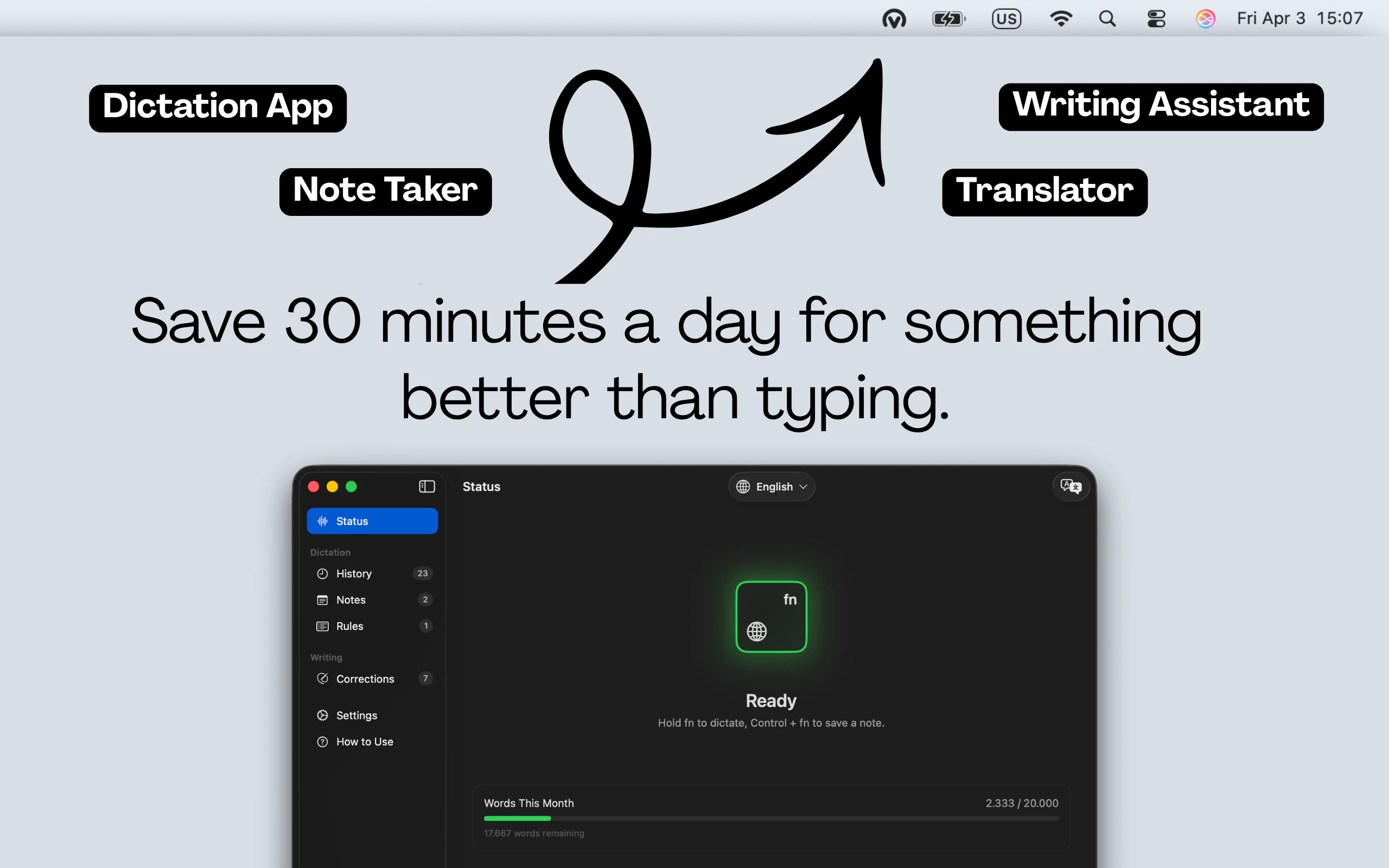
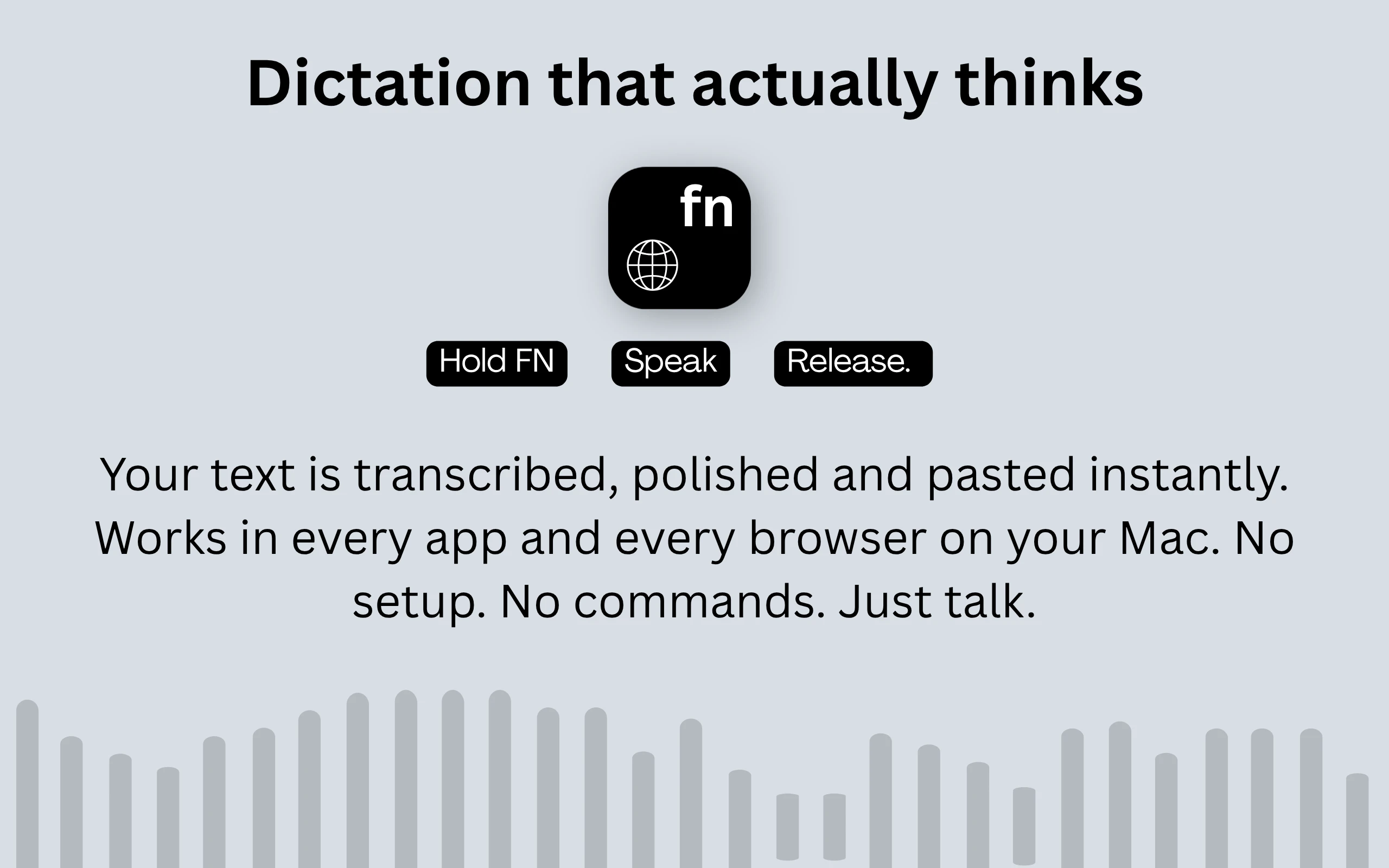
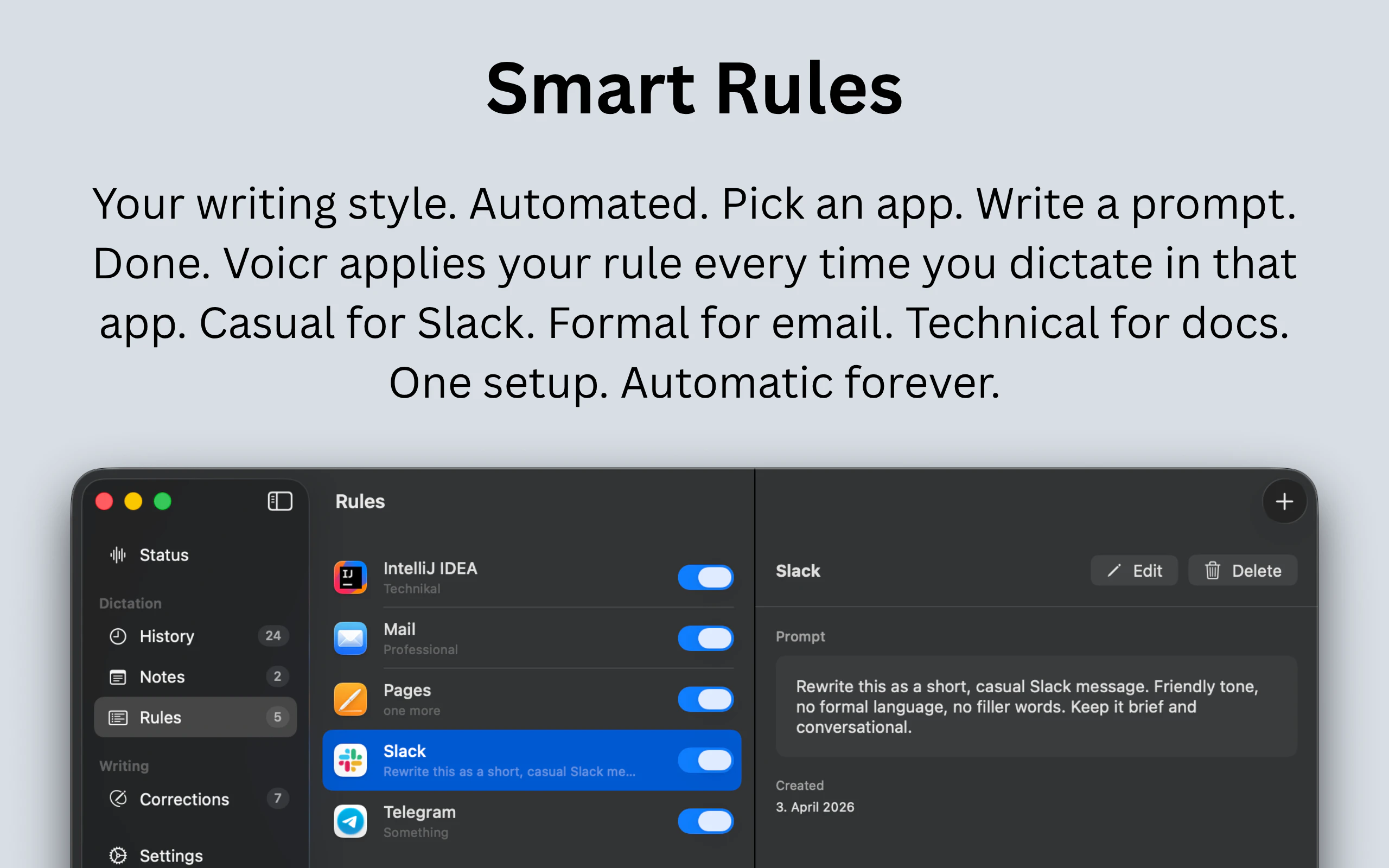
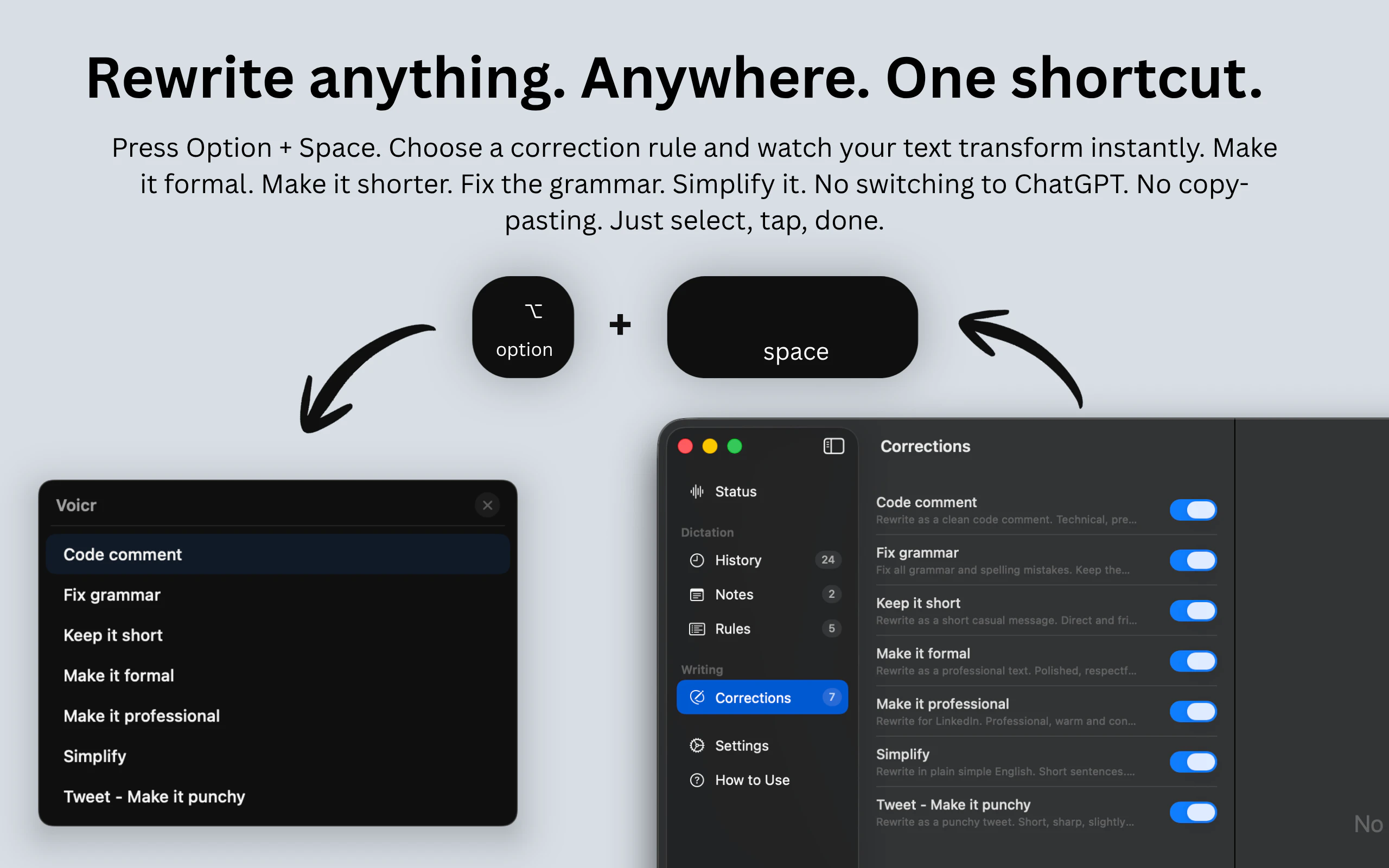
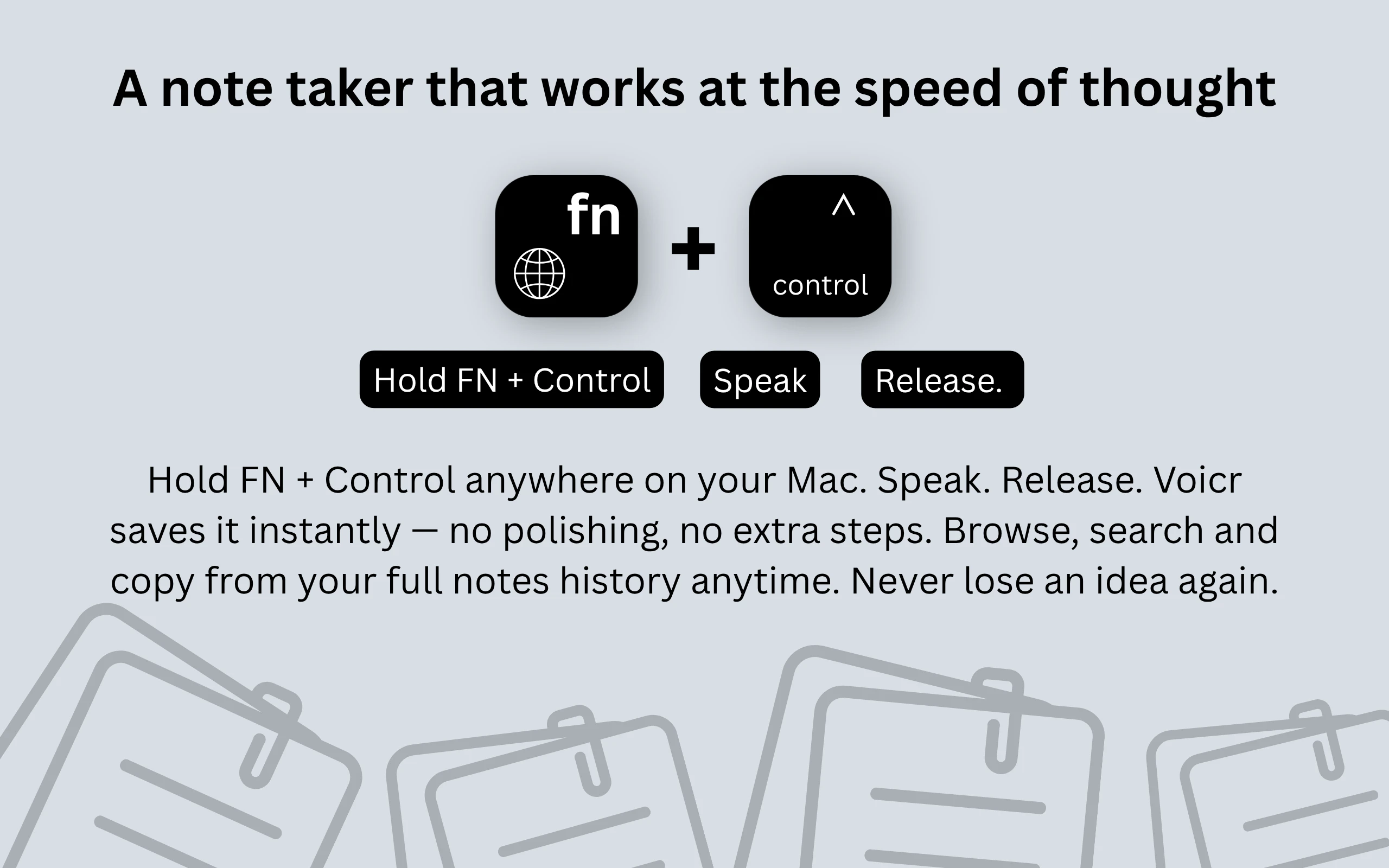
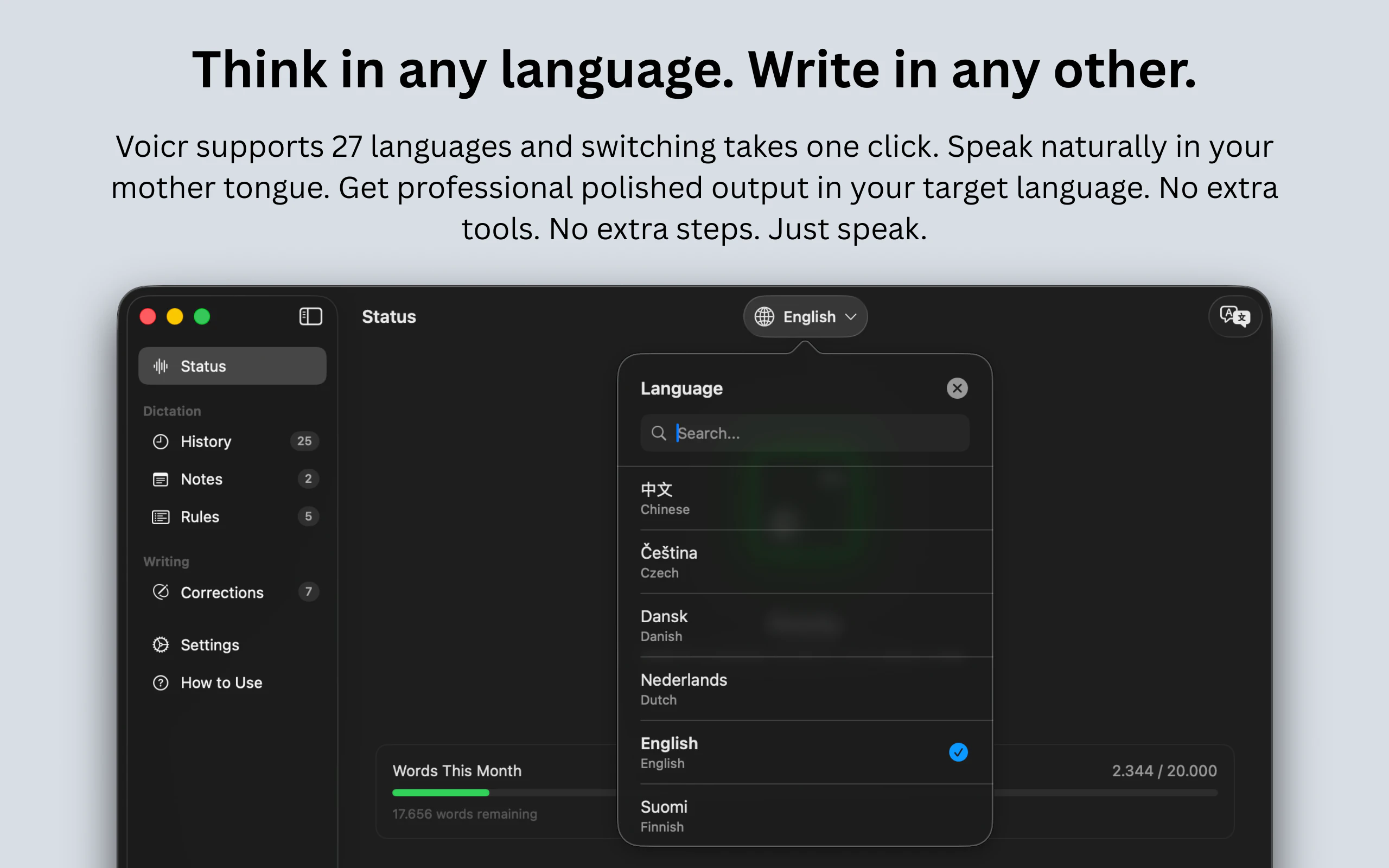
Voicr for Mac is a versatile voice toolkit designed to streamline content creation and communication. Unlike standard dictation apps, it offers a suite of features including real-time transcription, translation across 27 languages, and quick text editing with a single shortcut. Its compact 3 MB size ensures it runs quietly in the menu bar, making it a convenient tool for writers, professionals, and students who need to capture ideas on the fly. Whether you're composing emails, drafting documents, or translating foreign language content, Voicr simplifies the process by integrating multiple functions into one intuitive app. Its ability to fix and rewrite text instantly and capture fleeting ideas makes it a powerful addition to any productivity setup. Overall, Voicr stands out for its all-in-one approach, combining dictation, translation, and editing in a sleek, lightweight package that enhances workflow efficiency for Mac users.
Screenshots
+1 more screenshots
Pros
- ✓All-in-one voice toolkit with dictation, translation, and editing features
- ✓Supports 27 languages for seamless multilingual workflows
- ✓Compact size (3 MB) with discreet menu bar integration
- ✓Quick access to fix and rewrite texts with a shortcut
- ✓Ideal for capturing ideas before they’re forgotten
Cons
- ✗Limited to Mac, no Windows or mobile versions
- ✗Features may be basic compared to dedicated transcription or translation apps
- ✗Potential accuracy issues depending on background noise and microphone quality
Use Cases
Pricing
Likely offered on a freemium model with a free tier, with premium plans providing additional features or higher usage limits. Exact pricing details are not specified, but similar tools typically start around $5-$15/month.
Quick Info
Topics
Alternatives
Similar Tools in AI Writing




Embed Badge
Add this badge to your website to show that Voicr for Mac is featured on Visalytica.
<a href="https://www.visalytica.com/tool/voicr-for-mac" target="_blank" rel="noopener noreferrer" style="display:inline-flex;align-items:center;gap:6px;padding:6px 14px;background:#7c3aed;color:#fff;border-radius:8px;font-family:-apple-system,system-ui,sans-serif;font-size:13px;font-weight:600;text-decoration:none;transition:background .2s" onmouseover="this.style.background='#6d28d9'" onmouseout="this.style.background='#7c3aed'"><svg width="14" height="14" viewBox="0 0 24 24" fill="none" stroke="currentColor" stroke-width="2.5" stroke-linecap="round" stroke-linejoin="round"><path d="M12 20V10"/><path d="M18 20V4"/><path d="M6 20v-4"/></svg>Featured on Visalytica</a>