
VoiceDumps
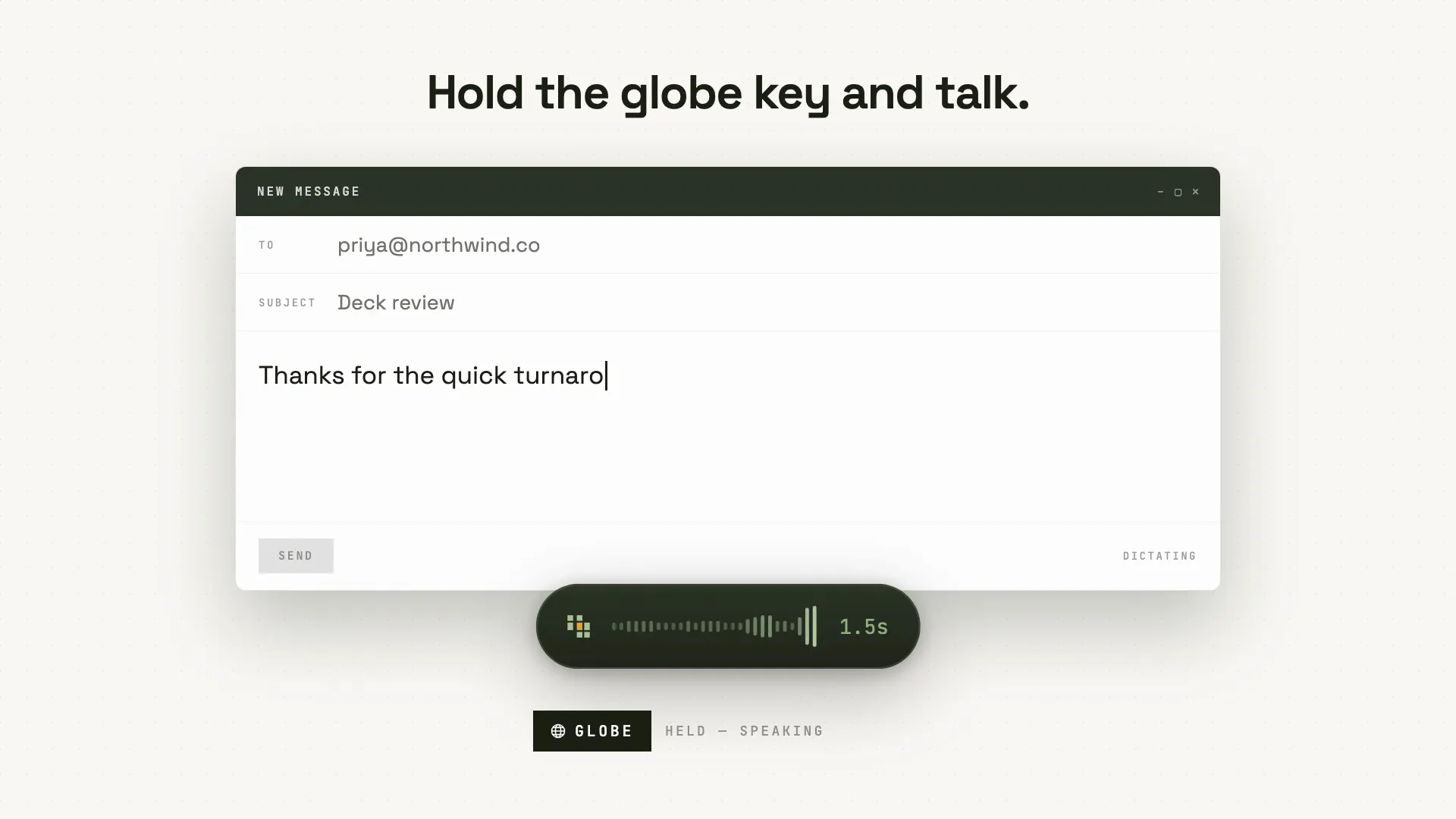
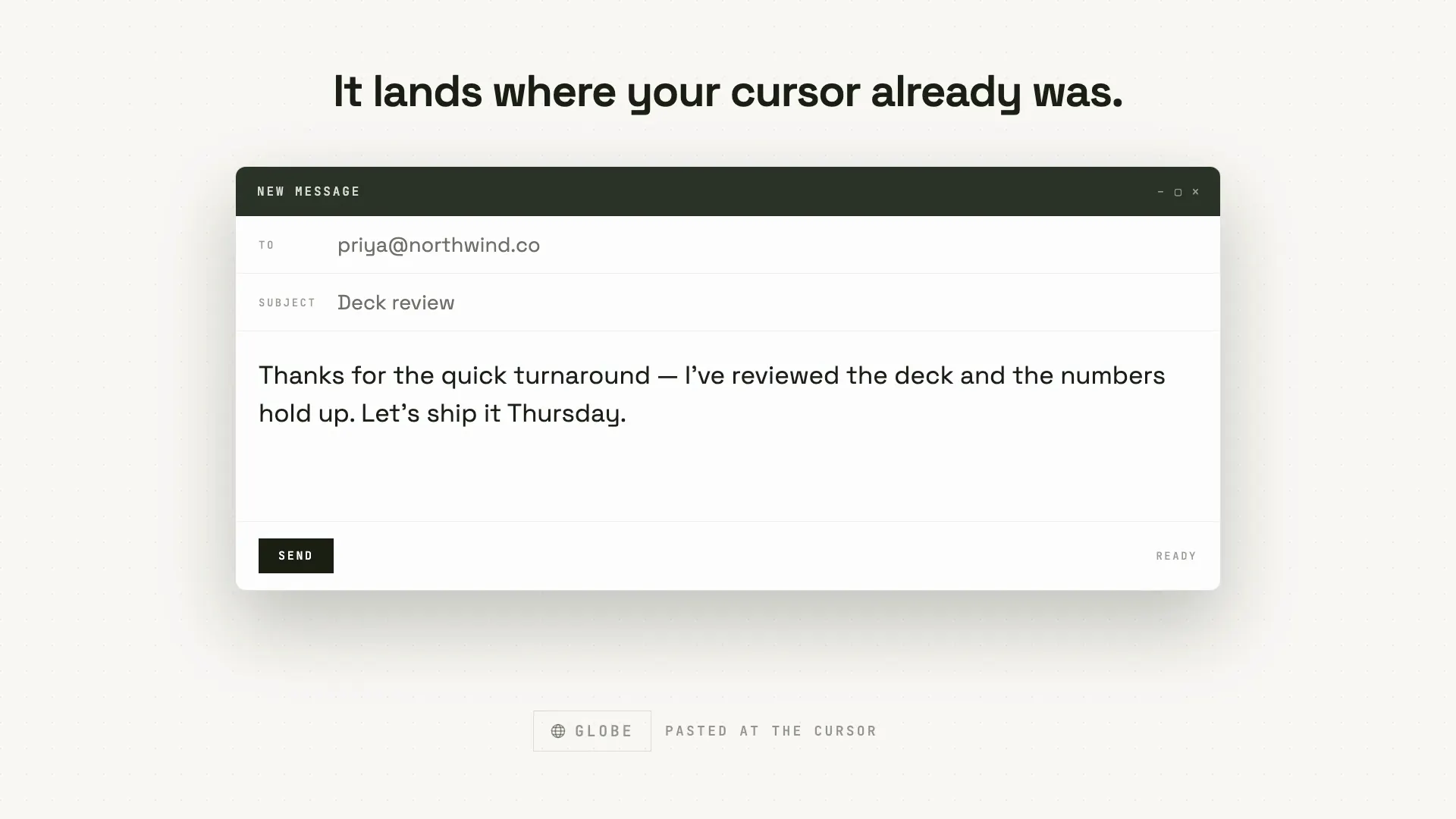
Hold the globe key. Talk. The words appear at your cursor.
About VoiceDumps
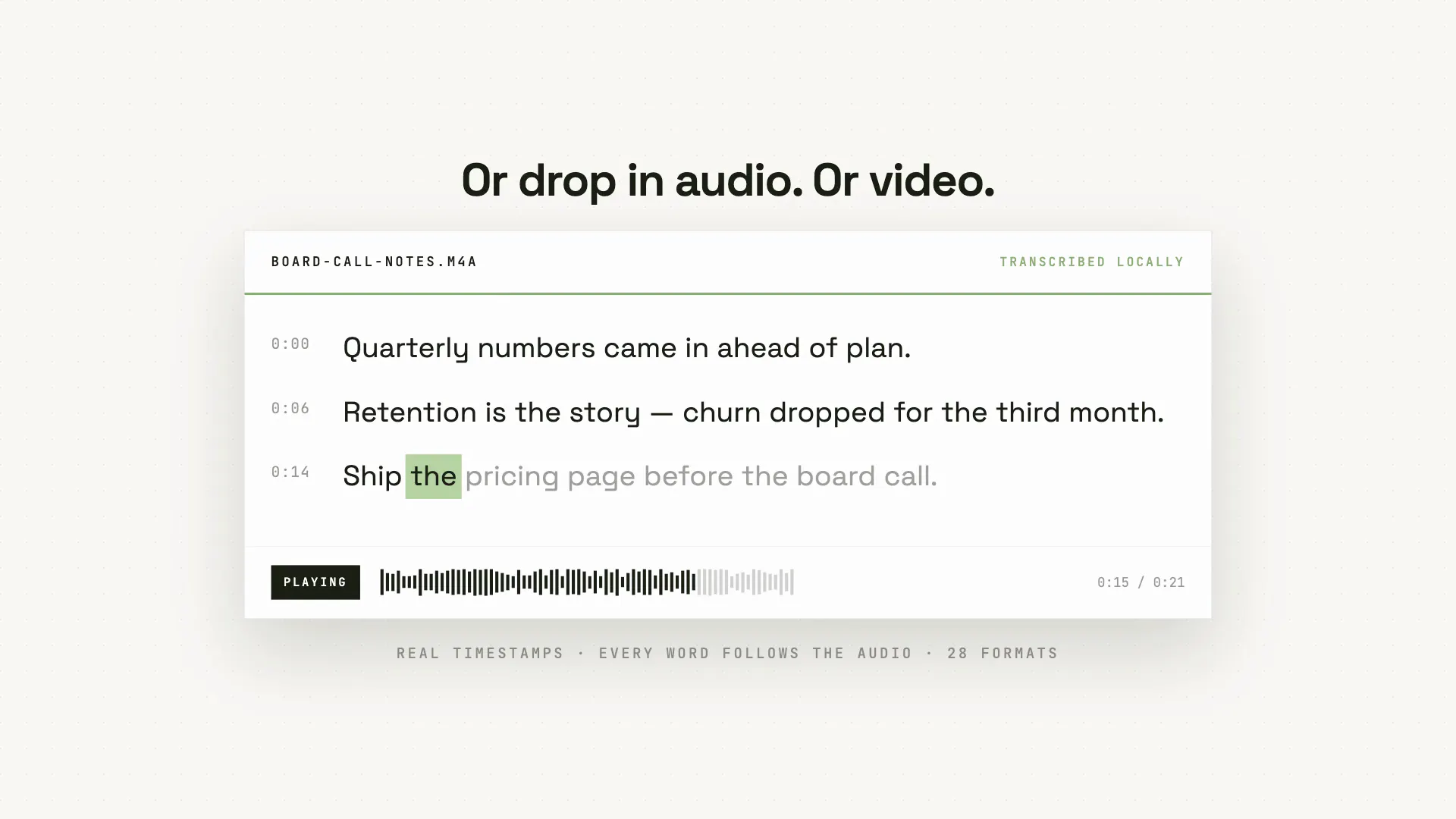
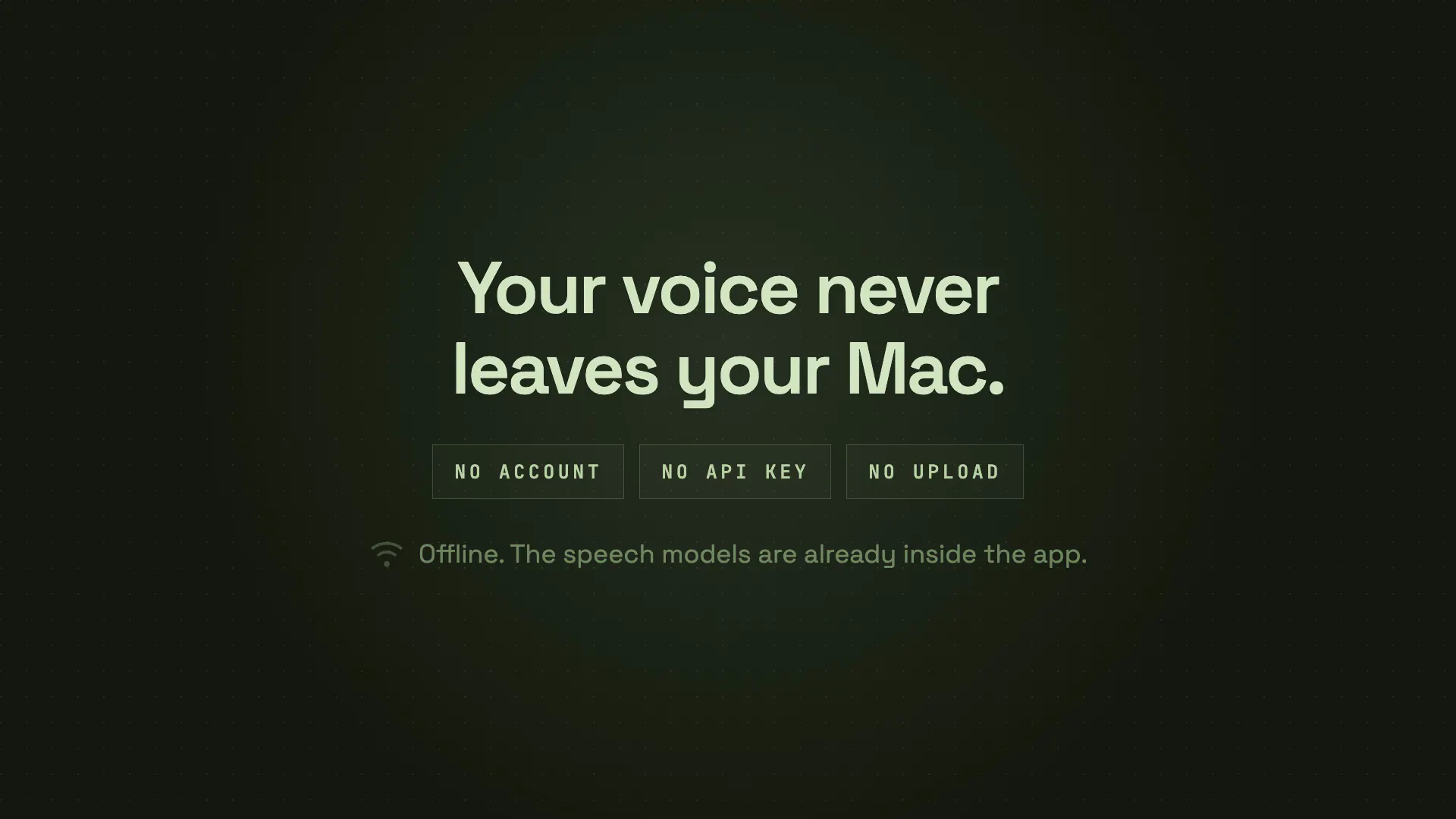
VoiceDumps is a powerful local speech-to-text tool designed specifically for macOS users. It allows users to effortlessly transcribe spoken words into text directly at their cursor within any application—be it a document, email, or chat window—simply by holding the globe key and speaking. Additionally, users can drop audio or video files into the app to generate accurate transcripts with timestamps, making it ideal for content creators, journalists, and professionals who require quick and reliable transcription. What sets VoiceDumps apart is its fully offline operation, with all models shipped within the app, ensuring privacy and eliminating reliance on internet connectivity. Being open-source under the MIT license, it offers transparency and customization, making it suitable for tech-savvy users seeking a private, versatile speech-to-text solution.
Screenshots
+1 more screenshots
Pros
- ✓Offline operation ensures privacy and security
- ✓Easy, intuitive interface with seamless integration into any app
- ✓Supports transcription of both live speech and pre-recorded audio/video
- ✓Open-source with customizable models
Cons
- ✗Relatively new with limited user reviews and feedback
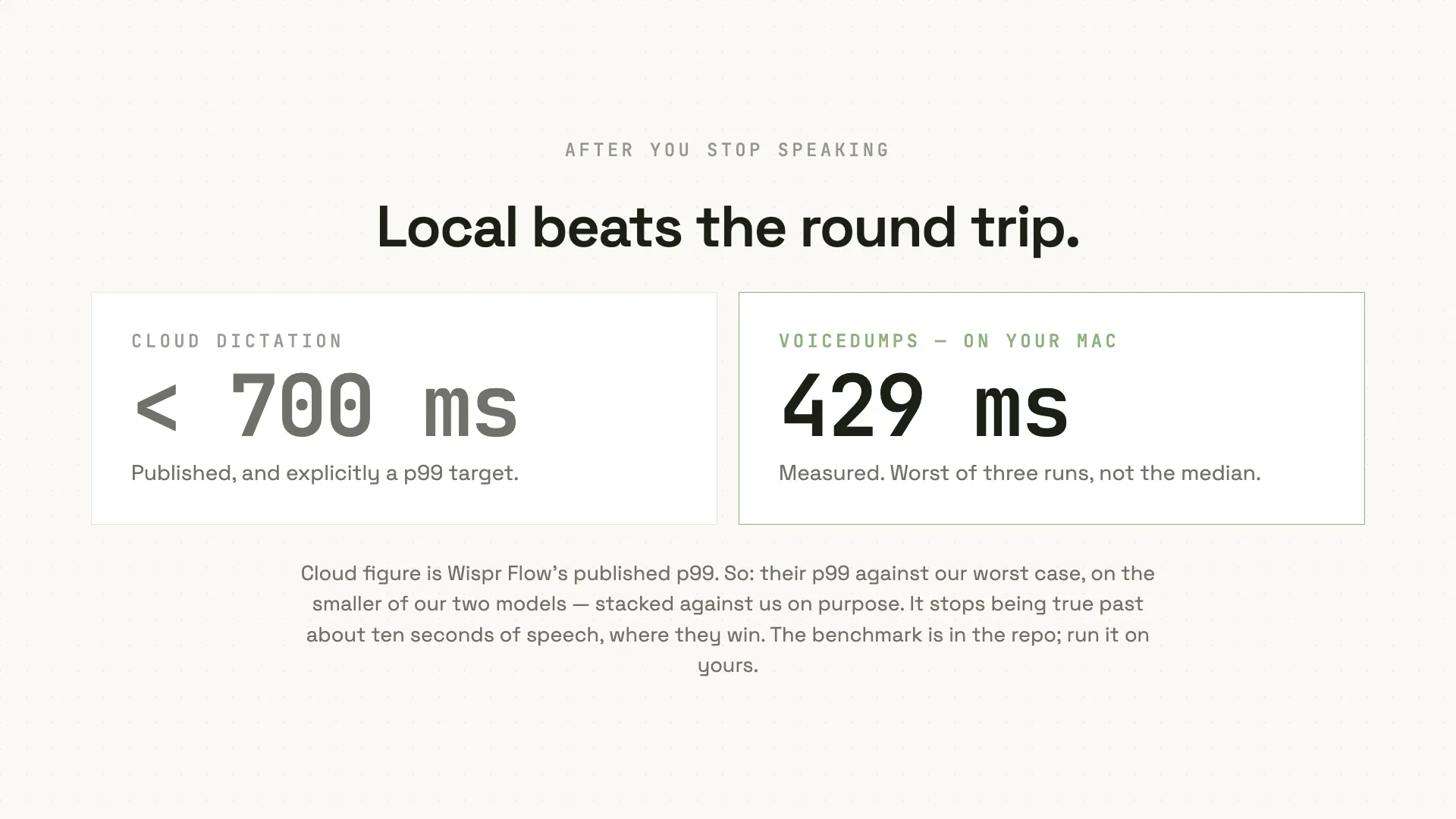
- ✗Potentially less accurate than cloud-based solutions with advanced models
- ✗Requires some technical knowledge for customization
Use Cases
Pricing
VoiceDumps is free and open-source, with all features accessible without subscription fees. Since it ships models internally, there are no ongoing costs, making it an attractive option for budget-conscious users seeking privacy and offline functionality.
Quick Info
Topics
Makers

Naveen Upadhyay
Alternatives
Similar Tools in AI Audio & Voice




Embed Badge
Add this badge to your website to show that VoiceDumps is featured on Visalytica.
<a href="https://www.visalytica.com/tool/voicedumps" target="_blank" rel="noopener noreferrer" style="display:inline-flex;align-items:center;gap:6px;padding:6px 14px;background:#7c3aed;color:#fff;border-radius:8px;font-family:-apple-system,system-ui,sans-serif;font-size:13px;font-weight:600;text-decoration:none;transition:background .2s" onmouseover="this.style.background='#6d28d9'" onmouseout="this.style.background='#7c3aed'"><svg width="14" height="14" viewBox="0 0 24 24" fill="none" stroke="currentColor" stroke-width="2.5" stroke-linecap="round" stroke-linejoin="round"><path d="M12 20V10"/><path d="M18 20V4"/><path d="M6 20v-4"/></svg>Featured on Visalytica</a>