
Vocabi
Translate, save & memorize words while you read
About Vocabi
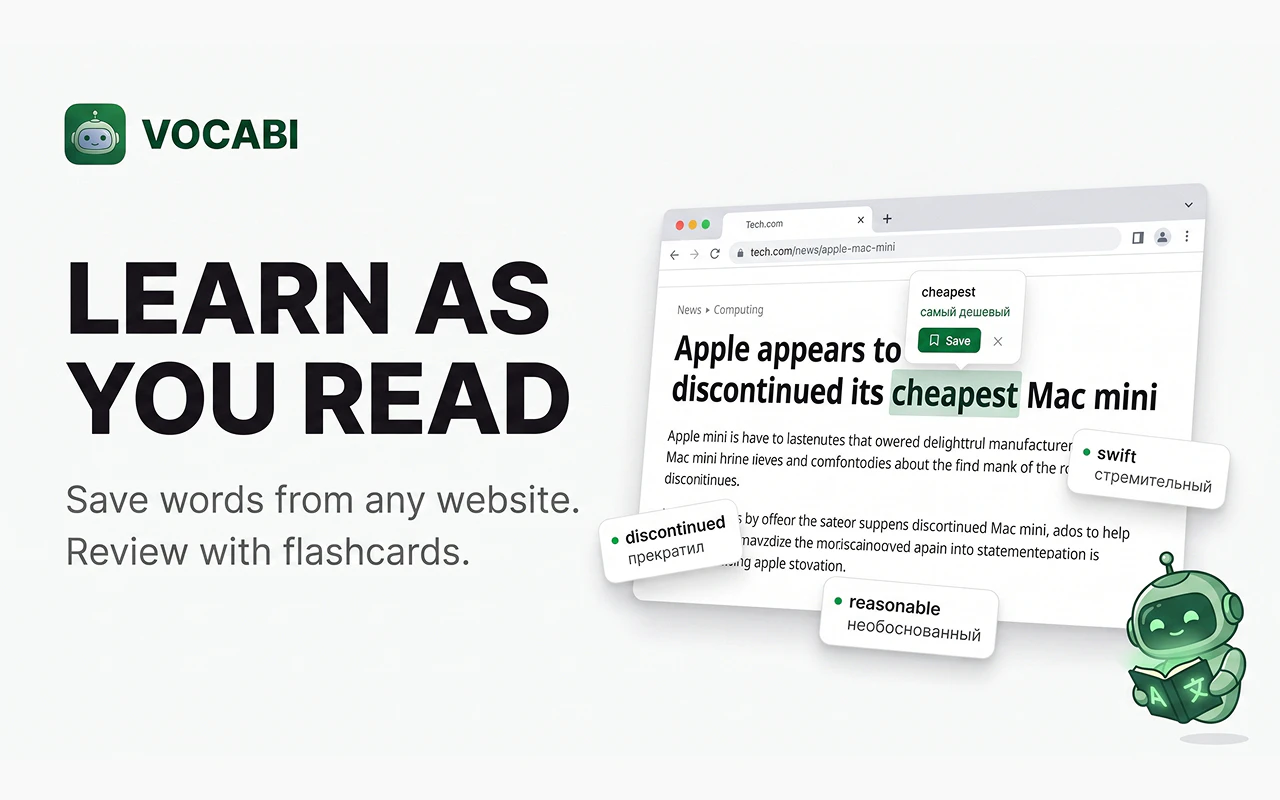
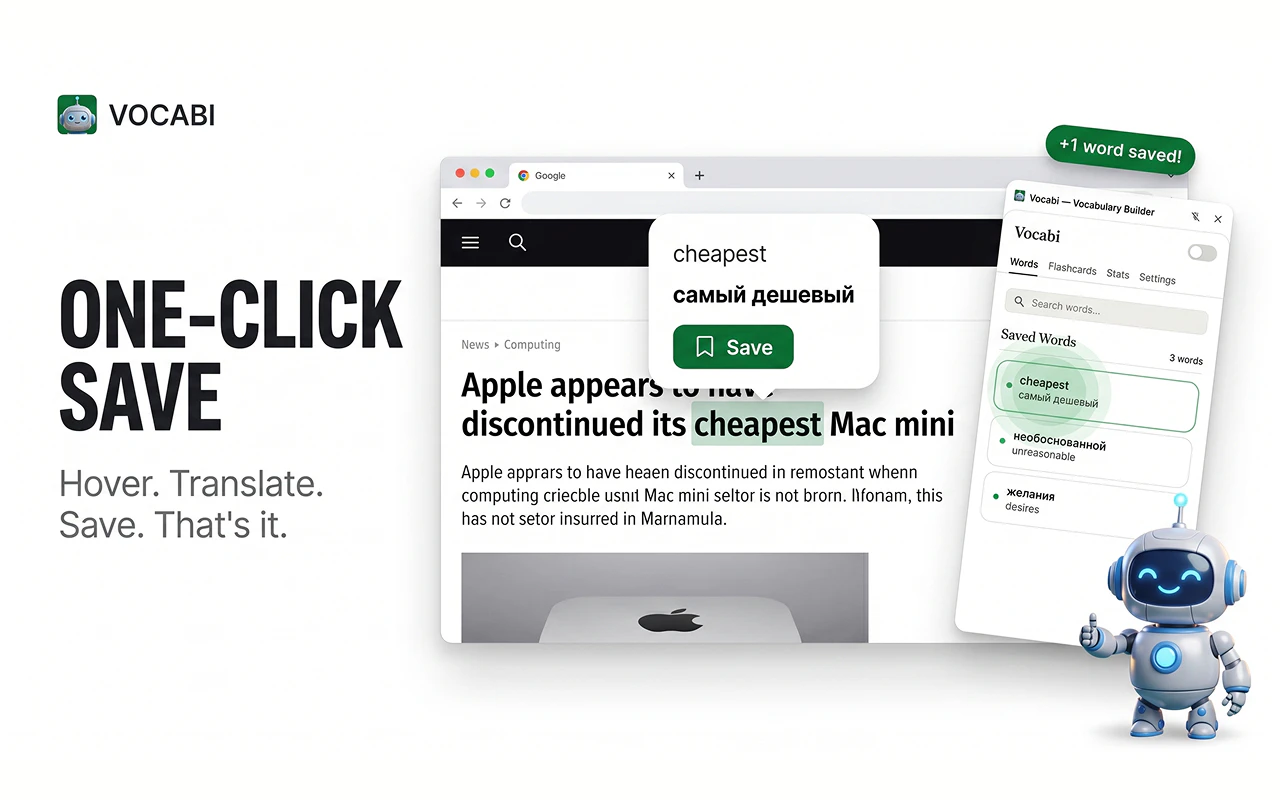
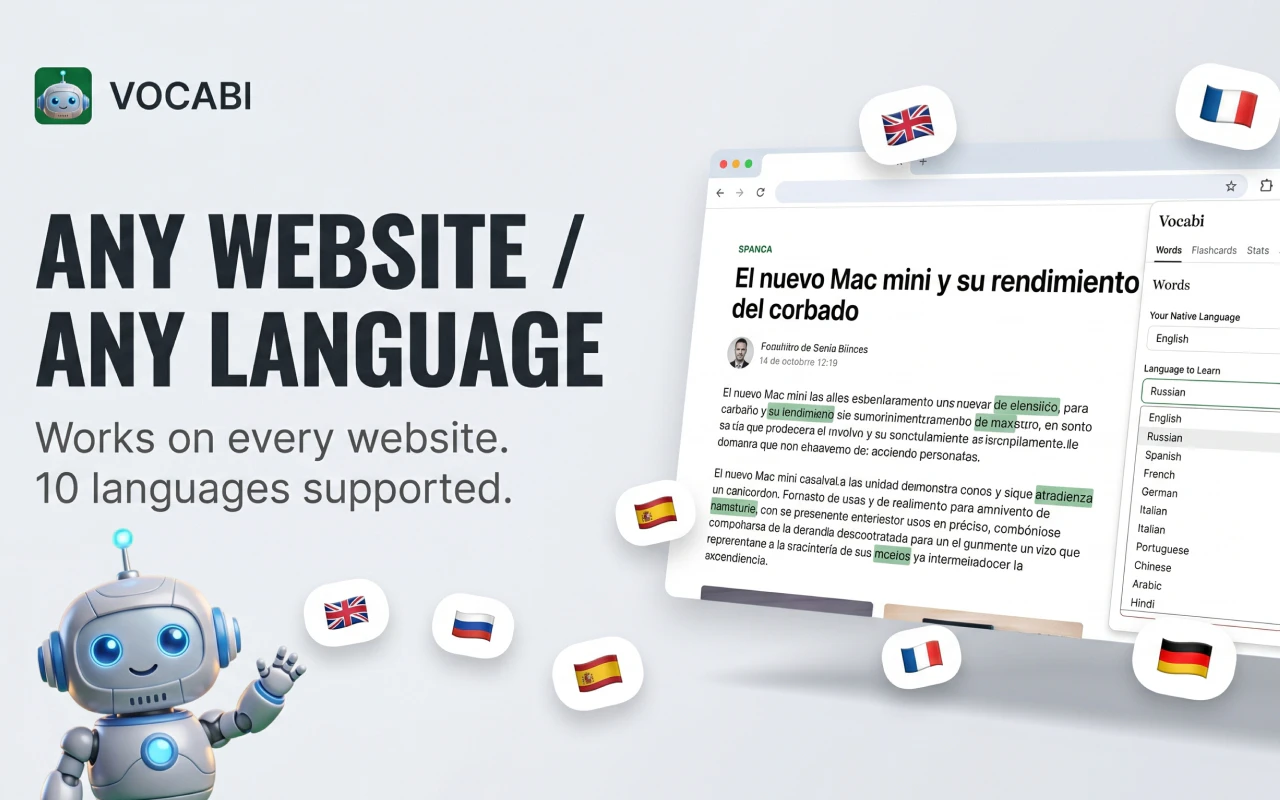
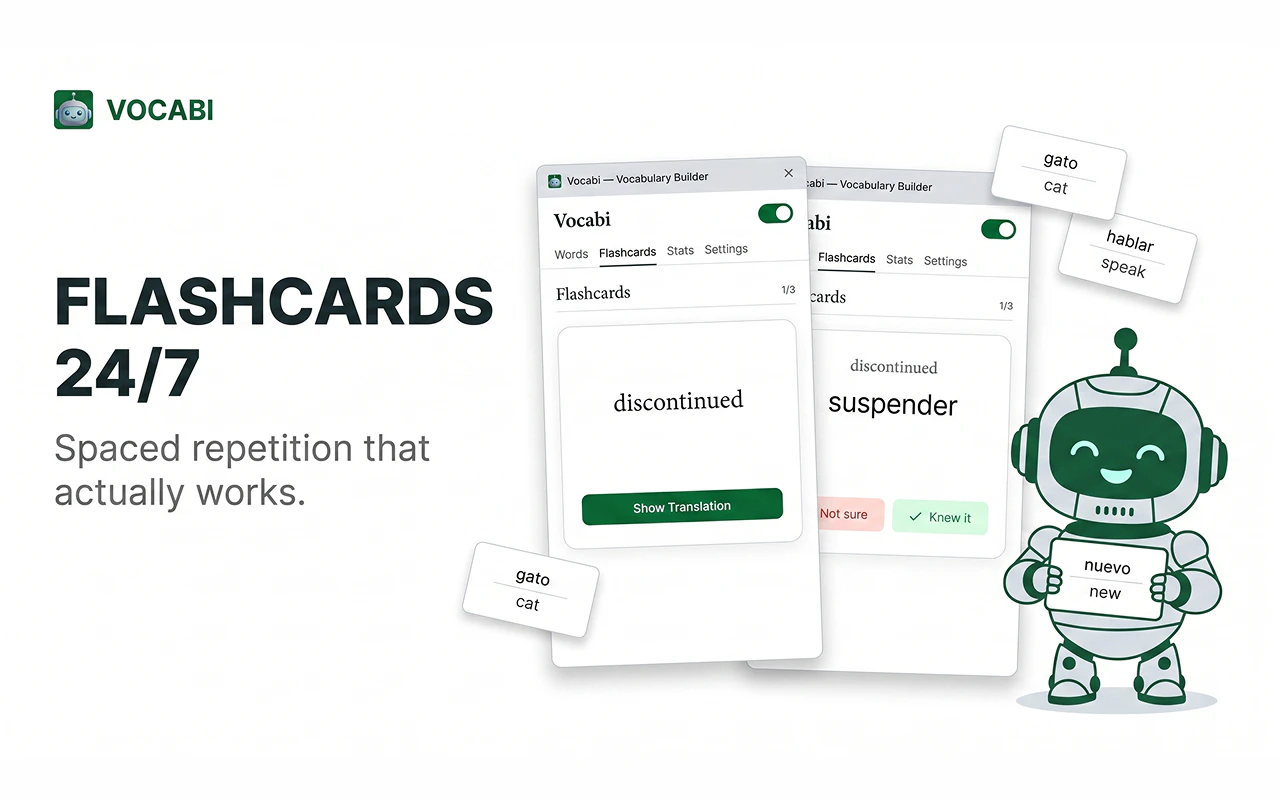
Vocabi is a innovative browser extension designed for language learners and avid readers who want to expand their vocabulary effortlessly. It allows users to hover over any word on any website to instantly see a translation, making reading in a foreign language more seamless and immersive. By clicking 'Save,' words are stored in a personalized dictionary, and with the Flashcards feature, users benefit from spaced repetition to reinforce memory effectively. Unlike many language tools, Vocabi works offline, requires no account, and supports 10 languages, making it highly accessible and privacy-focused. Its primary audience includes language students, bilingual professionals, and curious readers eager to learn vocabulary in context without disrupting their reading flow. What sets Vocabi apart is its simplicity—working on any website—combined with powerful memorization tools, all built for those who prefer reading as a core learning method.
Screenshots
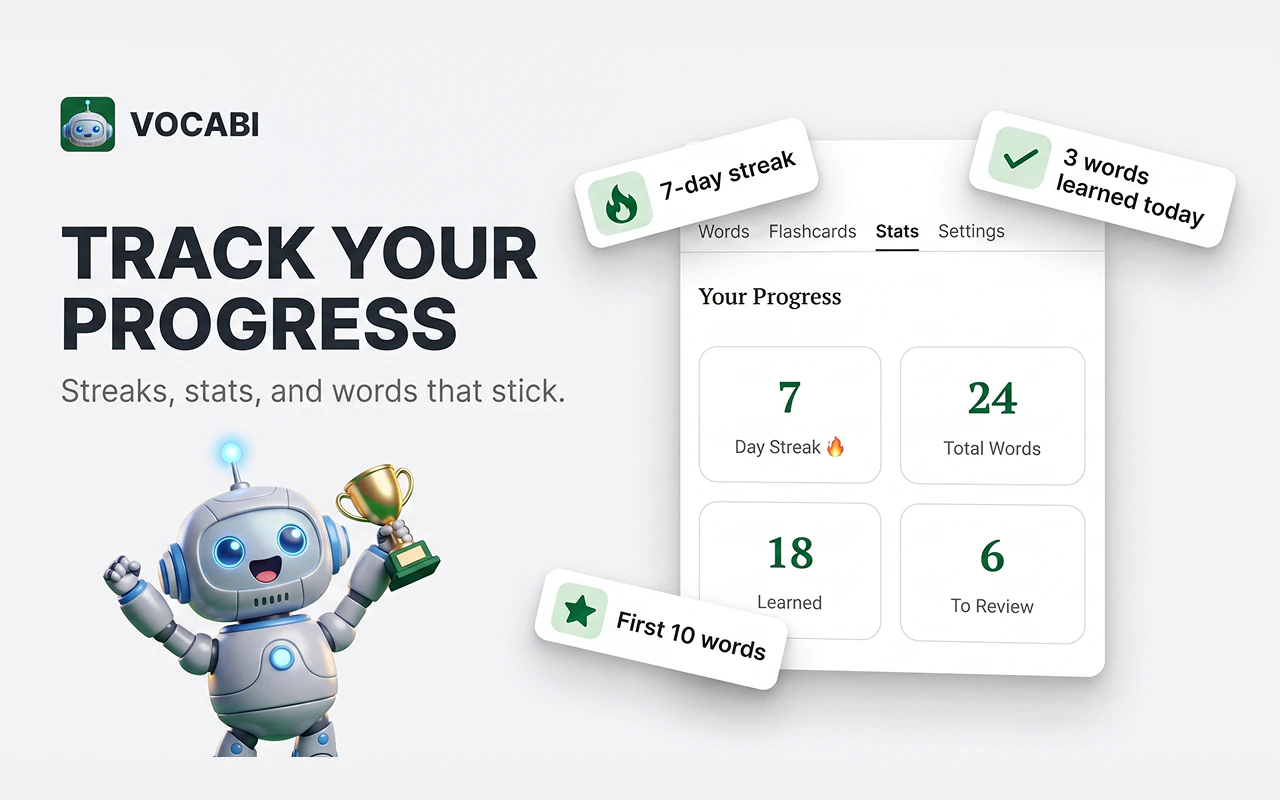
Pros
- ✓Supports multiple languages and works offline
- ✓No account required, ensuring privacy and ease of use
- ✓Seamless integration with any website for natural reading experience
- ✓Built-in flashcards with spaced repetition for effective memorization
- ✓Private by default, ideal for privacy-conscious users
Cons
- ✗Limited to 10 languages, which may be restrictive for some users
- ✗No mention of a free tier or pricing details available
- ✗Lacks advanced customization options for flashcards or translations
Use Cases
Pricing
Likely operates on a freemium model, offering core features for free with potential paid plans for advanced functionalities; exact pricing details are not publicly specified.
Quick Info
Topics
Alternatives
Similar Tools in Data & Analytics




Embed Badge
Add this badge to your website to show that Vocabi is featured on Visalytica.
<a href="https://www.visalytica.com/tool/vocabi" target="_blank" rel="noopener noreferrer" style="display:inline-flex;align-items:center;gap:6px;padding:6px 14px;background:#7c3aed;color:#fff;border-radius:8px;font-family:-apple-system,system-ui,sans-serif;font-size:13px;font-weight:600;text-decoration:none;transition:background .2s" onmouseover="this.style.background='#6d28d9'" onmouseout="this.style.background='#7c3aed'"><svg width="14" height="14" viewBox="0 0 24 24" fill="none" stroke="currentColor" stroke-width="2.5" stroke-linecap="round" stroke-linejoin="round"><path d="M12 20V10"/><path d="M18 20V4"/><path d="M6 20v-4"/></svg>Featured on Visalytica</a>