
Video Atlas
Browse and search videos across all your external drives
About Video Atlas
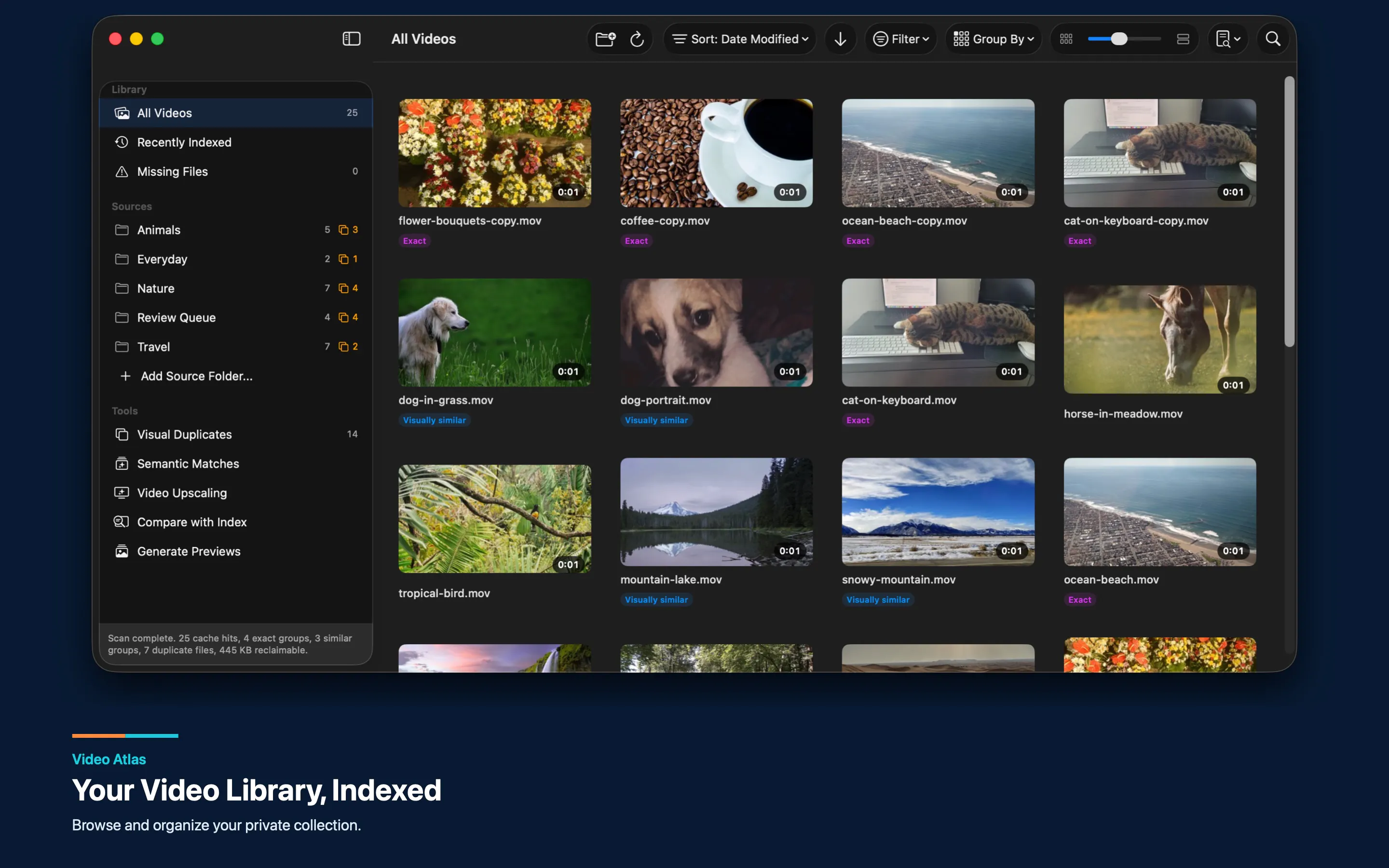
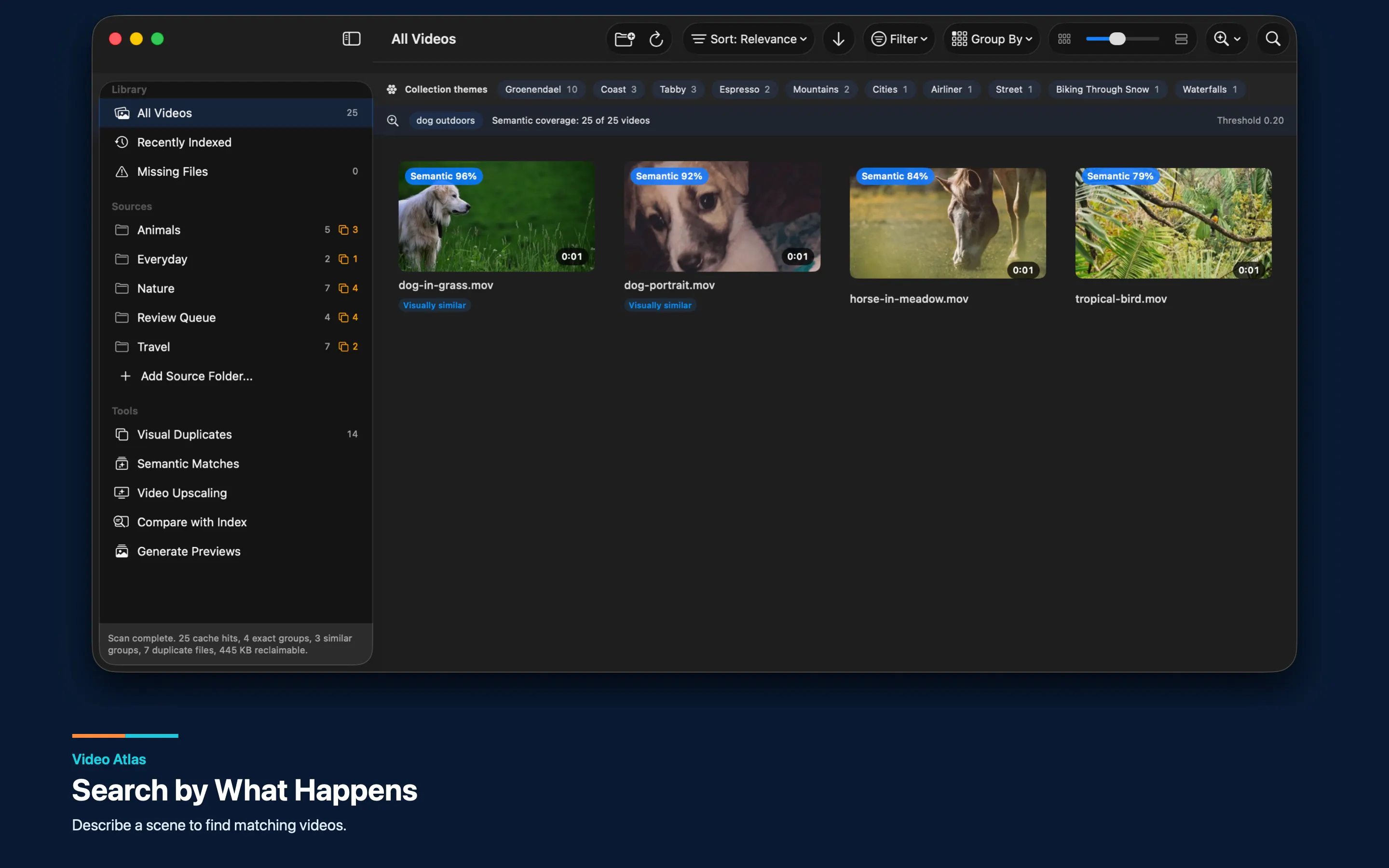
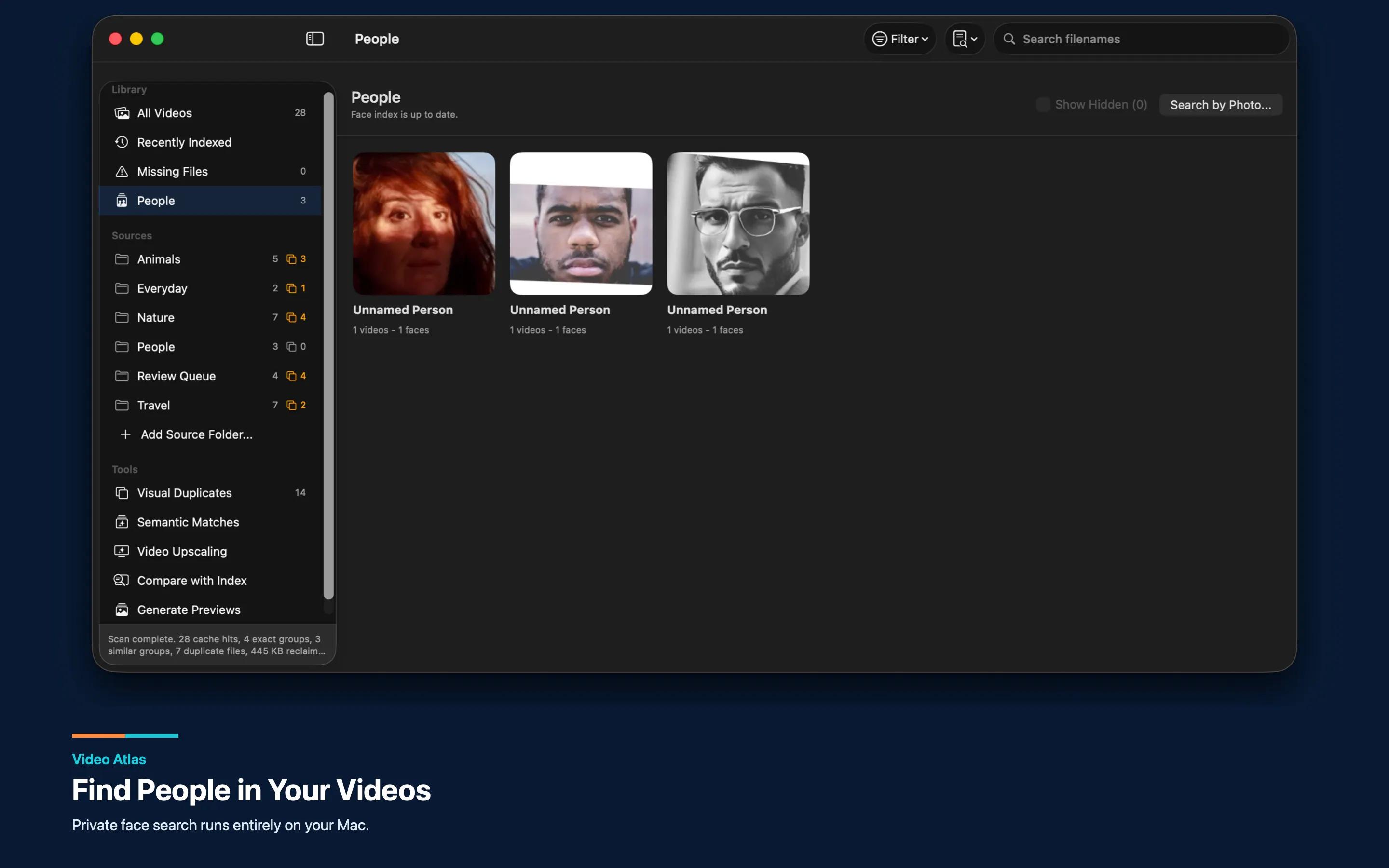
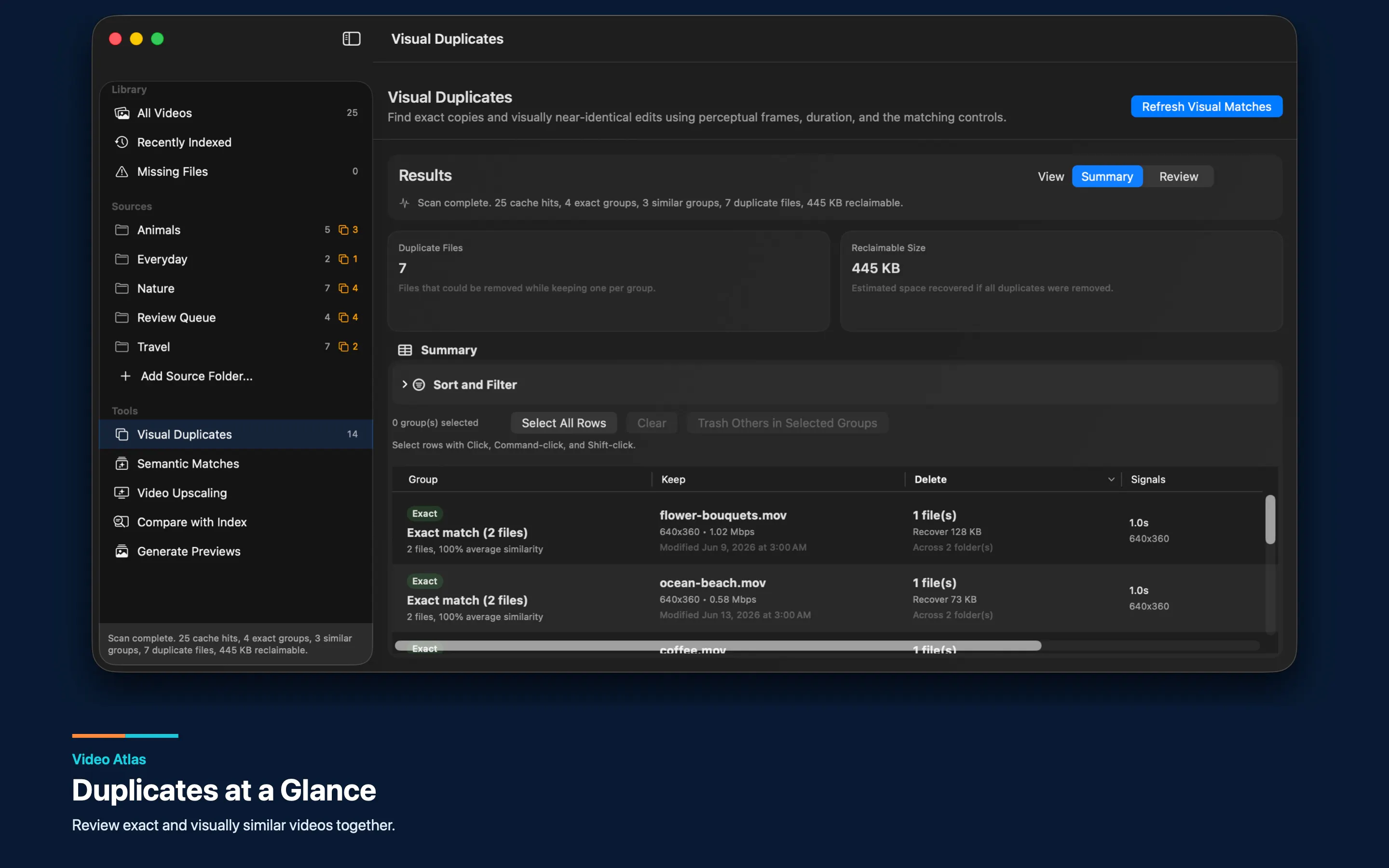
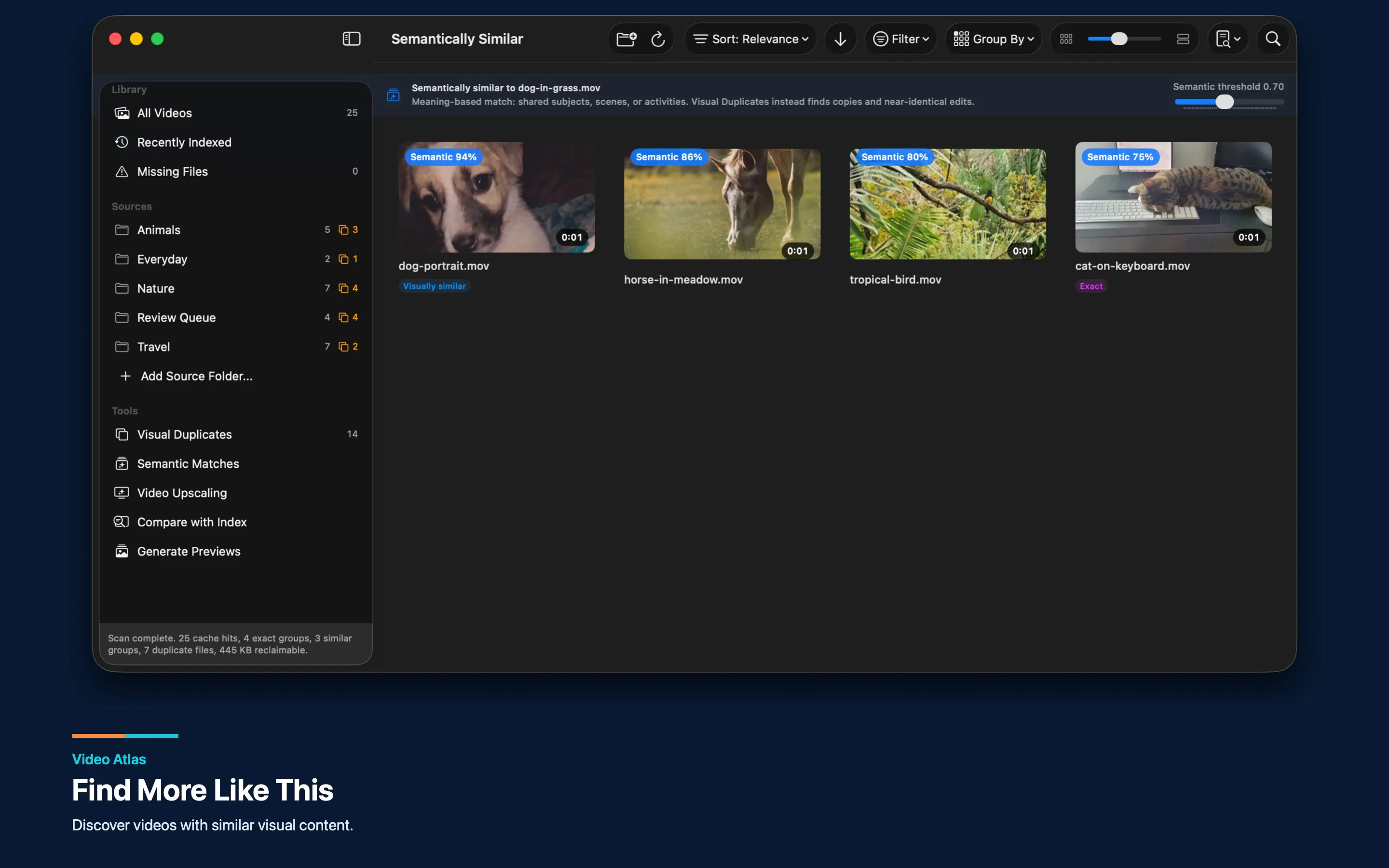
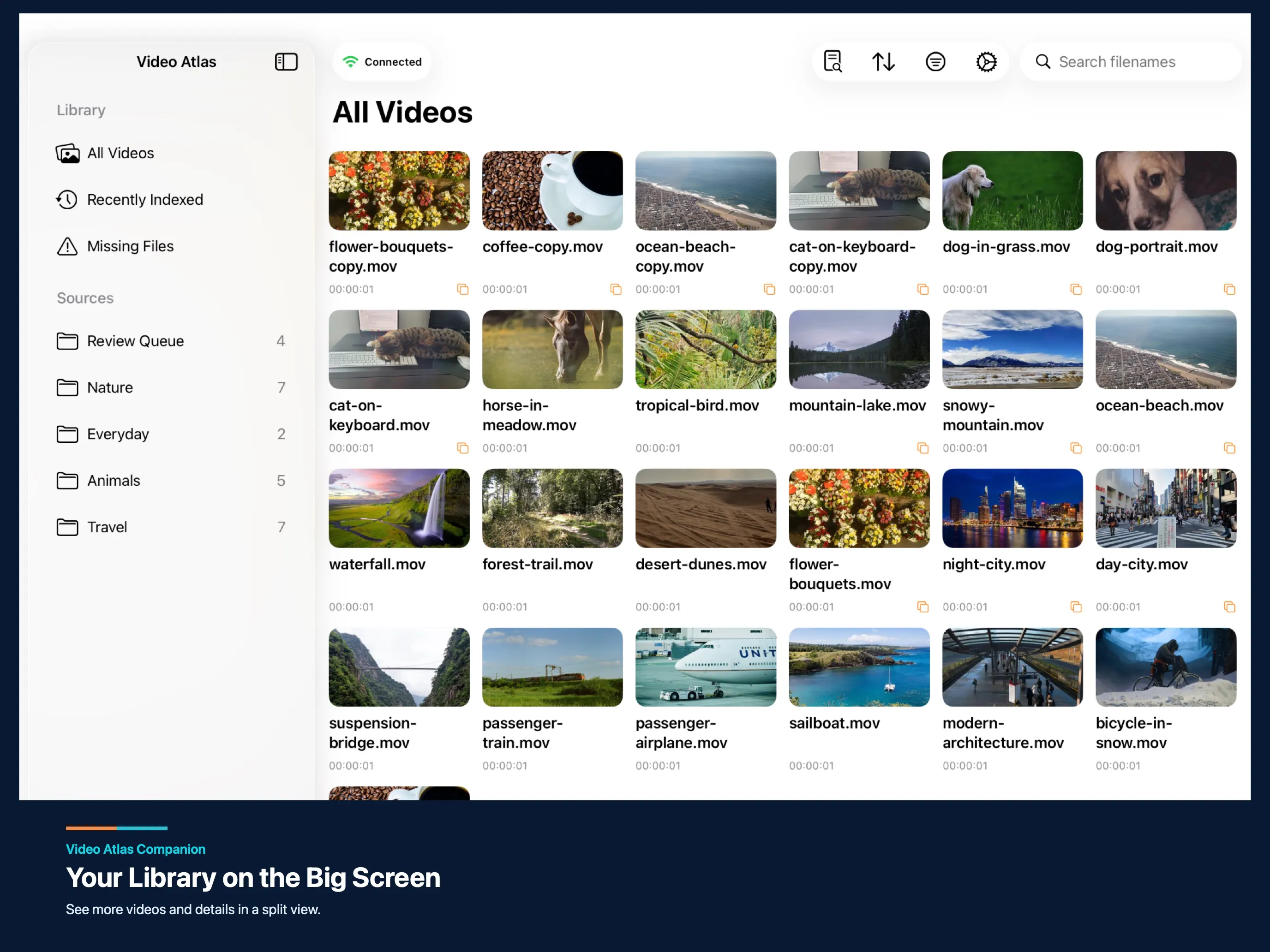
Video Atlas is a powerful media management tool designed for Mac users who handle large collections of videos across multiple external drives and folders. It seamlessly integrates videos into one unified library without the need to move or copy files, allowing users to browse indexed previews even when drives are disconnected. This makes finding and previewing clips quick and efficient, saving time and storage space. The AI-powered features enable searching by scene or person, discovering similar videos, and identifying duplicates, all processed locally on the Mac for privacy and speed. Additionally, the companion app for iPhone and iPad extends access, enabling browsing, searching, and streaming from the Mac over a local network. Ideal for video editors, content creators, and archivists, Video Atlas simplifies managing vast video libraries while maintaining the original file locations and ensuring quick access.
Screenshots
Pros
- ✓Unified video library across multiple drives without moving files
- ✓Indexed previews accessible even when drives are unplugged
- ✓AI-powered search by scene, person, and similar videos
- ✓Local AI processing ensures privacy and performance
- ✓Mobile companion app for browsing and streaming on iOS devices
Cons
- ✗Features and performance may depend on Mac hardware capabilities
- ✗Limited information on subscription or pricing models
- ✗Potential learning curve for advanced AI search functions
Use Cases
Pricing
Pricing not verified
Quick Info
Topics
Makers

Vincent Chu
Alternatives
Similar Tools in AI Image & Design




Embed Badge
Add this badge to your website to show that Video Atlas is featured on Visalytica.
<a href="https://www.visalytica.com/tool/video-atlas" target="_blank" rel="noopener noreferrer" style="display:inline-flex;align-items:center;gap:6px;padding:6px 14px;background:#7c3aed;color:#fff;border-radius:8px;font-family:-apple-system,system-ui,sans-serif;font-size:13px;font-weight:600;text-decoration:none;transition:background .2s" onmouseover="this.style.background='#6d28d9'" onmouseout="this.style.background='#7c3aed'"><svg width="14" height="14" viewBox="0 0 24 24" fill="none" stroke="currentColor" stroke-width="2.5" stroke-linecap="round" stroke-linejoin="round"><path d="M12 20V10"/><path d="M18 20V4"/><path d="M6 20v-4"/></svg>Featured on Visalytica</a>