
Vexy Lines
Turn any image into expressive, editable vector art
About Vexy Lines
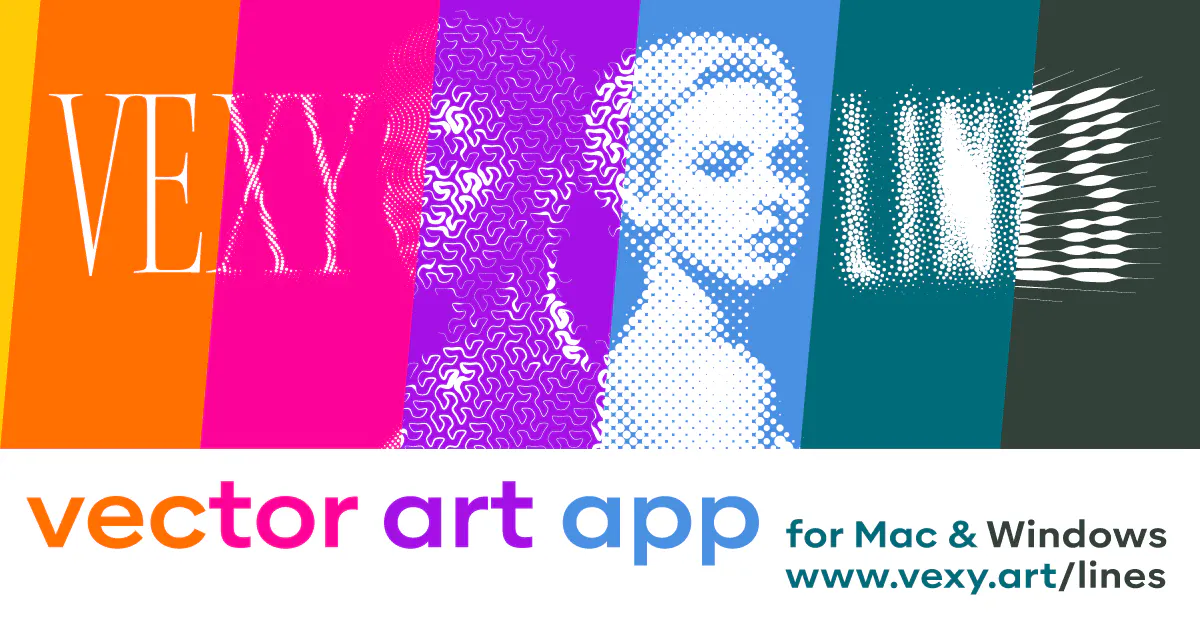
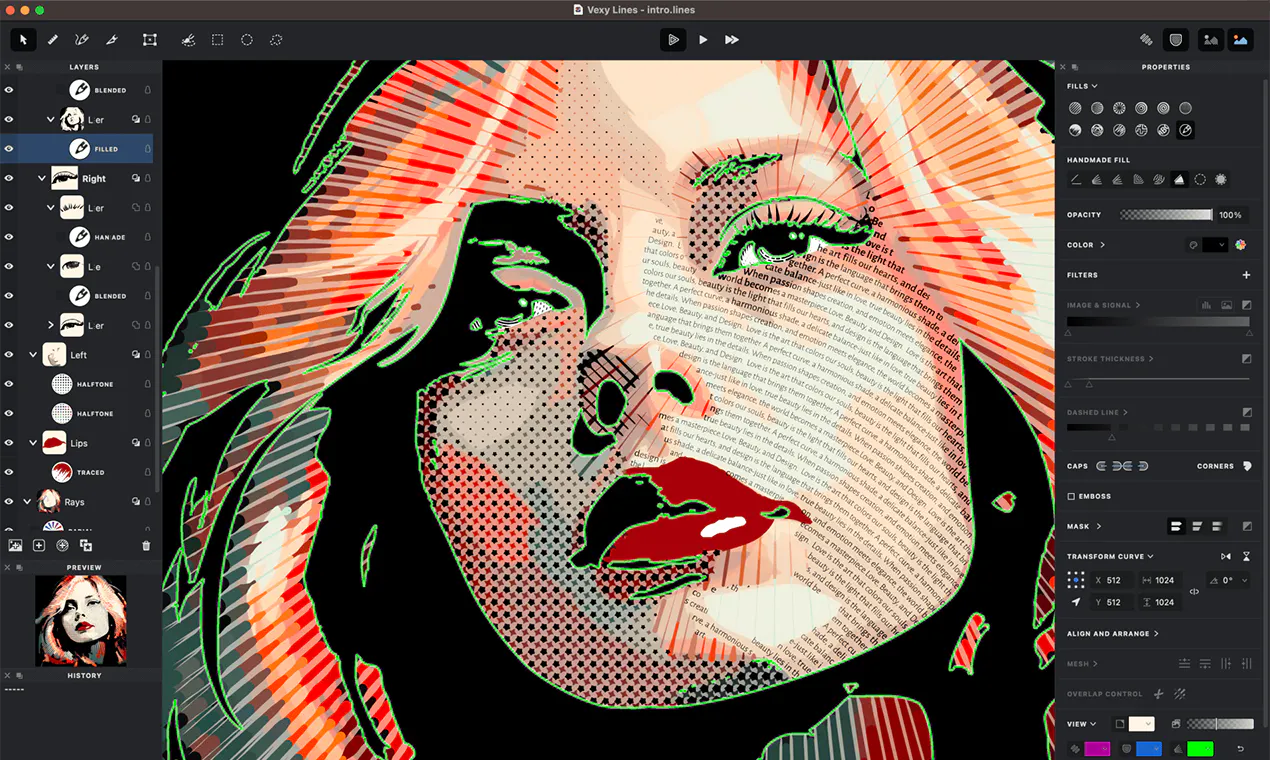
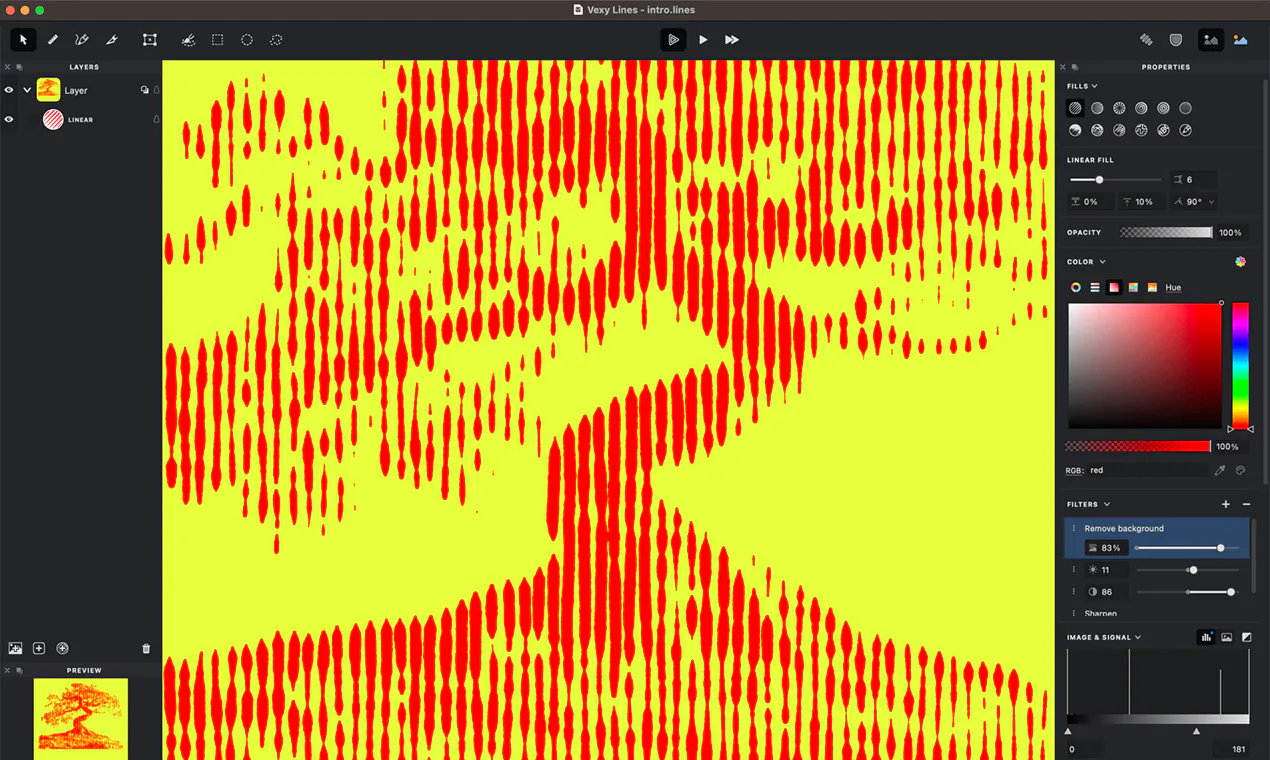
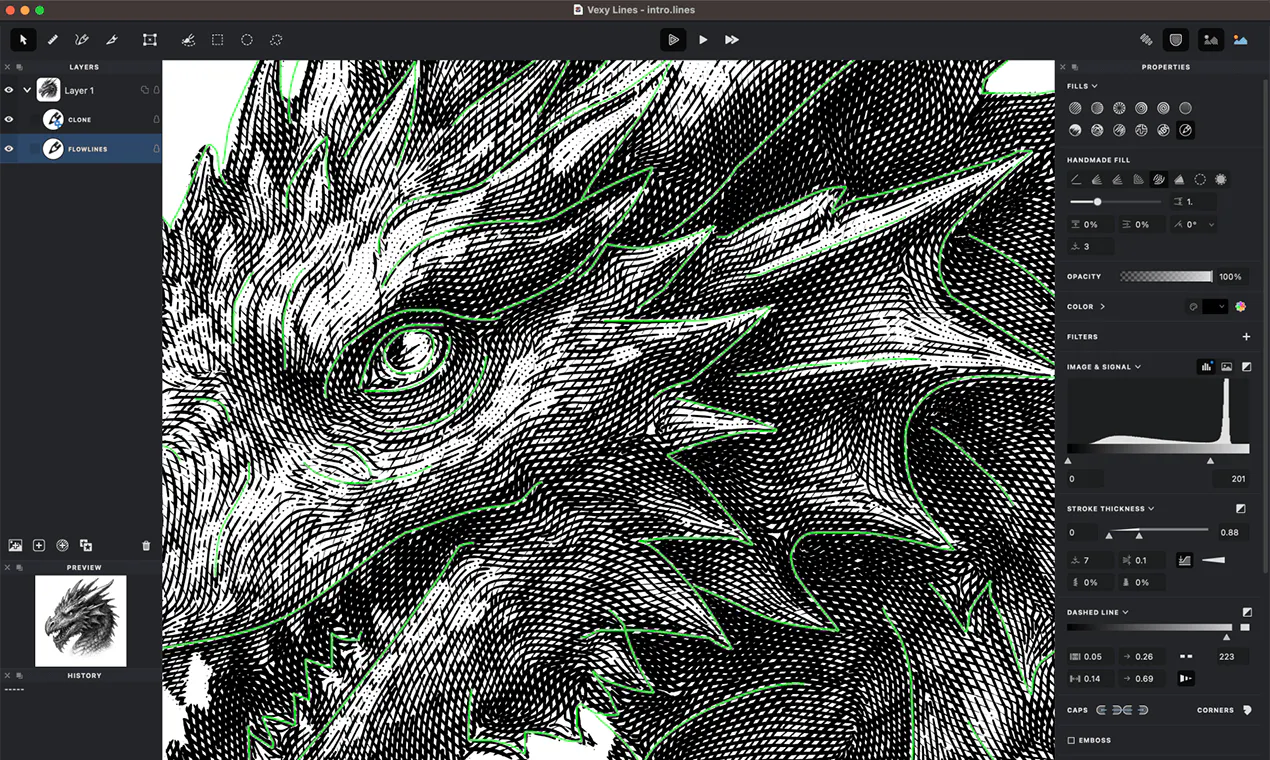
Vexy Lines is a versatile desktop vector art studio designed for Mac and Windows users who want to transform their images into expressive, editable vector graphics. Whether working with photos, sketches, or AI-generated images, users can quickly convert and customize their artwork using a variety of artistic fills, including engraving lines, halftone dots, waves, scribbles, and text. The platform allows for stacking layers, painting masks, warping meshes, and refining strokes to achieve detailed, print-ready designs. Its export options support popular formats like SVG, PDF, EPS, PNG, and JPEG, making it suitable for professional graphic projects. What sets Vexy Lines apart is its combination of intuitive editing features and powerful algorithmic fills, providing both novices and experienced artists with a creative toolkit for producing unique vector art. With a free trial of all features and a one-time license for $99, it offers a cost-effective solution for artists, designers, and hobbyists seeking a dedicated vector art environment.
Screenshots
Pros
- ✓Wide variety of algorithmic fills for diverse artistic styles
- ✓Intuitive interface suitable for both beginners and professionals
- ✓Supports multiple export formats for versatile use
- ✓One-time purchase with full feature access after trial
Cons
- ✗Lacks cloud-based collaboration features
- ✗Limited to desktop (Mac and Windows) — no mobile app
- ✗Advanced features may require some learning curve
Use Cases
Pricing
Vexy Lines offers a free trial with all features enabled, with the full export functionality unlocked via a one-time purchase of $99, providing a lifetime license without recurring fees.
Quick Info
Topics
Makers

Dmitry Apanovich
Alternatives
Similar Tools in AI Image & Design




Embed Badge
Add this badge to your website to show that Vexy Lines is featured on Visalytica.
<a href="https://www.visalytica.com/tool/vexy-lines" target="_blank" rel="noopener noreferrer" style="display:inline-flex;align-items:center;gap:6px;padding:6px 14px;background:#7c3aed;color:#fff;border-radius:8px;font-family:-apple-system,system-ui,sans-serif;font-size:13px;font-weight:600;text-decoration:none;transition:background .2s" onmouseover="this.style.background='#6d28d9'" onmouseout="this.style.background='#7c3aed'"><svg width="14" height="14" viewBox="0 0 24 24" fill="none" stroke="currentColor" stroke-width="2.5" stroke-linecap="round" stroke-linejoin="round"><path d="M12 20V10"/><path d="M18 20V4"/><path d="M6 20v-4"/></svg>Featured on Visalytica</a>