
VEXI
Open-source AI coding agent for your terminal
About VEXI
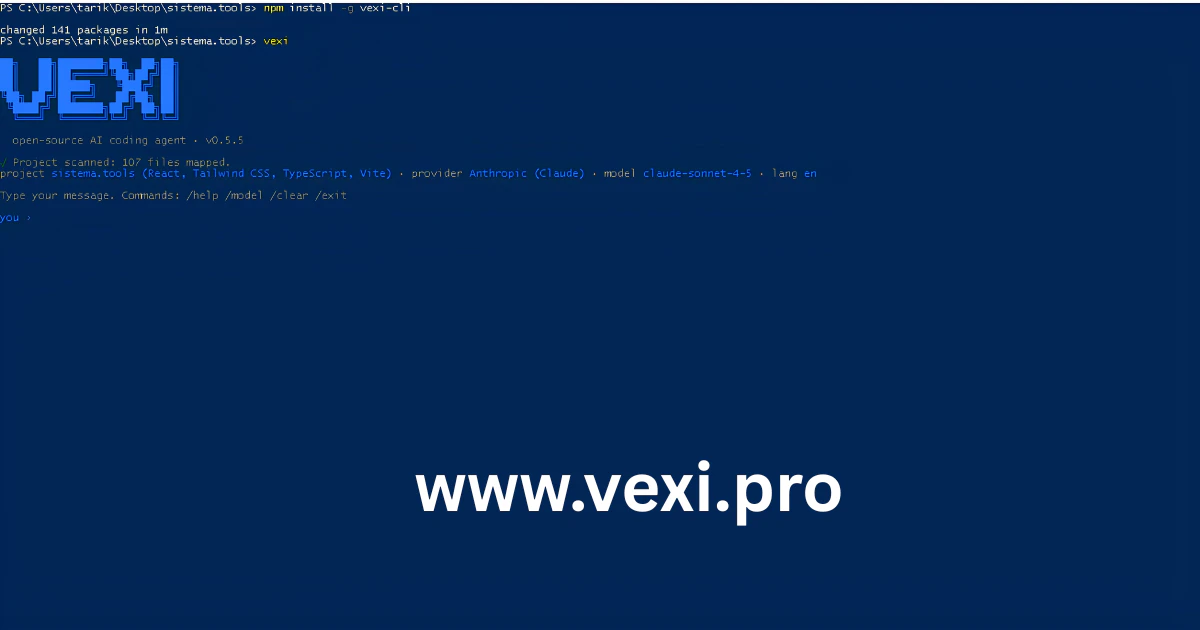
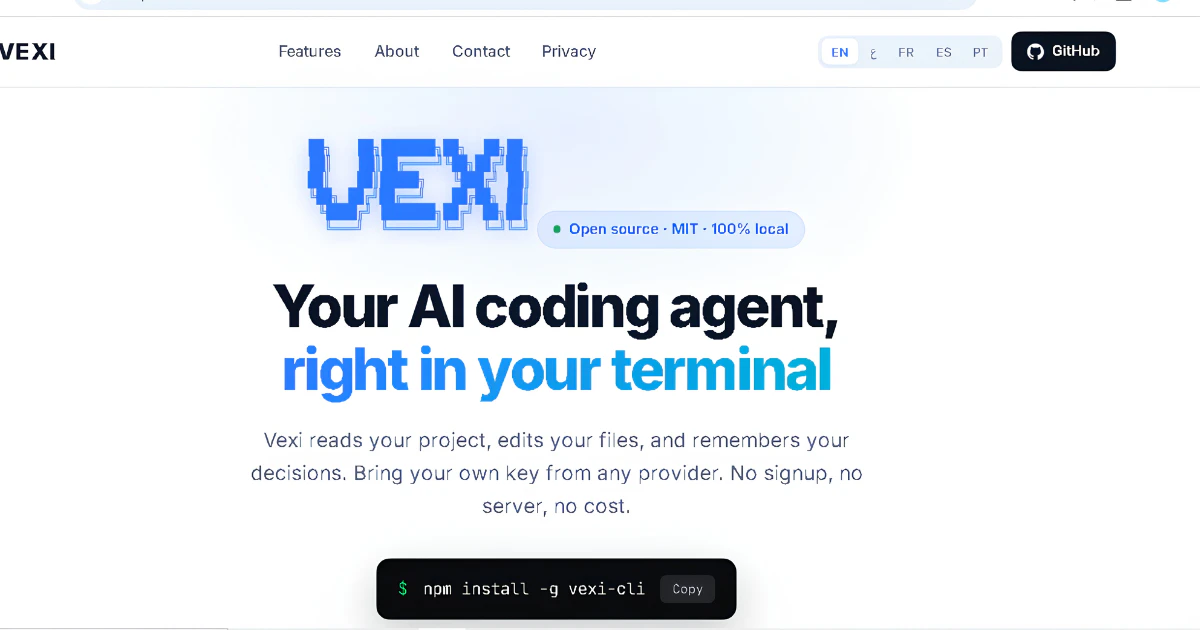
VEXI is an open-source AI coding agent designed specifically for developers who prefer working within the terminal environment. It allows users to connect their own API keys from providers like OpenAI and Anthropic, transforming the CLI into a powerful toolkit for coding, debugging, refactoring, and automation. Its lightweight and multilingual architecture make it accessible and privacy-friendly, appealing to developers who prioritize control and security. By integrating AI capabilities directly into the terminal, VEXI streamlines workflows and enhances productivity, especially for those comfortable with command-line interfaces. Its open-source nature encourages customization and community-driven improvements, making it a versatile addition to any developer's toolkit.
Screenshots

Pros
- ✓Open-source and highly customizable
- ✓Supports multiple AI providers via user API keys
- ✓Privacy-focused with local control over data
- ✓Lightweight and terminal-based, ideal for CLI enthusiasts
- ✓Facilitates automation, debugging, and refactoring tasks
Cons
- ✗Requires familiarity with CLI and API setup
- ✗Limited user interface compared to GUI-based tools
- ✗Potentially steep learning curve for beginners
Use Cases
Pricing
Open-source and free to use; users need to provide their own API keys, which may involve API usage costs from providers like OpenAI or Anthropic. No paid plans are advertised, but API costs depend on the chosen provider and usage levels.
Quick Info
Topics
Makers

Tarek Elomami
Similar Tools in Developer Tools




Embed Badge
Add this badge to your website to show that VEXI is featured on Visalytica.
<a href="https://www.visalytica.com/tool/vexi" target="_blank" rel="noopener noreferrer" style="display:inline-flex;align-items:center;gap:6px;padding:6px 14px;background:#7c3aed;color:#fff;border-radius:8px;font-family:-apple-system,system-ui,sans-serif;font-size:13px;font-weight:600;text-decoration:none;transition:background .2s" onmouseover="this.style.background='#6d28d9'" onmouseout="this.style.background='#7c3aed'"><svg width="14" height="14" viewBox="0 0 24 24" fill="none" stroke="currentColor" stroke-width="2.5" stroke-linecap="round" stroke-linejoin="round"><path d="M12 20V10"/><path d="M18 20V4"/><path d="M6 20v-4"/></svg>Featured on Visalytica</a>