
Unprompt
Your AI usage in dollars and liters of water
About Unprompt
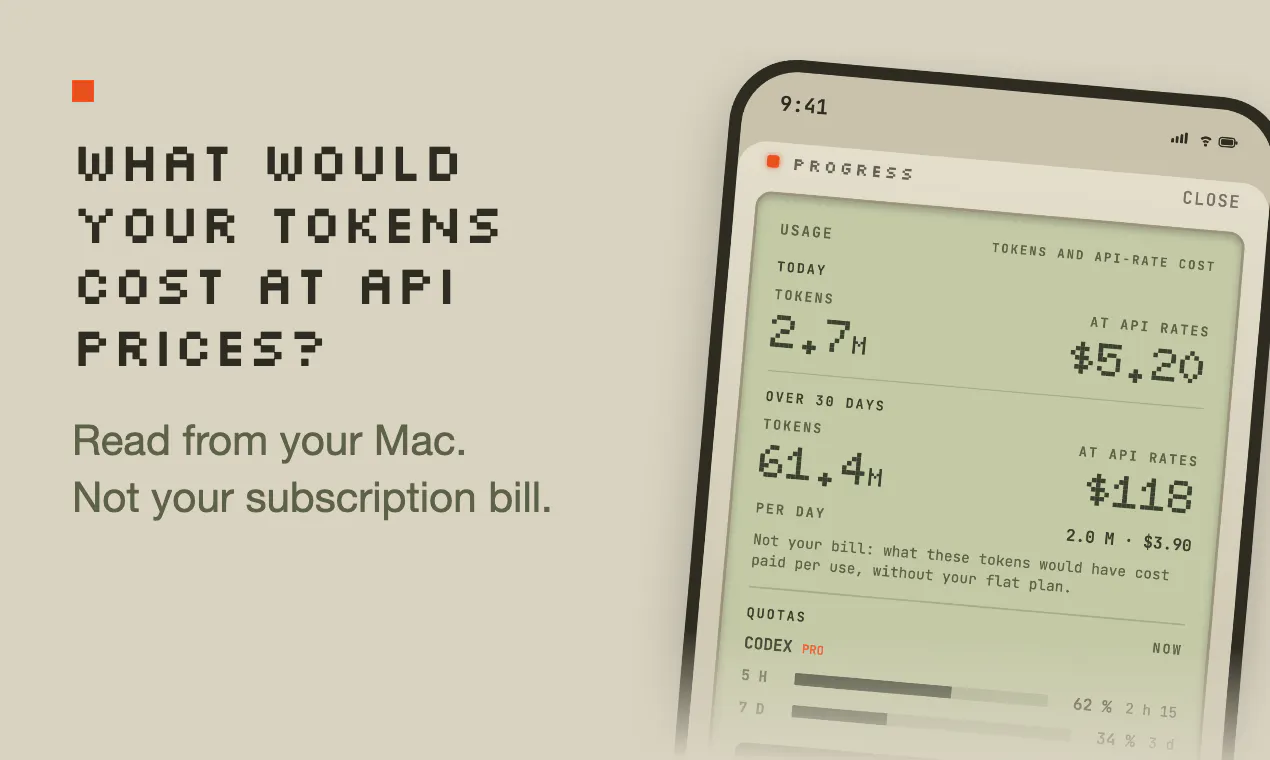
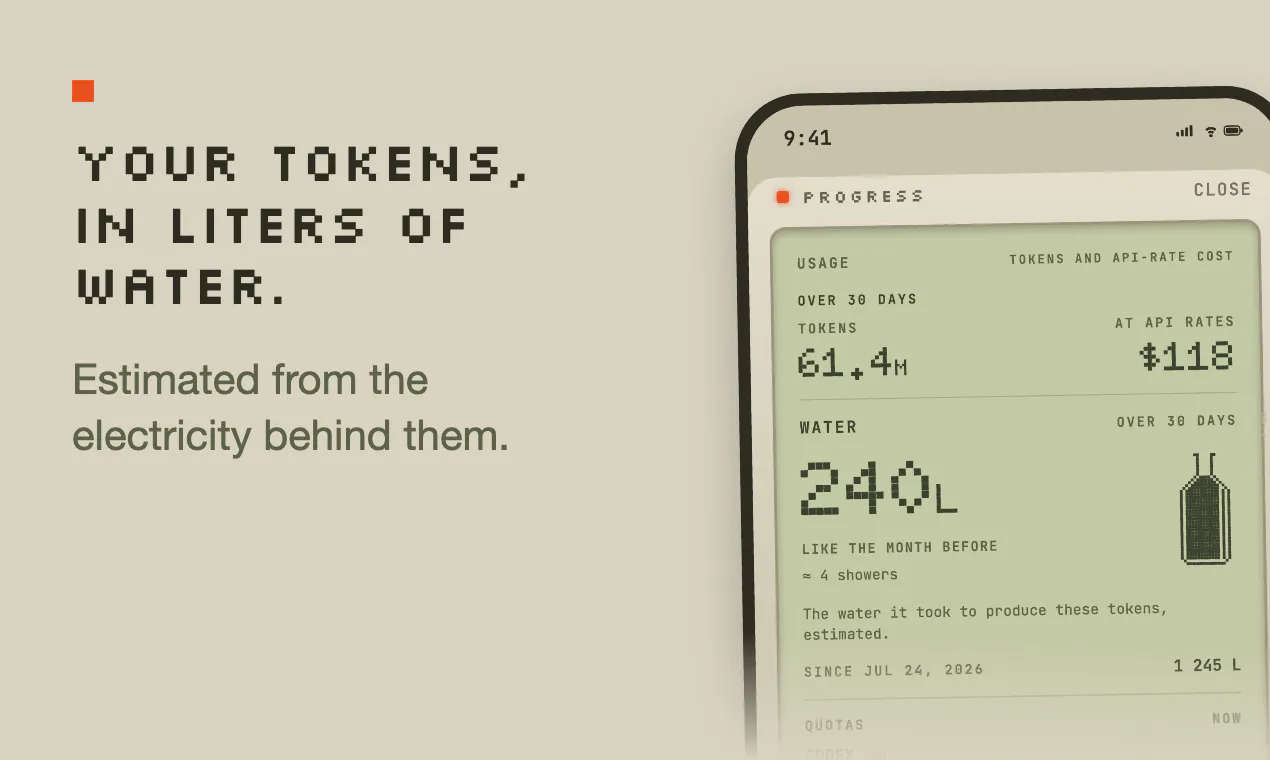
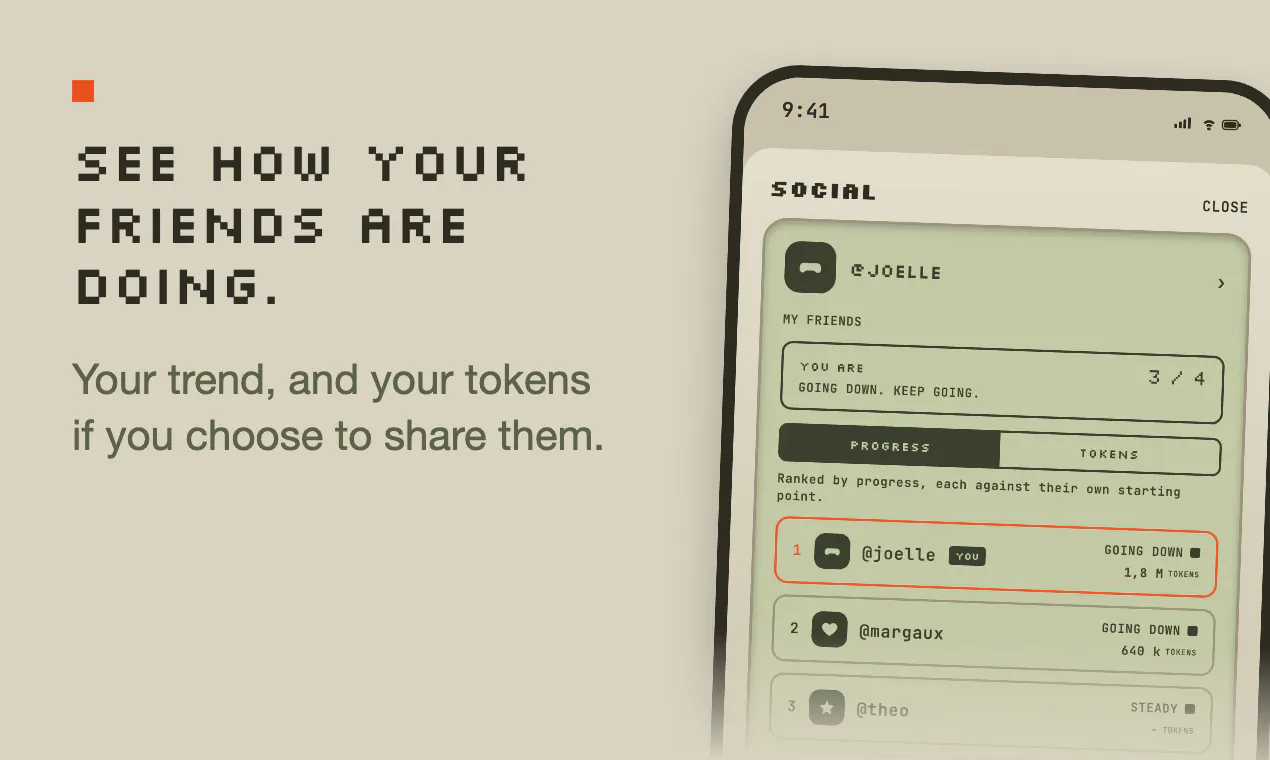
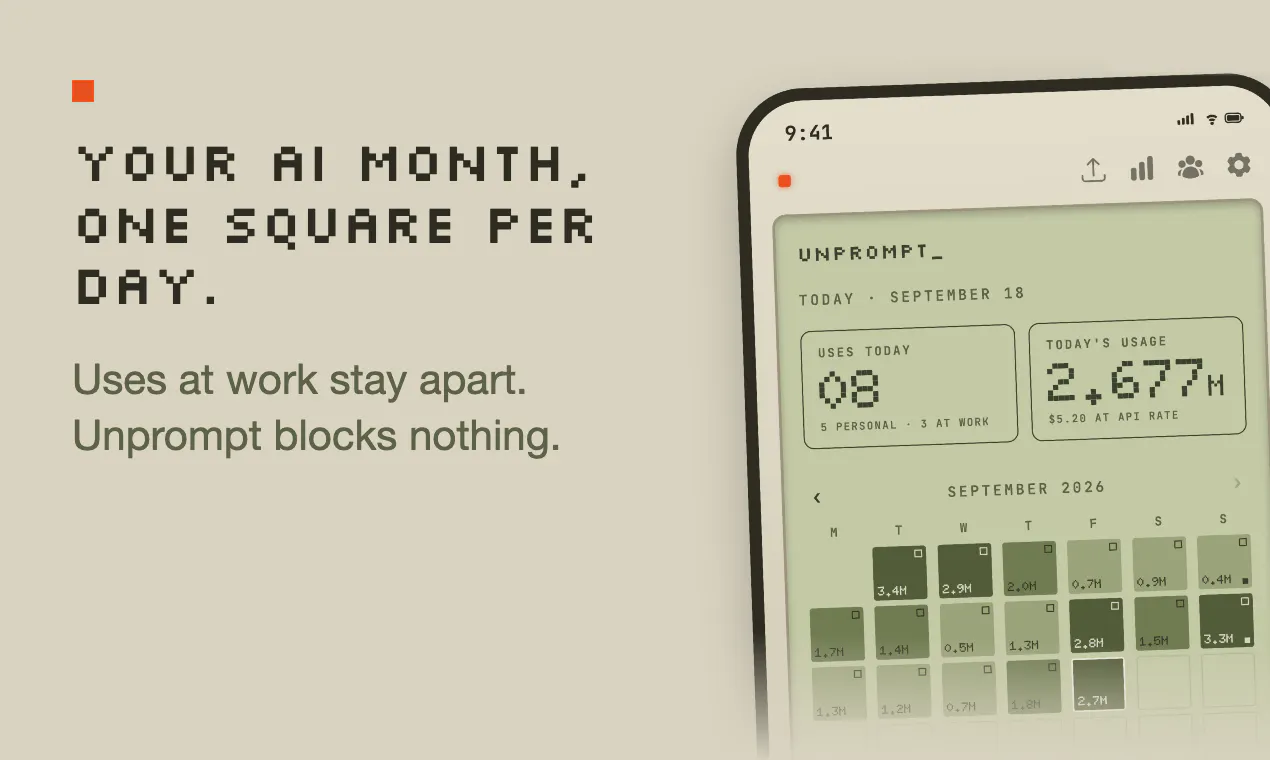
Unprompt is an innovative SaaS tool designed for AI enthusiasts, developers, and productivity-conscious users who want to monitor and quantify their AI usage in a meaningful way. It tracks your interactions with popular AI models like Claude Code, Codex, and Cursor by logging tokens, converting usage into dollar costs based on API prices, and even measuring water consumption as a unique environmental metric. The platform offers a Mac companion app for free, providing seamless integration, and leverages Screen Time on iPhone to count AI app usage, including separate work hours for better insights. Users can compare their monthly AI consumption with friends, making it a social and motivational tool as well. The free daily tokens and costs make it accessible for casual users, while the premium 30-day water usage card adds depth for those seeking detailed analytics. Overall, Unprompt stands out by combining environmental awareness with practical usage tracking, appealing to a broad spectrum of AI users.
Screenshots
Pros
- ✓Tracks AI usage in multiple metrics: tokens, dollars, and liters of water
- ✓Provides cross-platform support with a free Mac companion app and iPhone integration
- ✓Offers social comparison features to motivate and benchmark usage
- ✓Displays work hours separately for better productivity insights
- ✓Provides free daily tokens and costs for casual users
Cons
- ✗Limited information on detailed pricing plans and subscription options
- ✗Potentially complex setup for new users unfamiliar with API token tracking
- ✗Dependence on Screen Time may not capture all app usage accurately
Use Cases
Pricing
Pricing not verified
Quick Info
Topics
Makers

Joelle
Alternatives
Similar Tools in AI Assistants




Embed Badge
Add this badge to your website to show that Unprompt is featured on Visalytica.
<a href="https://www.visalytica.com/tool/unprompt" target="_blank" rel="noopener noreferrer" style="display:inline-flex;align-items:center;gap:6px;padding:6px 14px;background:#7c3aed;color:#fff;border-radius:8px;font-family:-apple-system,system-ui,sans-serif;font-size:13px;font-weight:600;text-decoration:none;transition:background .2s" onmouseover="this.style.background='#6d28d9'" onmouseout="this.style.background='#7c3aed'"><svg width="14" height="14" viewBox="0 0 24 24" fill="none" stroke="currentColor" stroke-width="2.5" stroke-linecap="round" stroke-linejoin="round"><path d="M12 20V10"/><path d="M18 20V4"/><path d="M6 20v-4"/></svg>Featured on Visalytica</a>