Universal Undo
Recover lost text on Android before you retype everything
About Universal Undo
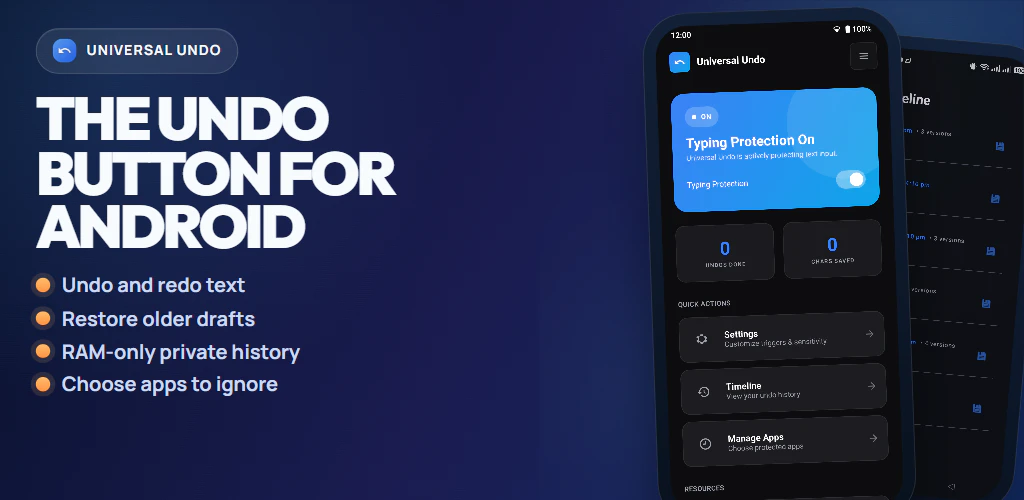
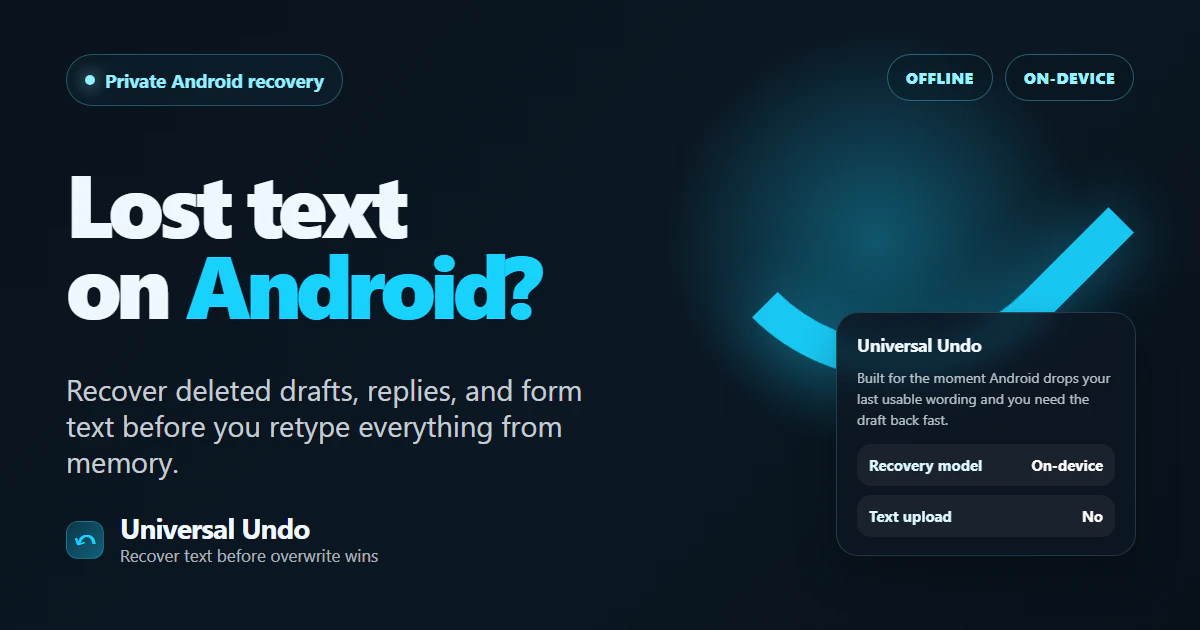
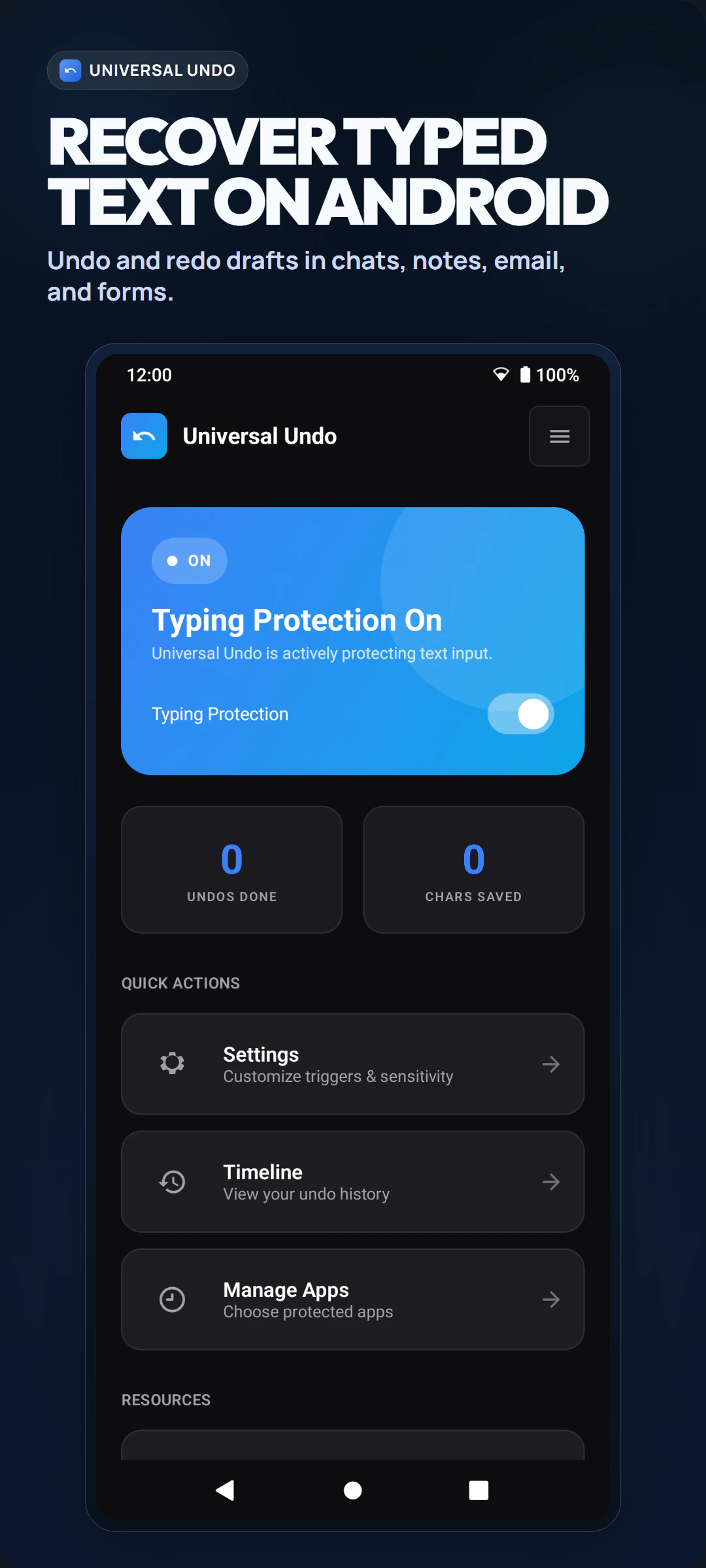
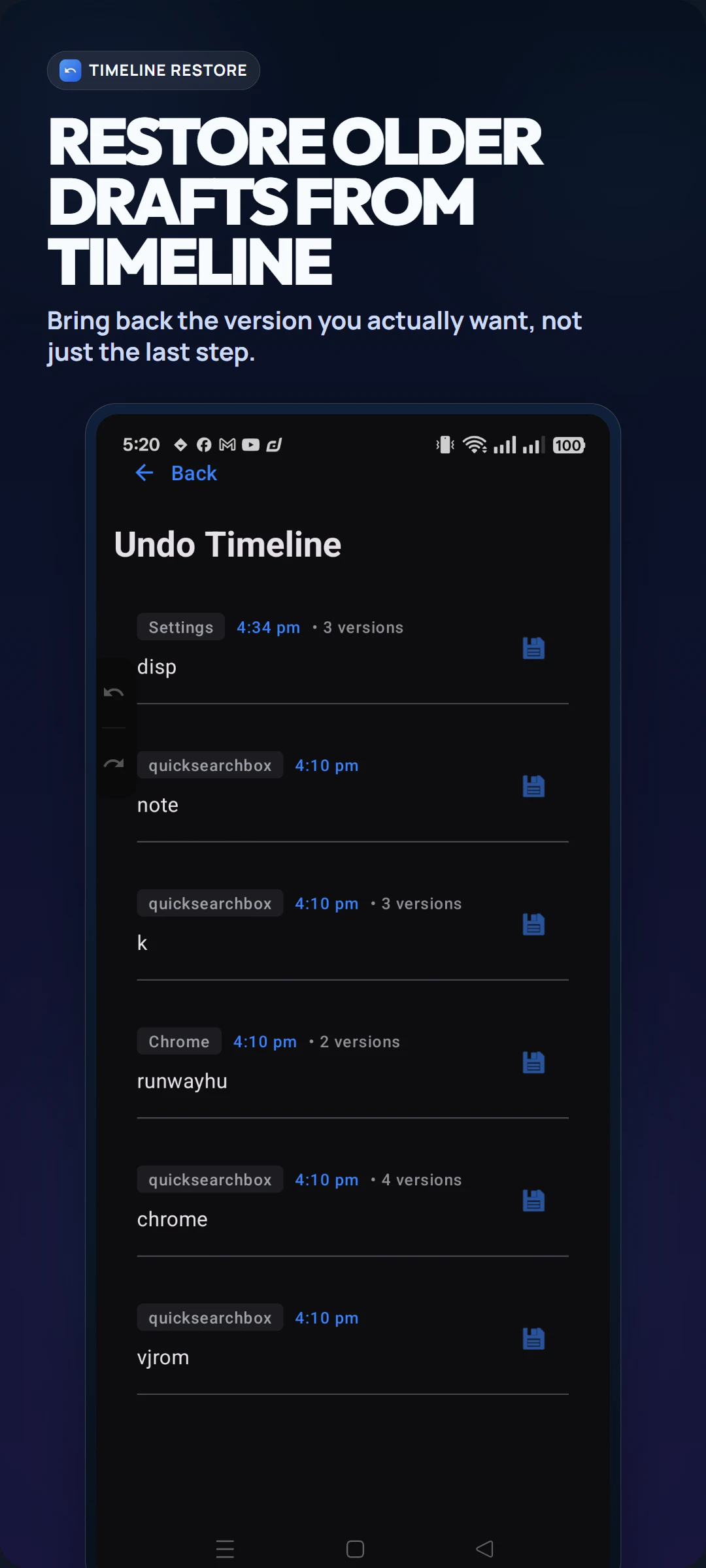
Universal Undo is a handy Android app designed to prevent the frustration of losing important text inputs, such as long replies, drafts, or form entries. Many Android users have experienced moments where their typed content disappears unexpectedly, forcing them to rewrite from memory. This tool acts as a safety net, capturing the last usable version of your text before it gets lost, making recovery quick and effortless. Its real-time text save feature ensures that users can confidently type without the fear of losing their work due to accidental app closures, crashes, or navigation errors. Perfect for writers, professionals, and anyone who frequently drafts lengthy messages on Android, Universal Undo enhances productivity by providing a reliable way to recover lost text with minimal hassle. Its simplicity and focused functionality make it a must-have for improving the Android typing experience, especially during critical moments.
Screenshots
Pros
- ✓Quick and easy text recovery right when needed
- ✓Reduces frustration caused by accidental text loss
- ✓Lightweight with minimal setup required
- ✓Supports a wide range of Android apps
Cons
- ✗Limited to Android devices and specific apps
- ✗No advanced editing or version history features
- ✗Depends on background accessibility permissions
Use Cases
Pricing
Likely free to use, possibly supported by minimal ads or optional in-app purchases, as it is a specialized utility app designed for quick text recovery.
Quick Info
Topics
Alternatives
Similar Tools in AI Writing




Embed Badge
Add this badge to your website to show that Universal Undo is featured on Visalytica.
<a href="https://www.visalytica.com/tool/universal-undo" target="_blank" rel="noopener noreferrer" style="display:inline-flex;align-items:center;gap:6px;padding:6px 14px;background:#7c3aed;color:#fff;border-radius:8px;font-family:-apple-system,system-ui,sans-serif;font-size:13px;font-weight:600;text-decoration:none;transition:background .2s" onmouseover="this.style.background='#6d28d9'" onmouseout="this.style.background='#7c3aed'"><svg width="14" height="14" viewBox="0 0 24 24" fill="none" stroke="currentColor" stroke-width="2.5" stroke-linecap="round" stroke-linejoin="round"><path d="M12 20V10"/><path d="M18 20V4"/><path d="M6 20v-4"/></svg>Featured on Visalytica</a>