una mano
A familiar iPhone keyboard that moves to your thumb
About una mano
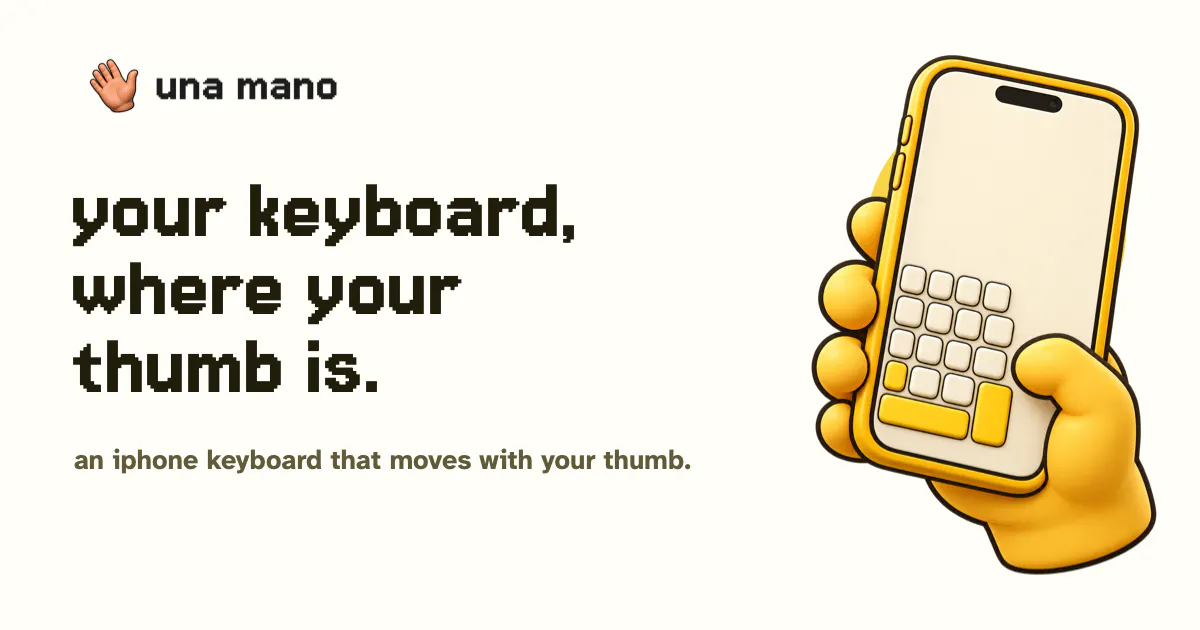
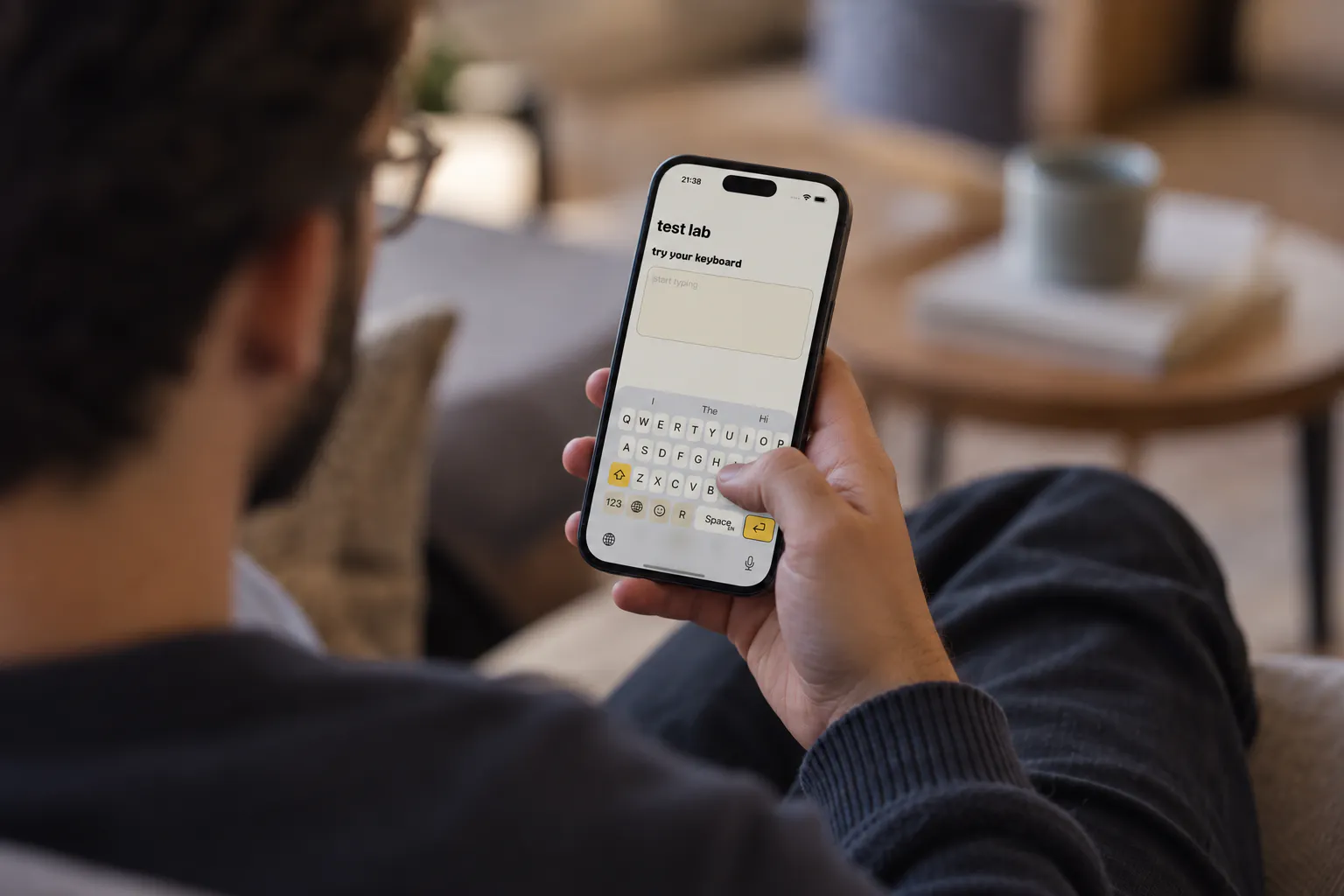
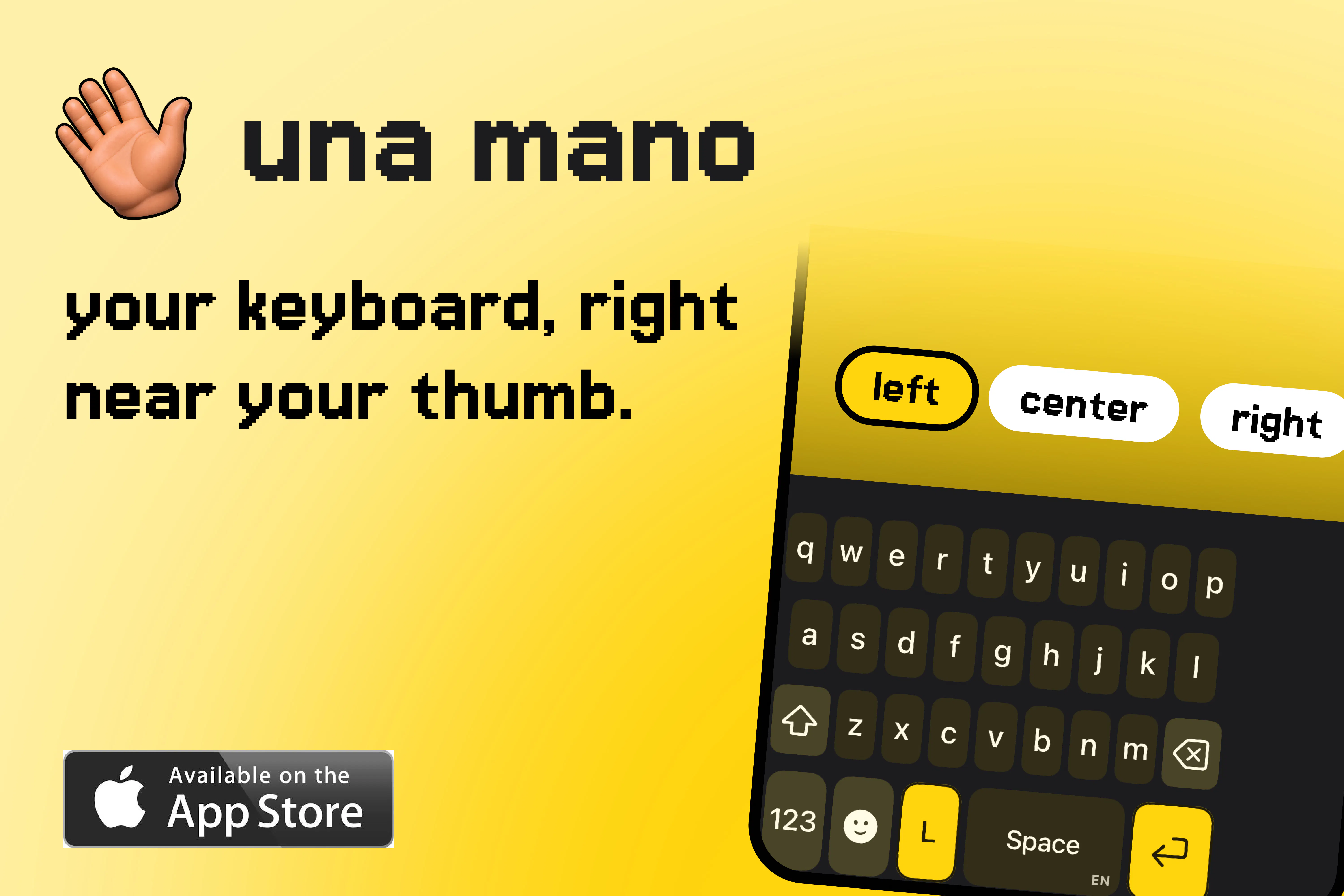
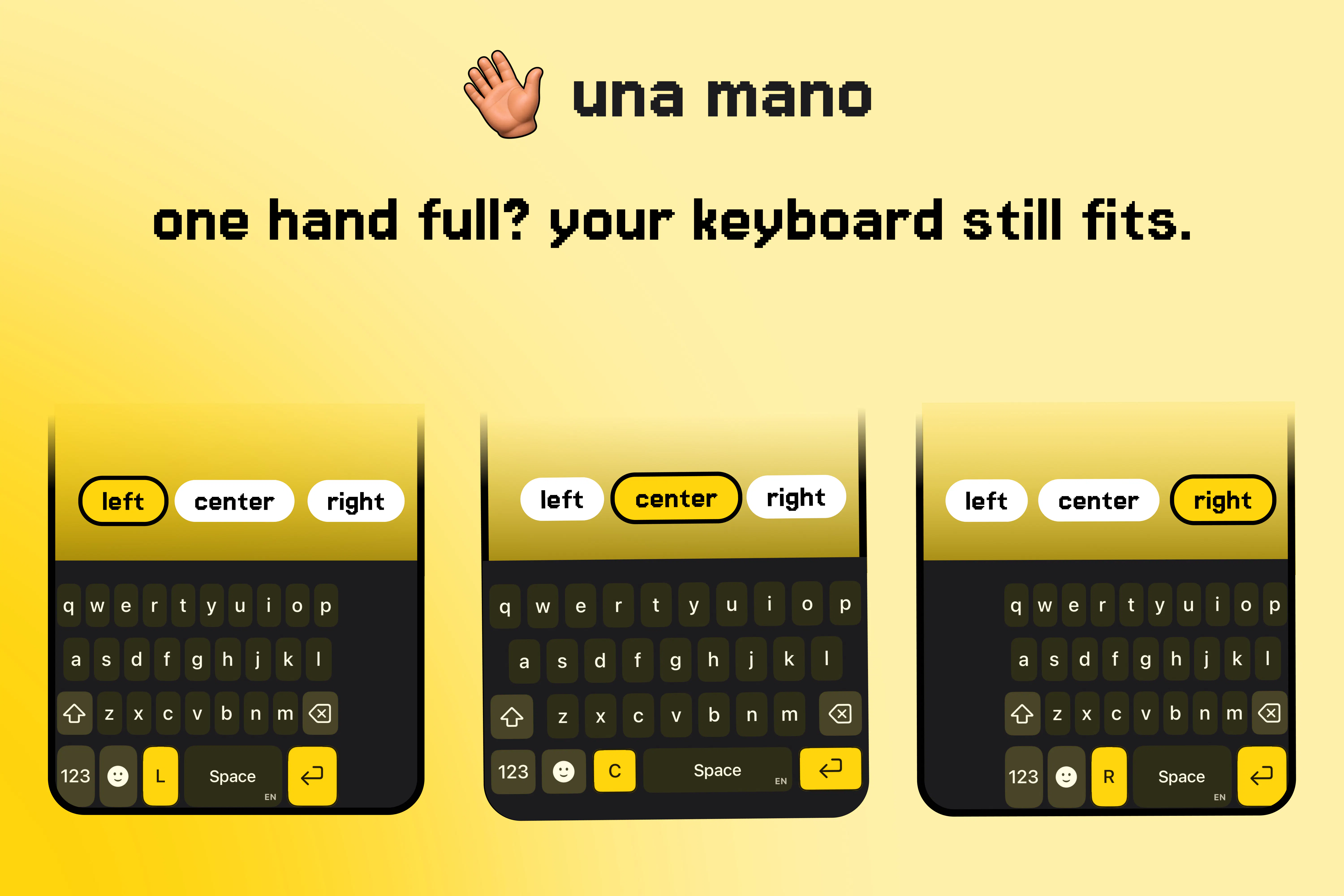
una mano is a user-friendly iPhone keyboard app designed to enhance one-handed typing by shifting the familiar QWERTY layout to the left, center, or right side of the screen. This feature is particularly useful for users who often operate their phones with one hand or need quick access to the keyboard while multitasking. The app allows users to easily switch positions via a dedicated control or swipe gestures, making typing more comfortable and efficient. Additionally, it offers an optional Motion Switch feature for even smoother accessibility. Core typing functions work seamlessly without requiring Full Access, ensuring privacy and security, while new installs benefit from a 14-day trial of the Plus features, with no plan pre-selected. Una mano caters to busy individuals, commuters, or anyone seeking a more ergonomic typing experience on their iPhone, standing out with its simplicity, customization, and focus on user comfort.
Screenshots

Pros
- ✓Flexible keyboard positioning for improved one-handed use
- ✓Easy to switch between left, center, and right modes via controls or swipe
- ✓Core typing functions operate without Full Access for privacy
- ✓14-day free trial of Plus features for new users
- ✓Simple setup and user-friendly interface
Cons
- ✗Currently has no votes on Product Hunt, indicating limited popularity or user feedback
- ✗Features are focused on specific use cases, which may not suit all users
- ✗Potential learning curve for new users unfamiliar with gesture controls
Use Cases
Pricing
Summarize pricing only when it is explicitly supported by the supplied product data. Never guess a price, plan, or business model. Return 'Pricing not verified' when the input does not establish it.
Quick Info
Topics
Makers

pherkan
@pherkanAlternatives
Similar Tools in Productivity




Embed Badge
Add this badge to your website to show that una mano is featured on Visalytica.
<a href="https://www.visalytica.com/tool/una-mano" target="_blank" rel="noopener noreferrer" style="display:inline-flex;align-items:center;gap:6px;padding:6px 14px;background:#7c3aed;color:#fff;border-radius:8px;font-family:-apple-system,system-ui,sans-serif;font-size:13px;font-weight:600;text-decoration:none;transition:background .2s" onmouseover="this.style.background='#6d28d9'" onmouseout="this.style.background='#7c3aed'"><svg width="14" height="14" viewBox="0 0 24 24" fill="none" stroke="currentColor" stroke-width="2.5" stroke-linecap="round" stroke-linejoin="round"><path d="M12 20V10"/><path d="M18 20V4"/><path d="M6 20v-4"/></svg>Featured on Visalytica</a>