
TwinMind for Desktop
Transcribe meetings and dictate anywhere on Mac & Windows
About TwinMind for Desktop
TwinMind for Desktop is a powerful transcription and dictation tool designed for professionals who need seamless audio capture across multiple platforms. It natively integrates with popular meeting apps like Zoom, Google Meet, and Microsoft Teams, automatically detecting ongoing meetings to deliver real-time transcripts and summaries in over 140 languages. Its intuitive interface includes a floating microphone that stays accessible across all applications, allowing users to hold a hotkey and dictate effortlessly. Additionally, with calendar reminders and one-click call joining, TwinMind streamlines the entire meeting workflow, making it an invaluable asset for remote teams, journalists, students, and anyone who documents discussions regularly. Its ability to deliver clean, editable text directly into your preferred workspace enhances productivity and accuracy, saving time and reducing manual note-taking.
Screenshots
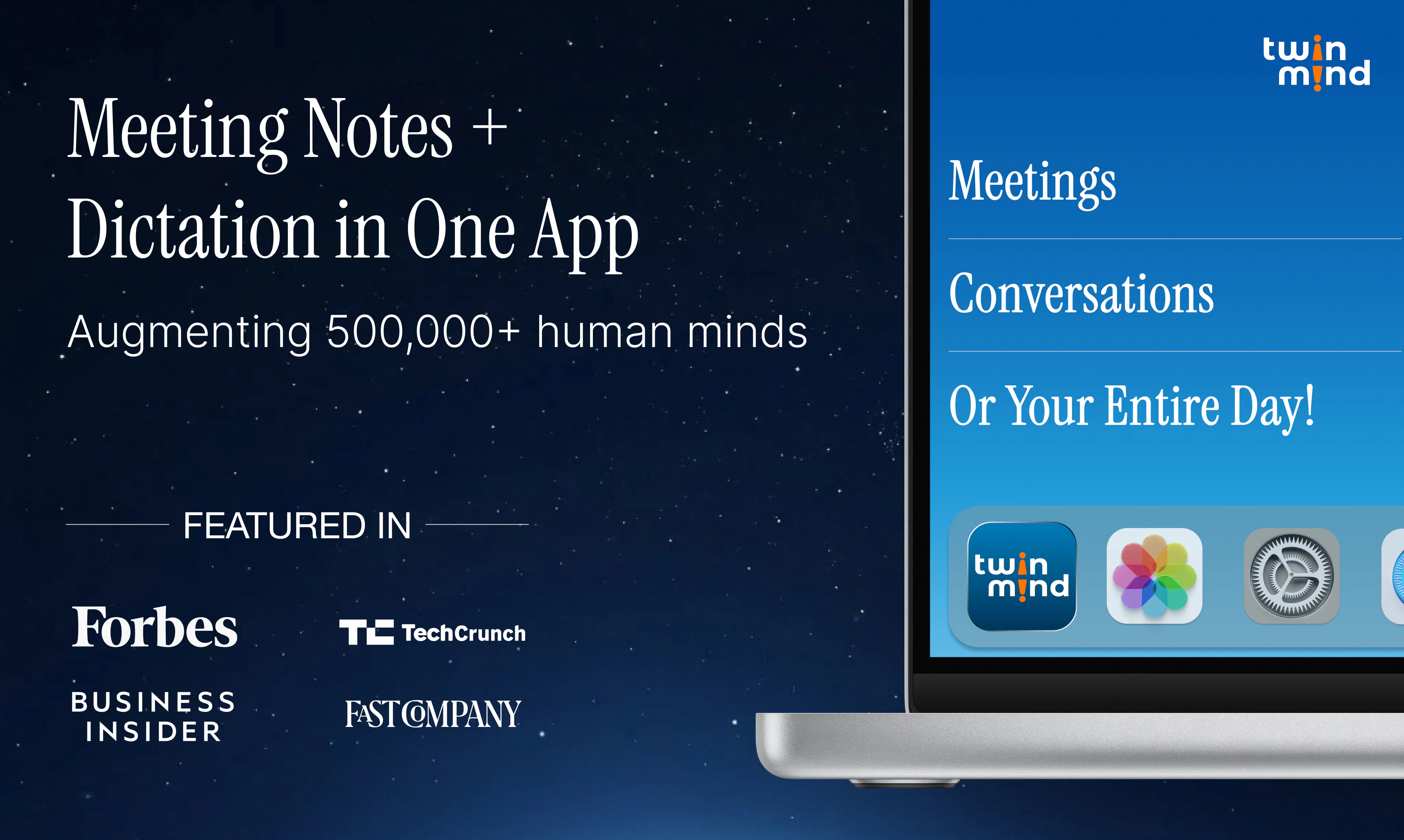
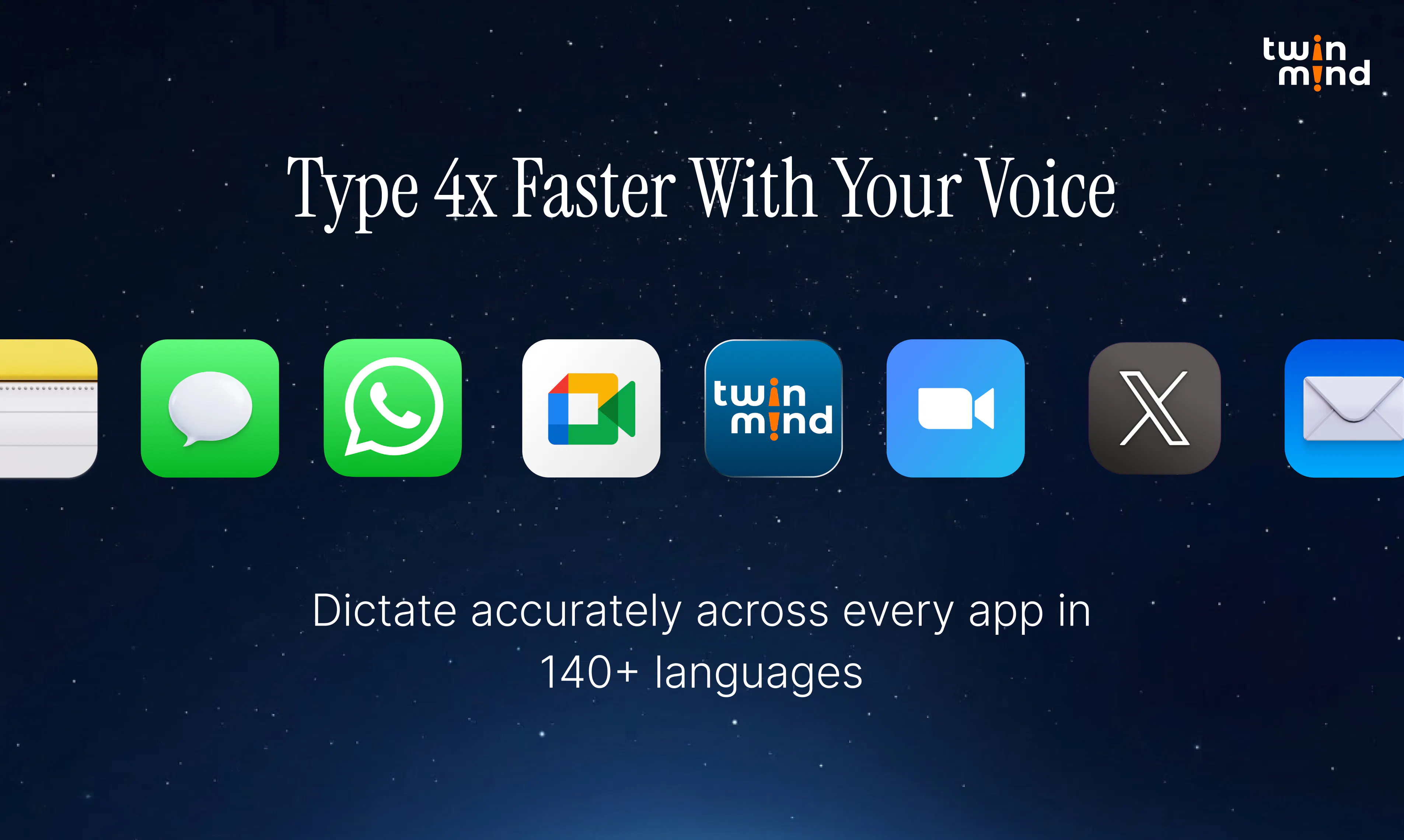
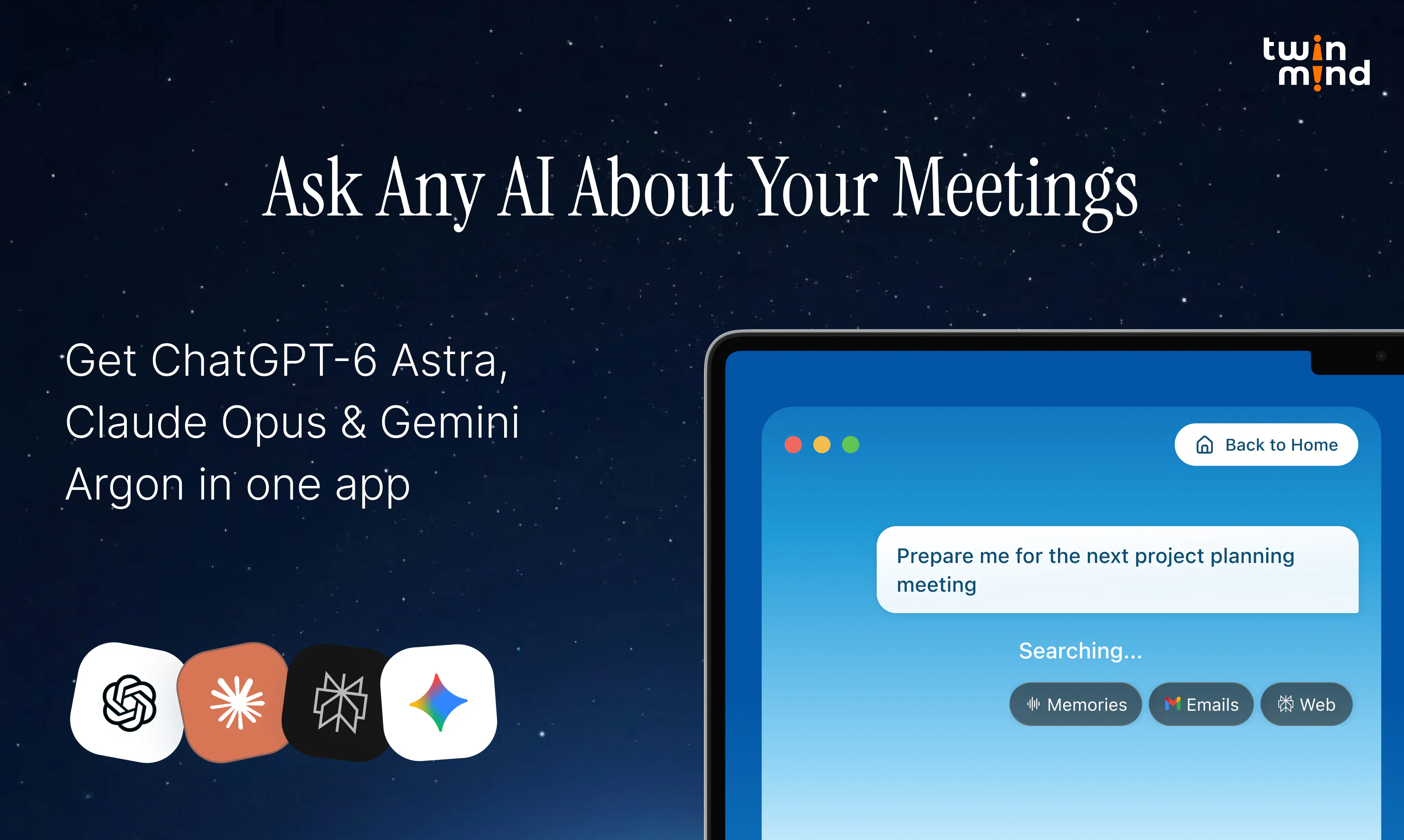
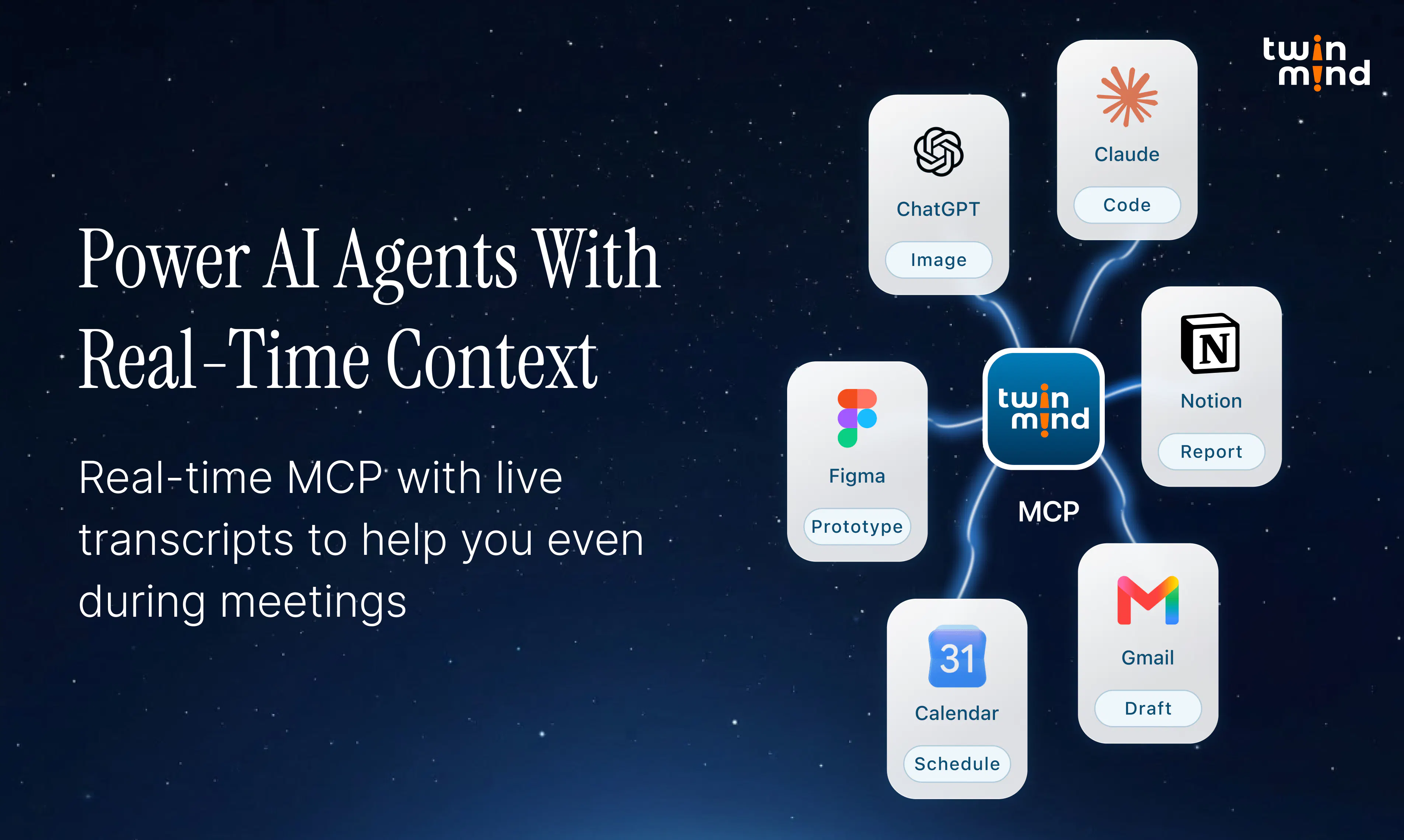
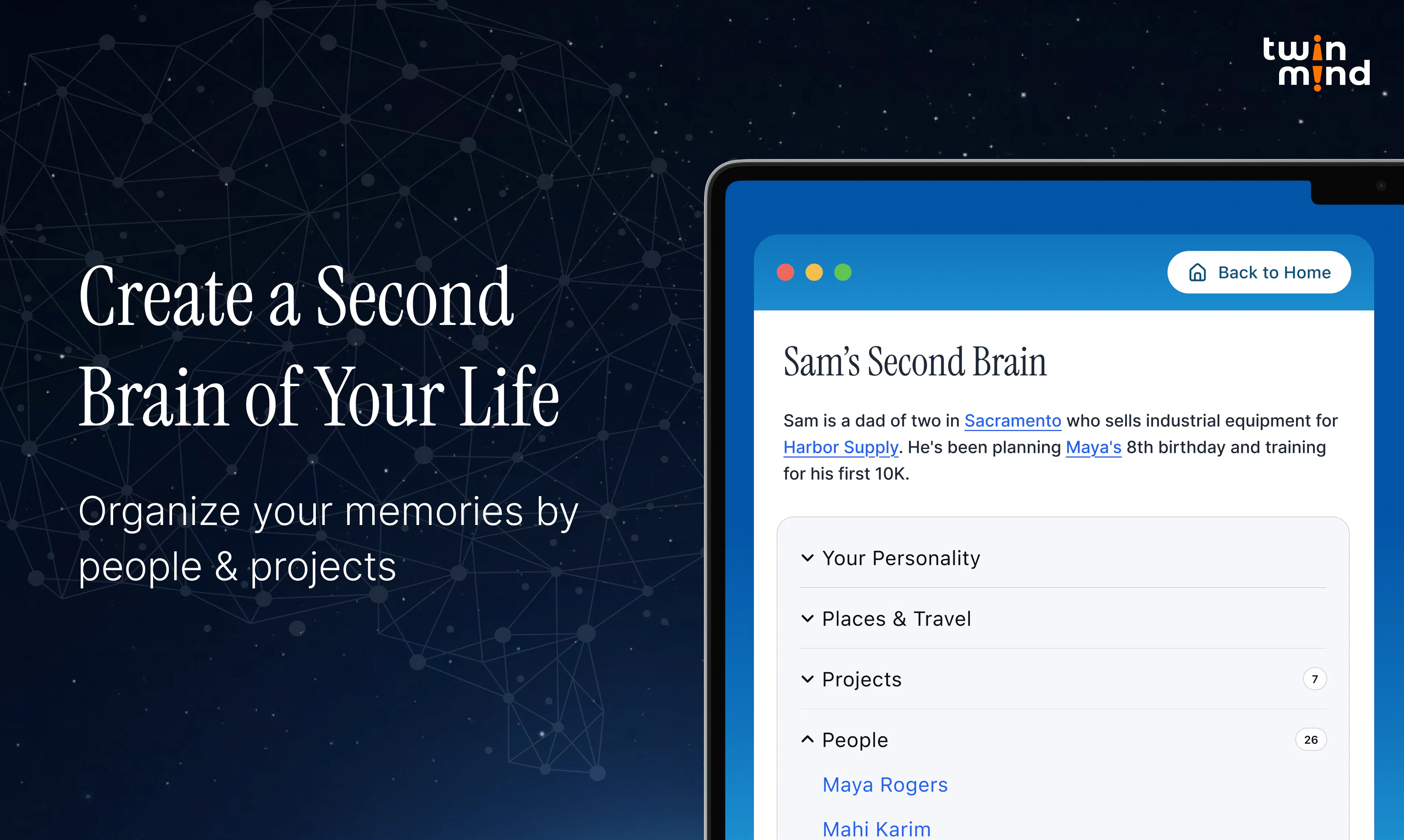
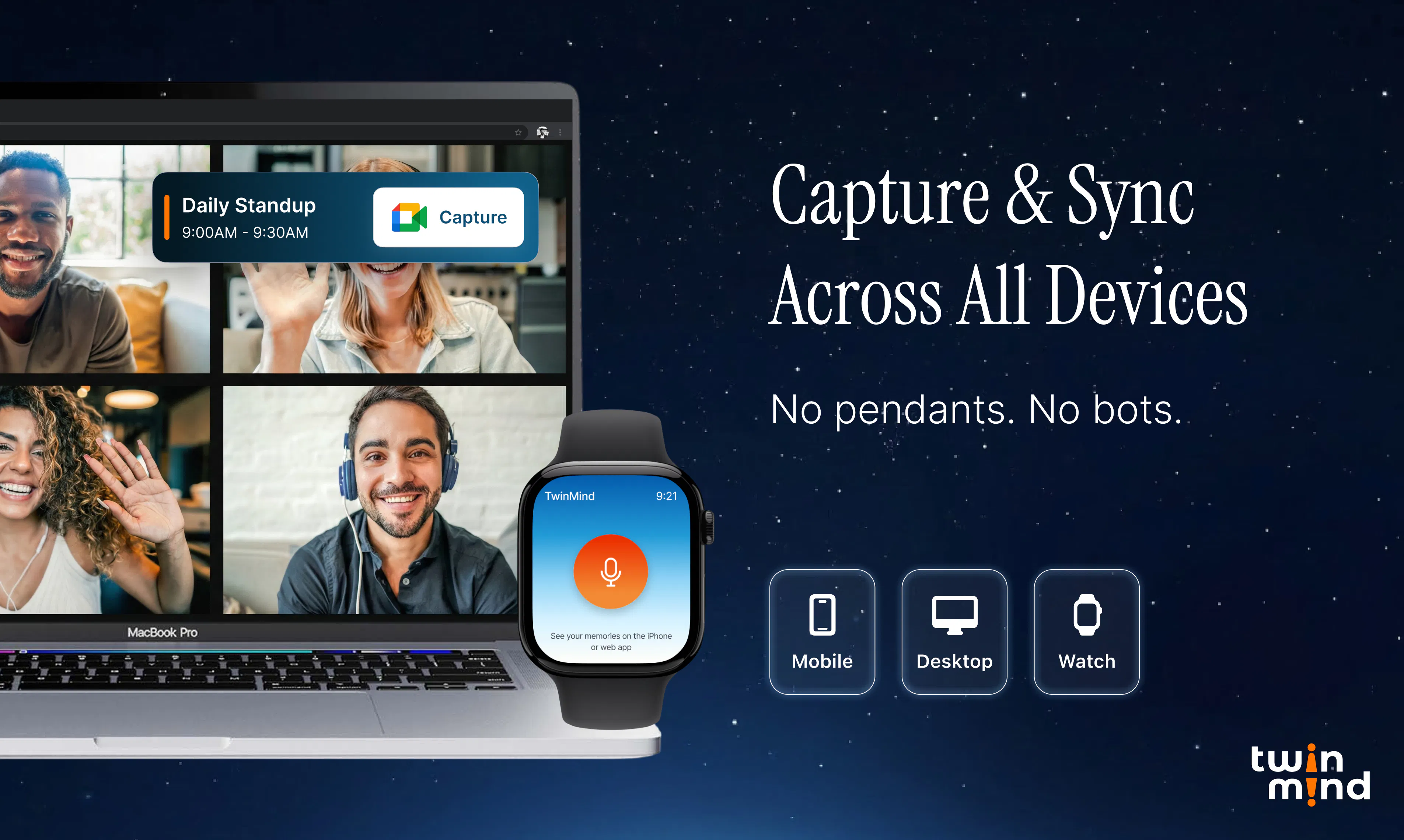
+1 more screenshots
Pros
- ✓Native desktop application for both Mac and Windows ensures reliable performance
- ✓Automatic meeting detection and multi-platform integration for seamless workflow
- ✓Supports 140+ languages for global usability
- ✓Floating mic and hotkey feature facilitate effortless dictation across apps
- ✓Includes meeting summaries and calendar reminders for better organization
Cons
- ✗Votes on ProductHunt are currently zero, indicating limited user feedback or adoption
- ✗Potential learning curve for new users unfamiliar with hotkey or microphone controls
- ✗Specific pricing details are not provided, which may affect decision-making
Use Cases
Pricing
Pricing not verified
Quick Info
Topics
Makers

Ashwin Thomas
Alternatives
Similar Tools in AI Writing




Embed Badge
Add this badge to your website to show that TwinMind for Desktop is featured on Visalytica.
<a href="https://www.visalytica.com/tool/twinmind-for-desktop" target="_blank" rel="noopener noreferrer" style="display:inline-flex;align-items:center;gap:6px;padding:6px 14px;background:#7c3aed;color:#fff;border-radius:8px;font-family:-apple-system,system-ui,sans-serif;font-size:13px;font-weight:600;text-decoration:none;transition:background .2s" onmouseover="this.style.background='#6d28d9'" onmouseout="this.style.background='#7c3aed'"><svg width="14" height="14" viewBox="0 0 24 24" fill="none" stroke="currentColor" stroke-width="2.5" stroke-linecap="round" stroke-linejoin="round"><path d="M12 20V10"/><path d="M18 20V4"/><path d="M6 20v-4"/></svg>Featured on Visalytica</a>