
Turfs
Keep content across your Mac organized in defined areas
About Turfs
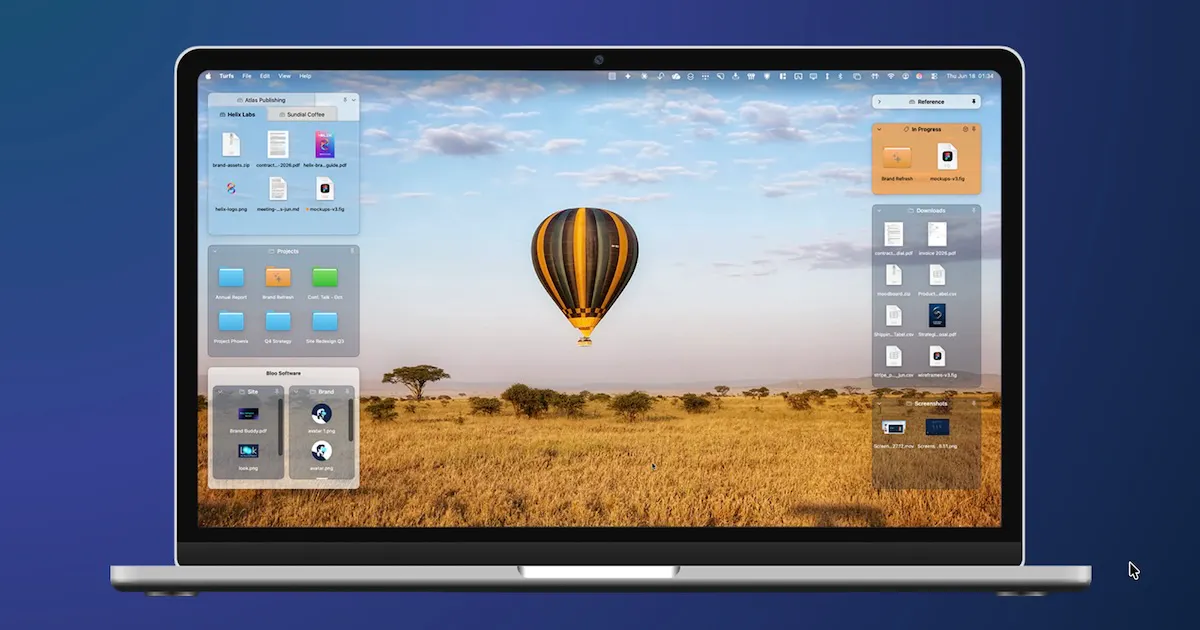
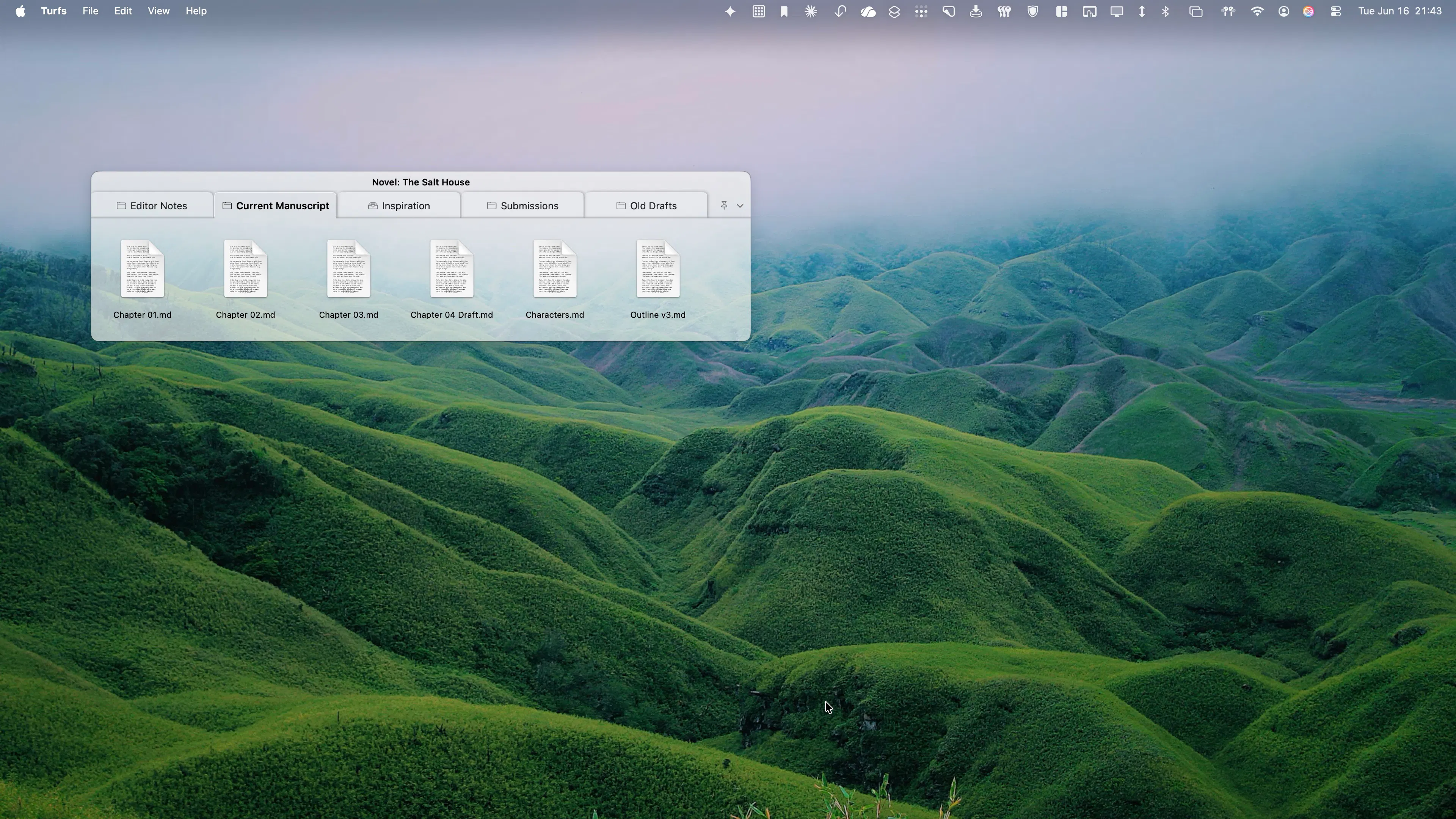
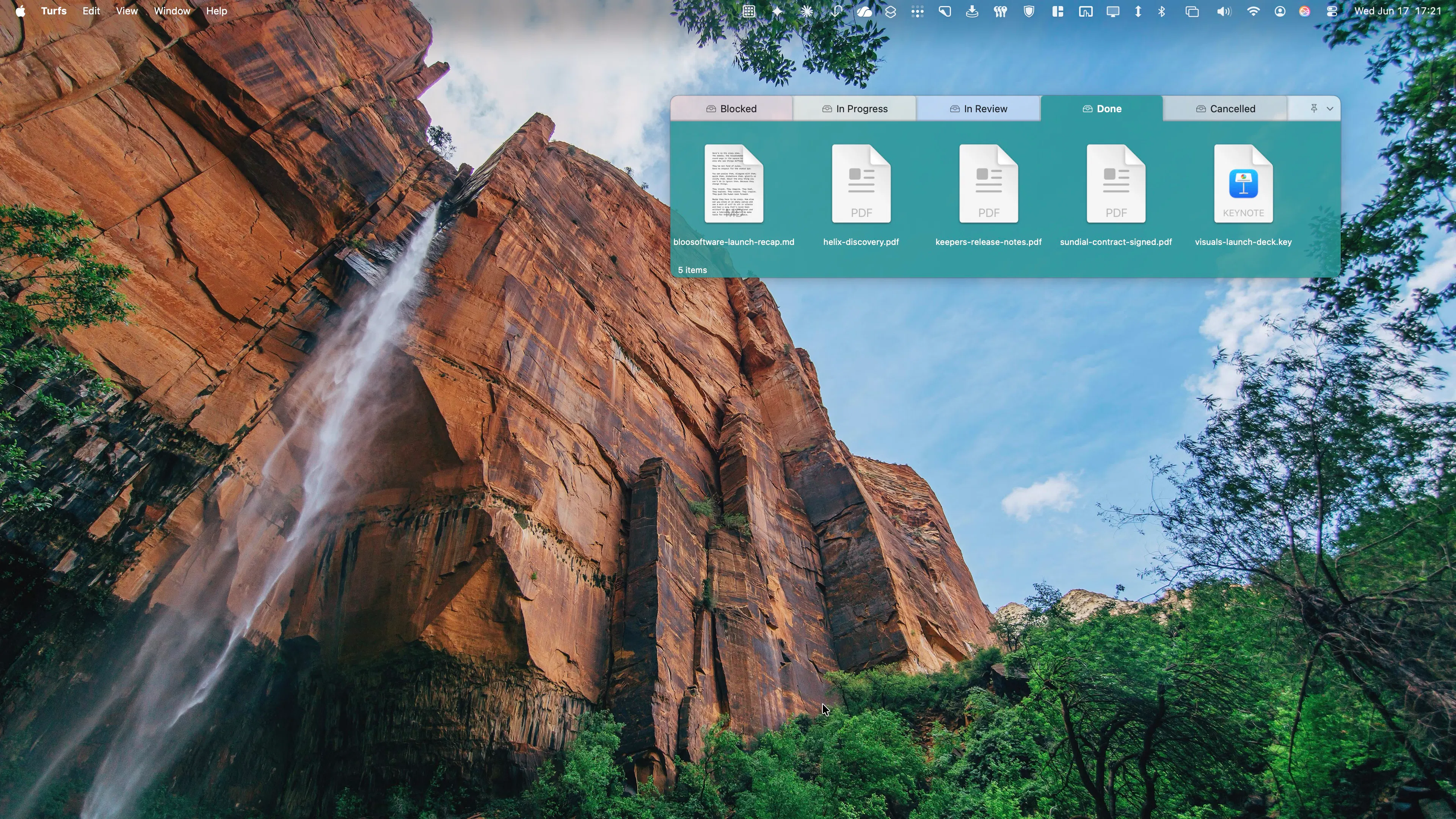
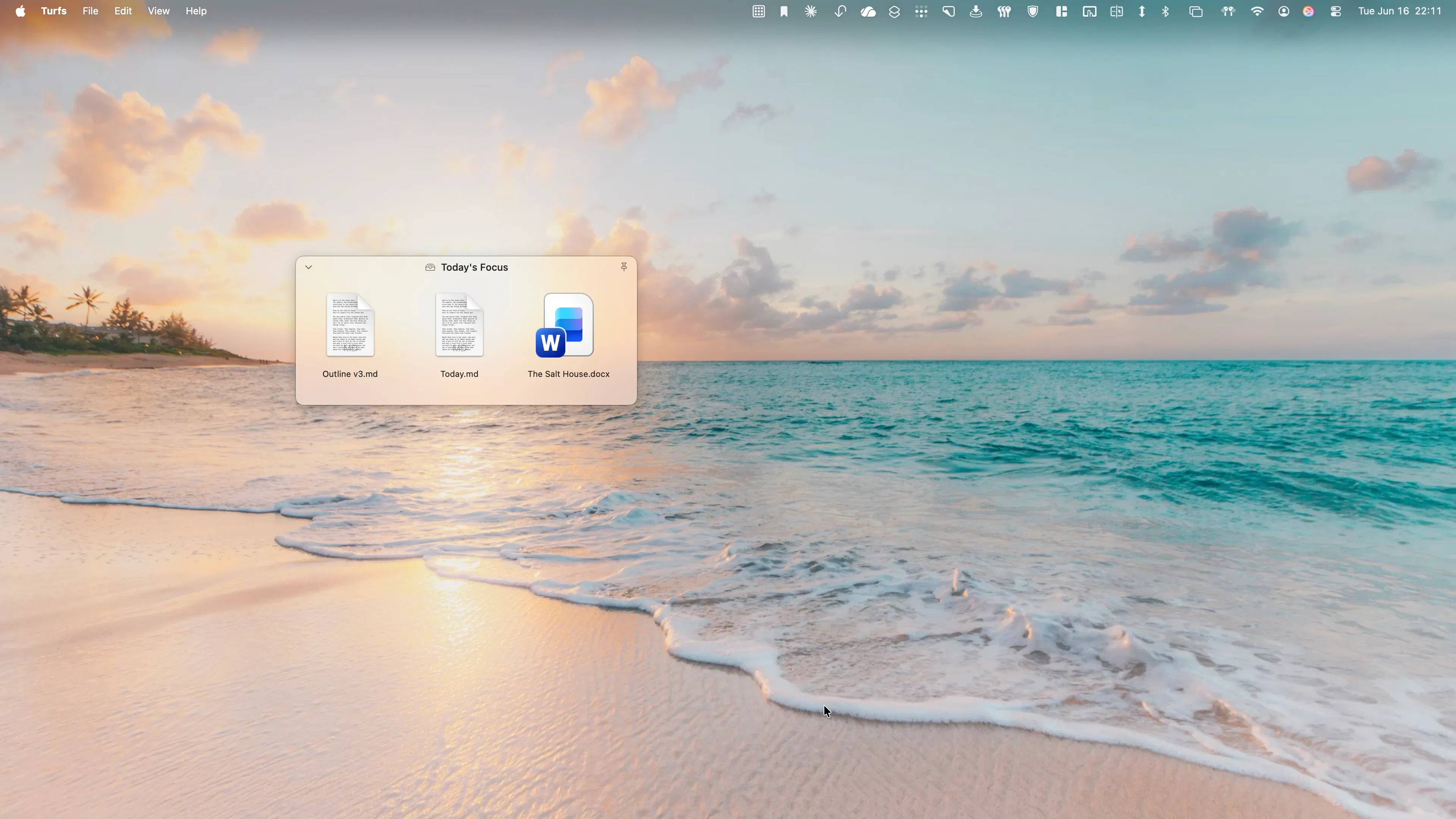
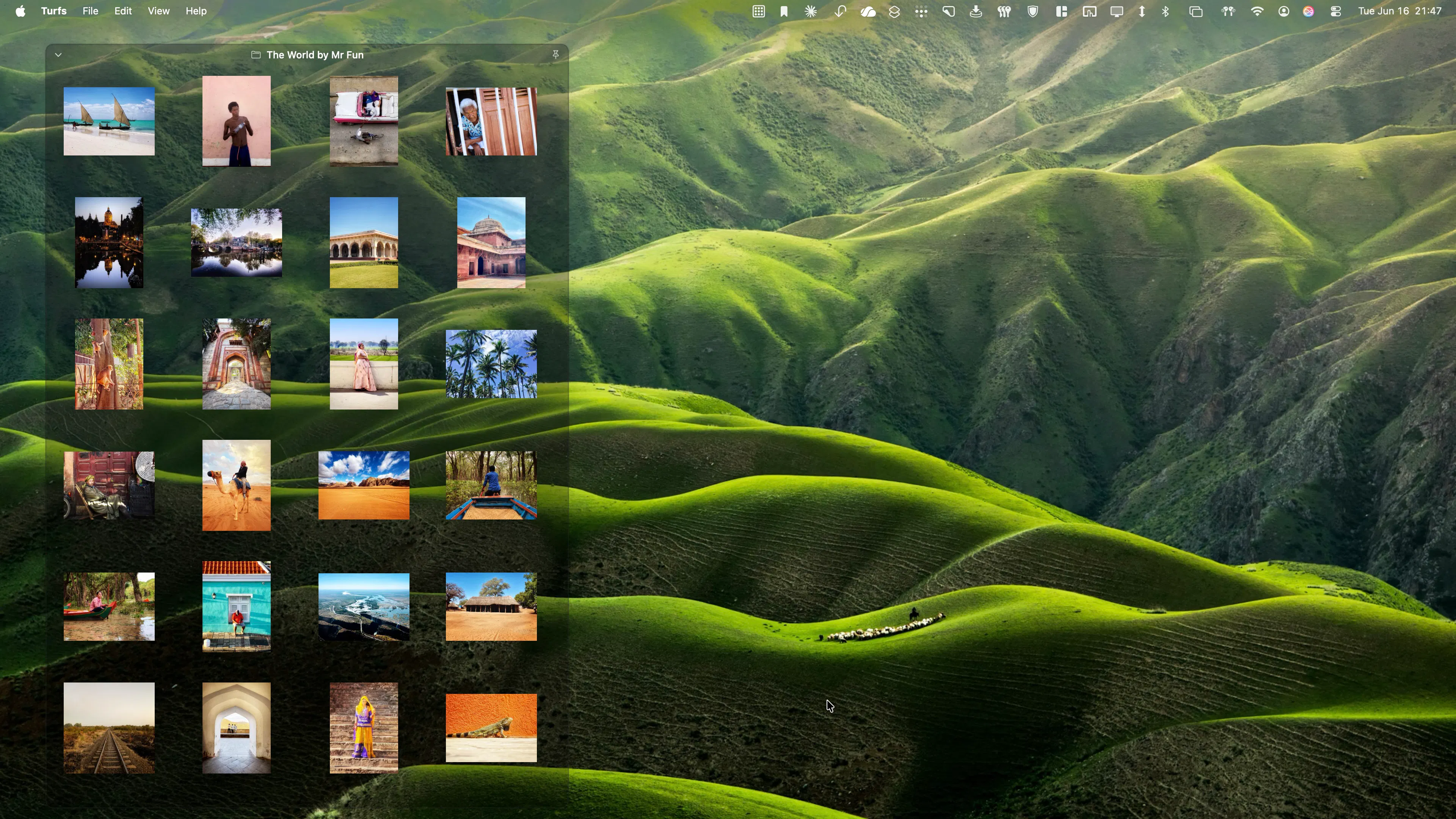
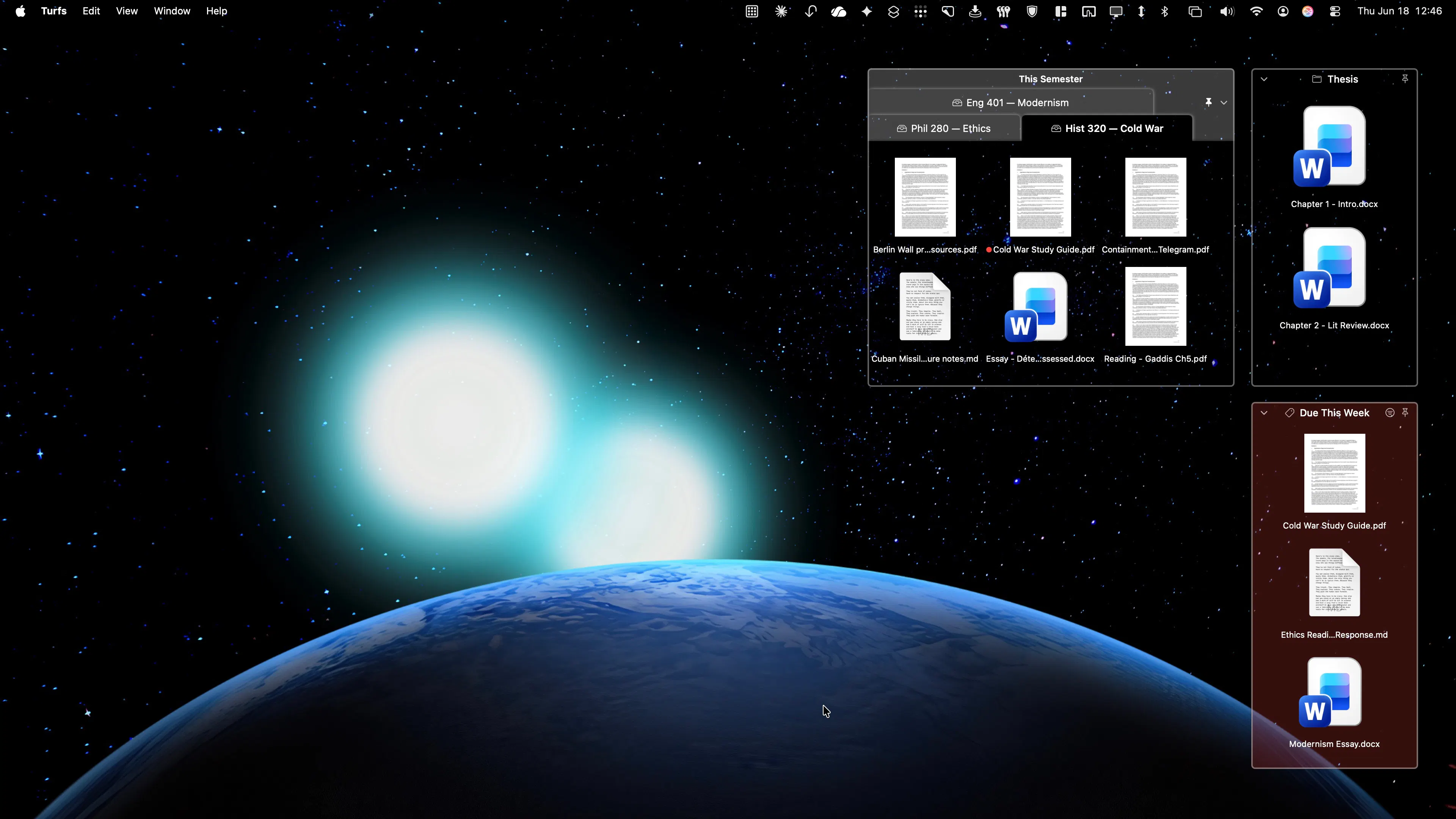
Turfs is a Mac-focused productivity tool designed to help users organize and access their content effortlessly. It allows users to create designated areas, or 'turfs,' on their desktop that can be backed by real folders, Finder tags, or custom selections of files and folders. This makes it easy to keep frequently used files and resources within reach without cluttering the desktop or relying solely on Finder. Unique in its approach, Turfs replaces the traditional desktop icon layer, ensuring a clean workspace that remains consistent even after actions like Show Desktop or quitting the app. Its seamless integration with macOS features and flexibility make it ideal for professionals and power users who need quick access to specific content sets while maintaining a tidy environment. The app's one-time purchase model and trial option provide a straightforward, cost-effective way to enhance desktop organization without ongoing subscriptions.
Screenshots
Pros
- ✓Simplifies desktop organization with customizable areas for files and folders
- ✓Remains persistent across Show Desktop and other macOS features
- ✓Does not interfere with Finder's native desktop layer, ensuring stability
- ✓One-time purchase with a free trial offers cost flexibility
- ✓Easy to set up and use for quick access to important content
Cons
- ✗Limited information on advanced features or automation capabilities
- ✗May require manual setup for each turf, which can be time-consuming
- ✗No mention of collaboration or cloud syncing features
Use Cases
Pricing
Pricing not verified
Quick Info
Topics
Makers

Ludwig Fun
Alternatives
Similar Tools in AI Writing




Embed Badge
Add this badge to your website to show that Turfs is featured on Visalytica.
<a href="https://www.visalytica.com/tool/turfs" target="_blank" rel="noopener noreferrer" style="display:inline-flex;align-items:center;gap:6px;padding:6px 14px;background:#7c3aed;color:#fff;border-radius:8px;font-family:-apple-system,system-ui,sans-serif;font-size:13px;font-weight:600;text-decoration:none;transition:background .2s" onmouseover="this.style.background='#6d28d9'" onmouseout="this.style.background='#7c3aed'"><svg width="14" height="14" viewBox="0 0 24 24" fill="none" stroke="currentColor" stroke-width="2.5" stroke-linecap="round" stroke-linejoin="round"><path d="M12 20V10"/><path d="M18 20V4"/><path d="M6 20v-4"/></svg>Featured on Visalytica</a>