
TubeTutor AI
Turn any video into visual notes, transcripts & mind maps
About TubeTutor AI
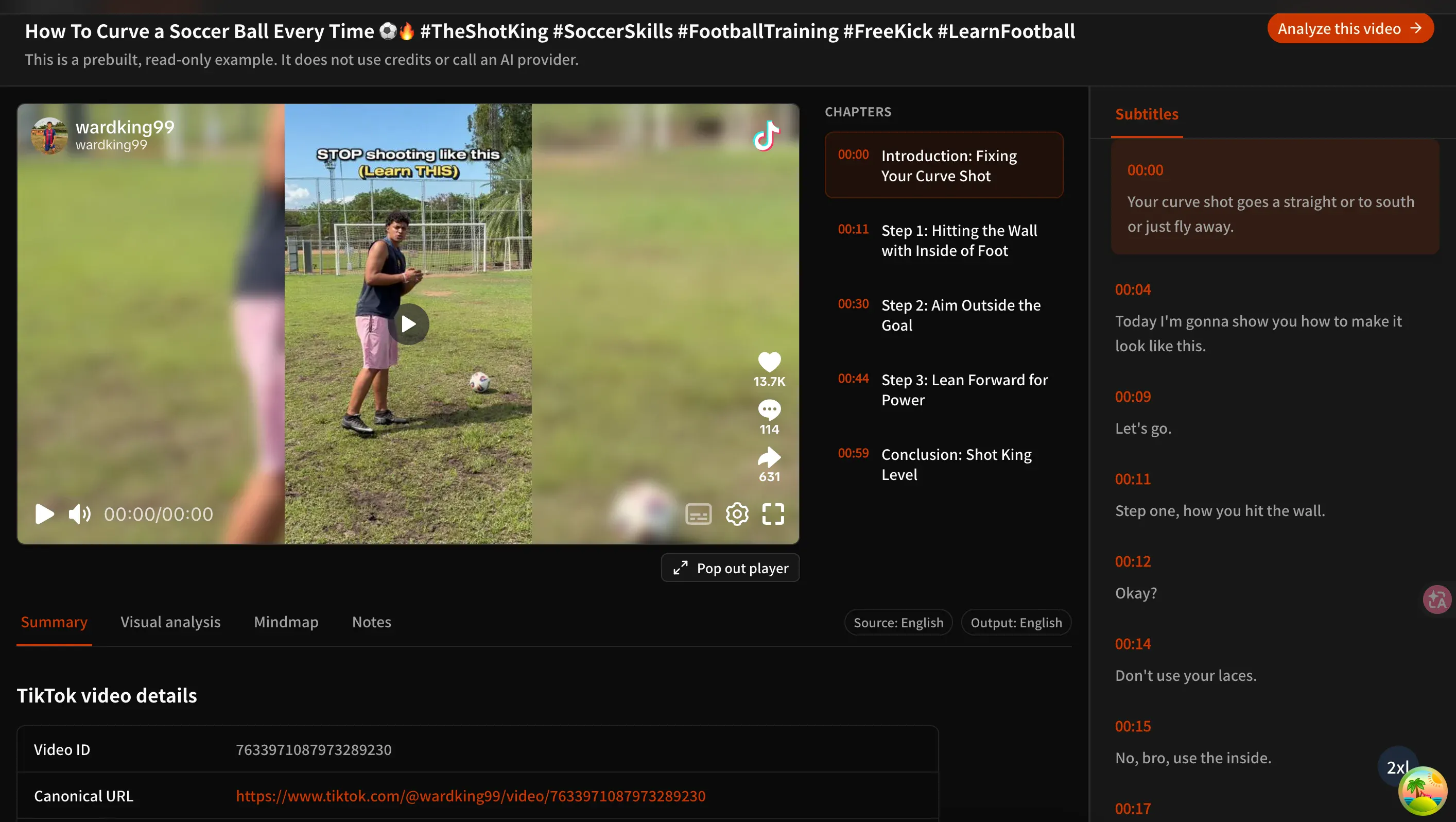
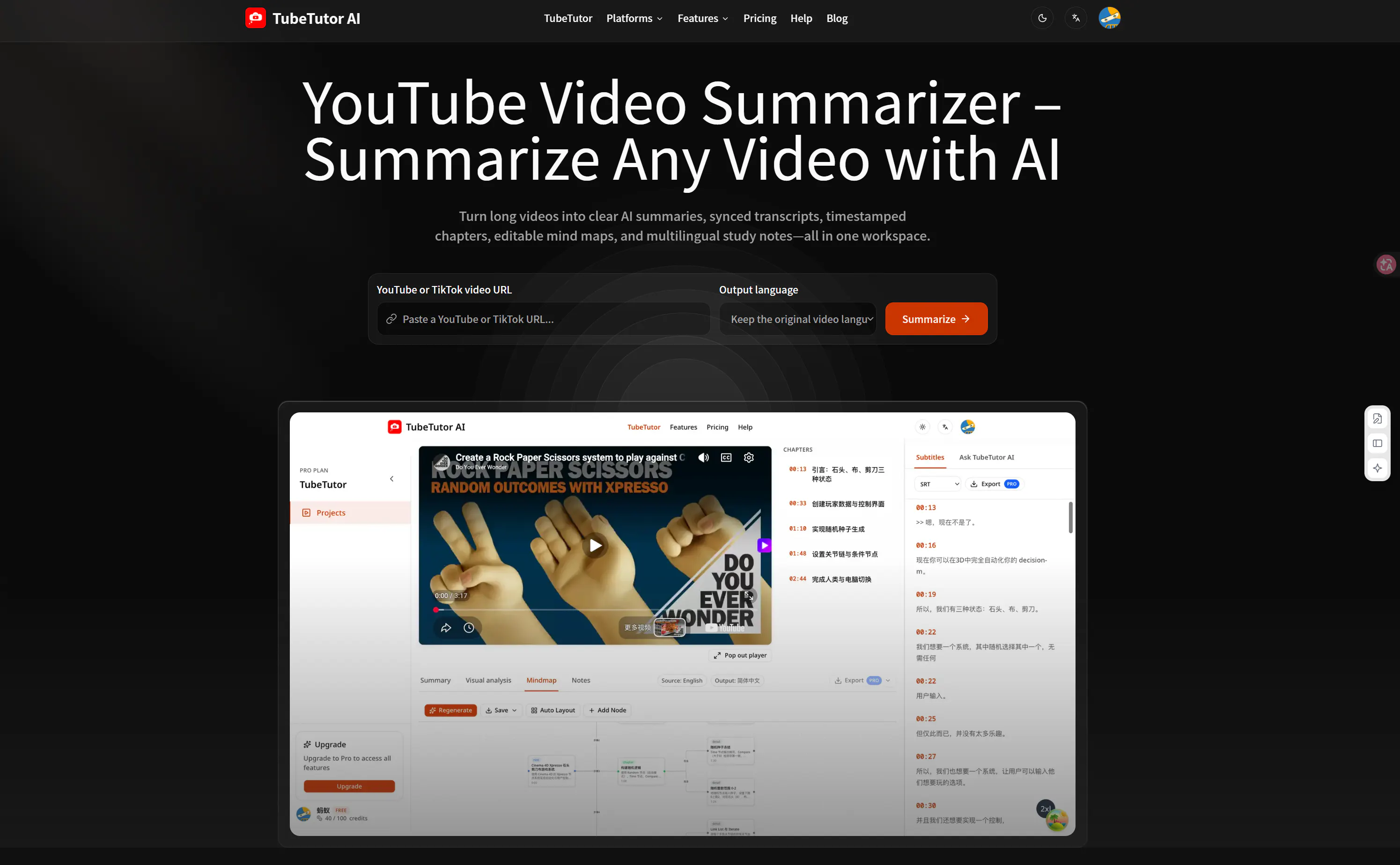
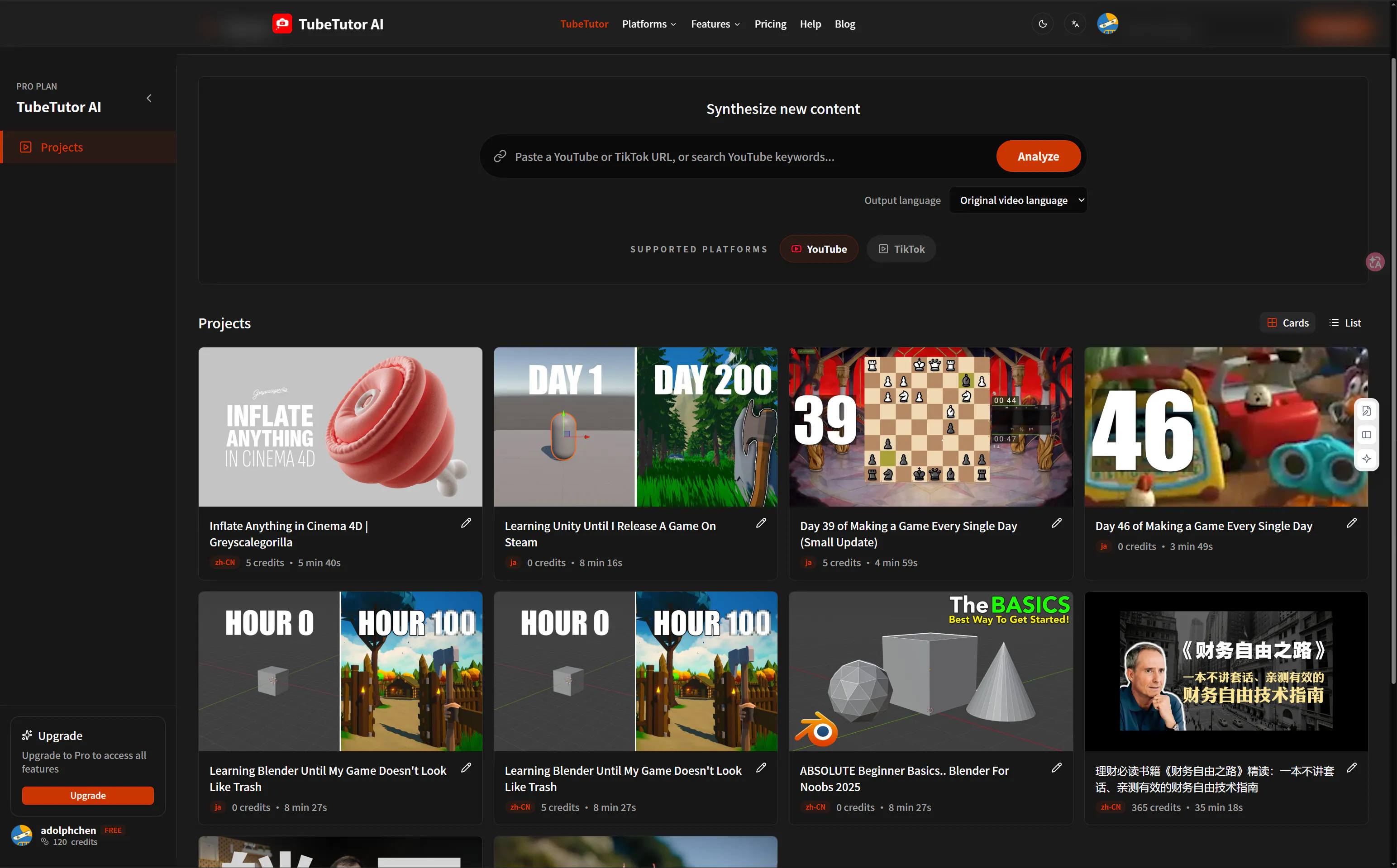
TubeTutor AI is an innovative educational and productivity tool designed to transform video content into comprehensive learning resources. By analyzing YouTube and TikTok videos, it extracts transcripts and combines them with visual analysis to identify on-screen steps and key moments. The platform then generates structured summaries, chapters, and multilingual notes, making it easier for users to digest lengthy videos. Additionally, users can create editable mind maps and export their insights directly into Notion, facilitating seamless knowledge management. This tool is ideal for students, educators, content creators, and professionals seeking to optimize video-based learning and training sessions. Its unique blend of transcript extraction, visual analysis, and flexible note-taking features sets it apart from standard video platforms, providing a streamlined way to capture and organize video content effectively.
Screenshots
Pros
- ✓Transforms videos into structured, editable learning materials
- ✓Integrates transcripts, visual analysis, and mind maps for comprehensive understanding
- ✓Supports multilingual notes and easy export options
- ✓Enhances productivity and knowledge retention for learners and educators
- ✓User-friendly interface tailored for educational and professional use
Cons
- ✗Limited information on pricing and subscription plans
- ✗Possibly reliant on the quality of video content for optimal results
- ✗May have a learning curve for new users unfamiliar with visual note-taking tools
Use Cases
Pricing
Likely operates on a freemium model, offering basic features for free with premium plans providing additional capabilities such as advanced visual analysis, export options, and unlimited notes. Exact pricing details are not publicly specified.
Quick Info
Topics
Makers

蚂蚁
Alternatives
Similar Tools in AI Image & Design




Embed Badge
Add this badge to your website to show that TubeTutor AI is featured on Visalytica.
<a href="https://www.visalytica.com/tool/tubetutor-ai" target="_blank" rel="noopener noreferrer" style="display:inline-flex;align-items:center;gap:6px;padding:6px 14px;background:#7c3aed;color:#fff;border-radius:8px;font-family:-apple-system,system-ui,sans-serif;font-size:13px;font-weight:600;text-decoration:none;transition:background .2s" onmouseover="this.style.background='#6d28d9'" onmouseout="this.style.background='#7c3aed'"><svg width="14" height="14" viewBox="0 0 24 24" fill="none" stroke="currentColor" stroke-width="2.5" stroke-linecap="round" stroke-linejoin="round"><path d="M12 20V10"/><path d="M18 20V4"/><path d="M6 20v-4"/></svg>Featured on Visalytica</a>