
Translate Peek
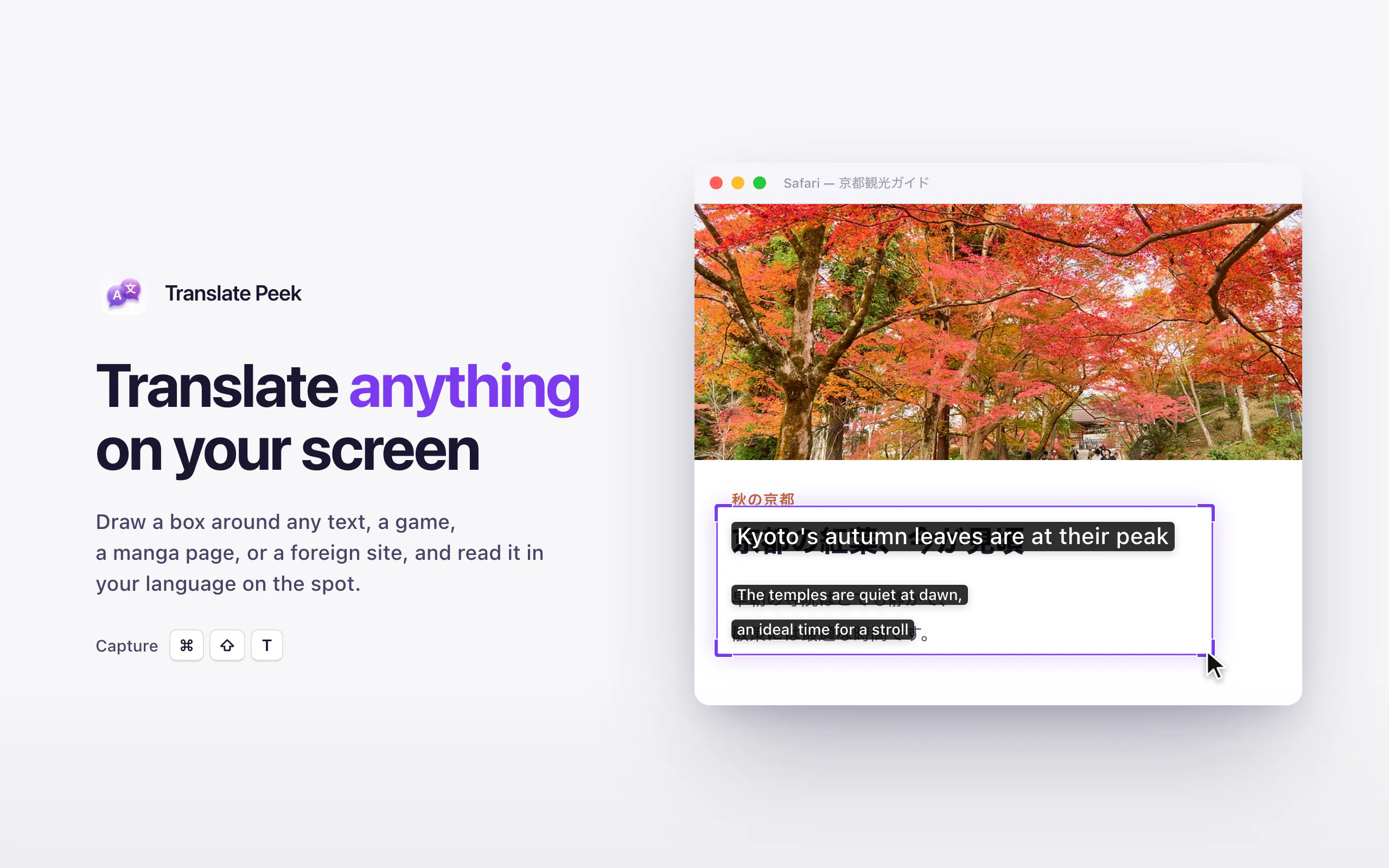
Drag to translate any text on screen, fully offline
About Translate Peek
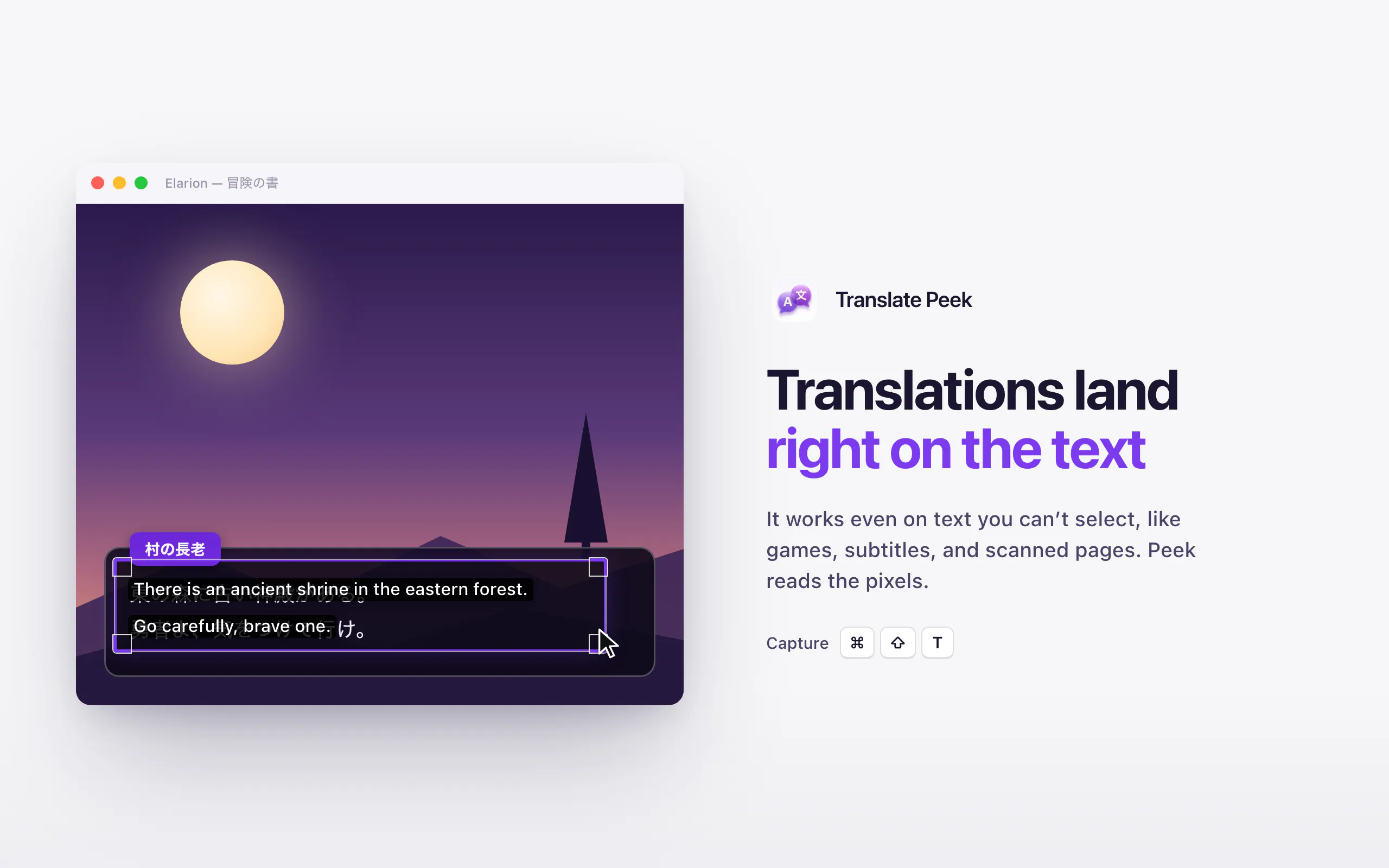
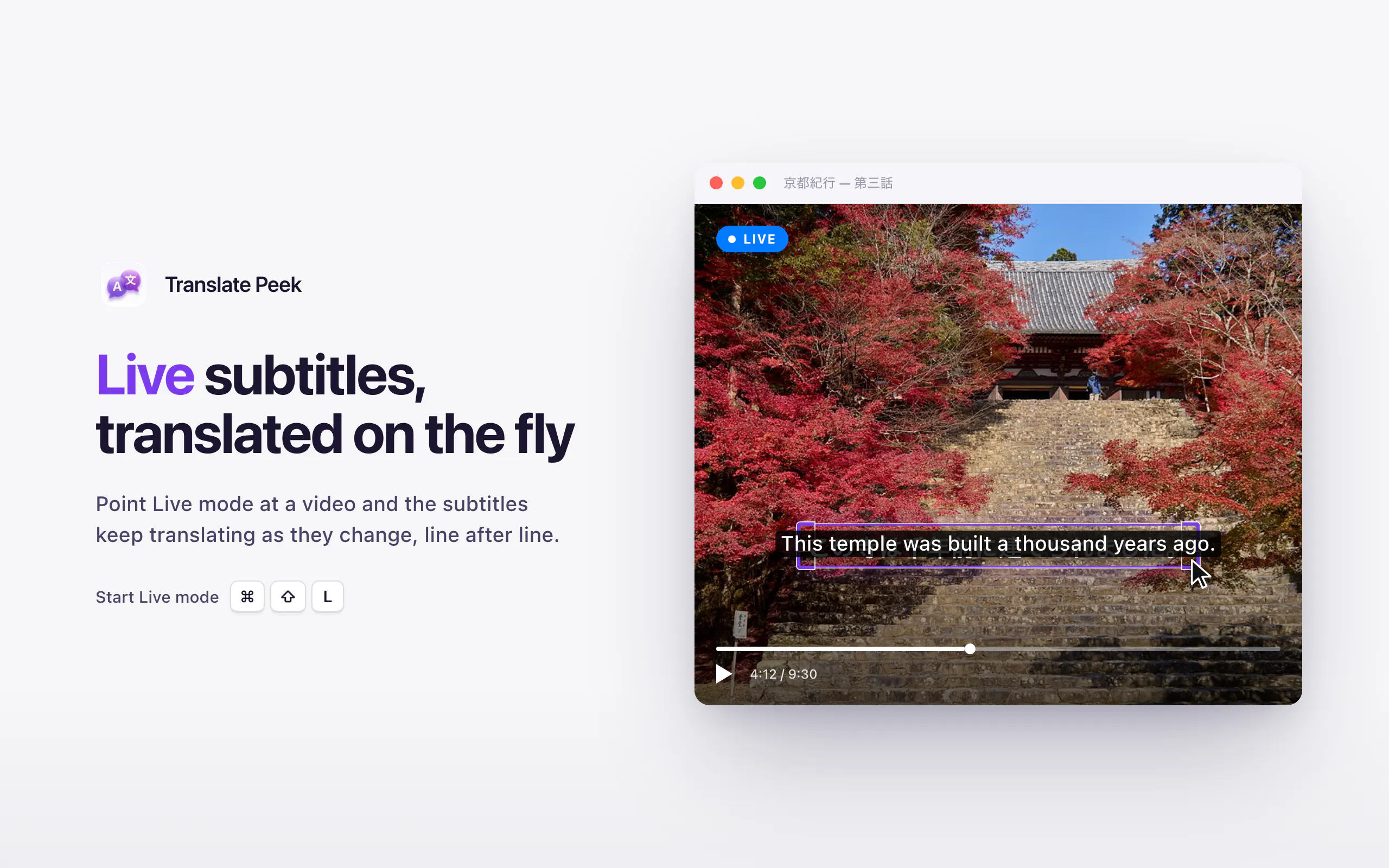
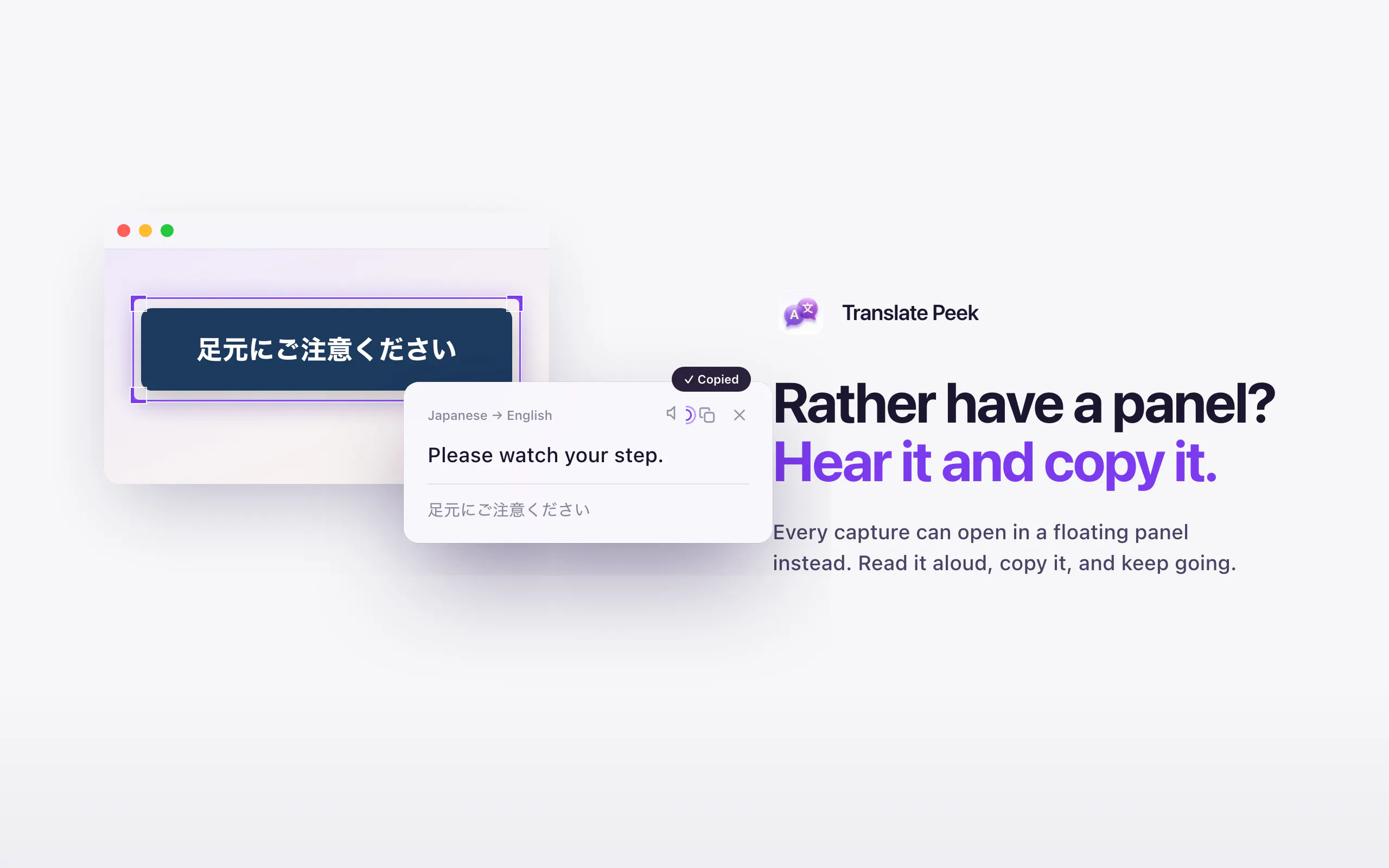
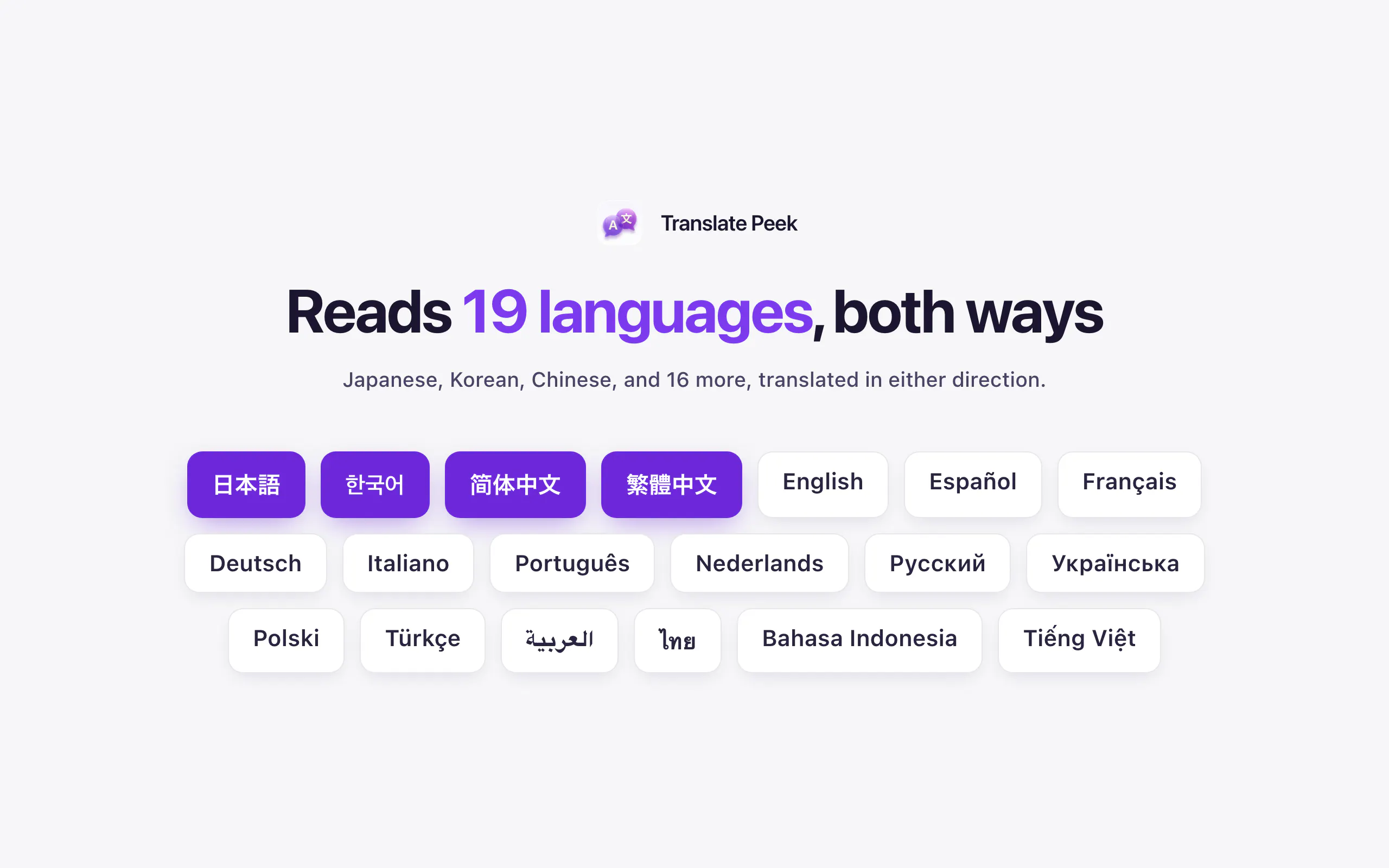
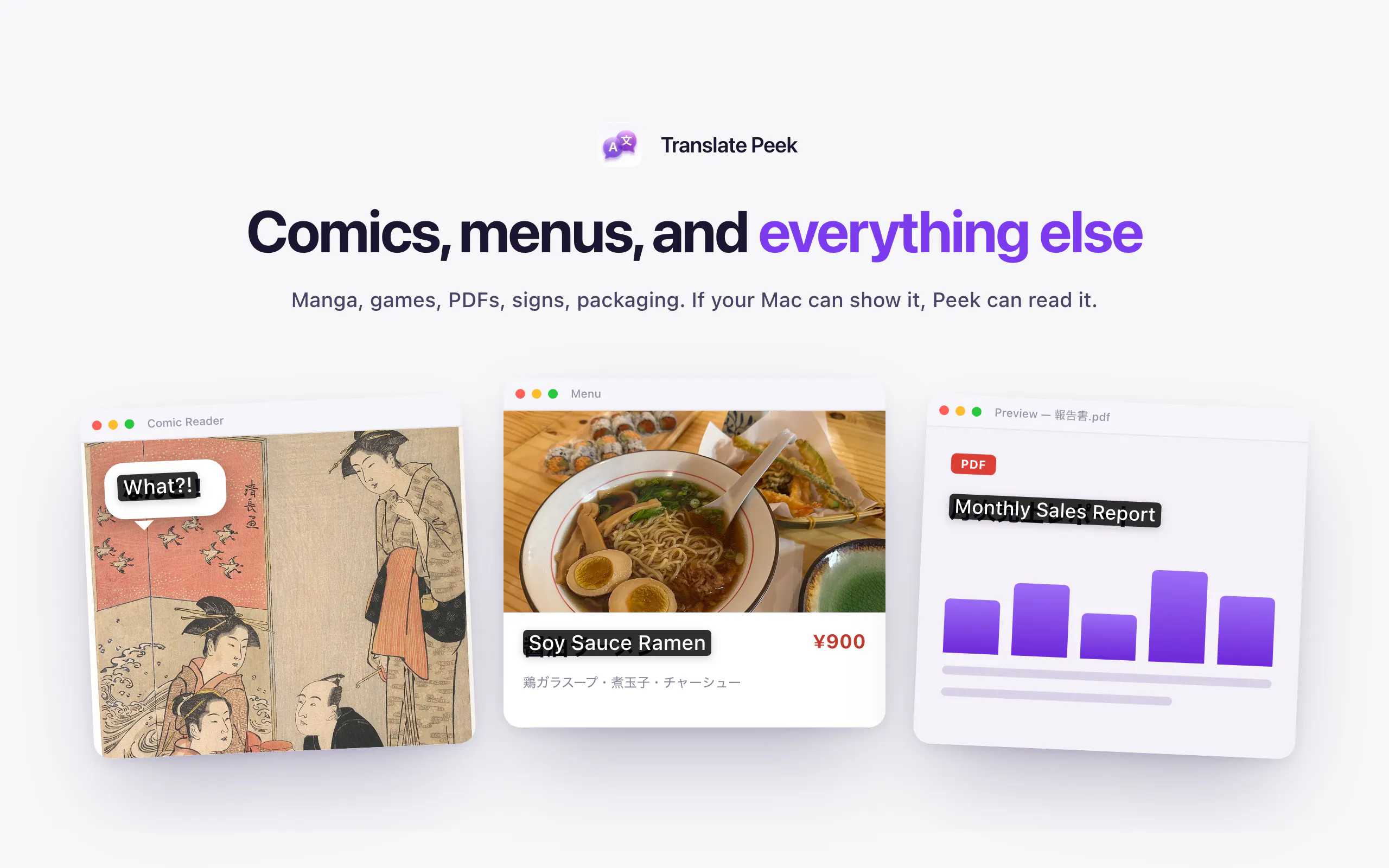
Translate Peek is a powerful on-device translation tool designed for Mac users who need quick, in-place translations of on-screen text. Its innovative drag-and-translate feature allows users to select any region, whether it's a manga panel, menu, game, or PDF, with the translation appearing directly over the original content. Its real-time live mode keeps translations updated as the content changes, making it ideal for subtitles, live chats, or dynamic interfaces. With strong support for Japanese, Korean, and Chinese, Translate Peek caters to users dealing with East Asian languages, making language barriers much easier to overcome without the need for an internet connection. Its offline capability ensures privacy and security, as screenshots and data never leave the device. Designed for productivity enthusiasts, language learners, and professionals working with multilingual content, this tool combines convenience, privacy, and advanced on-device AI to enhance the translation experience.
Screenshots
Pros
- ✓On-device operation ensuring privacy and offline use
- ✓Real-time live translation mode for dynamic content
- ✓Supports multiple East Asian languages with high accuracy
- ✓In-place translation over screen content for seamless workflow
- ✓Easy drag-and-translate interface for quick use
Cons
- ✗Limited to Mac platforms, not available for Windows or Linux
- ✗Potentially less effective with complex or stylized fonts
- ✗Features depend on the quality of on-device OCR and AI models
Use Cases
Pricing
Likely operates on a freemium model with basic features available for free and premium options or additional features offered through paid plans, although specific details are not publicly confirmed.
Quick Info
Topics
Makers

anhphong
Alternatives
Similar Tools in AI Writing




Embed Badge
Add this badge to your website to show that Translate Peek is featured on Visalytica.
<a href="https://www.visalytica.com/tool/translate-peek" target="_blank" rel="noopener noreferrer" style="display:inline-flex;align-items:center;gap:6px;padding:6px 14px;background:#7c3aed;color:#fff;border-radius:8px;font-family:-apple-system,system-ui,sans-serif;font-size:13px;font-weight:600;text-decoration:none;transition:background .2s" onmouseover="this.style.background='#6d28d9'" onmouseout="this.style.background='#7c3aed'"><svg width="14" height="14" viewBox="0 0 24 24" fill="none" stroke="currentColor" stroke-width="2.5" stroke-linecap="round" stroke-linejoin="round"><path d="M12 20V10"/><path d="M18 20V4"/><path d="M6 20v-4"/></svg>Featured on Visalytica</a>