
Trainer
Train AI agents by recording your screen
About Trainer
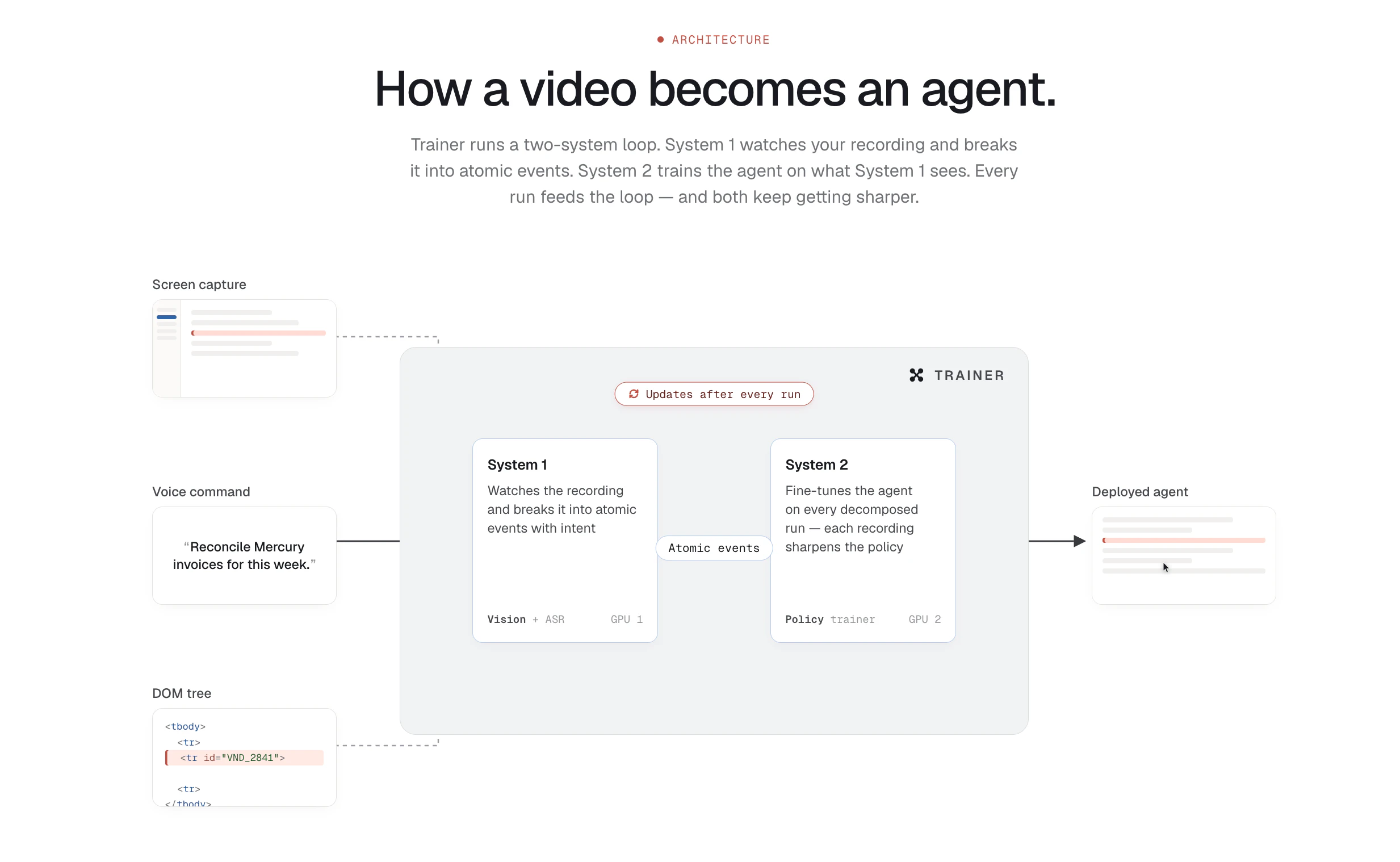
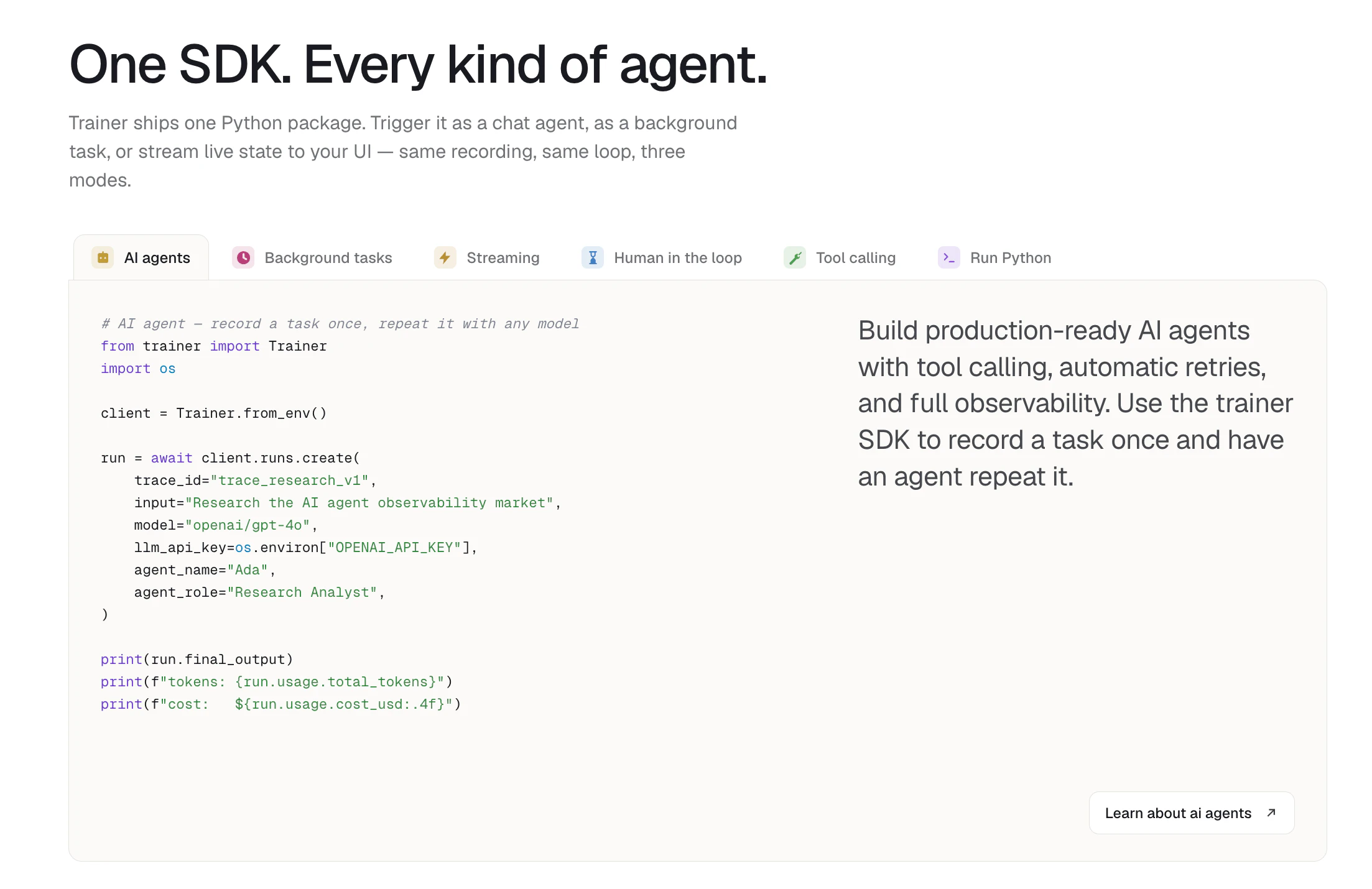
Trainer is an innovative AI automation tool designed to simplify the process of creating intelligent agents through demonstration. By recording your screen as you perform a task—capturing clicks, keystrokes, and user intent—it transforms repetitive workflows into reusable AI agents without requiring manual prompts or labeled datasets. This approach makes automation accessible even for non-technical users, enabling them to streamline routine activities with minimal setup. Ideal for professionals seeking to enhance productivity and reduce manual effort, Trainer bridges the gap between complex automation and user-friendly, demonstration-based training. Its unique focus on real-world task recording allows users to quickly develop reliable AI agents that can replicate their workflows accurately, making it a practical choice for everyday work automation.
Screenshots
Pros
- ✓No coding or scripting required, making automation accessible to non-technical users
- ✓Simple, demonstration-based training reduces setup time
- ✓Captures detailed user actions for high accuracy in task replication
- ✓Reusable workflows that can be triggered on demand
Cons
- ✗Limited to tasks that can be recorded visually; complex logic may require additional configuration
- ✗Potential privacy concerns when recording sensitive workflows
- ✗Lack of advanced customization options for complex automation scenarios
Use Cases
Pricing
Likely operates on a freemium model with basic features available for free and premium plans offering additional capabilities, higher usage limits, or enterprise options. Exact pricing details are not specified but are common for SaaS automation tools.
Quick Info
Topics
Alternatives
Similar Tools in AI Assistants




Embed Badge
Add this badge to your website to show that Trainer is featured on Visalytica.
<a href="https://www.visalytica.com/tool/trainer" target="_blank" rel="noopener noreferrer" style="display:inline-flex;align-items:center;gap:6px;padding:6px 14px;background:#7c3aed;color:#fff;border-radius:8px;font-family:-apple-system,system-ui,sans-serif;font-size:13px;font-weight:600;text-decoration:none;transition:background .2s" onmouseover="this.style.background='#6d28d9'" onmouseout="this.style.background='#7c3aed'"><svg width="14" height="14" viewBox="0 0 24 24" fill="none" stroke="currentColor" stroke-width="2.5" stroke-linecap="round" stroke-linejoin="round"><path d="M12 20V10"/><path d="M18 20V4"/><path d="M6 20v-4"/></svg>Featured on Visalytica</a>