
Trail
turn your browsing into a private and local knowledge graph
About Trail
Trail is an innovative productivity tool designed for Mac users who want to seamlessly organize and visualize their browsing activity without the hassle of manual saving or sign-ups. It automatically captures everything you browse, read, or watch on your Mac, turning this data into a private, local knowledge graph. This makes it ideal for researchers, students, writers, or anyone who needs to keep track of online information in an organized way. Unlike traditional bookmarking or note-taking apps, Trail offers a frictionless experience by not requiring any browser extensions or additional clicks, ensuring that your browsing remains private and hassle-free. Its visual approach helps users quickly understand relationships and context within their browsing history, making information retrieval faster and more intuitive.
Screenshots
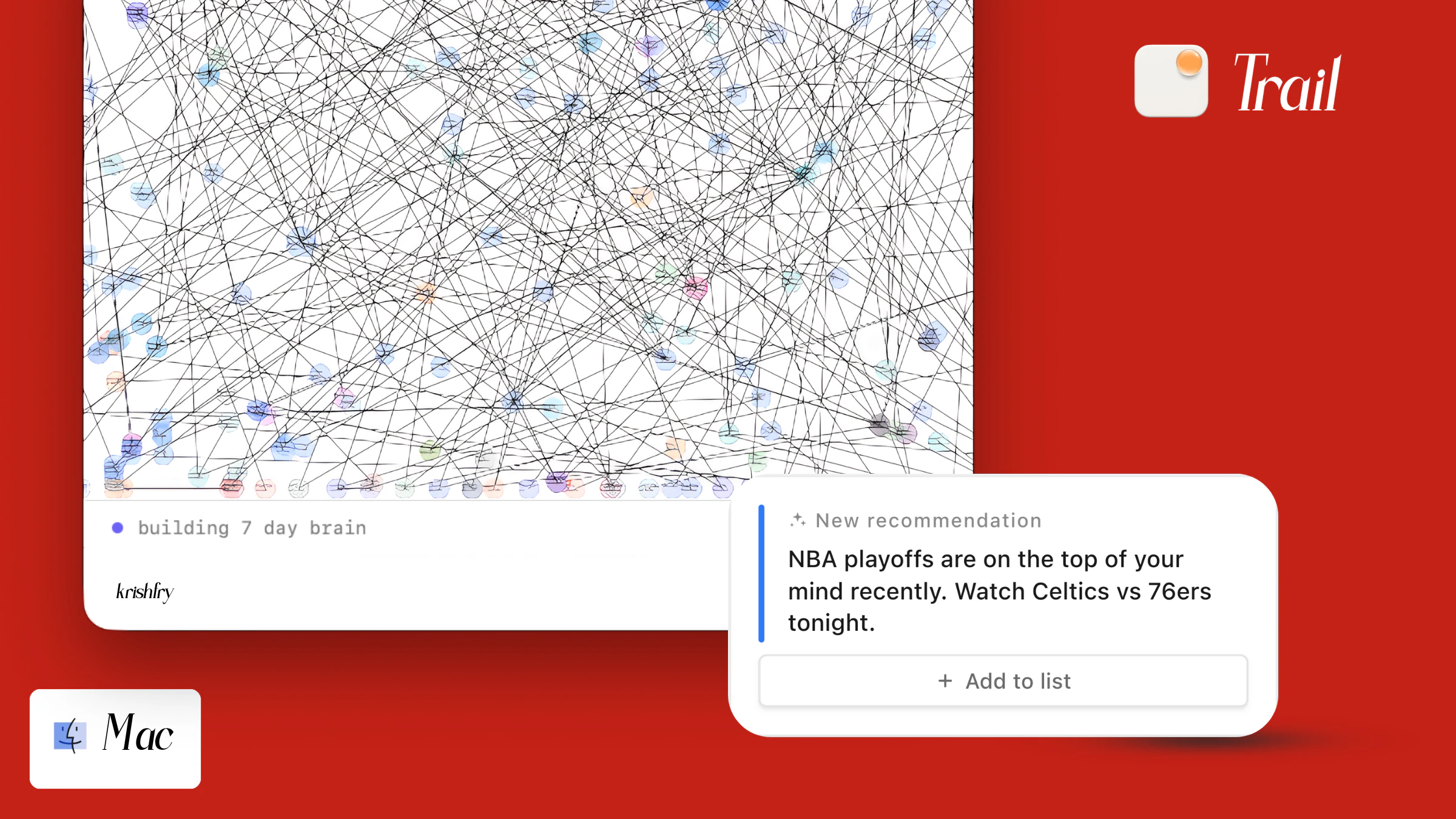
Pros
- ✓Automatic capture of browsing activity without manual intervention
- ✓No need for browser extensions or sign-ups, preserving privacy and simplicity
- ✓Visualizes data as a local knowledge graph for better context understanding
- ✓Private and local data storage ensures data security and privacy
- ✓Suitable for users seeking a streamlined, clutter-free organization system
Cons
- ✗Limited details on collaboration or sharing features
- ✗Potentially less feature-rich compared to traditional bookmarking tools
- ✗Uncertainty around pricing and whether it offers a free tier
Use Cases
Pricing
Likely offers a freemium model with basic features free and premium plans for additional functionalities, though specific details are not publicly confirmed.
Quick Info
Topics
Similar Tools in AI Assistants




Embed Badge
Add this badge to your website to show that Trail is featured on Visalytica.
<a href="https://www.visalytica.com/tool/trail" target="_blank" rel="noopener noreferrer" style="display:inline-flex;align-items:center;gap:6px;padding:6px 14px;background:#7c3aed;color:#fff;border-radius:8px;font-family:-apple-system,system-ui,sans-serif;font-size:13px;font-weight:600;text-decoration:none;transition:background .2s" onmouseover="this.style.background='#6d28d9'" onmouseout="this.style.background='#7c3aed'"><svg width="14" height="14" viewBox="0 0 24 24" fill="none" stroke="currentColor" stroke-width="2.5" stroke-linecap="round" stroke-linejoin="round"><path d="M12 20V10"/><path d="M18 20V4"/><path d="M6 20v-4"/></svg>Featured on Visalytica</a>