
Totem
Your Twitter bookmarks organized to make you read them
About Totem
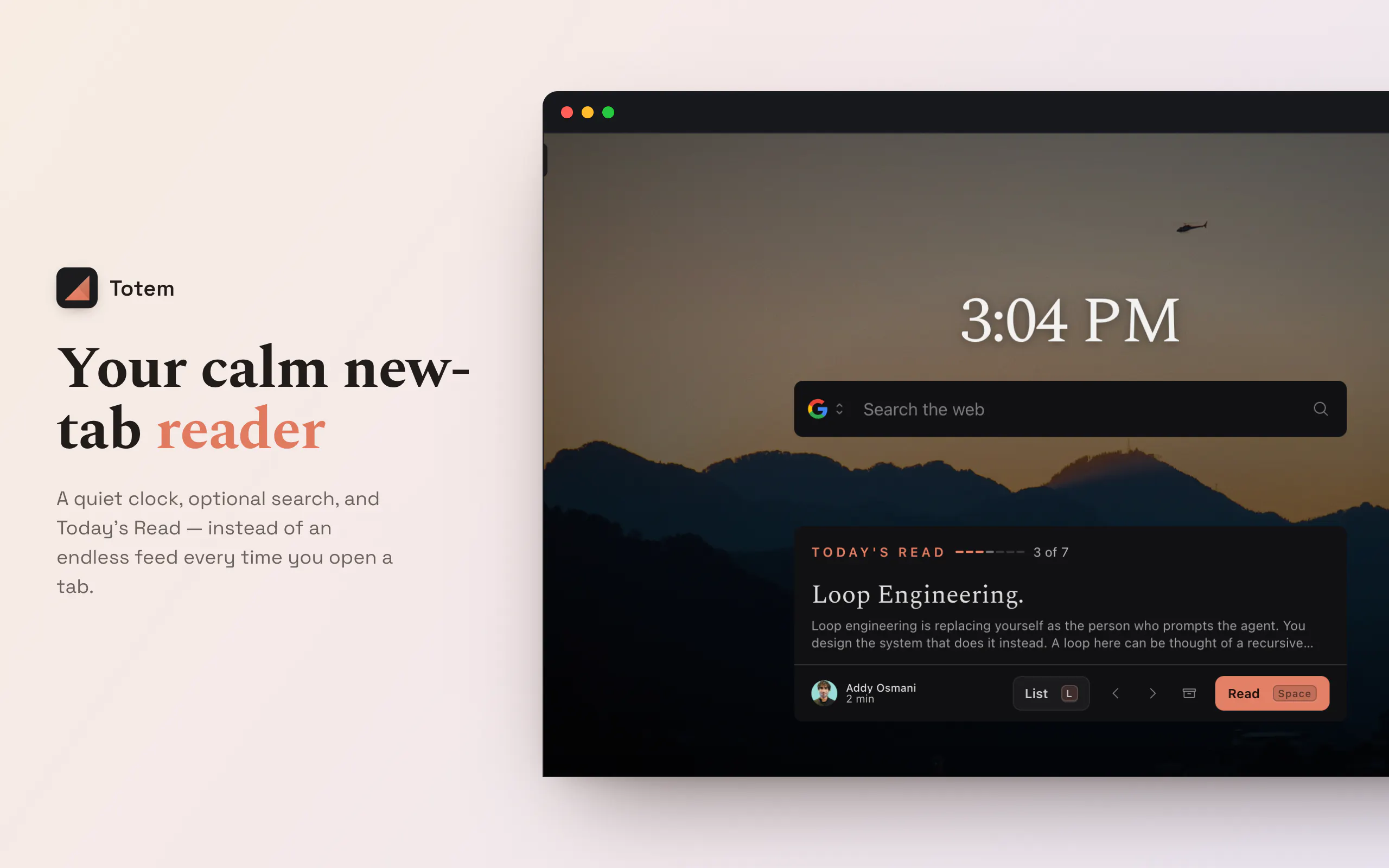
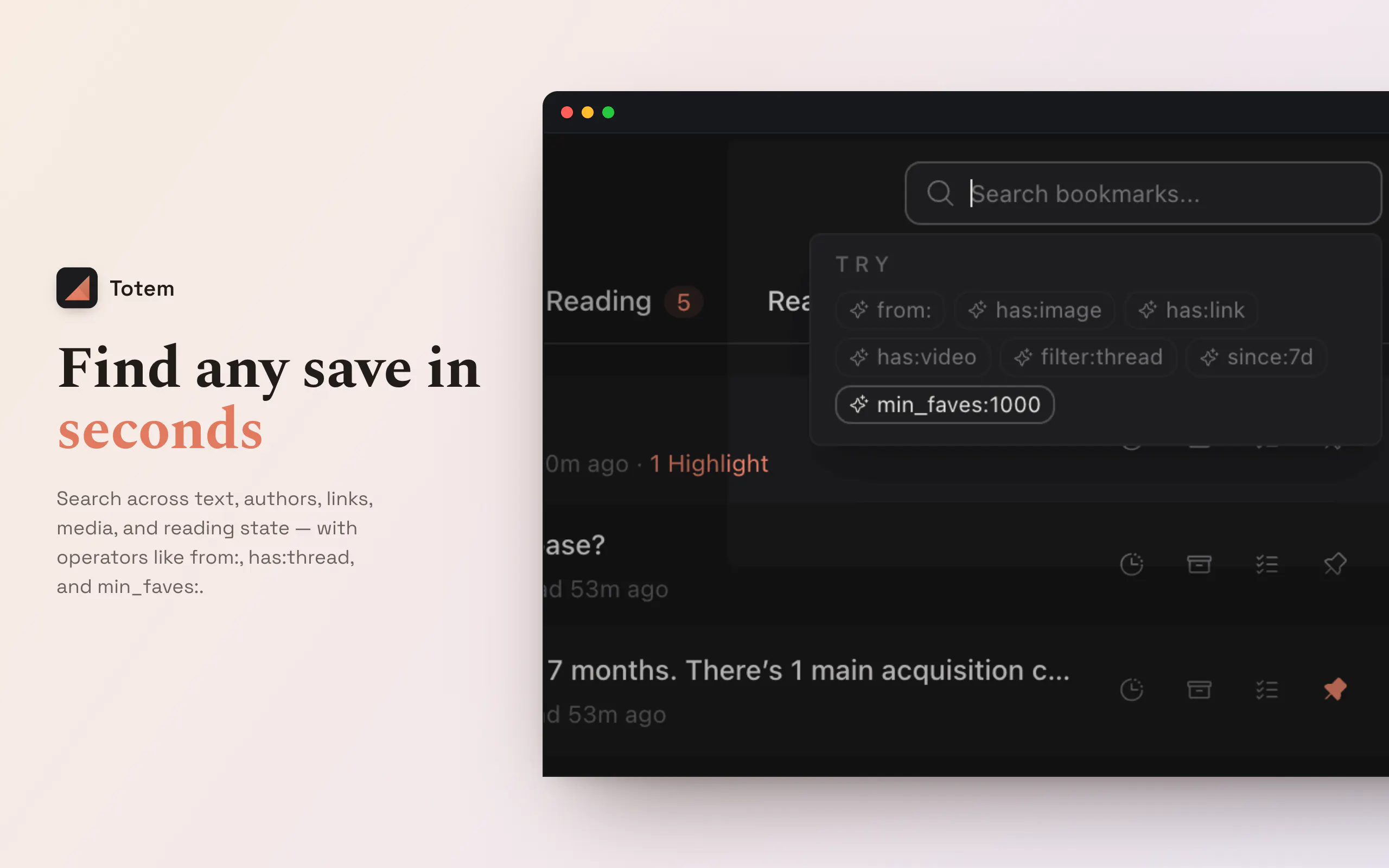
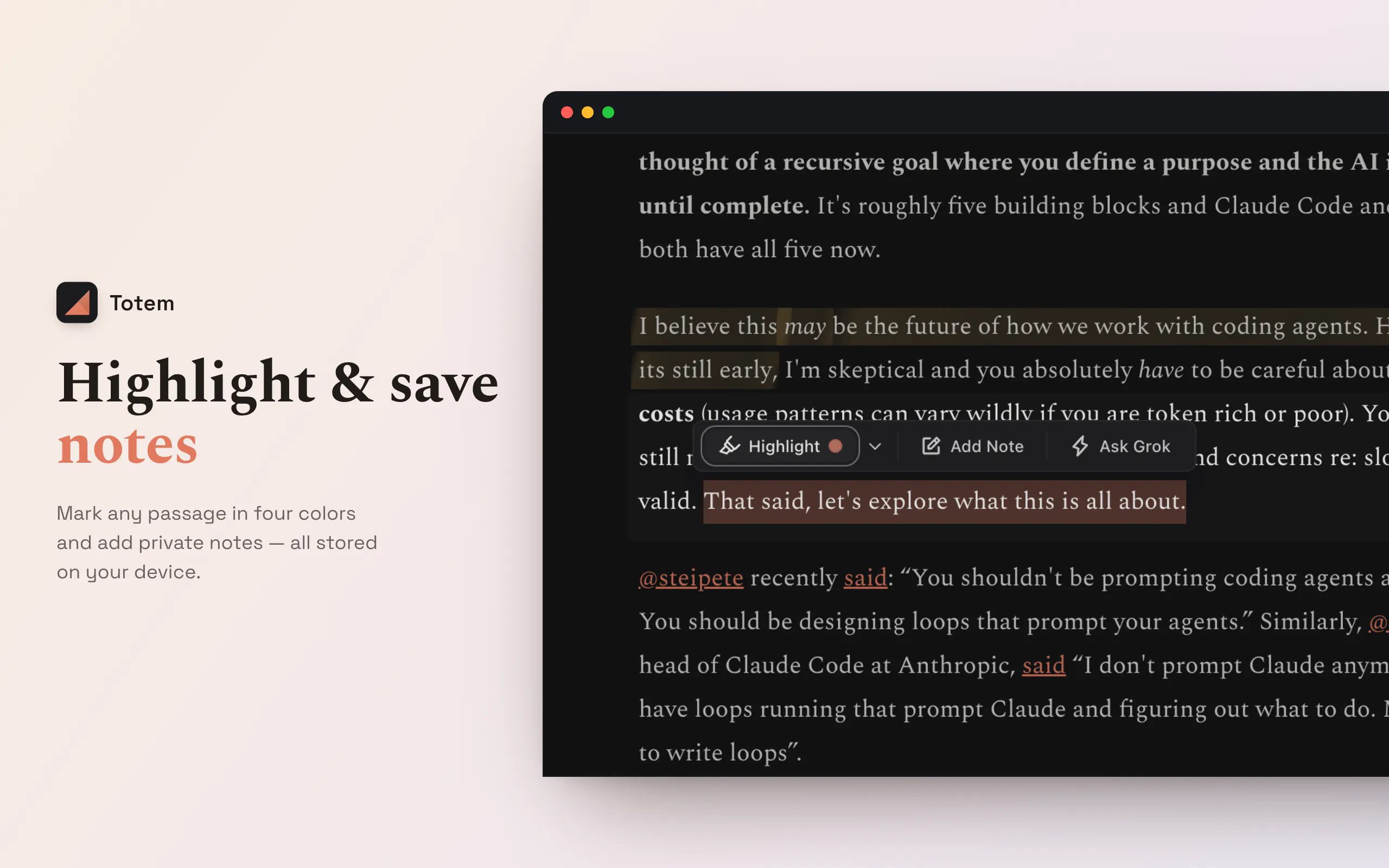
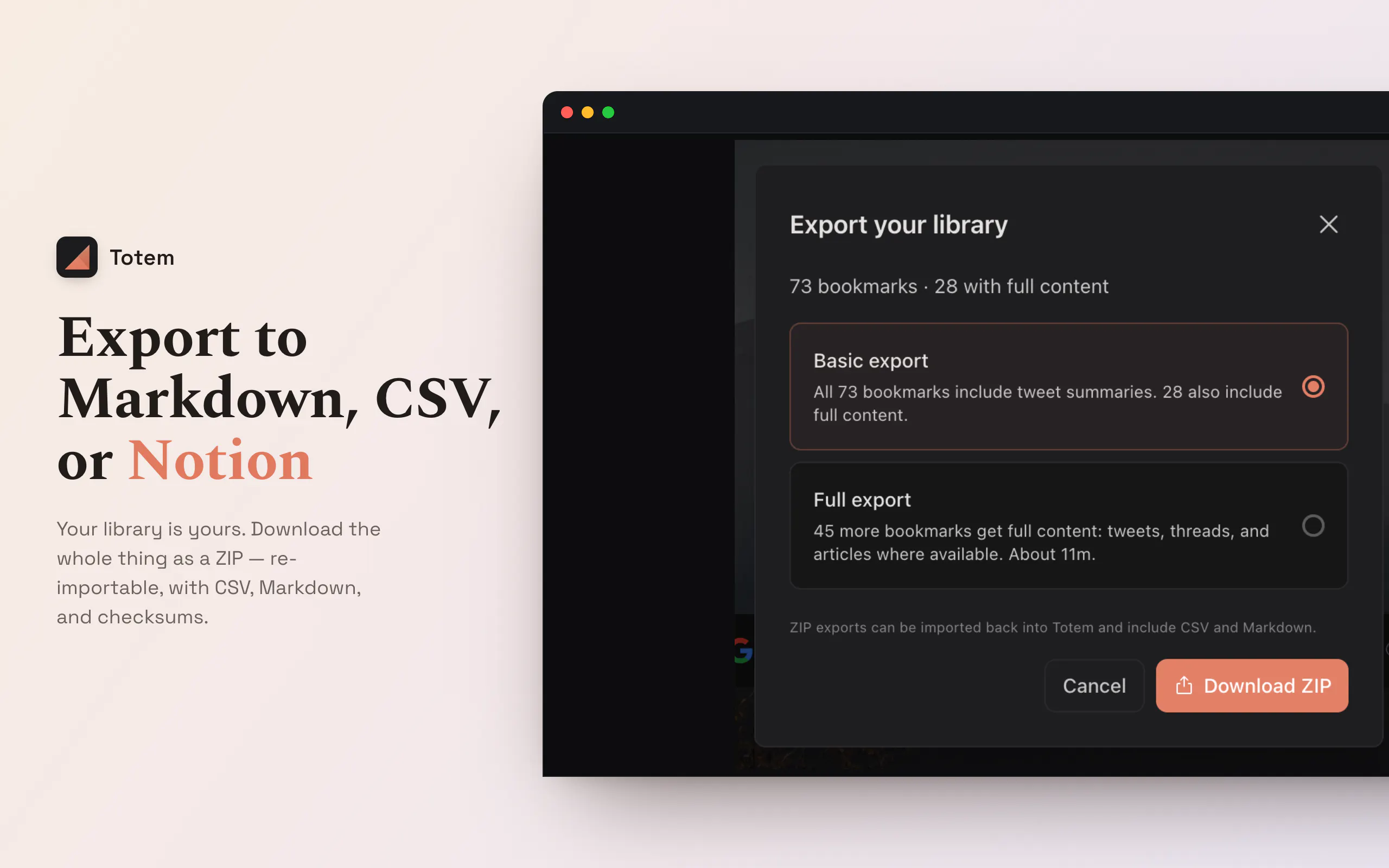
Totem is a Chrome extension designed for avid Twitter users who love to bookmark threads but struggle to revisit them amidst their busy feeds. It transforms the new tab page into a distraction-free reading environment, reminiscent of Substack, allowing users to focus on their saved threads in a clean, full-width view. With features like highlighting important sections, searching through bookmarks, and exporting content, Totem turns a chaotic collection of tweets into a well-organized reading library. Its open-source foundation suggests potential for customization and community-driven improvements. Ideal for professionals, content creators, and researchers who accumulate valuable Twitter threads, Totem enhances productivity by making bookmarked content easily accessible and enjoyable to read, rather than lost in the noise of social media.
Screenshots

Pros
- ✓Creates a dedicated, distraction-free reading environment for Twitter bookmarks
- ✓Features for highlighting, searching, and exporting content improve usability
- ✓Transforms the new tab into a focused workspace, reducing social media distraction
- ✓Open source foundation allows for potential customization and community support
Cons
- ✗Limited user base and votes might indicate a niche or emerging product
- ✗Potentially limited features compared to more mature bookmarking or reading apps
- ✗Requires Chrome extension installation, which might not suit all users
Use Cases
Pricing
Likely offers a freemium model with core features available for free and optional premium plans for additional functionalities, though specific details are not publicly confirmed.
Quick Info
Topics
Makers

Ankit Sinha
@nnnkitAlternatives
Similar Tools in AI Assistants




Embed Badge
Add this badge to your website to show that Totem is featured on Visalytica.
<a href="https://www.visalytica.com/tool/totem" target="_blank" rel="noopener noreferrer" style="display:inline-flex;align-items:center;gap:6px;padding:6px 14px;background:#7c3aed;color:#fff;border-radius:8px;font-family:-apple-system,system-ui,sans-serif;font-size:13px;font-weight:600;text-decoration:none;transition:background .2s" onmouseover="this.style.background='#6d28d9'" onmouseout="this.style.background='#7c3aed'"><svg width="14" height="14" viewBox="0 0 24 24" fill="none" stroke="currentColor" stroke-width="2.5" stroke-linecap="round" stroke-linejoin="round"><path d="M12 20V10"/><path d="M18 20V4"/><path d="M6 20v-4"/></svg>Featured on Visalytica</a>