
Toki Coordination
Your personal assistant to schedule + follow up on meetings
About Toki Coordination
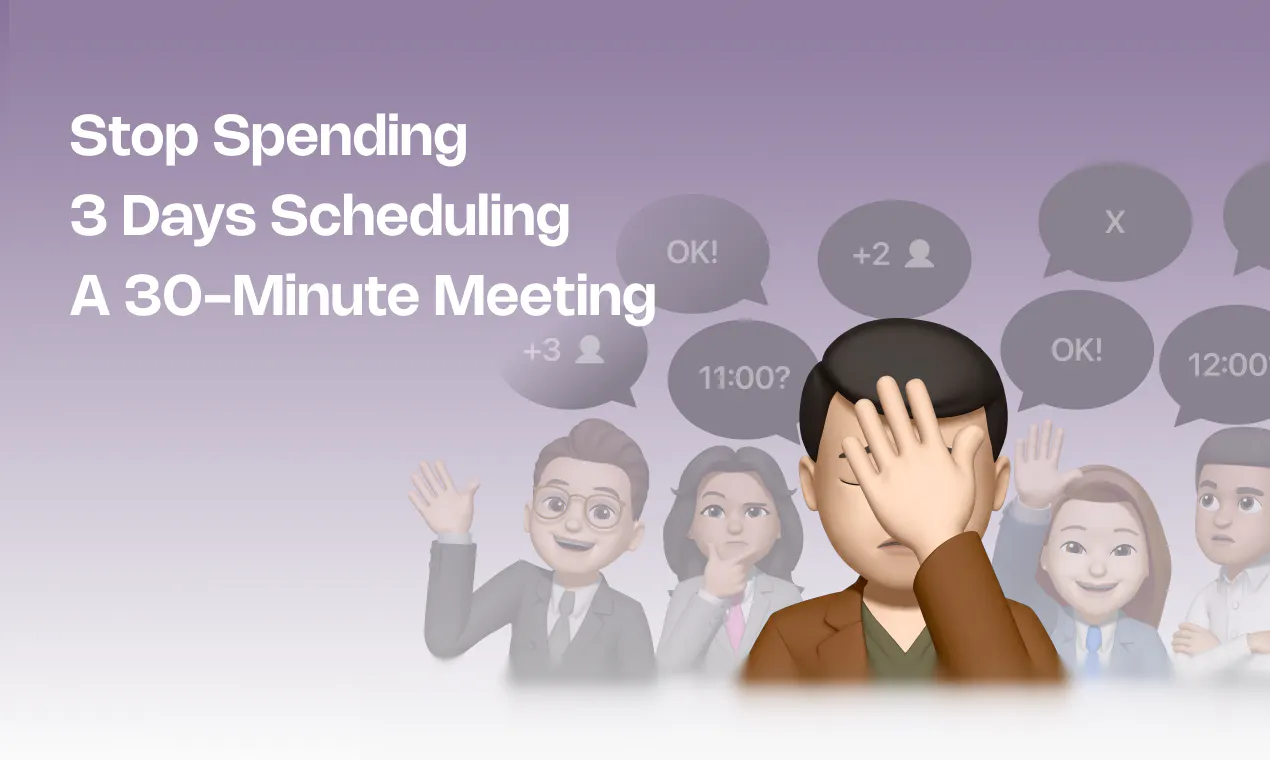
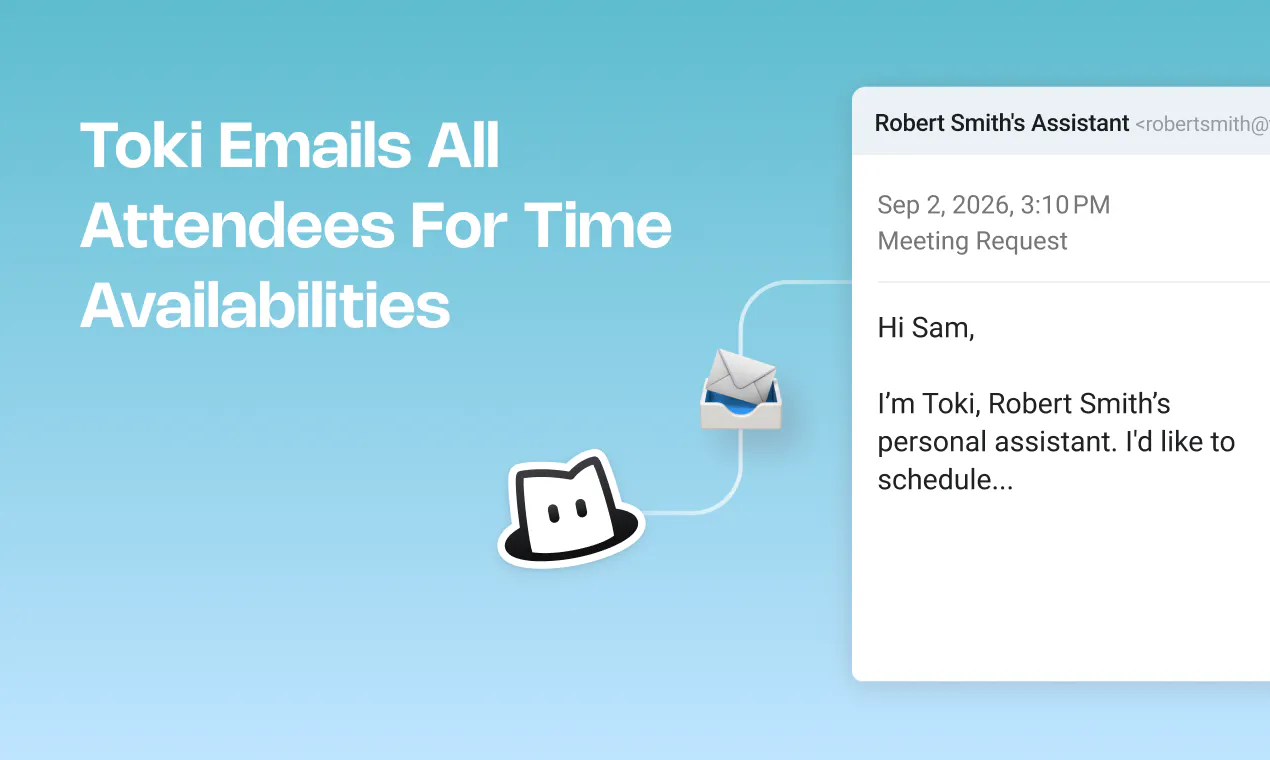
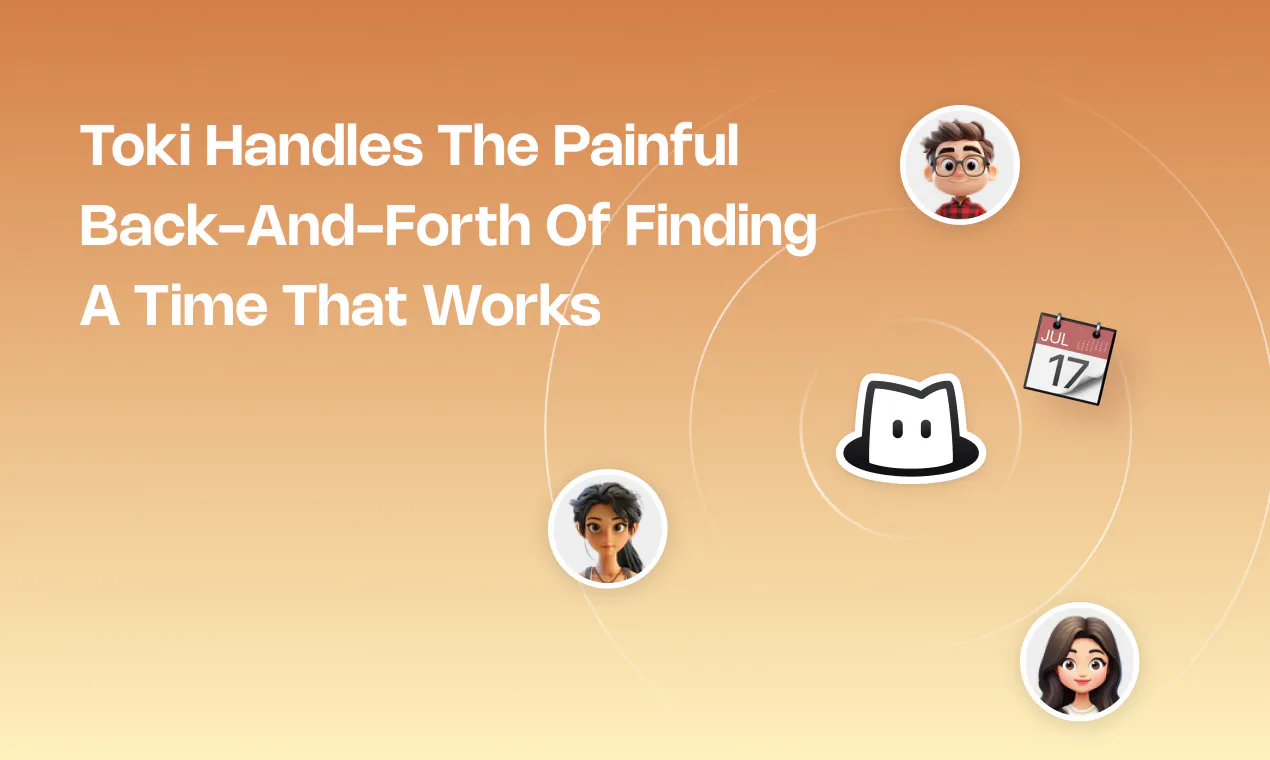
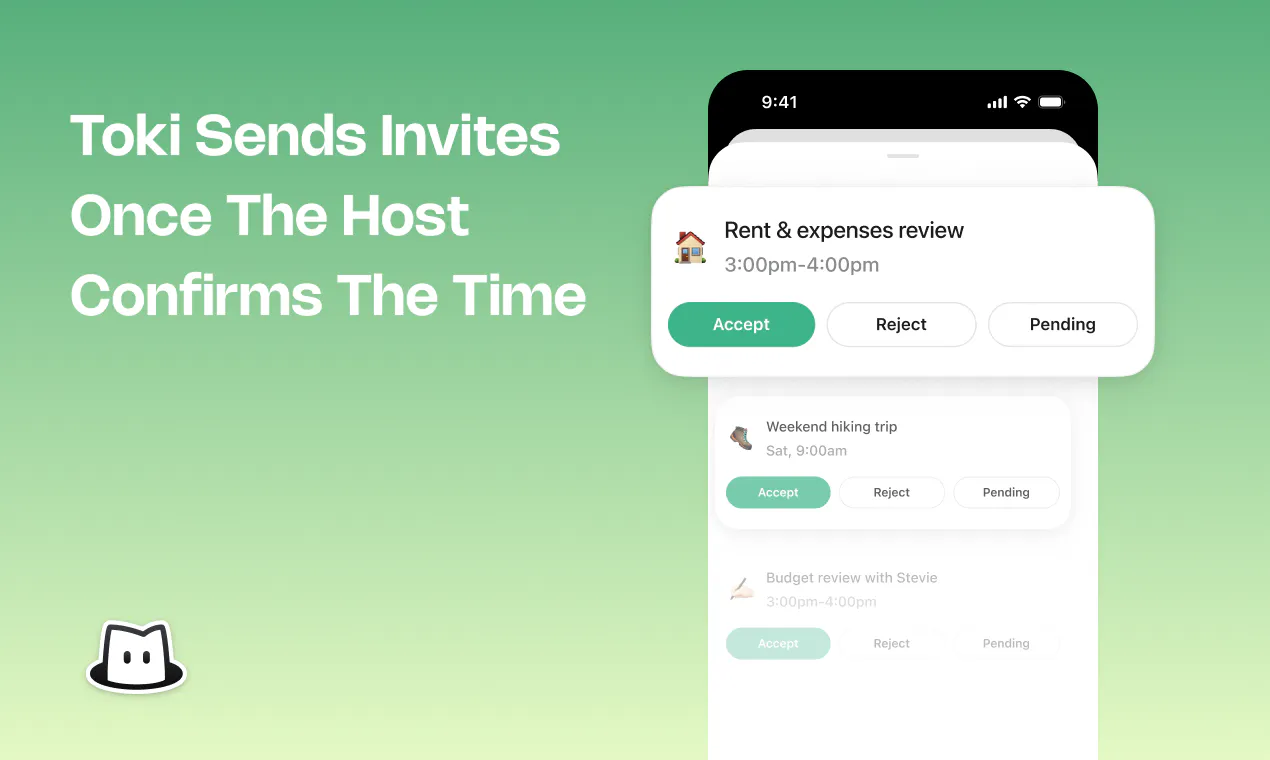
Toki Coordination is an AI-powered personal assistant designed to streamline scheduling and follow-up tasks for busy professionals. It automates the often tedious process of coordinating meeting times, emailing attendees, negotiating schedules, and managing cancellations, saving users valuable time and reducing the hassle associated with group meetings. By mimicking the functions of a dedicated executive assistant, Toki ensures your calendar stays organized, your preferences are remembered, and your most important tasks receive priority. Its intelligent features help protect your schedule from unnecessary disruptions and assist in maintaining focus on critical deadlines. Whether you're an executive, team leader, or freelancer, Toki offers a seamless way to handle scheduling complexities without the high costs typically associated with personalized support. Best of all, it provides these capabilities for free, making professional-level scheduling assistance accessible to everyone.
Screenshots
Pros
- ✓Automates meeting scheduling and follow-up, saving time
- ✓Acts as a virtual executive assistant with intelligent email management
- ✓Helps prioritize tasks and protect your calendar from disruptions
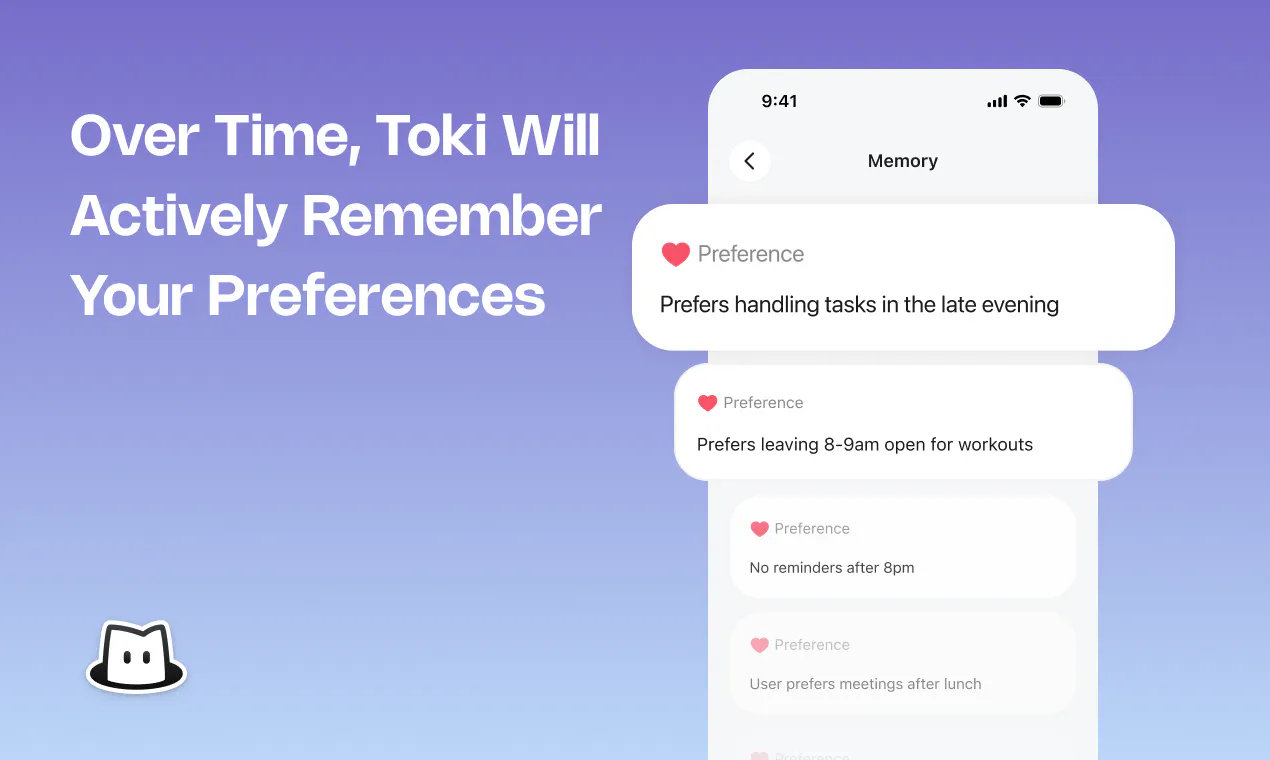
- ✓Remembers user preferences for personalized scheduling
- ✓Offers professional scheduling support at no cost
Cons
- ✗Features and integrations may be limited compared to paid solutions
- ✗Relies on AI, which can occasionally misinterpret scheduling nuances
- ✗User interface and experience are not detailed in the provided data
Use Cases
Pricing
Pricing not verified
Quick Info
Topics
Makers

Jamie G
Alternatives
Similar Tools in AI Assistants




Embed Badge
Add this badge to your website to show that Toki Coordination is featured on Visalytica.
<a href="https://www.visalytica.com/tool/toki-coordination" target="_blank" rel="noopener noreferrer" style="display:inline-flex;align-items:center;gap:6px;padding:6px 14px;background:#7c3aed;color:#fff;border-radius:8px;font-family:-apple-system,system-ui,sans-serif;font-size:13px;font-weight:600;text-decoration:none;transition:background .2s" onmouseover="this.style.background='#6d28d9'" onmouseout="this.style.background='#7c3aed'"><svg width="14" height="14" viewBox="0 0 24 24" fill="none" stroke="currentColor" stroke-width="2.5" stroke-linecap="round" stroke-linejoin="round"><path d="M12 20V10"/><path d="M18 20V4"/><path d="M6 20v-4"/></svg>Featured on Visalytica</a>