
TinyComp
No.1 Batch Media Compressor for images & videos! 100% Local
About TinyComp
TinyComp is a powerful local media compression tool designed for users who need to reduce the size of large batches of images and videos quickly and securely. Supporting formats like PNG, JPEG, AVIF, WebP, HEIC, MP4, and MOV, TinyComp enables users to shrink files by up to 90% without sacrificing visible quality. Its standout feature is the ability to process hundreds of files simultaneously, making it ideal for content creators, developers, and digital marketers dealing with large media libraries. Since it operates entirely offline, TinyComp guarantees complete privacy, ensuring sensitive files never leave the user’s device. The real-time preview feature allows users to fine-tune compression settings, balancing quality and file size effortlessly. Overall, TinyComp offers a streamlined, privacy-focused solution for efficient media management, eliminating the frustrations of cloud-based tools and file size errors.
Screenshots
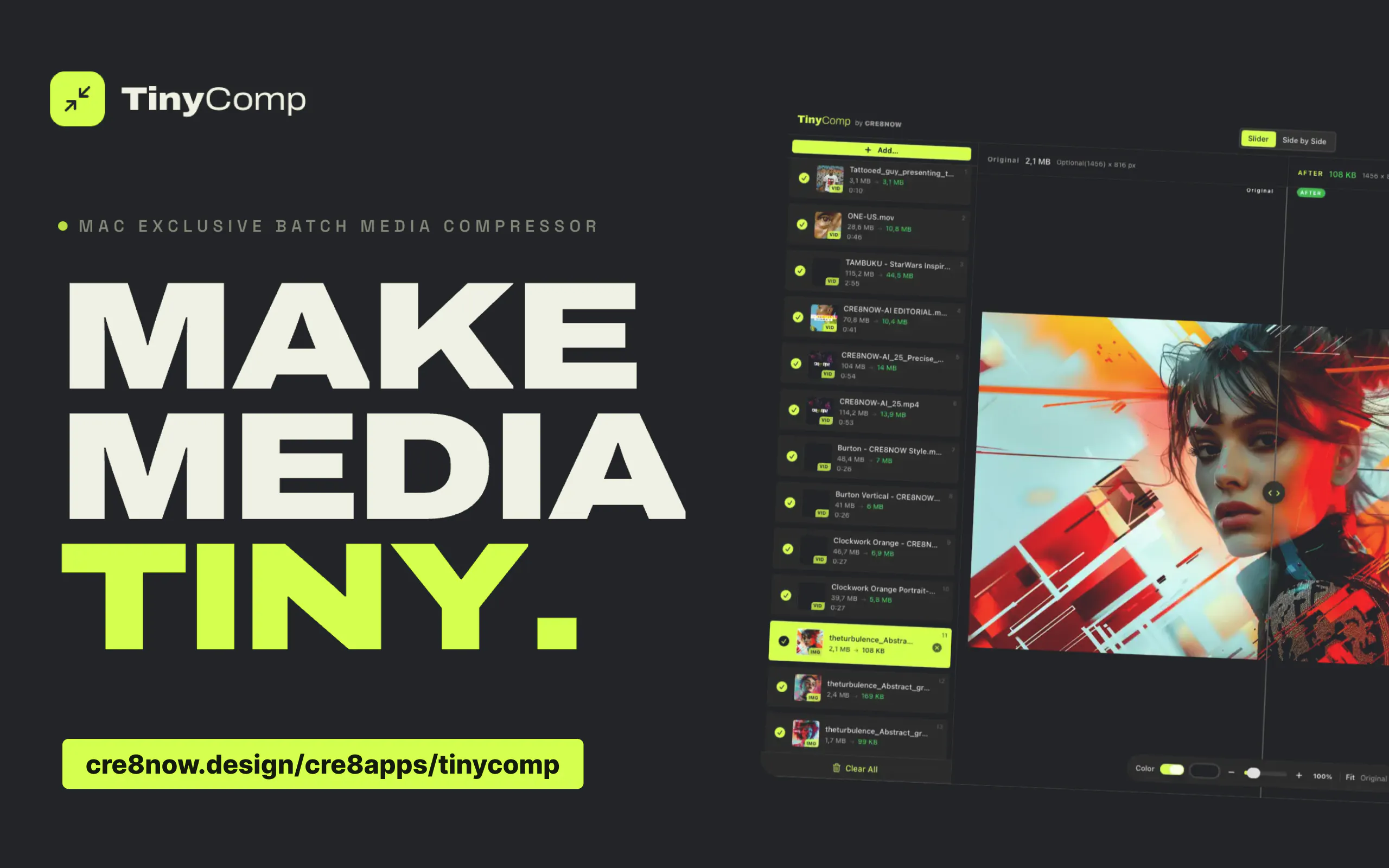
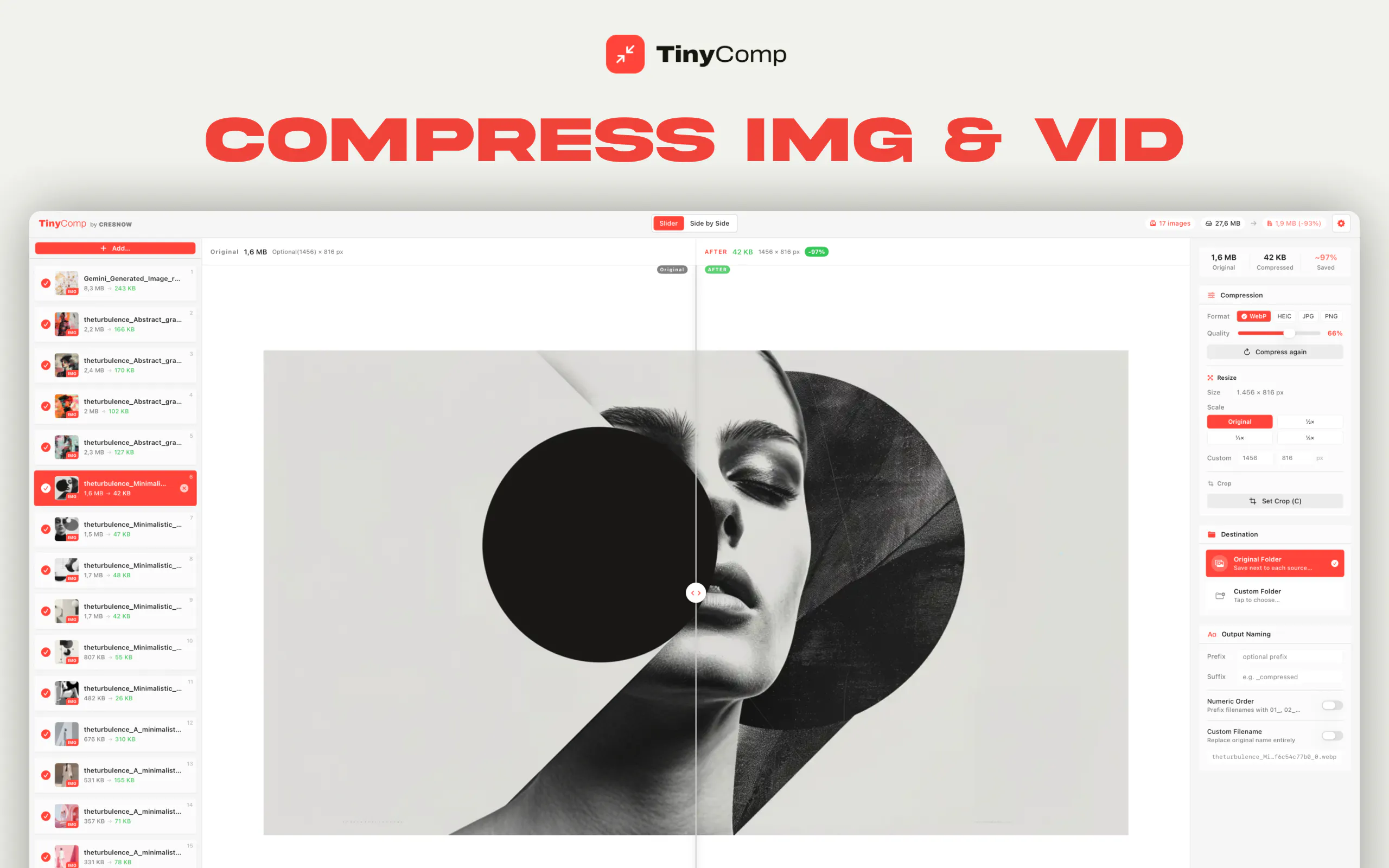
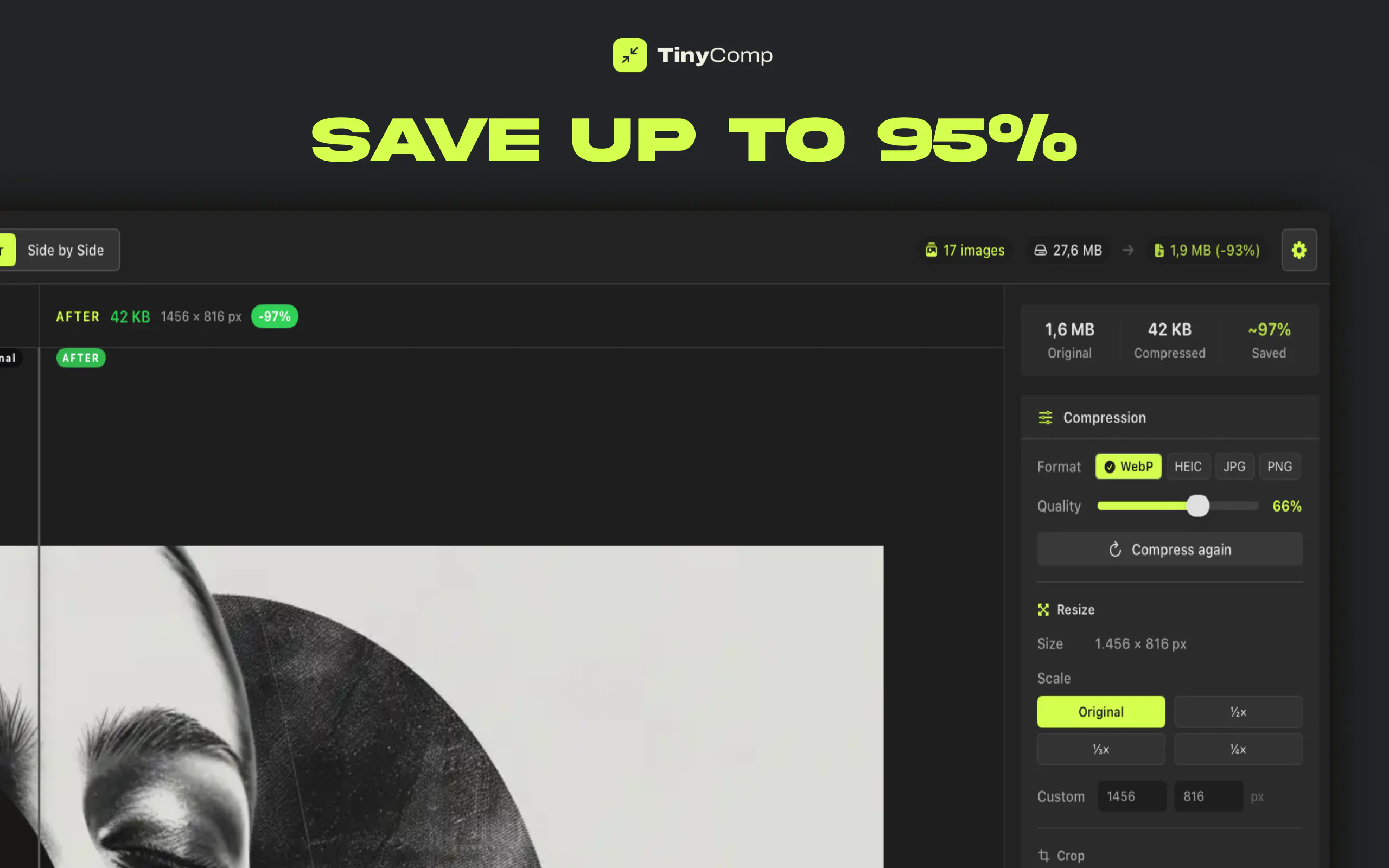
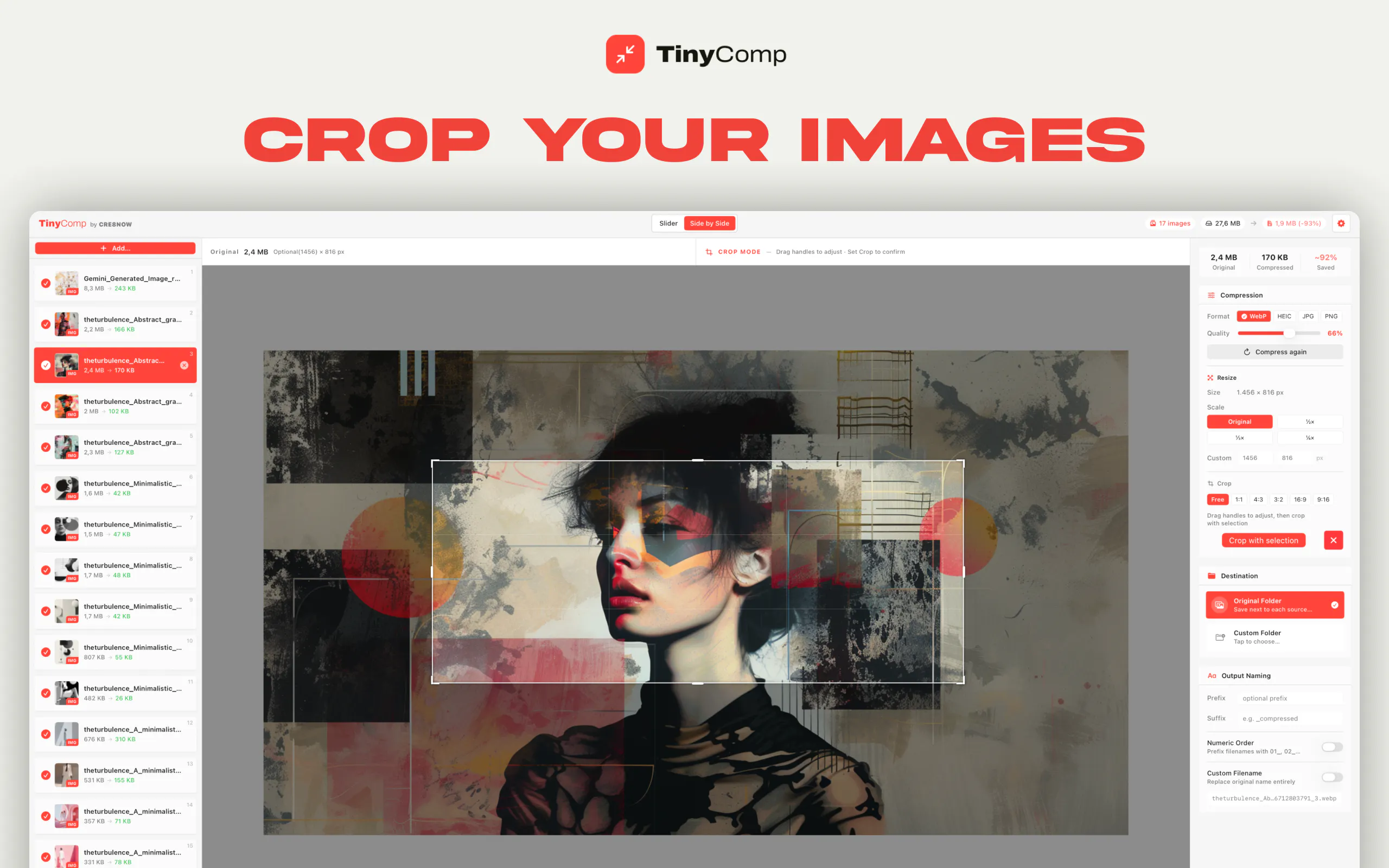
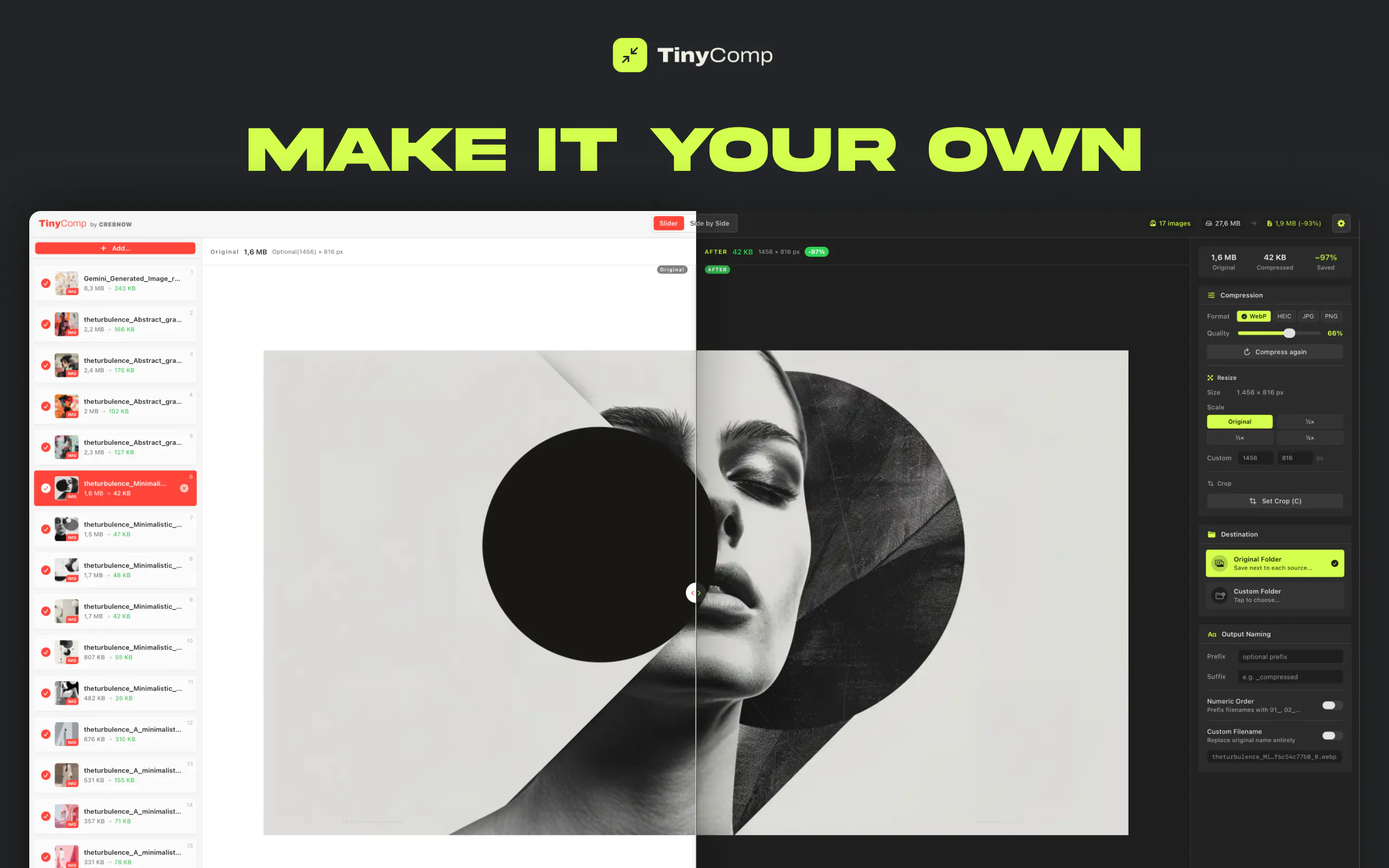
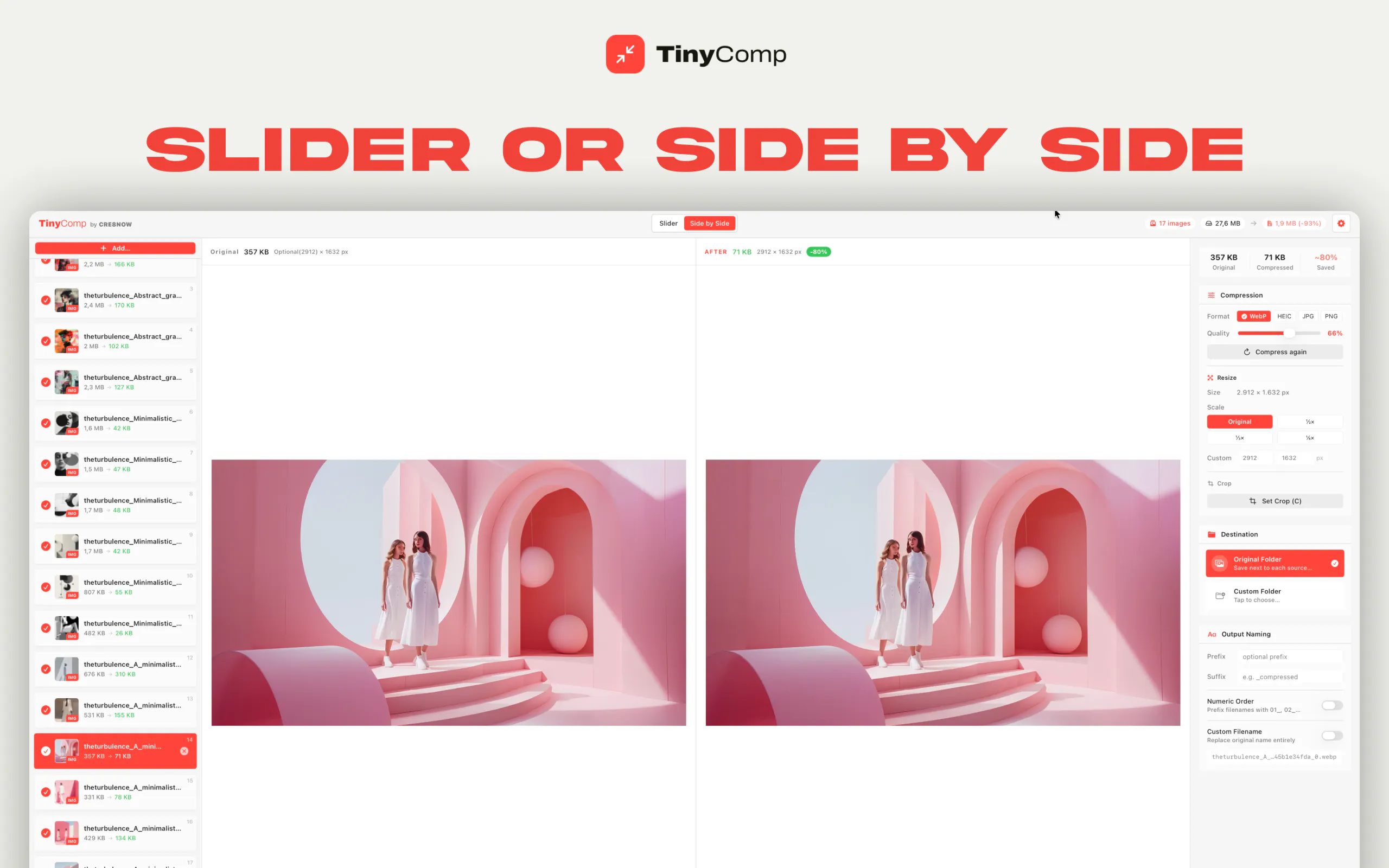
+3 more screenshots
Pros
- ✓Supports batch processing of over 100 files simultaneously
- ✓Operates entirely offline for maximum privacy and security
- ✓High compression rates of up to 90% with no visible quality loss
- ✓Real-time preview for precise quality control
- ✓Compatible with multiple popular media formats
Cons
- ✗Lacks cloud-based sharing or collaboration features
- ✗Limited to local processing, which may require sufficient hardware resources
- ✗Pricing details are not explicitly provided, so potential costs are unclear
Use Cases
Pricing
Likely follows a freemium model, offering basic features for free with optional paid upgrades for advanced functionalities or unlimited processing, though specific pricing details are not publicly available.
Quick Info
Topics
Makers

CRE8NOW - DESIGN & AI STUDIO
@theturbulenceSimilar Tools in AI Image & Design




Embed Badge
Add this badge to your website to show that TinyComp is featured on Visalytica.
<a href="https://www.visalytica.com/tool/tinycomp" target="_blank" rel="noopener noreferrer" style="display:inline-flex;align-items:center;gap:6px;padding:6px 14px;background:#7c3aed;color:#fff;border-radius:8px;font-family:-apple-system,system-ui,sans-serif;font-size:13px;font-weight:600;text-decoration:none;transition:background .2s" onmouseover="this.style.background='#6d28d9'" onmouseout="this.style.background='#7c3aed'"><svg width="14" height="14" viewBox="0 0 24 24" fill="none" stroke="currentColor" stroke-width="2.5" stroke-linecap="round" stroke-linejoin="round"><path d="M12 20V10"/><path d="M18 20V4"/><path d="M6 20v-4"/></svg>Featured on Visalytica</a>