
Time Zone Pro: World Clock
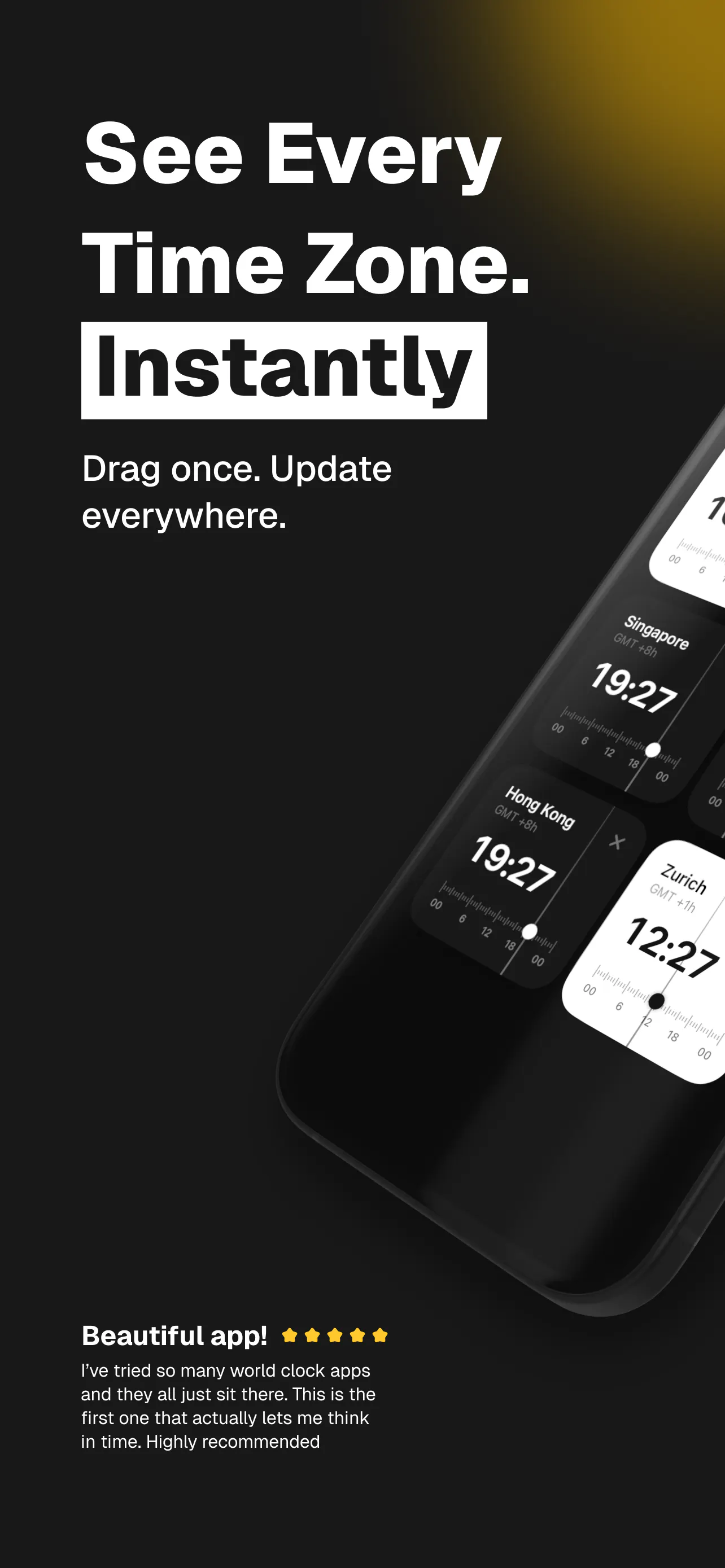
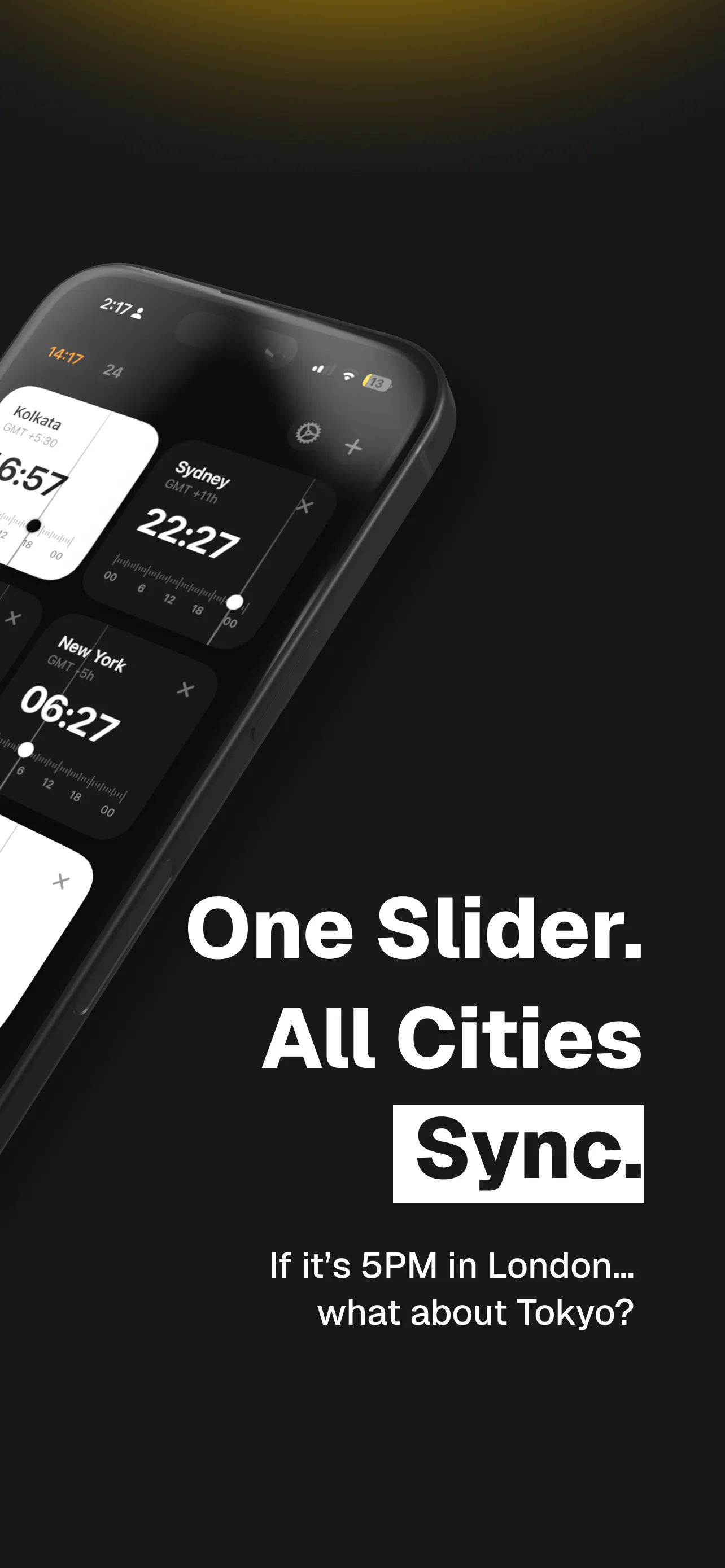
Drag one slider and see the time in every city
About Time Zone Pro: World Clock
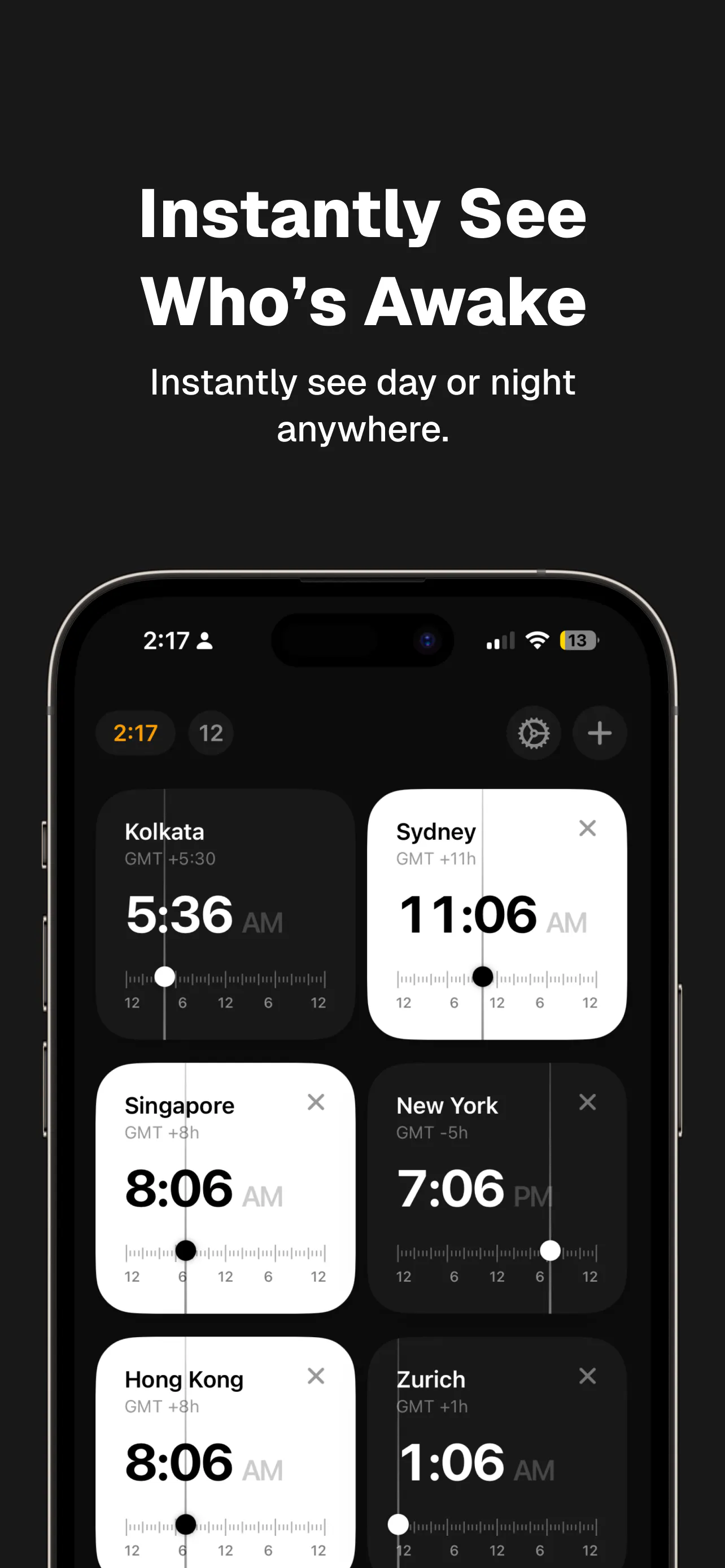
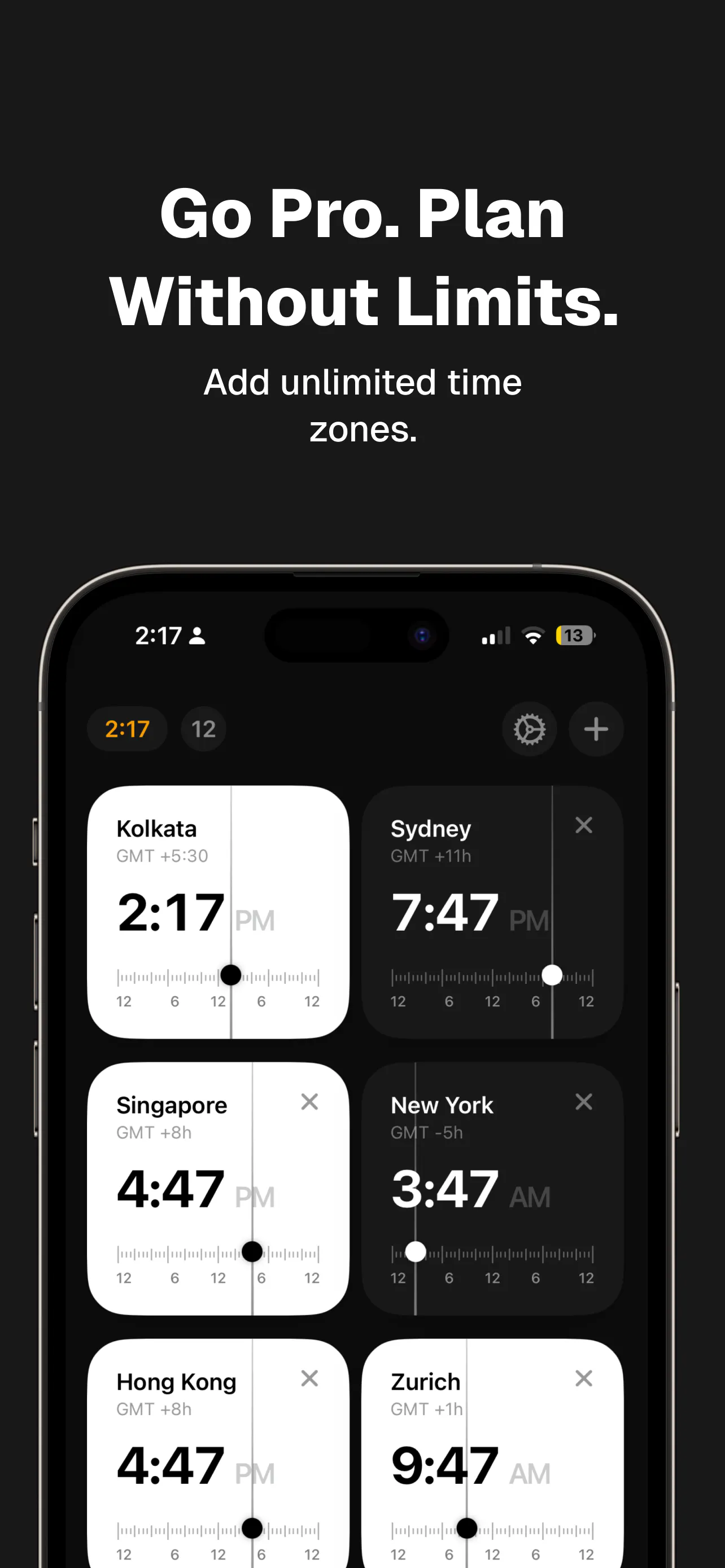
Time Zone Pro: World Clock offers a sleek and intuitive way to manage multiple time zones on a single screen. Designed for busy professionals, remote teams, travelers, and anyone coordinating across borders, this app simplifies the complexity of global time management. The standout feature is its drag-and-drop slider that dynamically adjusts all listed cities' clocks, allowing users to instantly see who’s awake, sleeping, or available for meetings. Its clean dark interface is optimized for iPhone, iPad, and Mac, providing a seamless cross-device experience. The app automatically detects your local time zone, supports both 12h and 24h formats, and allows customization through reordering cities. With a free core experience and an optional one-time upgrade for additional themes, Time Zone Pro balances simplicity with flexibility, making global scheduling effortless and visually appealing.
Screenshots
Pros
- ✓User-friendly drag-and-drop slider for quick time adjustments
- ✓Supports multiple devices with a consistent dark design
- ✓Automatic local time zone detection
- ✓Customizable city order and formats
- ✓Free to use with optional upgrade for extra themes
Cons
- ✗Limited advanced scheduling features
- ✗No integrated calendar or meeting tools
- ✗Pro upgrade is optional and may not be necessary for all users
Use Cases
Pricing
Pricing not verified
Quick Info
Topics
Makers

Shahid Shaikh
Alternatives
Similar Tools in Productivity




Embed Badge
Add this badge to your website to show that Time Zone Pro: World Clock is featured on Visalytica.
<a href="https://www.visalytica.com/tool/time-zone-pro-world-clock" target="_blank" rel="noopener noreferrer" style="display:inline-flex;align-items:center;gap:6px;padding:6px 14px;background:#7c3aed;color:#fff;border-radius:8px;font-family:-apple-system,system-ui,sans-serif;font-size:13px;font-weight:600;text-decoration:none;transition:background .2s" onmouseover="this.style.background='#6d28d9'" onmouseout="this.style.background='#7c3aed'"><svg width="14" height="14" viewBox="0 0 24 24" fill="none" stroke="currentColor" stroke-width="2.5" stroke-linecap="round" stroke-linejoin="round"><path d="M12 20V10"/><path d="M18 20V4"/><path d="M6 20v-4"/></svg>Featured on Visalytica</a>